
Automation-based movement does not work with C660 Solar

Hello,
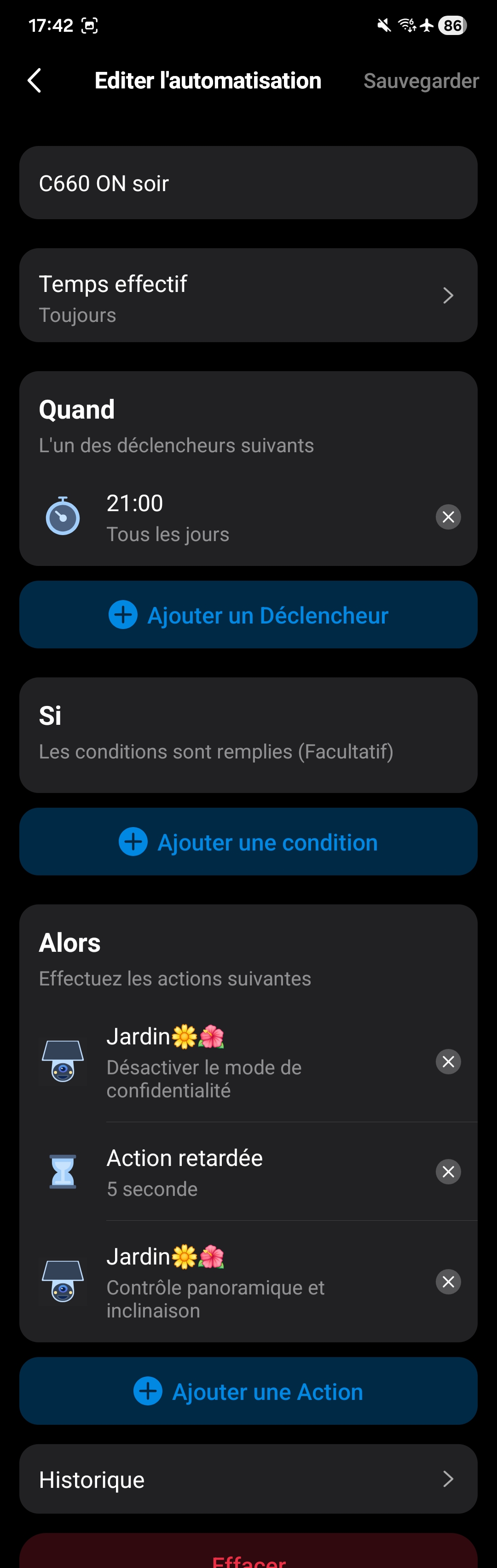
Just like with my indoor camera, I've set up actions for the camera as follows:
In the morning, the camera turns to face the wall at a predefined position and after 5 seconds activates privacy mode.
In the evening, it deactivates privacy mode and after 5 seconds turns to another predefined position.
I've implemented the same settings with my C660 Solar camera, but the motion detection never works. Only privacy mode activates.
I've tried triggering the motion detection several times at intervals of a few seconds, but it doesn't work.
What's the problem and how can I fix it?
Thanks :)
- Copy Link
- Subscribe
- Bookmark
- Report Inappropriate Content


Motion detection is not mentioned in your settings. What configuration do you have exactly?
- Copy Link
- Report Inappropriate Content
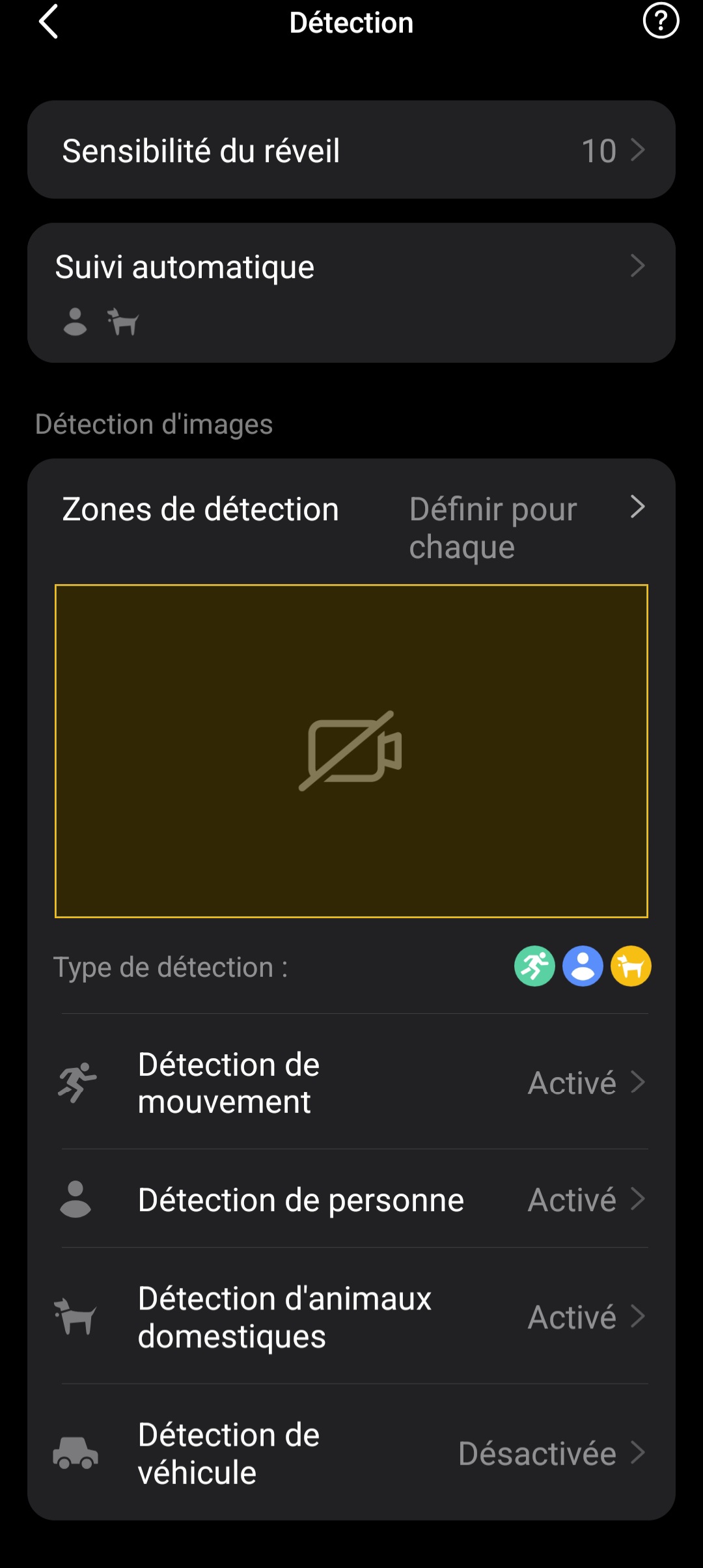
Motion detection is enabled
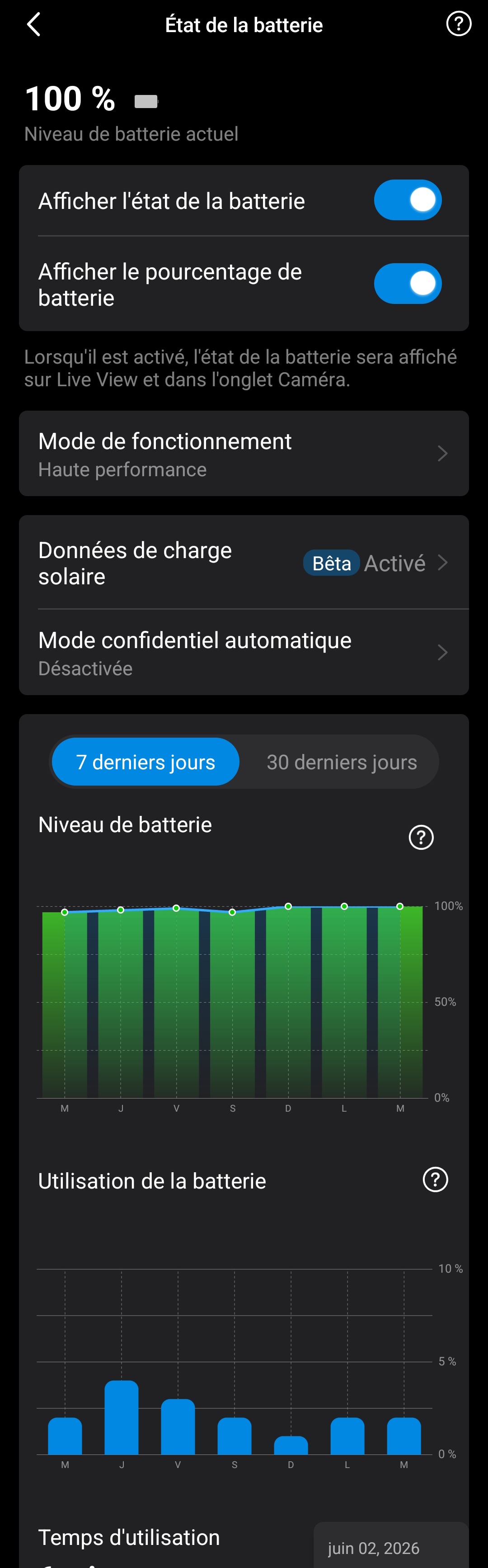
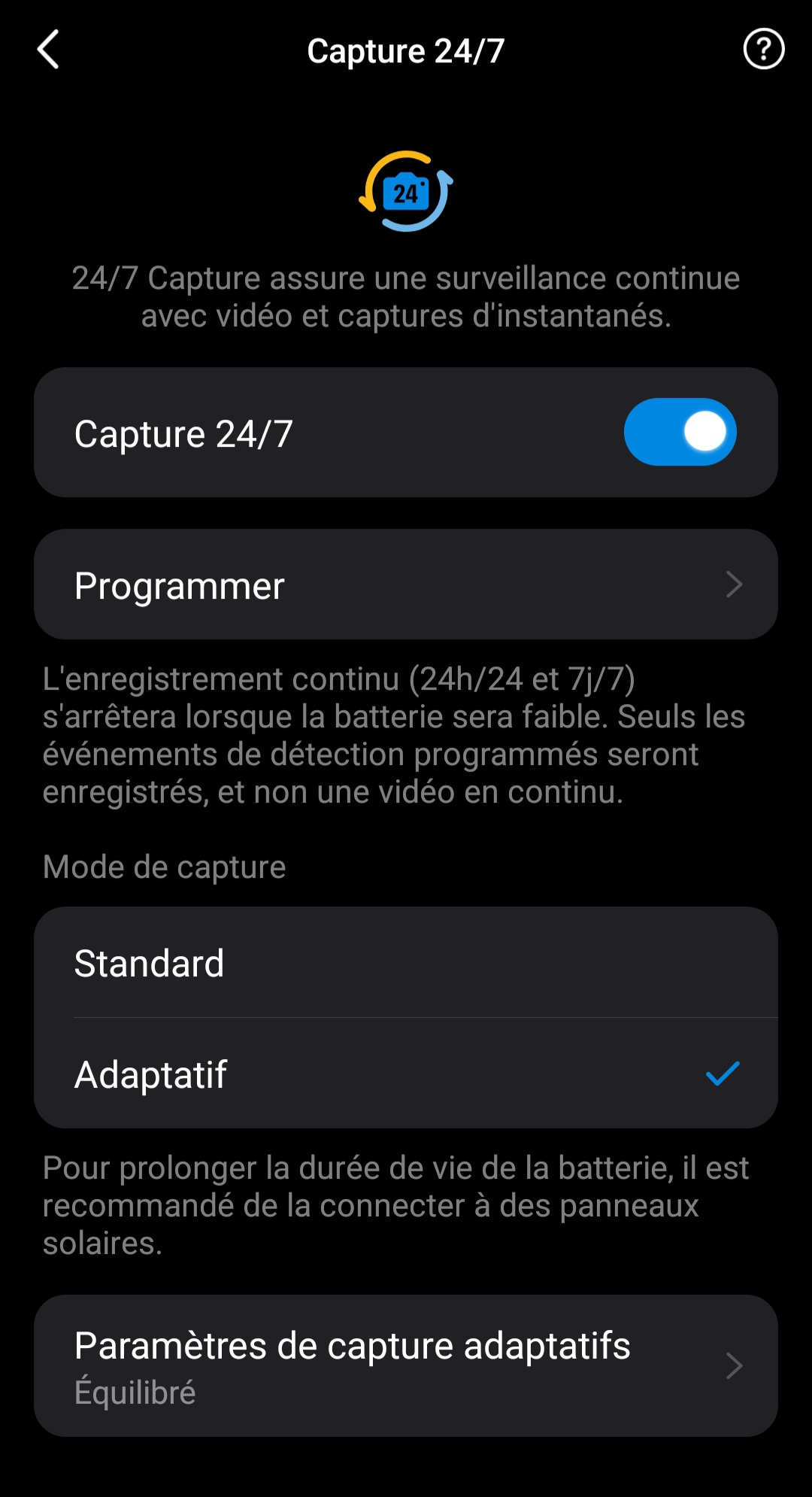
Here are some screenshots of my settings
Edit : sorry for my multiple messages. It looks like I can't put few pictures in only one.
- Copy Link
- Report Inappropriate Content
- Copy Link
- Report Inappropriate Content
- Copy Link
- Report Inappropriate Content

- Copy Link
- Report Inappropriate Content
- Copy Link
- Report Inappropriate Content
@Gentleman I still don't understand the connection between your automation setup and the motion detection feature. Your automation isn't triggered by motion detection -- it's set to run on a schedule.
- Copy Link
- Report Inappropriate Content
I think it's a translation issue.
My problem isn't with motion detection.
It's about automation with movement towards a predefined position
- Copy Link
- Report Inappropriate Content
Just to confirm, is the “Pan & Tilt Control” action not working in both of your automation rules? Are both rules triggered by time?
Here are a few troubleshooting steps you can try:
1. Create a brand new, simple rule with only the “Pan & Tilt Control” action set. For the trigger, choose either a time (set it for 2-3 minutes from now) or another device (like turning on a plug or light). See if this basic test works.
2. Try deleting your current saved viewpoint and creating it again from scratch. Then, either update your existing automation or create a new one using the fresh viewpoint.
3. Try to activate one of your saved viewpoints in the camera’s live view page, check if the camera moves correctly?
4. Test with a Shortcut: Create a Shortcut that has only the “Pan & Tilt Control” action. See if running this shortcut/scene makes the camera move.
Let me know what you find out from these tests.
- Copy Link
- Report Inappropriate Content
Information
Helpful: 0
Views: 149
Replies: 9
Voters 0
No one has voted for it yet.