
Report

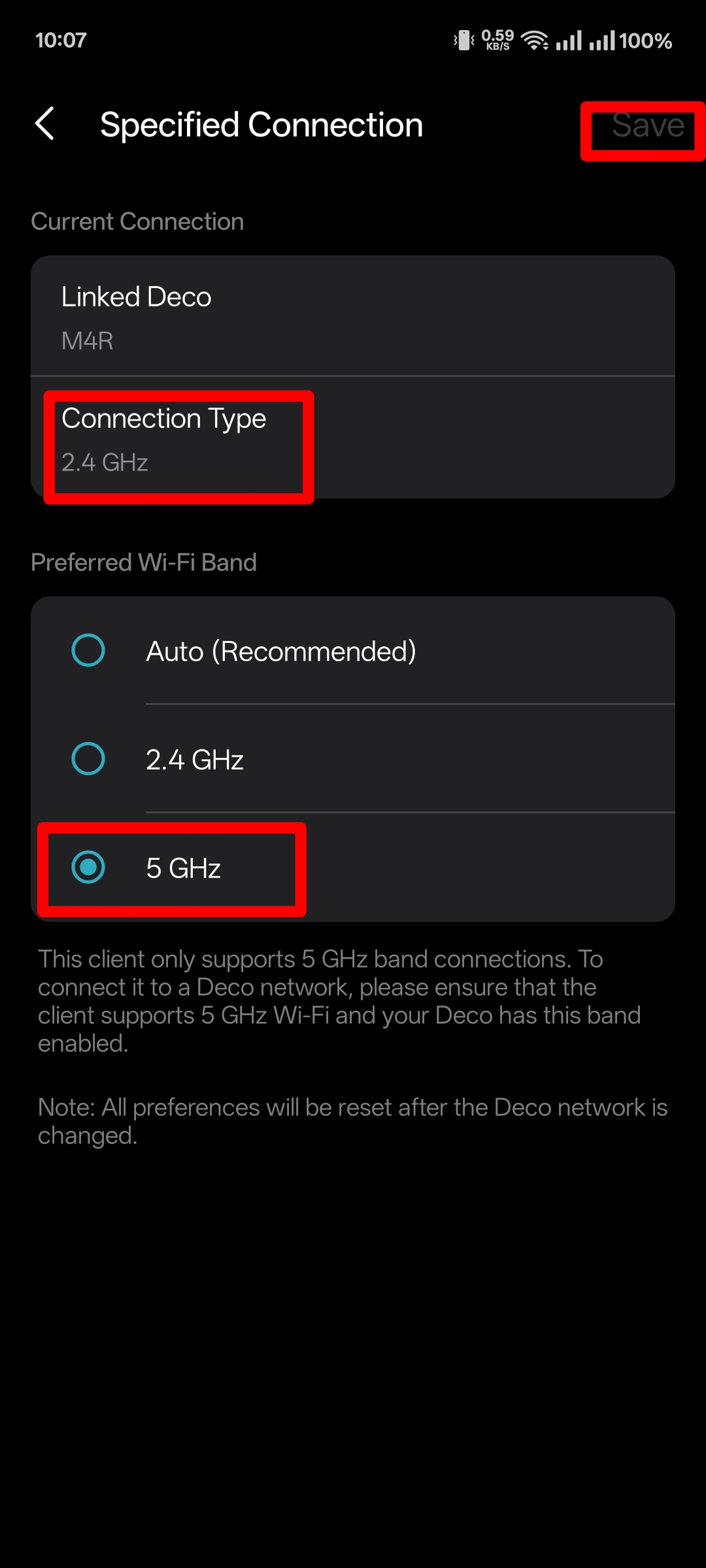
Why not worked specified connection my deco m4v2 whene i set to 5ghz but it working on 2.4ghz.........!?
- Copy Link
- Subscribe
- Bookmark
- Report Inappropriate Content


Hi, welcome to the community.
If your client device is set to prefer the 5 GHz in the Deco app, but it's still connecting to the 2.4 GHz network instead, please try:
1. Check if your client device supports 5 GHz Wi-Fi. If so, move the device close to a Deco node, turn off Wi-Fi, then turn it back on, and check whether it connects to the 5 GHz Wi-Fi.
2. Alternative workaround: Please go to the Deco app > More > Wi-Fi Settings and turn off the 2.4 GHz option on the main network. Then enable the IoT network (More > IoT Network) as a 2.4 GHz-only network for devices that need it.
Best Regards
- Copy Link
- Report Inappropriate Content
@Solla-topee 1.8.1 on great working but 1.8.2 not good working. 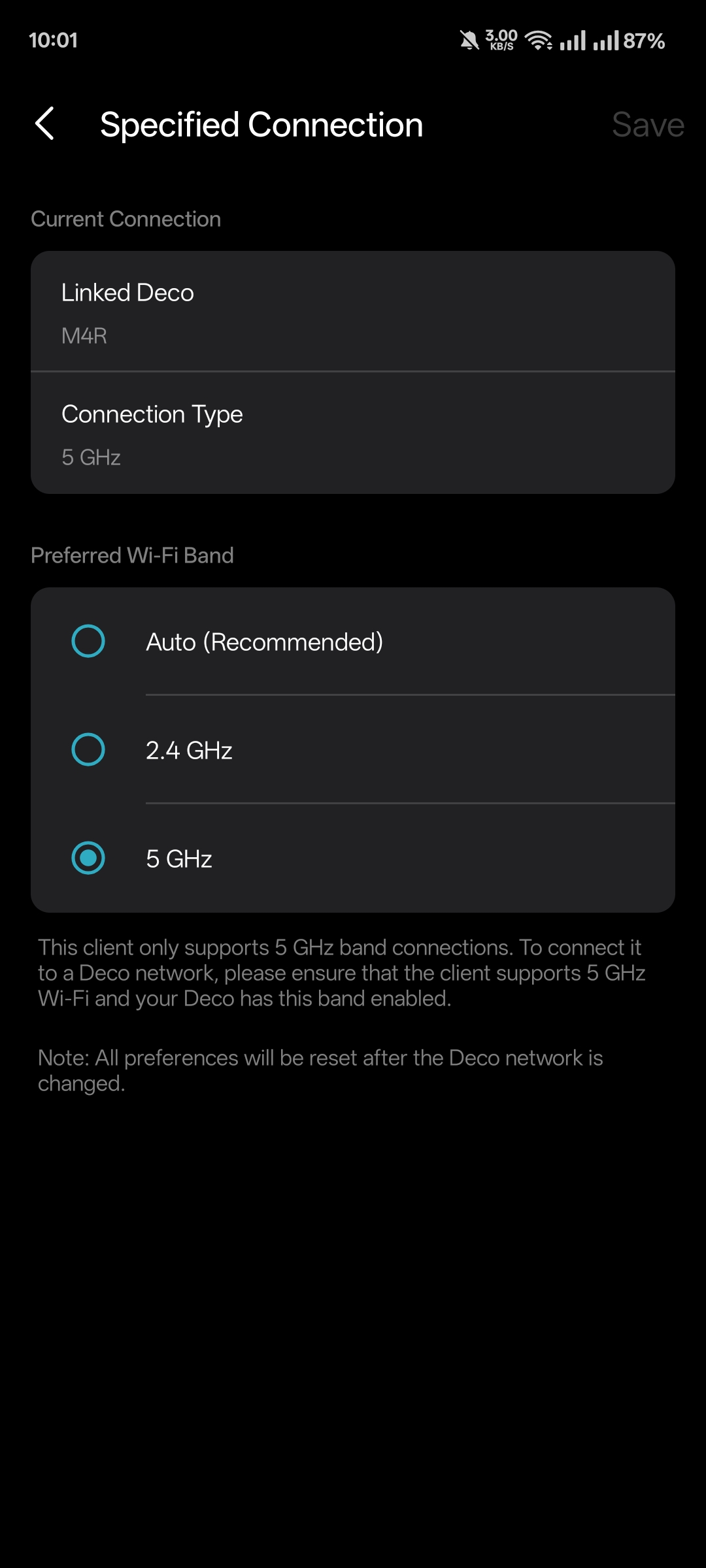

- Copy Link
- Report Inappropriate Content
@Solla-topee 1.8.1 great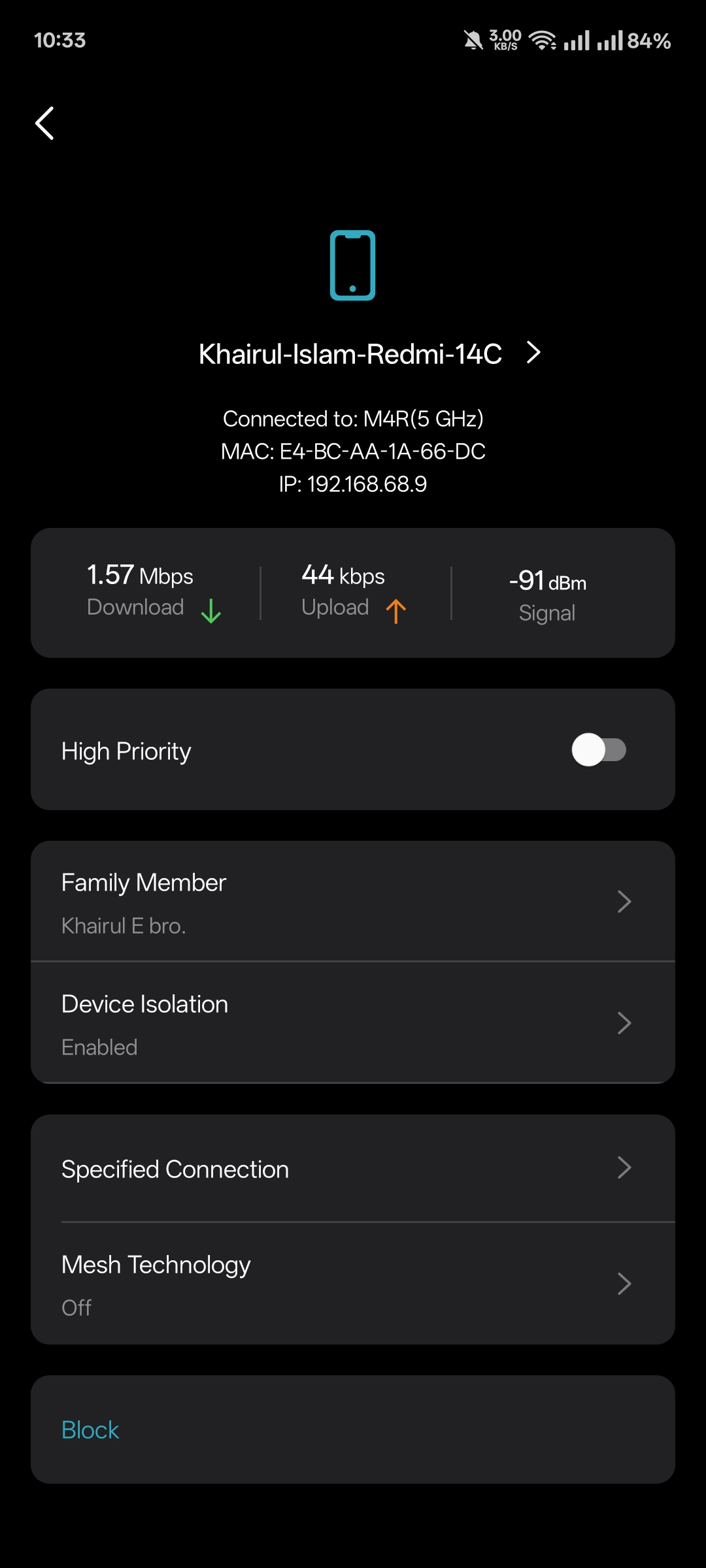
- Copy Link
- Report Inappropriate Content

@SayeemAhmed Yeah 1.8.1 works great for me too.
- Copy Link
- Report Inappropriate Content
@ARGamingPK1 thanks 🥰
- Copy Link
- Report Inappropriate Content
Hi,
Use the mobile phone named "Khairul-Islam-Redmi-14C" as an example.
With the firmware v1.8.2 installed on the Deco M4, if the mobile phone is set to prefer the 5 GHz in the Deco app, but it's still connecting to the 2.4 GHz, please turn off the Wi-Fi on it, move it close to a Deco unit, turn on the Wi-Fi, and does the mobile phone connect to the Deco's 2.4 GHz Wi-Fi rather than 5GHz?
If so, please provide the following information.
1. On the Deco app > Network tab > click on Deco > send us the screenshots of the Show Map and Show List pages.
2. Please refer to the instructions below to send us the Deco app log. Then reply to us after you send the log file.
How to Get and Send Deco App Log to TP-Link Support
Best Regards
- Copy Link
- Report Inappropriate Content
Information
Helpful: 0
Views: 140
Replies: 6
Voters 0
No one has voted for it yet.