
D235 - Draining too fast - Hardwired

I have hardwired in my new D235 and enabled always on mode. It seems to be draining around 1% per hour and eventually deactivates always on mode until the battery recharges (which happens very slowly) before always on mode can be enabled again.
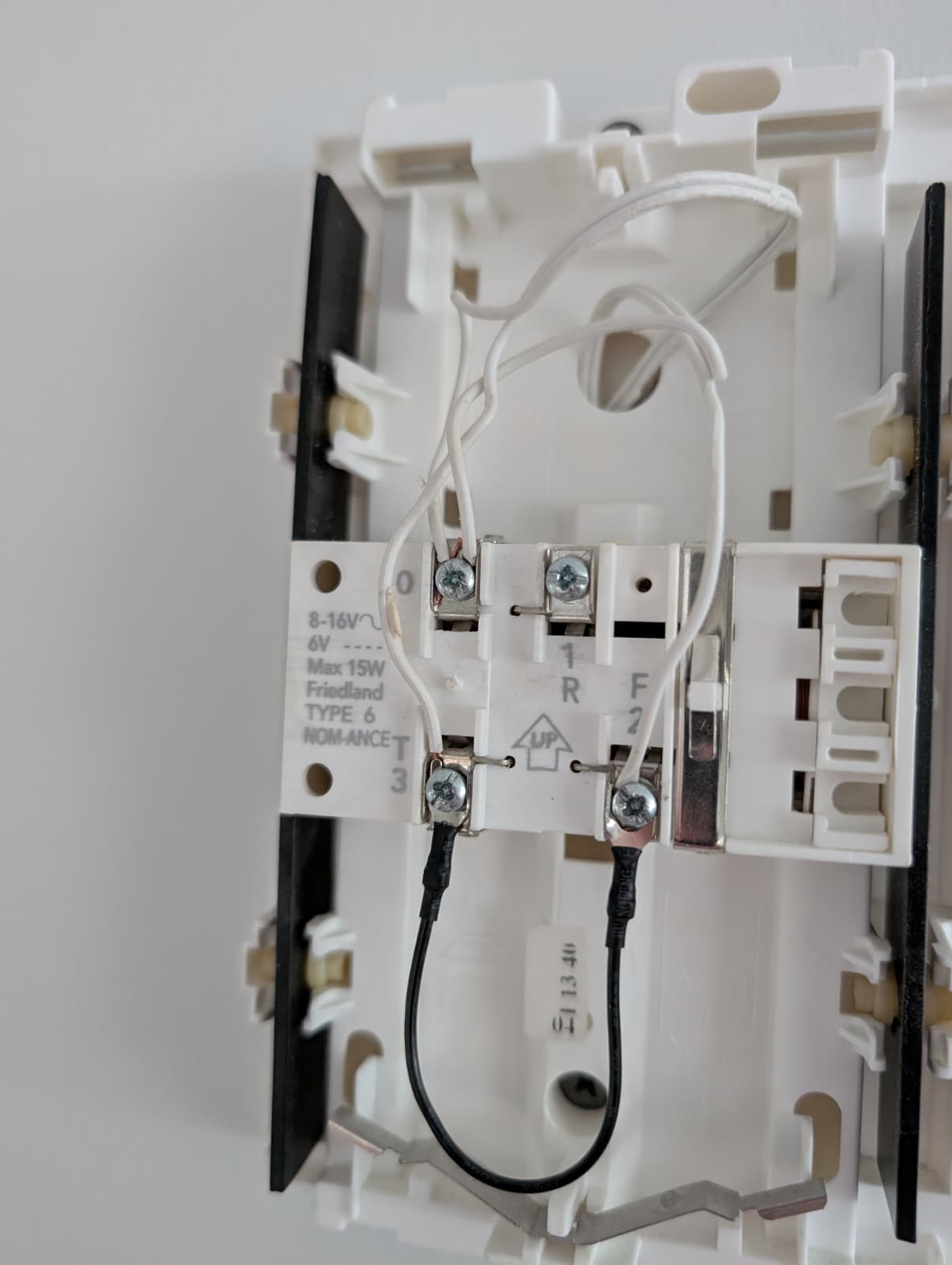
I have followed the instructions and set the jumper between F and T but it makes no different (removing the jumper gives the same behaviour).
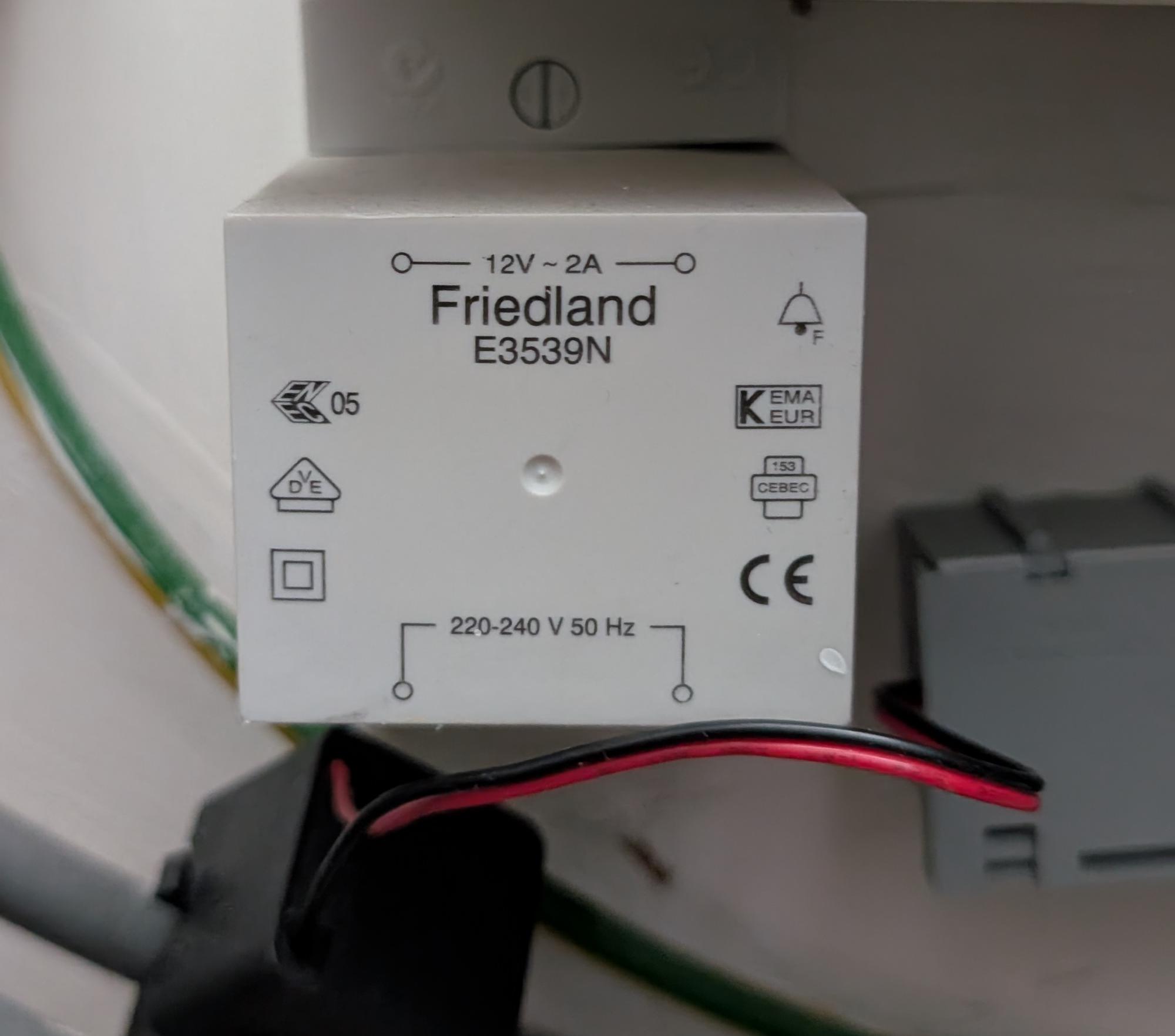
Has anyone else experienced similar? Everything I read tells me that my transformer is powerful enough.
Transformer:
Chime bypass:
- Copy Link
- Subscribe
- Bookmark
- Report Inappropriate Content

Hello,
From the image provided, it’s difficult to clearly confirm whether the jumper is connected correctly.
We recommend keeping the jumper connected as it is now, then resetting the doorbell and going through the setup process again.
During configuration, please select “incompatible mechanical chime” when prompted, then enable Always-On Mode to see if the issue improves.
Best Regards,
- Copy Link
- Report Inappropriate Content
Hi, Thanks for the reply.
Last week something changed, I let it charge all the way to 100% before enabling always-on again and instead of showing a charging icon it just showed the percentage. It drained very slowly at first and activated charging at 69% but then went back to draining fast and deactivated always on mode again.
I factory reset it today and configured it fresh. I didn't see an option for "incompatible chime" during the setup though. There were options for 2 terminals/3 terminals/4 terminals/and something else with mp3 in if I believe.
After the factory reset its back to showing the charging icon and draining fast again.
- Copy Link
- Report Inappropriate Content
Hi,
If your “Always On” mode is currently enabled, please turn it off. During this process, select the option for “Not using a traditional chime” when prompted. After completing this setup, please re-enable the “Always On” mode and check if the issue improves.
Best Regards,
- Copy Link
- Report Inappropriate Content
@Hilbert-TP
I have tried again and that is not an option. After toggling to turn on always on, I am presented with the below options.
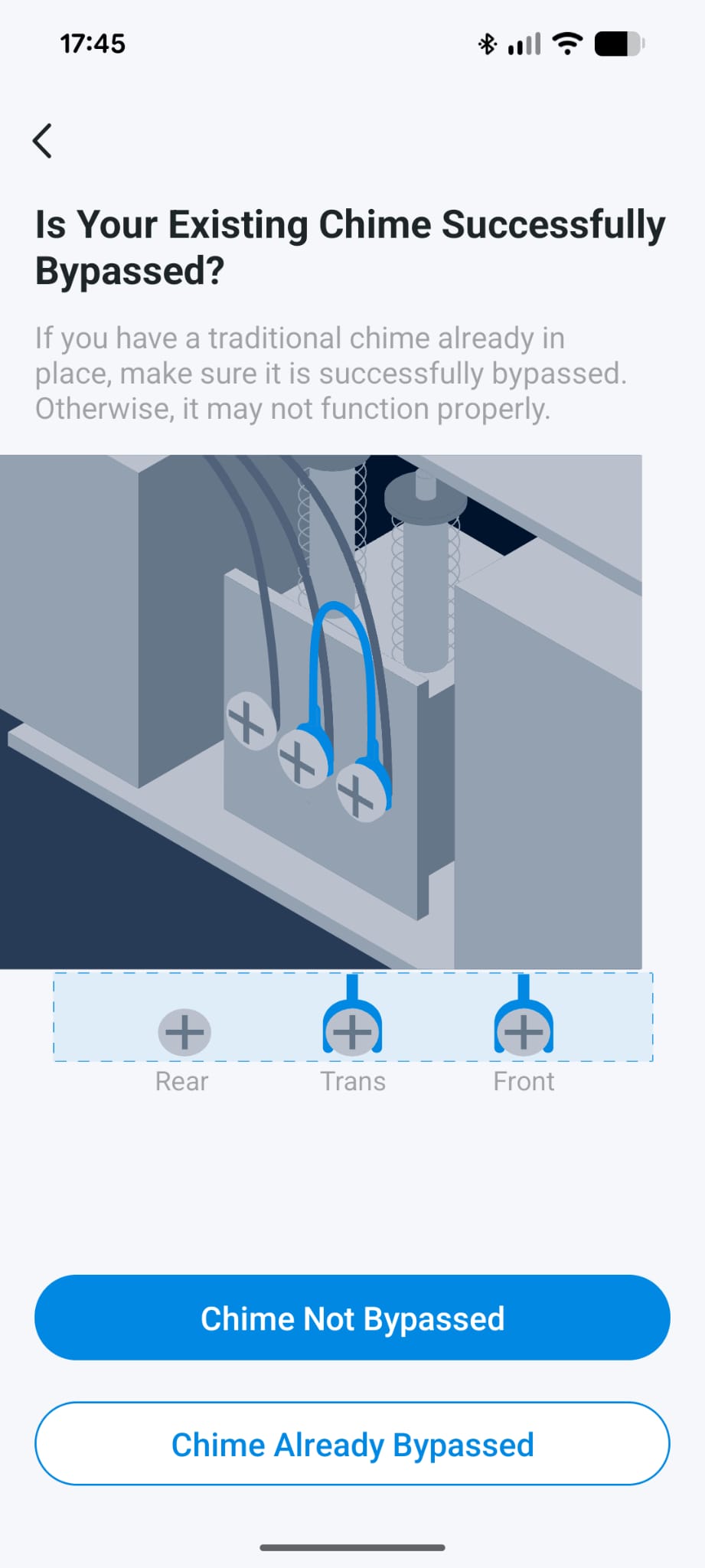
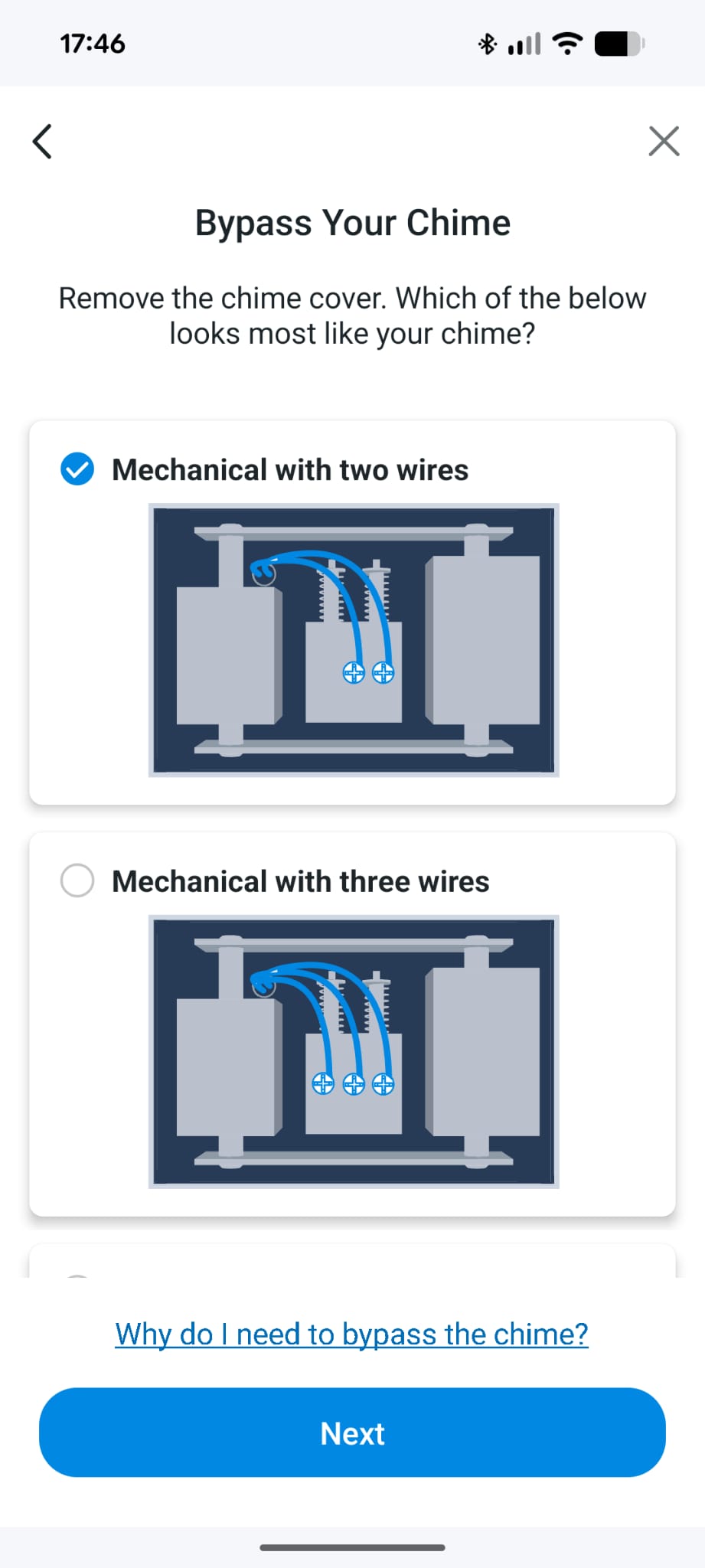
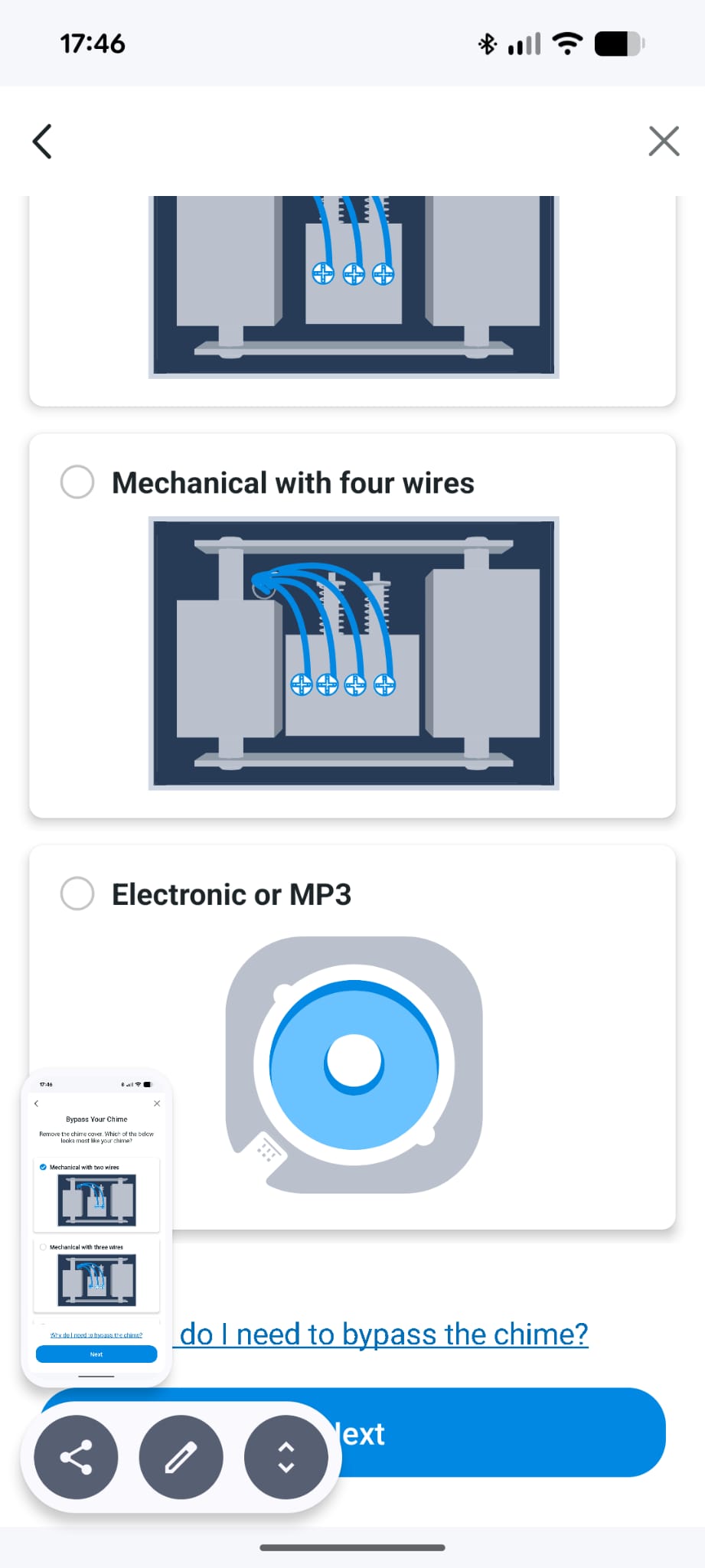
I have also now tried bypassing the chime completly using wago clips but the same problem persists.
- Copy Link
- Report Inappropriate Content
Hi,
Thank you for your patience.
To resolve the issue, I recommend a complete reset and setup to ensure the power mode is correctly selected. Please follow these steps carefully.
1. First, perform a full reset for your Tapo doorbell.
2. Next, re-add the device through the Tapo app’s “+” menu. During the guided setup, you’ll be asked to configure power after the SD card settings. At this step, you must choose the first option, which should read “Yes, and I want to use it to power…”. This action activates the “Always On” mode, switching the doorbell from battery to continuous wired power. Please follow by selecting “Chime already bypassed” in the subsequent menu to finish the setup. After completing this process, please verify if the "Always on mode" is working well.
Best Regards,
- Copy Link
- Report Inappropriate Content
Information
Helpful: 0
Views: 137
Replies: 5
Voters 0
No one has voted for it yet.