Register Dynamic DNS in tplinkdns.com - Request timed out
 This thread has been locked for further replies. You can start a new thread to share your ideas or ask questions.
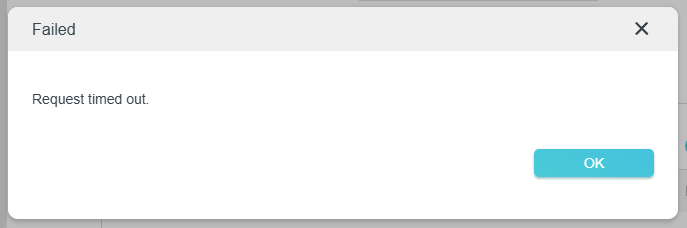
First time when I tried to register the dynamic dns in tplink, it was successful and it was working perfectly fine. After a few days I've decided to change name, unfortunately when I went to the settings of dynamic dns there weren't anything, that was strange. When I tried to resolve fqdn of it, it was working without any issues, which surprised me. Then I decided to try to register a new dynamic dns in tplink but unfortunately it wasn't successful, always is showing "Failed" with error message "Request timed out". I unbind and bind again my tplink account to the router and the initial dynamic dns in tplink stopped to working. After that again I tried to register new one but failed with same error message. Then I decided to reboot the router but again the same error message has occurred. Next step was to reset the router fully, unfortunately and this didn't help me.
Does anyone had similar experience with dynamic dns in tplink and any suggestions what can be done here?
Screenshot with error massage: