
Introducing the M8550 – 5G Wi-Fi 6E Mobile Router


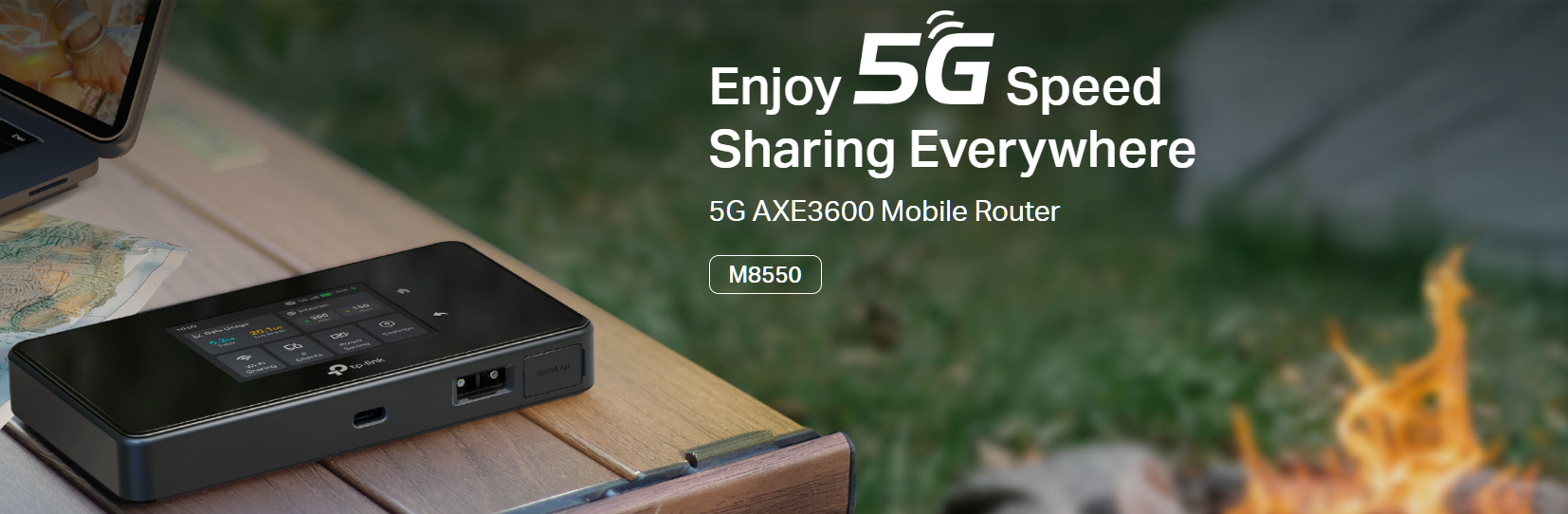
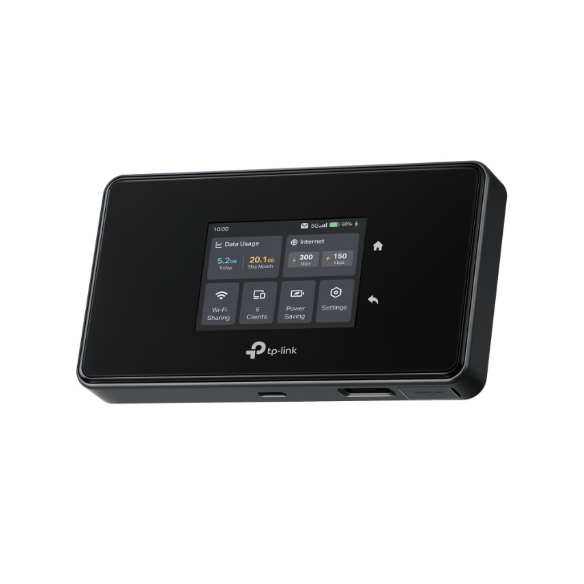
With the advancement of 5G technology, TP-Link’s Mobile Wi-Fi (MiFi) products have entered a new era of connectivity. Introducing the M8550―featuring Wi-Fi 6E technology, this pocket-sized powerhouse delivers reliable coverage, faster speeds, and greater overall capacity for an exceptional wireless experience on-the-go.
Don’t let its unassuming size and sleek design fool you, the M8550 is a mobile networking powerhouse, with an array of features to keep you reliably connected virtually anywhere:
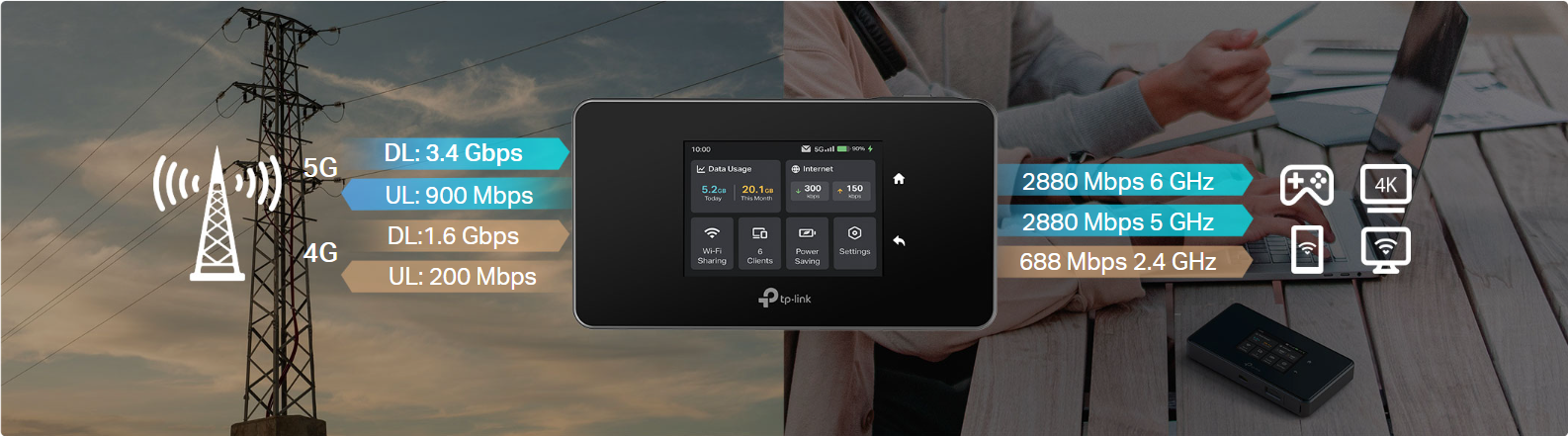
 Superior 5G - Up to 3.4 Gbps Download Speed: Thanks to modern 5G connectivity, the M8550 boosts up to 3.4 Gbps download speeds fulfills your devices’ needs.
Powerful Wi-Fi 6E - Tri-Band AXE3600 Network: Armed with Tri-Band Wi-Fi 6E technology, M8550 is designed to deliver a huge boost in coverage, speed, and total capacity
Gigabit WAN/LAN Port – Ensuring Robust and Flexible Wired Connectivity: The multi-purpose Gigabit Ethernet Port allows the M8550 to be directly connected to an existing wired Internet source (WAN), or to deliver reliable wired connectivity to network devices (LAN).
Touch Screen - Simple Management at your fingertips: The M8550’s intuitive display helps you monitor data usage, battery life, signal strength, Wi-Fi status, connected devices, and more—making it easy to stay within your data cap.
VPN Encryption - Secure Remote Server Access: The M8550 offers professionals reliable, secure access to corporate networks without device-specific VPN setup. WireGuard VPN encrypts data, safeguarding sensitive information for remote work. Stay productive and secure.
Effortless Network Sharing―Connect up to 32 Devices: Simply plug and play with 5G/4G/3G support. Share Wi-Fi with as many as 32 devices. With a high-capacity battery and energy-saving features, you can travel with peace of mind.
To begin using your TP-Link M8550 MiFi Router, you'll need a compatible SIM card from your preferred mobile provider, an active data plan, and a device that's unlocked or supports the necessary network bands. Make sure your provider offers coverage in your area and that your plan includes enough data for your needs. Once these requirements are met, simply insert the SIM, power on the device, and follow the setup instructions to connect.
For More Information and Detailed Specifications, Check out the M8550 Product Page.
If you have any questions about the M8550 or want to learn more, please leave a comment below. Feel free to share your experiences, suggestions, or feedback about The M8550 and MiFi in general.
Related Articles:
How to Install External Antennas on the M8550
How to use the USB Storage Sharing Function on the M8550
How to log in to the Web Management Page of TP-Link Mobile Wi-Fi Devices