
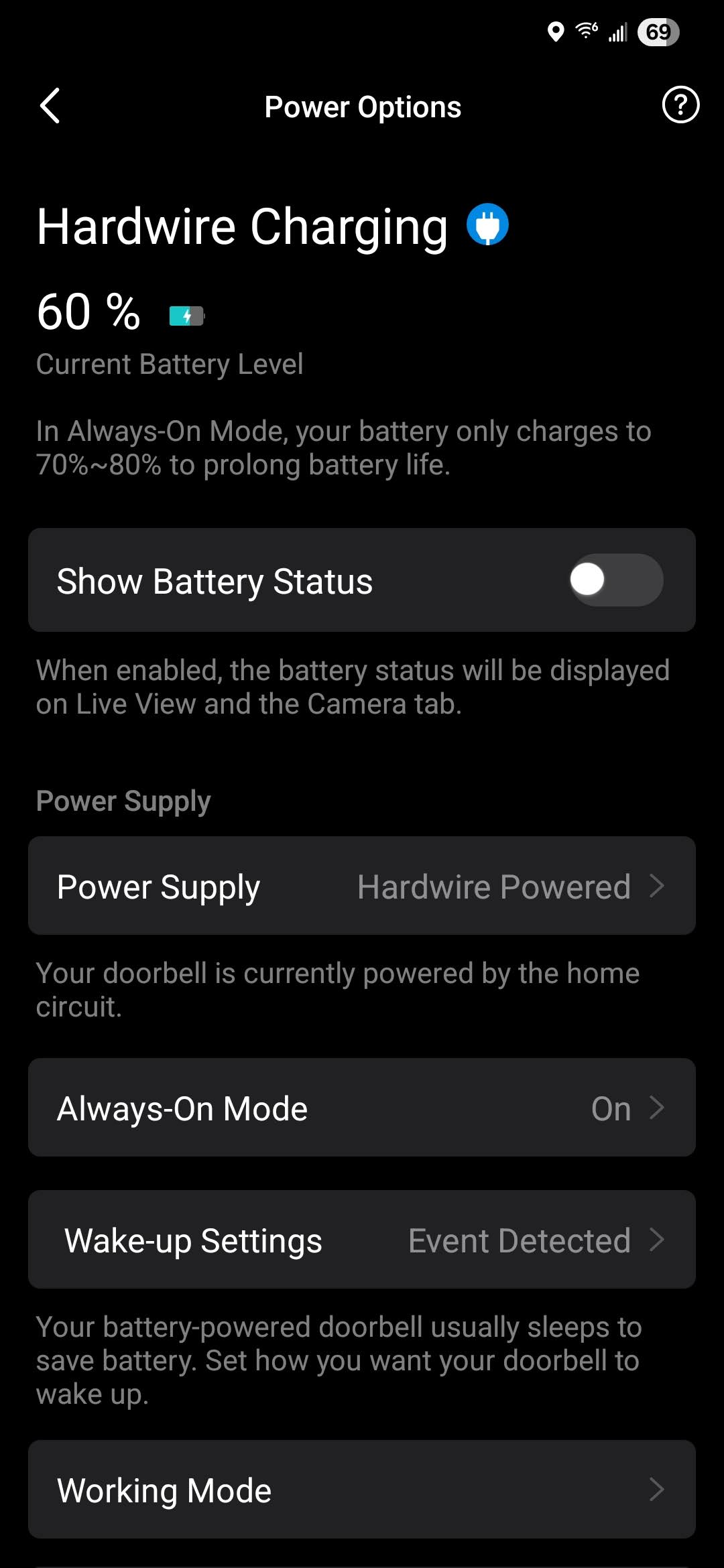
"Exited Always-On mode since battery drained too fast." My doorbell is hardwired??

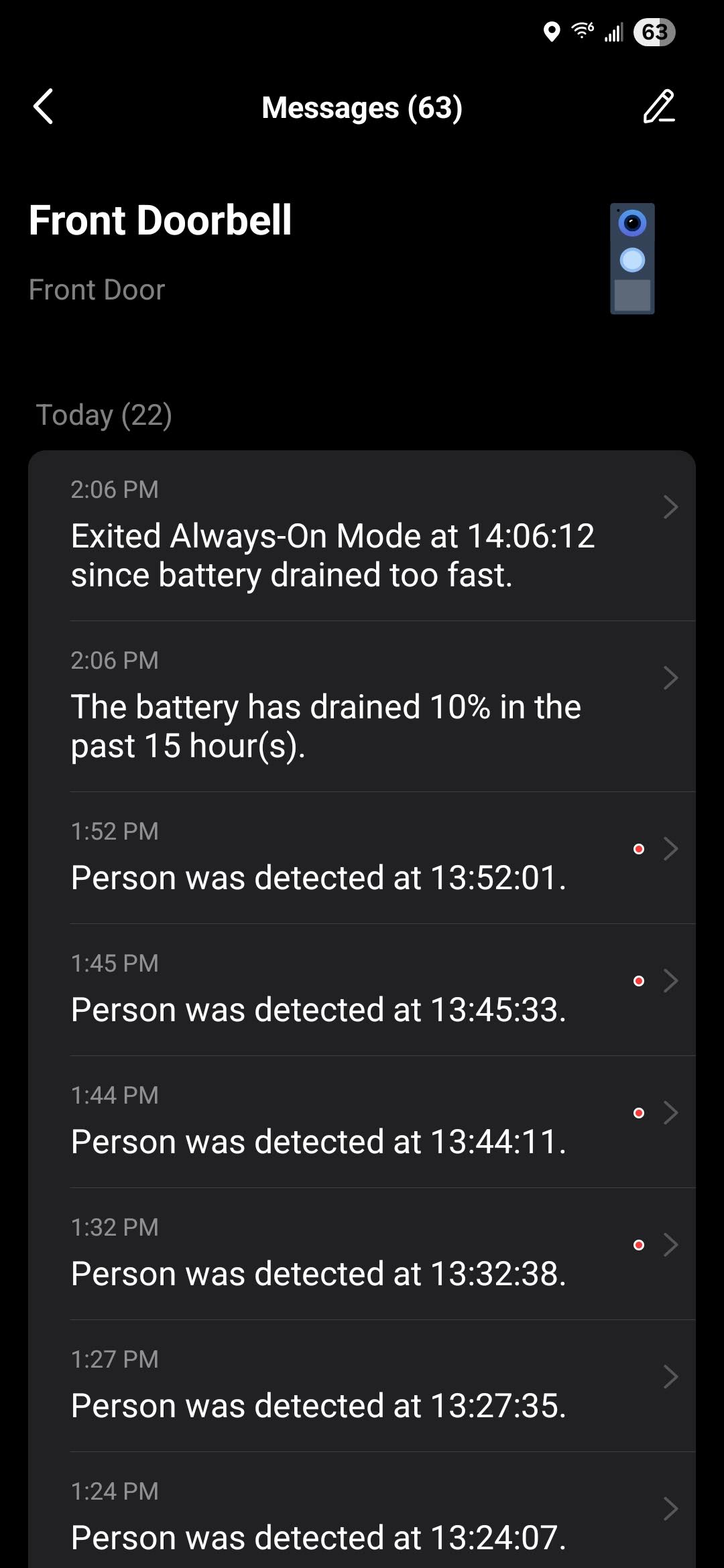
I've had a D225 installed hardwired for a few weeks now and its been working great. 24/7 recording and everything. I noticed last night that the doorbell automatically disableded the "Always-On" functionality. So, I turned it back on and about an hour later, it switched it off again. I checked the notification center this morning and it has two messages each reading: "Exited Always-On mode at ##:##:## since battery drained too fast." My doorbell is hardwired and there were no power interuptions last night.
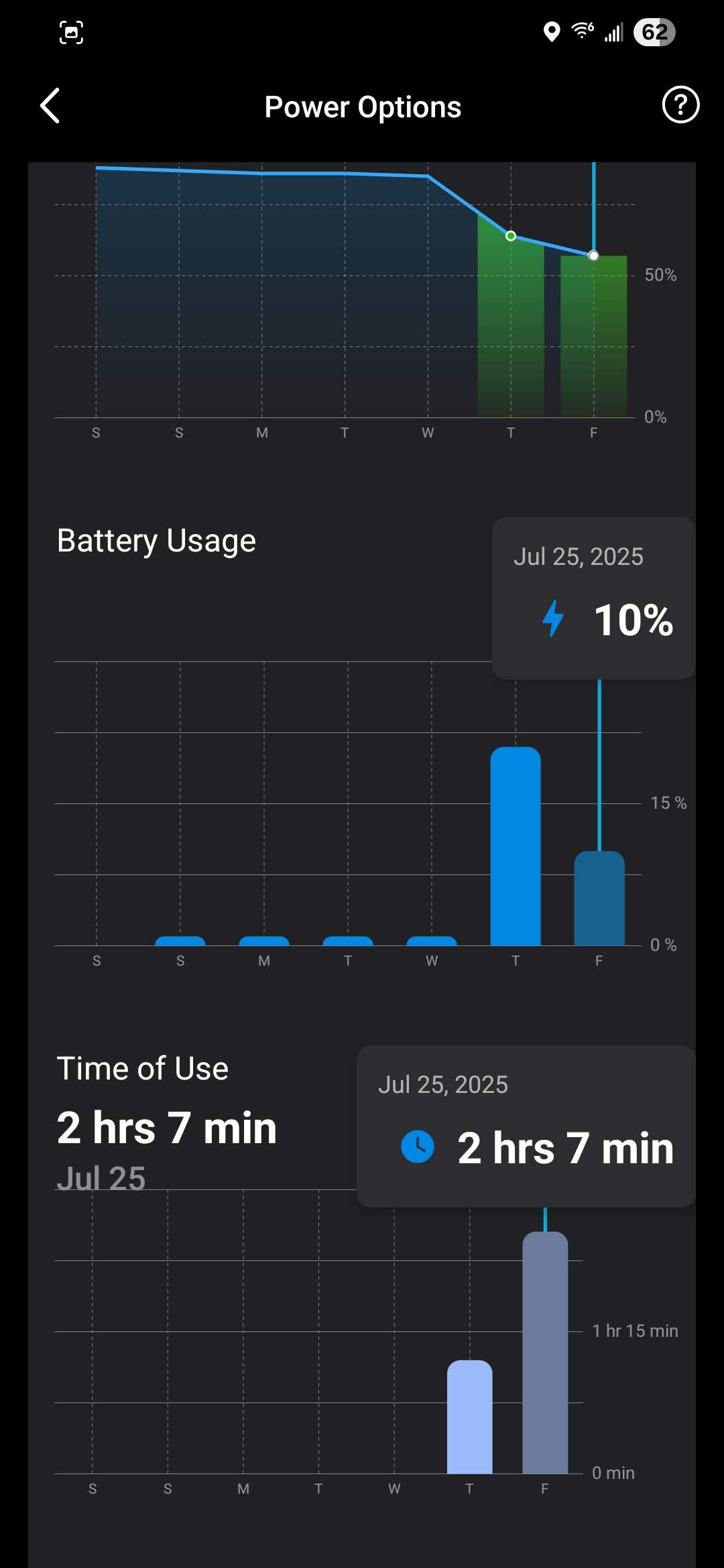
Why was it using battery, and why so much if the unit is hardwired?? There were no other messages indicating that it switched to battery power.
Chekcing the settings now, it says "Hardware powering is functioning properly." Always-On is on today so far without interruption. What happened last night?
- Copy Link
- Subscribe
- Bookmark
- Report Inappropriate Content
It just switched off Always-On mode again.
Should the D225 being using battery like this while hardwired? I am going to disconnect the unit and test the wiring. I have a brand new 16V/30VA transformer handling the power for this.
- Copy Link
- Report Inappropriate Content
Bumping this topic, having the same issue and it seems like tp link support doesn't actually know how to fix anything or help since they already got our money. Googling doesn't have any answers besides useless AI speculation and reddit is a deadend too.
I've redone the wiring 3 times already and now the stupid app won't let me past the "no hardwired circuit detected" popup despite it being all done.
- Copy Link
- Report Inappropriate Content


When the doorbell is in Always-On Mode, power consumption is higher compared to when Always-On Mode is disabled. In this mode, when abnormal power loss is detected, the doorbell will automatically exit Always-On mode to ensure sustained operation. This mechanism will be triggered when the doorbell's battery level is below 70% and has decreased by more than 5% since then.
In most cases, the abnormal power loss is caused by an unstable power supply. When the power supply is stable, the doorbell can maintain normal operation even in heavy usage.
For unstable power supply cases, it is important to verify whether the transformer you are using meets the doorbell's power requirements. If the transformer does meet the requirements, use a multimeter to check the voltage between the doorbell's connection points when the issue arises. If the voltage also remains within the normal range: 8-24V AC, then we should consider whether it is a compatibility issue. Try to use a different transformer if you have one.
If the situation remains the same, we recommend replacing a new doorbell. If the new doorbell also experiences the same issue with the same transformer, please email support.usa@tp-link.com for further assistance.
To receive efficient assistance, make sure to include the following information in your email:
1. Detailed description of the problem you've encountered, and relevant screenshots.
2. Model of the transformer you used.
3. Troubleshooting steps you've tried and the results. For example, the voltage test results when the doorbell switches to battery mode.
- Copy Link
- Report Inappropriate Content

@Wayne-TP I am having this issue with my d225. Sadly this is a replacement for my other d225 that essentially was hallucinating events all night. I never had this power issue with my origional d255, but the replacement just had this issue after 5 days installed. It somehow used 36% of the battery today and exited always on mode. Its been a few hours and the battery is still at 64% and doesn't look to be charging even though the icon shows it should be.
- Copy Link
- Report Inappropriate Content
Jak123 wrote
@Wayne-TP I am having this issue with my d225. Sadly this is a replacement for my other d225 that essentially was hallucinating events all night. I never had this power issue with my origional d255, but the replacement just had this issue after 5 days installed. It somehow used 36% of the battery today and exited always on mode. Its been a few hours and the battery is still at 64% and doesn't look to be charging even though the icon shows it should be.
When Always‑On mode is off, the doorbell charges slower than when it’s on. If it’s still working and using power, the battery might not go up, or could even go down, which is normal.
For fast battery drain, you may refer this article for troubleshooting. What to do if the battery drains quickly on my Tapo battery-powered camera/doorbell?
- Copy Link
- Report Inappropriate Content
Information
Helpful: 1
Views: 945
Replies: 5
Voters 1
