ER707-M2 upload speed severely limited.

Hello,
I am using the following setup:
Router: TP-Link ER707-M2 v1.20
Omada Controller: Software Controller v6.0.0.25, hosted on Windows 11
Public static IP address
Media server hosted locally
Ports 80 and 443 forwarded to nginx
Internet connection:
Download speed: 100 Mbps
Upload speed: 30 Mbps
The connection is tested with Speedtest and by uploading to various applications and websites. In all cases, the upload speed matches what is provided by my ISP.
Problem description
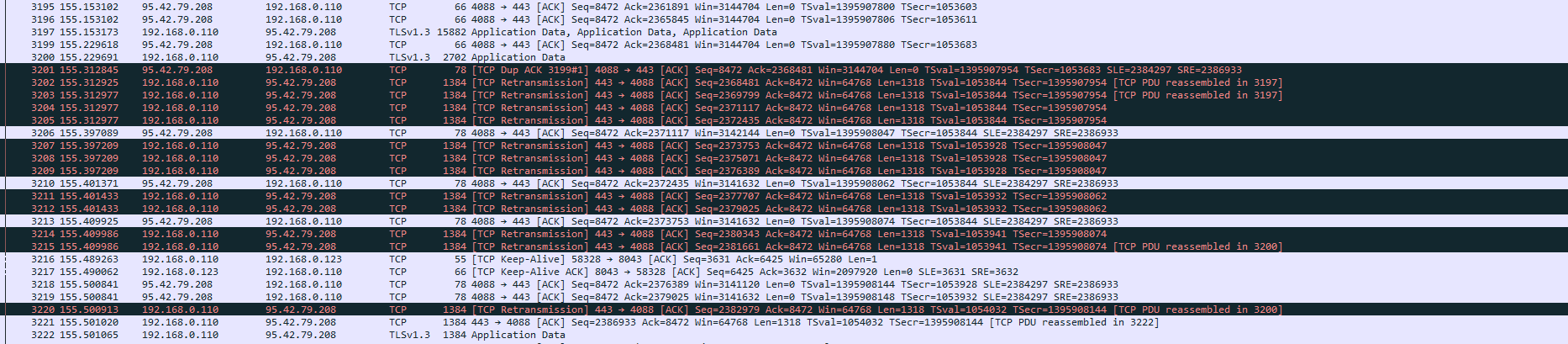
When accessing my media server from the internet, the upload speed does not exceed 1.5–2 Mbps, and in most cases it is below 1 Mbps.
If I connect the server directly to the ISP modem (without the ER707-M2 router), the problem does not exist and the upload speed is normal.
This means the upload limitation occurs only when the server is behind the ER707-M2.
Additional information
I have configured only:
Internet IP
NAT port forwarding (80 / 443)
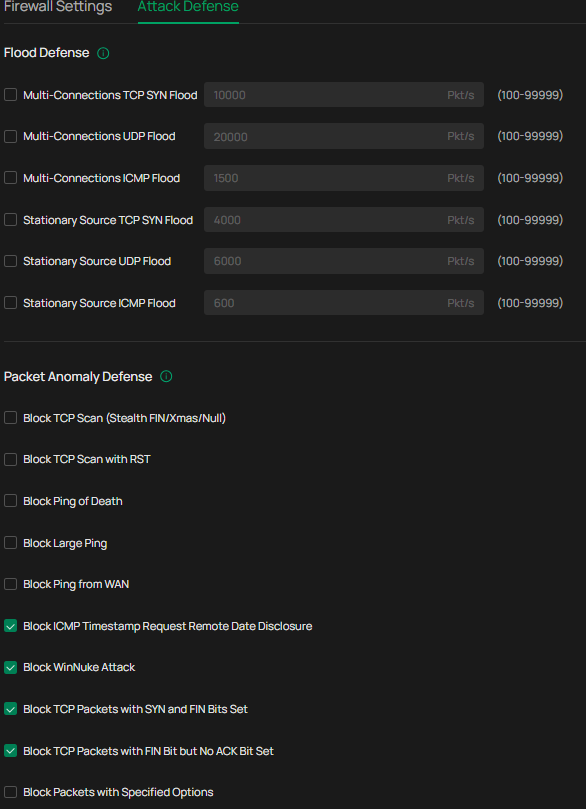
No bandwidth control, QoS, or traffic shaping rules are enabled.
The ISP connection is on the 2.5 Gbps WAN port (port 1).
I have tested other WAN ports as well — no difference.
I have been trying different router settings for several days, without any effect.
This is my first post on the TP-Link forum, so I apologize if I am missing any important details.
Previous router
TP-Link Archer C6 AC1200
With this router, I did not have this upload speed issue.
I would appreciate any guidance on what could be limiting the upload speed for port-forwarded services on the ER707-M2.
Thank you.