URL Filtering by WAN

Hi,
I have received reports from some customers in a certain region who use unreliable internet service providers.
Current scenario:
WAN1 - ISP 1 ([fiber/FTTH] fast and unlimited)
WAN2 - ISP 2 ([cable/HFC] slow and unlimited)
WAN3 - ISP 3 ([cellular networks 3G/4G] very slow and limited to 20 GB per month)
WAN1 and WAN2 can be used without any access restrictions.
WAN3 is configured as a "Backup WAN" and should only be used if WAN1 and WAN2 are offline.
The settings (OC200) under Network Config -> Internet are as follows:
Load Balancing Weight: 20:1
Application Optimized Routing: True
Link Backup: True
Primary WAN: [WAN1, WAN2]
Backup WAN: [WAN3]
Failover Mode: Enable backup link when all primary WANs fail
Recover Mode: Always Link Primary
While WAN1 and/or WAN2 are available, network users may be using services that generate high data traffic (downloads and uploads), such as streaming and gaming, for example.
When WAN1 and WAN2 go down, the backup link (WAN3) is activated, and if traffic continues, the data allowance from ISP 3 is reset to zero within a few minutes.
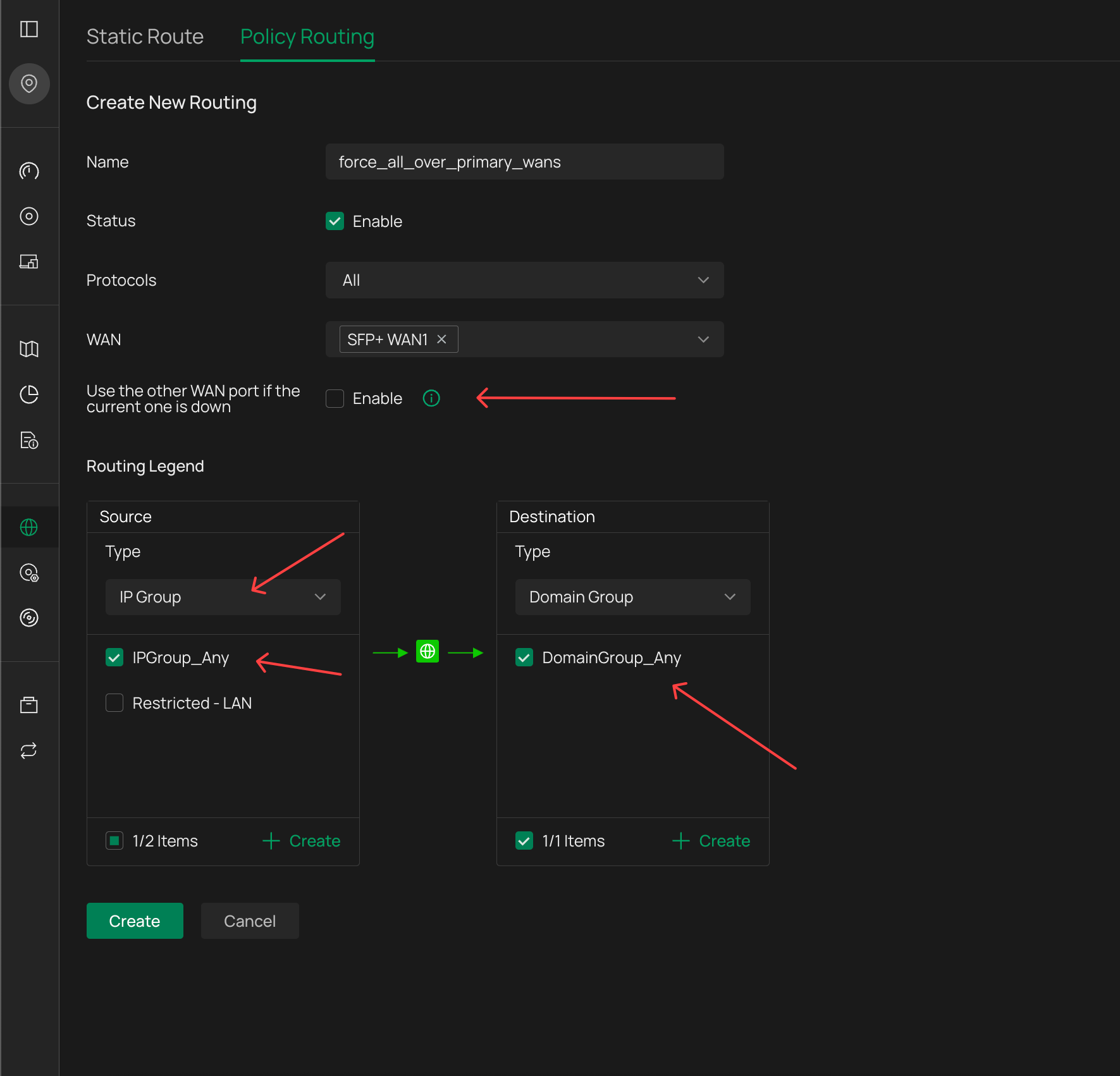
What I want to do is allow only certain URLs to be accessed via WAN3, such as banking websites, government websites, and the ERP system website.
Can someone help me configure it so that URL filtering can be applied only to WAN3?
I've already looked all over the web interface, but I can't find it; I think it might have to be done via the CLI.
Thank you in advance.