
Official Release Deco X50/X55_V1_1.6.7 Optimized the Client Network Stability


This Article Applied to:
Deco X50/X55_V1_1.6.1/1.6.4
Modifications and Bug fixes:
- Supported EasyMesh
- Supported TSS_V2(TP-Link Simple Setup) function, which enables thed device to quickly discover and pair with TP-Link smart home and EasyMesh-compatible devices.
- Fixed the bugs of frequent client disconnections;
- Fixed the bug that clients cannot access the Internet after enabling the DoH server.
Download Link:
| Deco X50/X55_V1/V1.6 | 1.6.7_build20250314_Official |
Update Advice:
1. How to manually update the firmware via web UI- How to Update the Firmware of Deco.
2. The 1.6.7 could revert to the official 1.6.3/1.6.1 directly via web UI.
- Copy Link
- Subscribe
- Bookmark
- Report Inappropriate Content

@David-TP Deco X50 (US) does'nt support EasyMesh ? 🧐🤔
- Copy Link
- Report Inappropriate Content

@David-TP done https://community.tp-link.com/en/home/forum/topic/833498
- Copy Link
- Report Inappropriate Content
Hi, is the satellite Deco X50 wirelessly connected to the main Deco?
When you run the speedtest on the smartphones, are they connected to the 5GHz WiFi of the main Deco?
How much of the total internet bandwidth?
(It would be highly appreciated if you could start a new thread here with some screenshots of the speed tests.)
You see, Deco X50 is basically the most updated model and has introduced many new features, which will increase the CPU/memory usage. I think it is reasonable to have a little higher CPU load.
Thank you very much.
Best regards.
- Copy Link
- Report Inappropriate Content
- Copy Link
- Report Inappropriate Content
Hi, thank you very much for the update.
They did look quite similar.
I saw the case had been escalated to the senior engineer for further assistance. Hope the engineer can help us find a solution as soon as possible.
Best regards.
- Copy Link
- Report Inappropriate Content

@David-TP got it, here's the requested details: (Just a note I also have a open ticket where I'm awaiting help; TKID250632286)
- We've mainly seen issues with wireless devices, however as I'm testing right now I also see the same issues with wired devices.
- Yes the connection is restored automatically, within a minute or after a couple. However, the issues are very frequent. When the problem occurs it seems like it mainly affects a specific DNS (or URL), other sites continue to work while some are inaccessible. Update: This post describes similar issues to what I'm seeing, https://community.tp-link.com/en/home/forum/topic/827654.
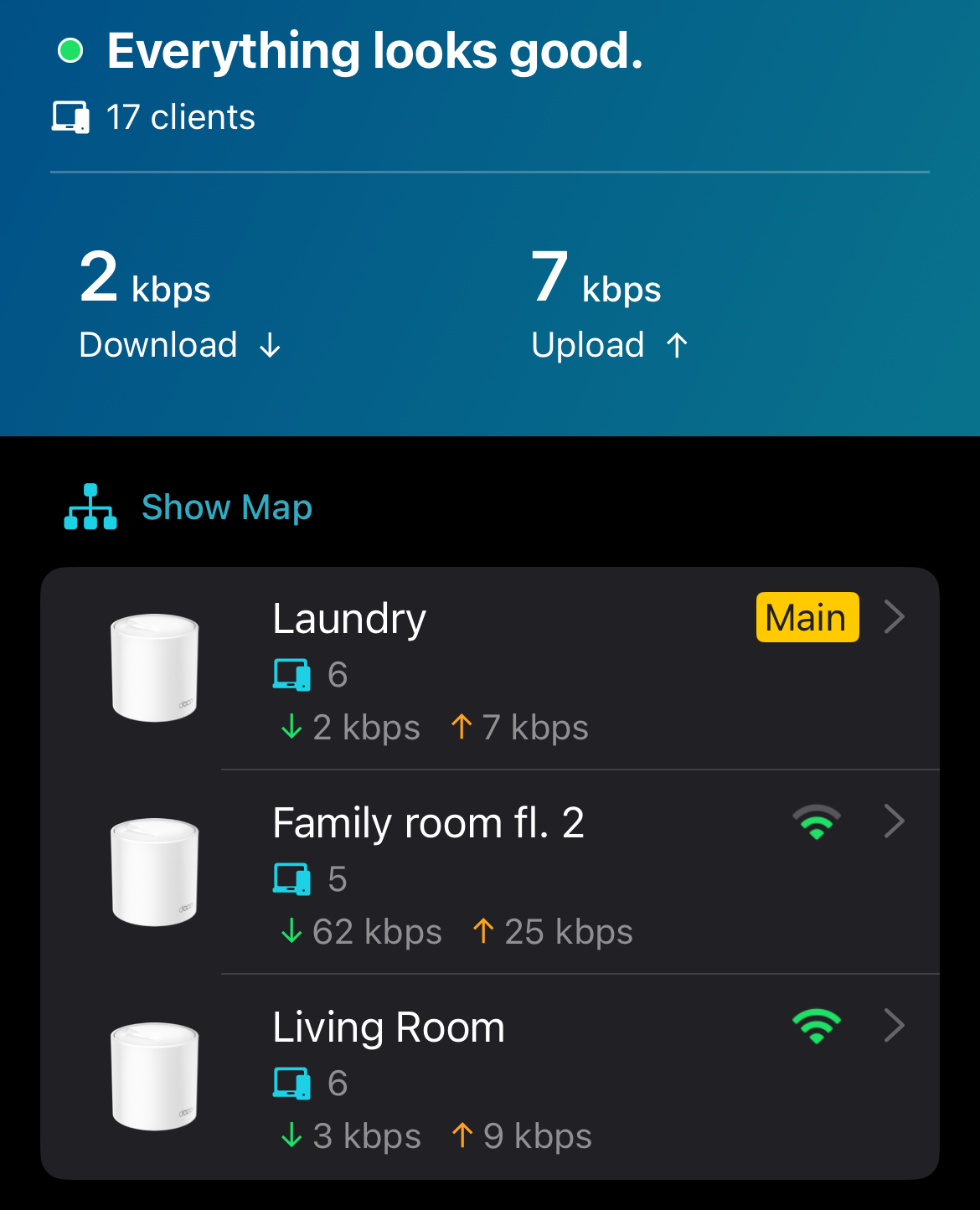
- Network map:

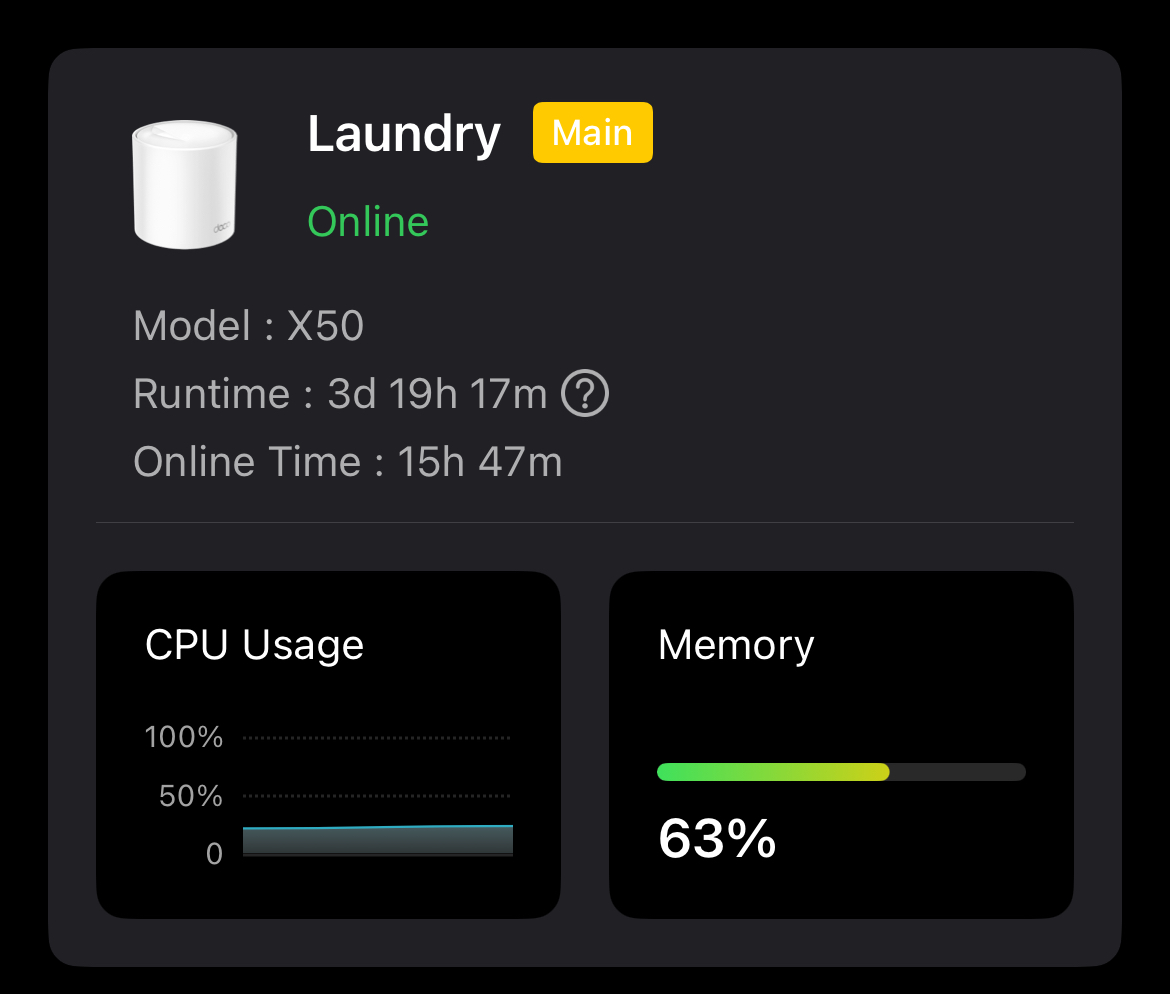
- CPU and memory status: In this screenshot I see that it's constant at 22%, not a lot of traffic atm. I've checked these graphs when there has been issues, and I've seen the CPU level increase for the duration, in some cases it reaches 100% but not always.
- Copy Link
- Report Inappropriate Content

Where is the Easymesh setting? I've searched but can't find it in either the web GUI or the app.
- Copy Link
- Report Inappropriate Content
Hi, I saw there was some feedback about network stability on the firmware 1.6.7. So far, the root cause hasn't been located. It might be still earlier to say the firmware itself was the chief culprit。
Can you help me check the following details:
- Did the instability mainly happen to the wireless devices?
- Would the internet connection automatically restore after a few minutes? Or do you need to manually restart the Deco?
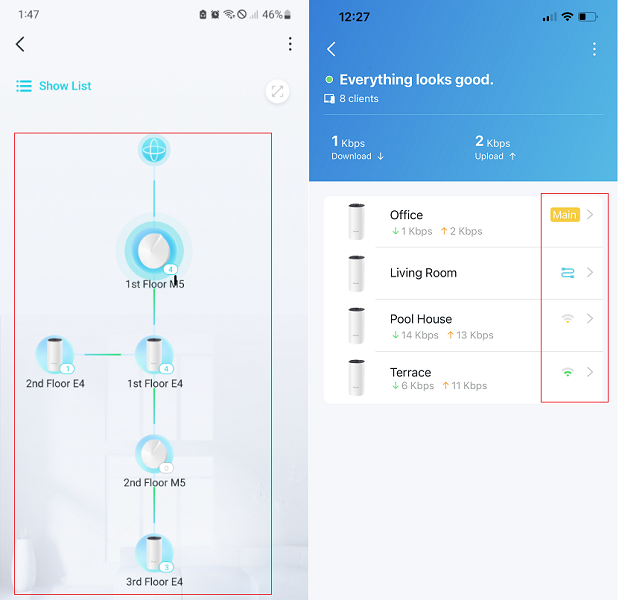
- Can I have a picture of the network map, such as:
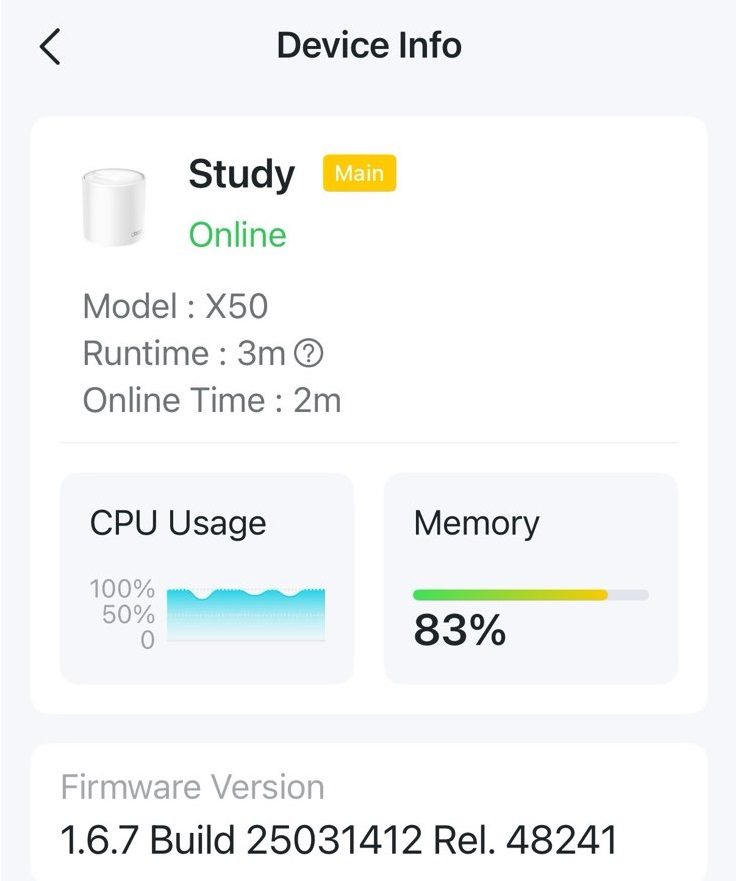
- Can I also have a picture of the CPU& Memory status on the Deco APP:
Wait for your reply.
Best regards.
- Copy Link
- Report Inappropriate Content
@David-TP still seeing huge network connection issues, so much so that it's impossible to use the network for my home office. Seeing all types of disconnects. I had no issues at all and they just suddenly came at once. Could it be related to auto-updated firmware, or perhaps broken hardware? Connecting directly to the incoming fiber converter works flawlessly.
- Copy Link
- Report Inappropriate Content
Hey @David-TP, I still have connection issues, also after disabling EasyMesh. I keep getting random timeouts for any request.
- Copy Link
- Report Inappropriate Content
Information
Helpful: 1
Views: 27591
Replies: 125
Voters 0
No one has voted for it yet.