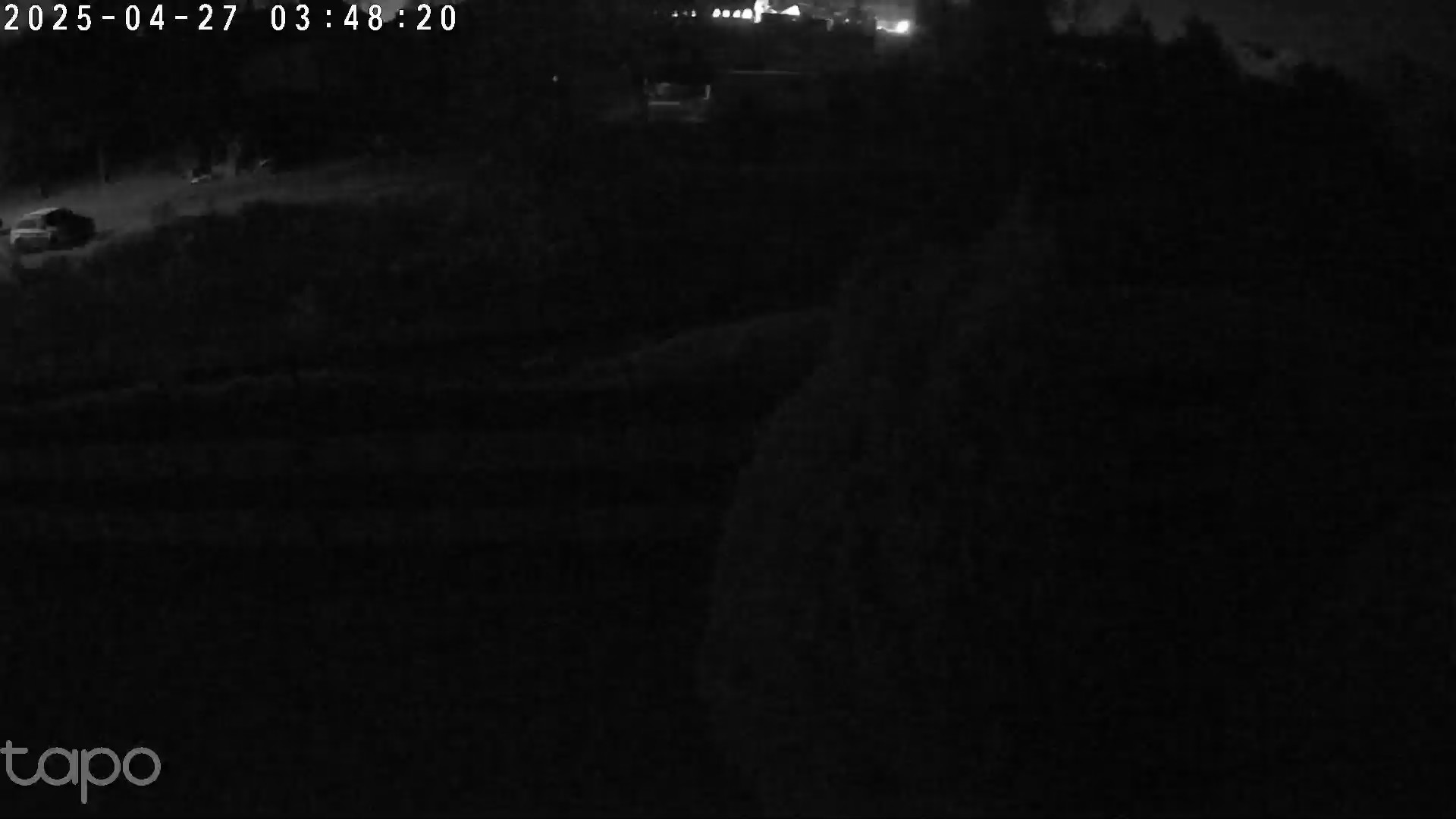
Inoperative Infrared light.
Hello
I have purchased two Tapo 520WS cameras. Can you advise me on this: At night, when the infrared vision is turned on, the vision on one camera is much better. It's even as if the working camera emits light when viewed from the non-working one. What's the opposite? I complained about the camera and I got a response that everything is fine. Is it possible that there is no way to adjust it? Of course, I normally have the infrared vision mode set on both.
Thanks for the advice.
- Copy Link
- Subscribe
- Bookmark
- Report Inappropriate Content
This seems like a hardware issue if the camera cannot switch to the infrared mode when manually adjusting the camera video mode to night mode. For warranty assistance, please contact the retailer or the local TP-Link support team.
- Copy Link
- Report Inappropriate Content
Can you share some pictures here? Are both camera the same hardware and firmware version?
- Copy Link
- Report Inappropriate Content
- Copy Link
- Report Inappropriate Content
Caption
- Copy Link
- Report Inappropriate Content
The infrared light is not turned on. Try to adjust it manually, see if that works: on the liveview page, tap the camera screen to show the bottom toolbar, click 'Auto' to switch camera video mode to Night mode.
- Copy Link
- Report Inappropriate Content
- Copy Link
- Report Inappropriate Content
This seems like a hardware issue if the camera cannot switch to the infrared mode when manually adjusting the camera video mode to night mode. For warranty assistance, please contact the retailer or the local TP-Link support team.
- Copy Link
- Report Inappropriate Content
Information
Helpful: 0
Views: 567
Replies: 6
Voters 0
No one has voted for it yet.