firmware update buggy #2

firmware update buggy #2

firmware update buggy #2
2025-06-21 13:44:13 - last edited 2025-06-21 14:18:20
Model: Deco X50  
Hardware Version: V1
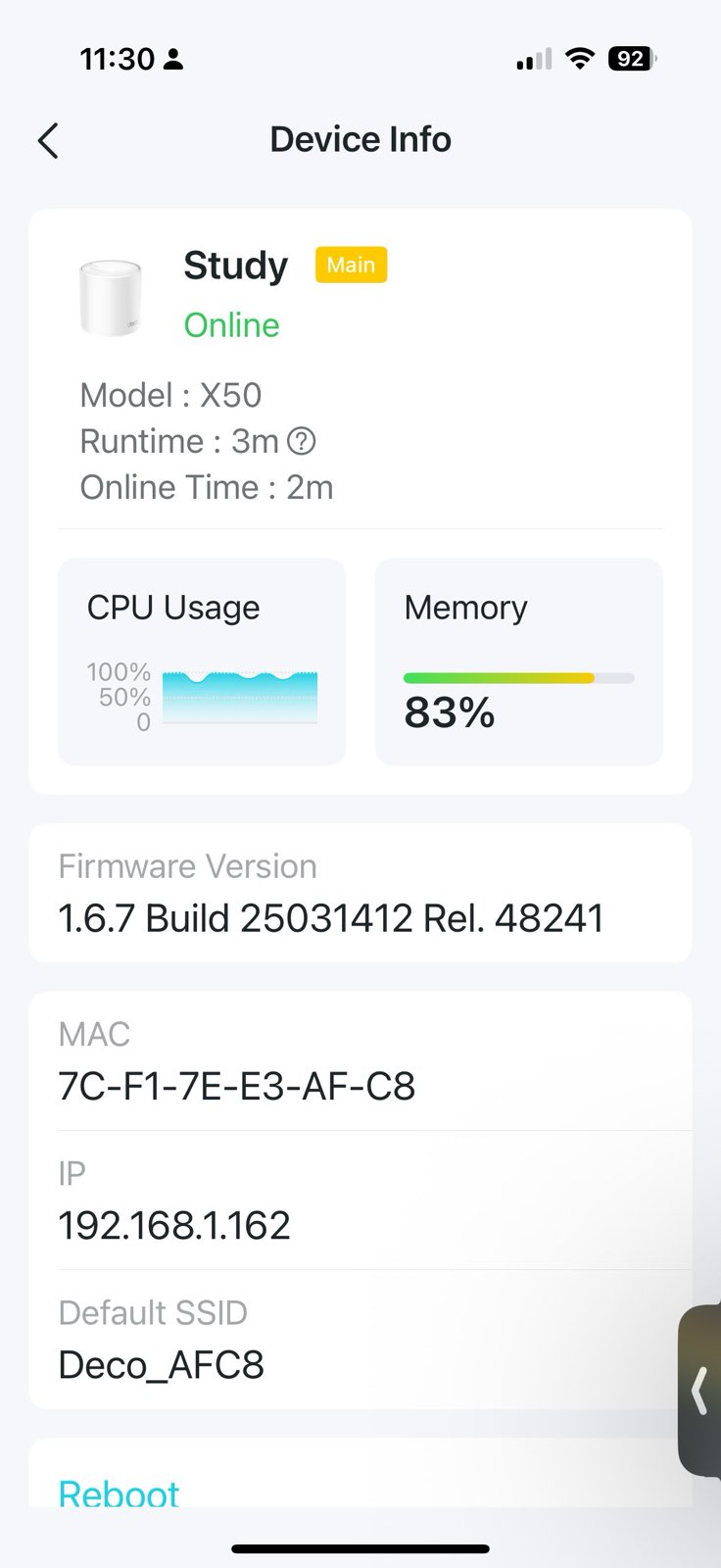
Firmware Version: 1.6.7 Build 25031412 Rel. 48241
Since the firmware auto-updated earlier this week, I have had a totally unstable and unusable wi-fi network. Constant reboots, and rarely last 30 minutes. Often the wi-fi network it is not possible to join the network at all.
 
setup
 
Cable modem (modem mode) <-- QNAP QHora-301-W router  (wi-fi disabled) <-- Study (main - hardwired)
Study <--preferred-- Bedroom       <--preferred-- Loft
Study <--preferred-- Dining Room <--preferred-- Kitchen
 
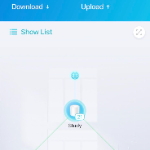
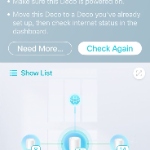
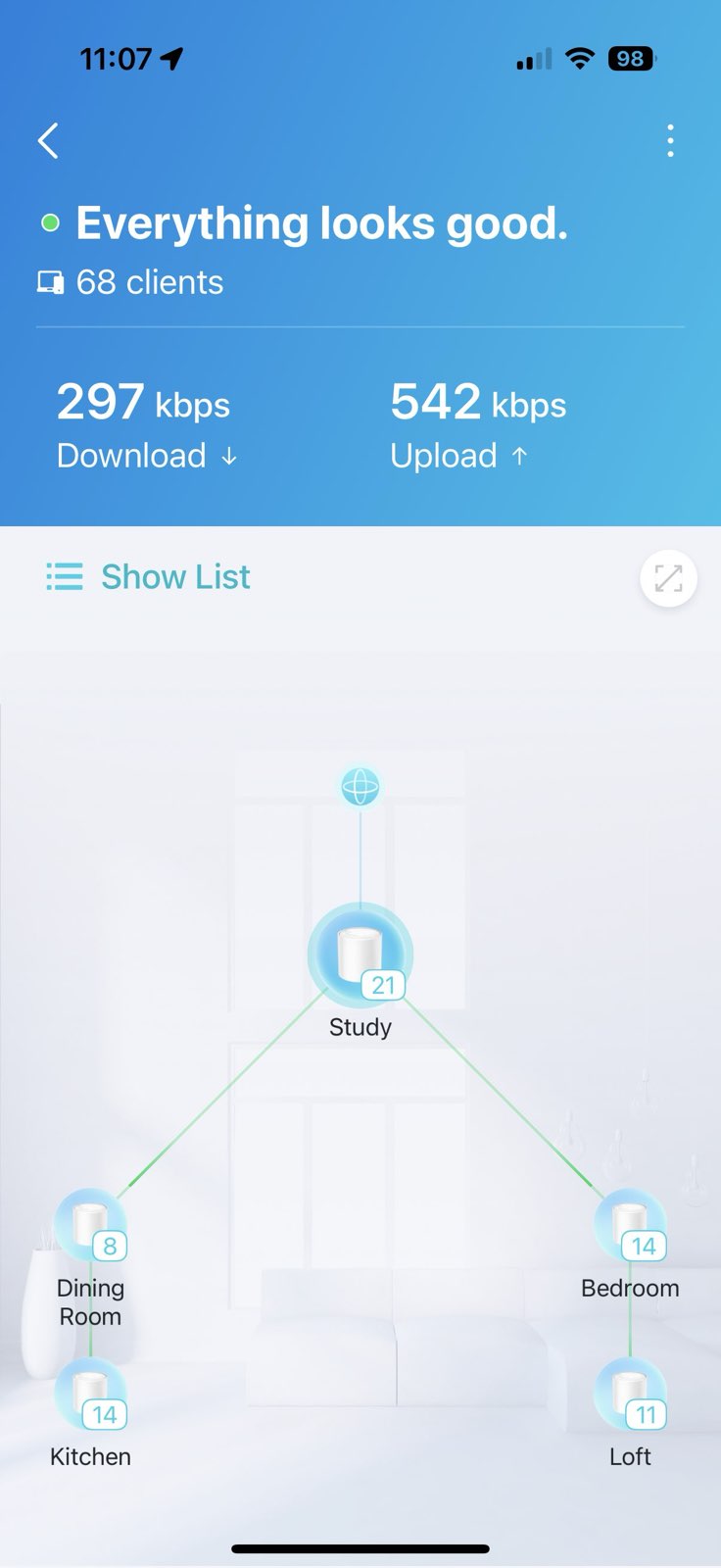
On the rare occasions it has been correct, the topology should be this:
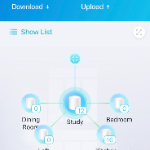
and randomly:
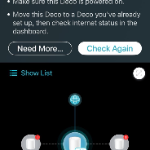
but is frequently this:
or this:
since the update i have seen almost permanent 100% cpu activity on the main unit. 
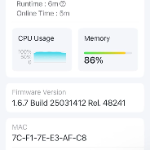
eventually the main unit will reboot automatically quite randomly (green->yellow->green). rinse and repeat

all hardwired devices on the network are okay, only wireless is affected.

often times it is difficult to access the web interface, even if the app is logged out (learnt that the hard way)

i did manage to capture the logs at an earlier point in time. there was some reference to a WPS pin required for a Sky Q mini box. i have now turned that device off.

i will attach the old log if i can. i cannot get a new log currently.

-paul
  0      
  0      
#1
Options
6 Reply
Re:firmware update buggy #2
2025-06-21 13:55:33 - last edited 2025-06-21 17:43:14


expected topology from first post

  0  
  0  
#2
Options
Re:firmware update buggy #2
2025-06-21 13:59:03 - last edited 2025-06-21 17:44:02


status page from first post

  0  
  0  
#3
Options
Re:firmware update buggy #2
2025-06-21 14:07:26 - last edited 2025-06-21 14:20:50

log file will not upload here and pastebin link are not supported. what is the file size limit?

-paul

  0  
  0  
#4
Options
Re:firmware update buggy #2
2025-06-21 23:17:50 - last edited 2025-06-22 10:28:28

it has taken me literally over 12 hours, but i now have a new log which corresponds to the latest session length of ~30 minutes.


@David-TP please advise how i can make this available as the upload has failed once more.


[edit] assume you will not read this until my Monday PM. as the web interface is totally unreliable, i do not want to update via the web interface for fear of bricking the units. 

been reading around and have the previous firmware downloaded and in a position to run a TFTP server.


thanks

-paul


  1  
  1  
#5
Options
Re:firmware update buggy #2
2025-06-23 07:08:34

  @paulwarwicker Hi, thank you very much for the feedback.

I'd like to follow up on your case via email and escalate to the senior engineer for further assistance.

Please check whether you have received my email.

And you can also update the email with the saved system logs.

Thanks a lot and wait for your reply.

  0  
  0  
#6
Options
Re:firmware update buggy #2
2025-06-23 18:57:07

@David-TP yes i got the email thanks.


Just fyi. The issue is not necessarily just an inconvenience regarding whether or not I can use a phone around the house. I have over 70 devices around the house which are part of my home automation system. All of these need wifi-access, so the majority of functions in the house work for a very short period of time due to the constant reboots. Hopefully your Engineering team can get to the bottom of what was a pretty stable system until this latest upgrade.


-paul

  1  
  1  
#7
Options