Ipv6 issue

Ipv6 issue

Ipv6 issue
Ipv6 issue
2025-09-17 01:55:11 - last edited 2025-10-18 16:11:42
Model: Archer C6  
Hardware Version: V4
Firmware Version: 1.13.6 Build 240430

So, when ipv6 works fine : in my router ipv6 WAN settings, it shows, i am getting ipv6 , as well as sites like https://whatismyipaddress.com/ shows I have ipv6 too. Also in https://test-ipv6.com/
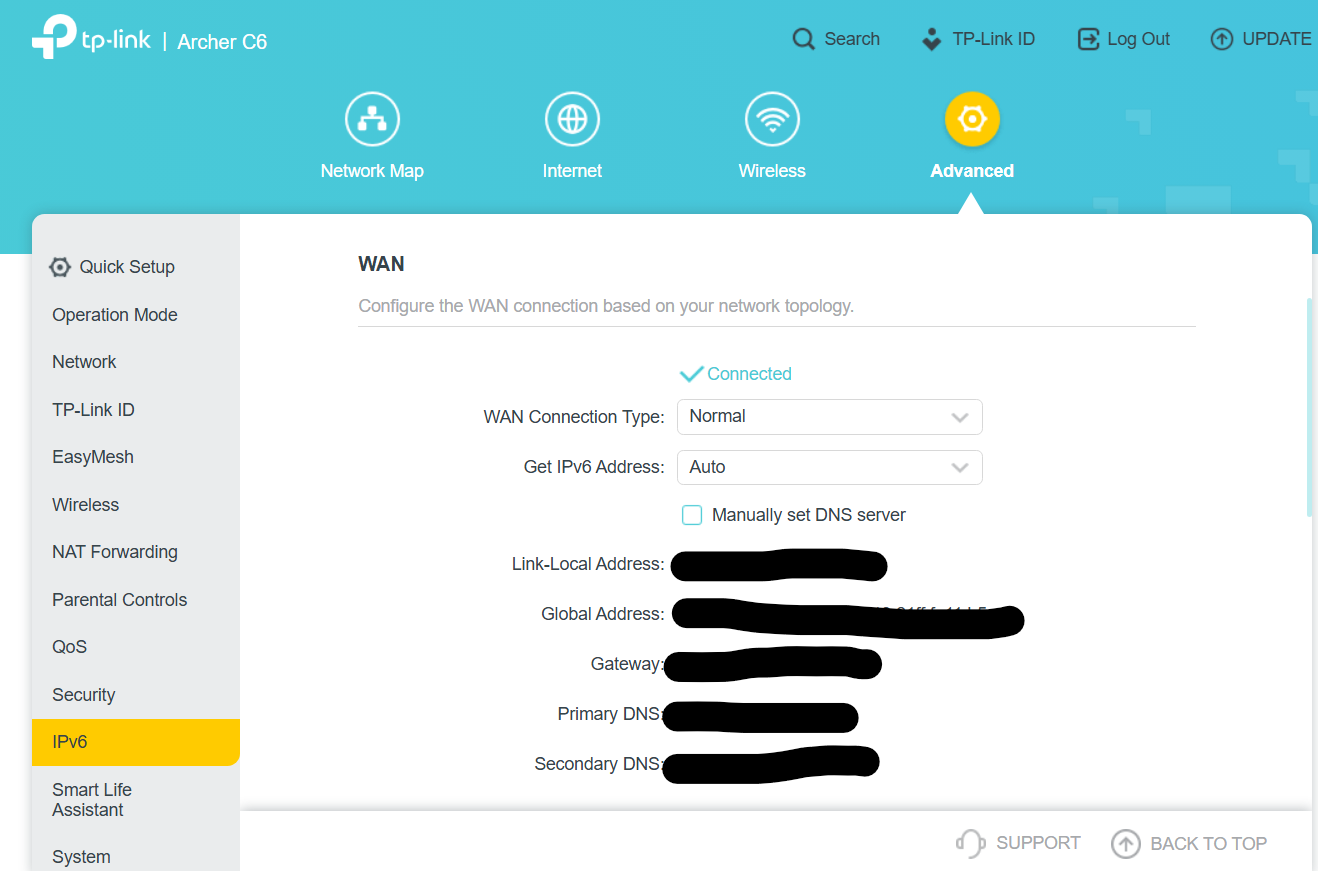
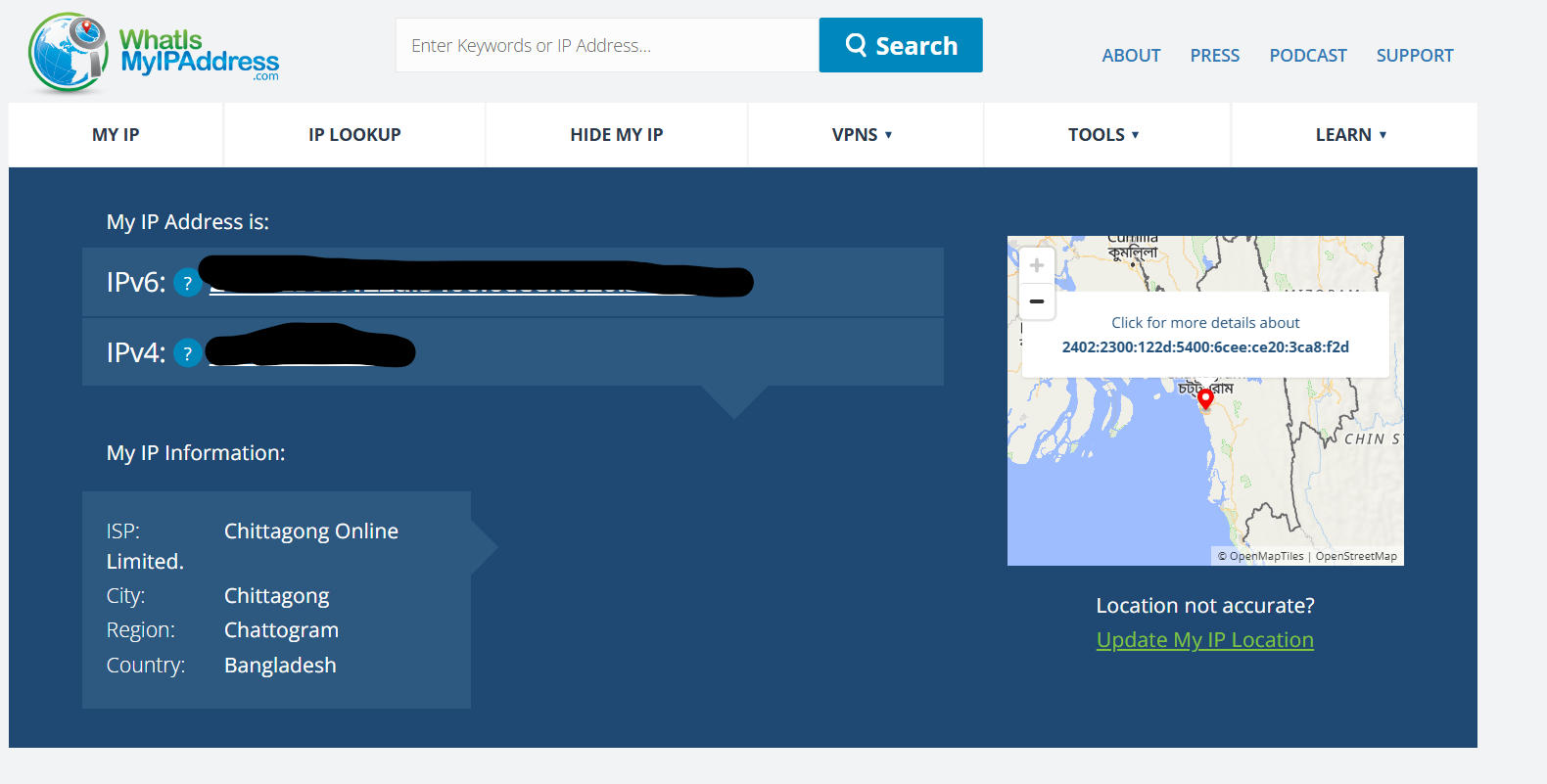


But, everytime I turn off my router at night, and turn it on in the morning again, sites like https://whatismyipaddress.com/ shows ,no ipv6 detected.

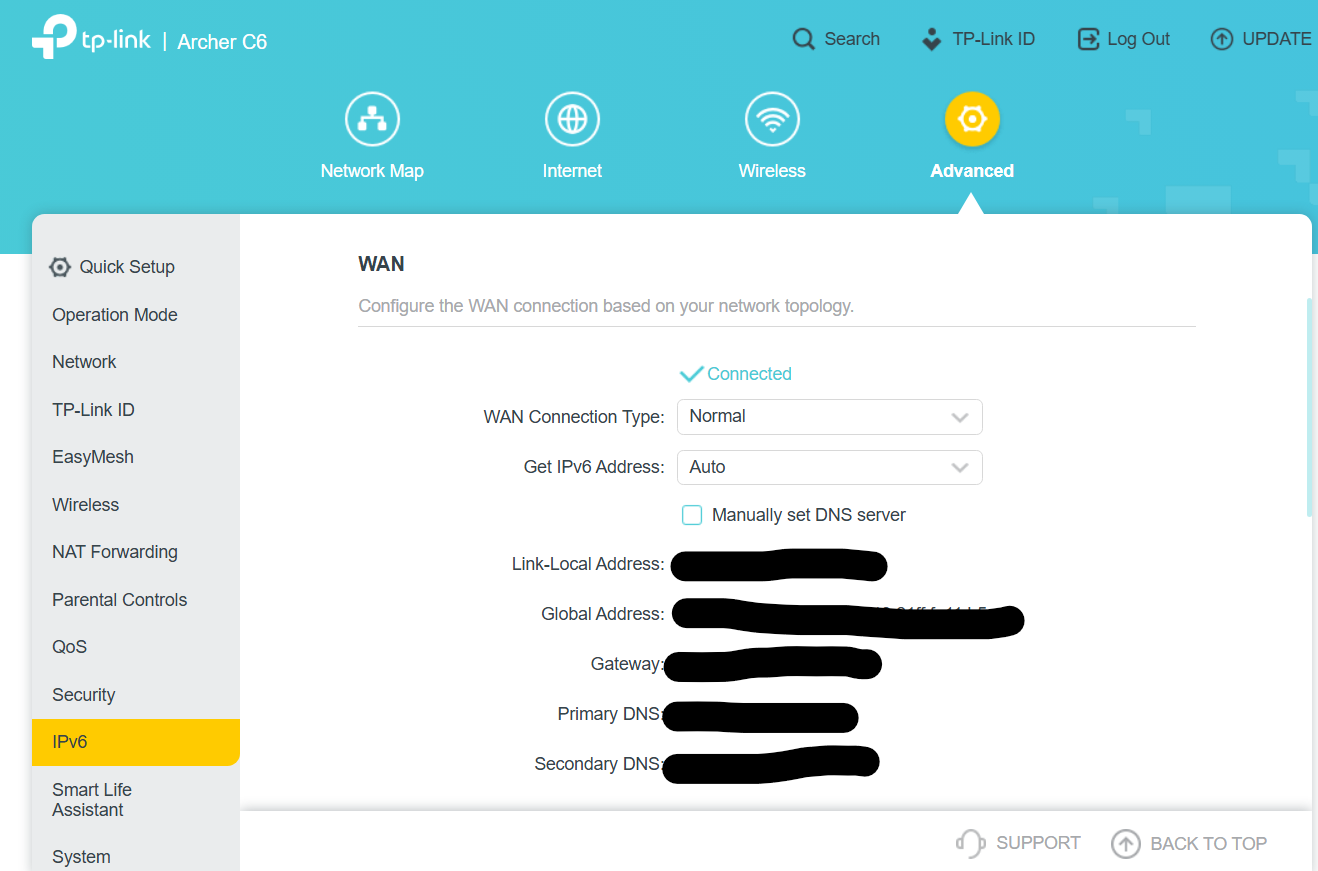
But, in my router ipv6 WAN settings, it shows ipv6 is connected:
 

And i checked from my phone and other devices too, no ipv6 showing in site https://whatismyipaddress.com/ ,also in https://test-ipv6.com/


Then, when I hit disconnect and connect in ipv6 LAN settings couple of times,
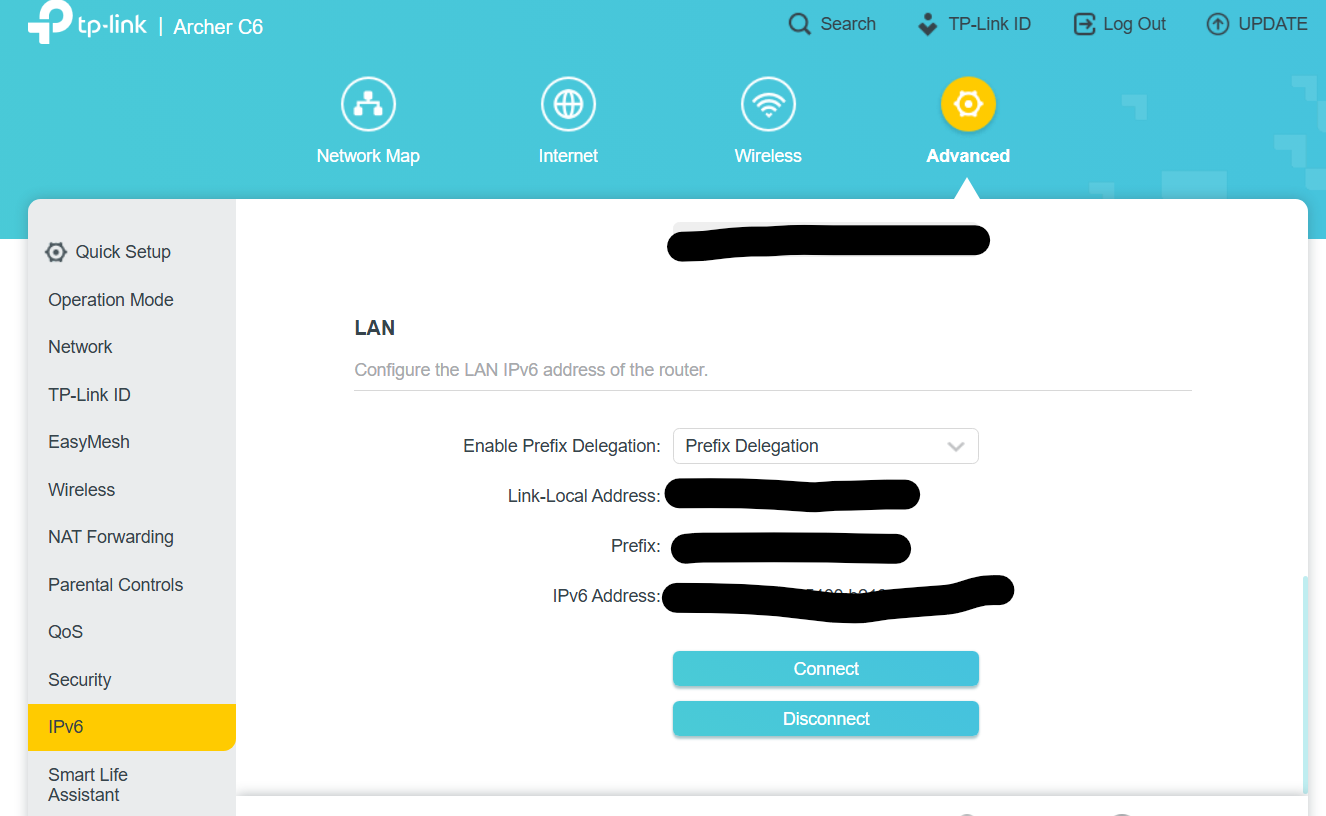


sites like https://whatismyipaddress.com/ starts to show that I am getting ipv6 again.


So, I have to follow this connect and disconnect thing everytime I turn off and turn on my router to get my ipv6 connection.


1. What could be the possible reason my router behaving like this with ipv6?

2. Is it possible that my ISP has any problem from their side?


3. Is it possible that you will provide firmware updates soon for this router which maybe able to solve this issue?

  0      
  0      
#1
Options
1 Accepted Solution
Re:Ipv6 issue -Solution
2025-10-08 15:08:28 - last edited 2025-10-18 16:11:42

Hello @_j_o_h_a_ ,

Welcome to our community.


First,please confirm that you have set up IPv6 correctly: How to set up an IPv6 Internet connection on the TP-Link Wi-Fi Routers.


Have you checked whether the IP address has changed after the reboot?

Please let me know the network topology.

Who is your ISP and what is the model of your modem?


Thank you.

Nice to Meet You in Our TP-Link Community. Check Out the Latest Posts: △Pre-release Firmware for Archer AX50 Introduces New Parental Control Features and Enhancements △Introducing AI QoS: Elevate Your Gaming Experience on the Archer GE800 Gaming Router △Connect TP-Link Archer BE550 to Germany's DS-Lite (Dual Stack Lite) Internet via WAN △Tether KidShield Test Recruitment - Safeguarding Children's Online Experience If you found the post or response helpful, please click Helpful. If an answer solves your problem, click "Recommended Solution" so that others can benefit from it.
Recommended Solution
  0  
  0  
#3
Options
3 Reply
Re:Ipv6 issue
2025-09-17 15:48:40

  @_j_o_h_a_ 


Also, the router shows wrong real time rate when ipv6 is connected 


  0  
  0  
#2
Options
Re:Ipv6 issue -Solution
2025-10-08 15:08:28 - last edited 2025-10-18 16:11:42

Hello @_j_o_h_a_ ,

Welcome to our community.


First,please confirm that you have set up IPv6 correctly: How to set up an IPv6 Internet connection on the TP-Link Wi-Fi Routers.


Have you checked whether the IP address has changed after the reboot?

Please let me know the network topology.

Who is your ISP and what is the model of your modem?


Thank you.

Nice to Meet You in Our TP-Link Community. Check Out the Latest Posts: △Pre-release Firmware for Archer AX50 Introduces New Parental Control Features and Enhancements △Introducing AI QoS: Elevate Your Gaming Experience on the Archer GE800 Gaming Router △Connect TP-Link Archer BE550 to Germany's DS-Lite (Dual Stack Lite) Internet via WAN △Tether KidShield Test Recruitment - Safeguarding Children's Online Experience If you found the post or response helpful, please click Helpful. If an answer solves your problem, click "Recommended Solution" so that others can benefit from it.
Recommended Solution
  0  
  0  
#3
Options
Re:Ipv6 issue
2025-10-20 11:51:30

  @Joseph-TP 

Joseph-TP wrote

Hello @_j_o_h_a_ ,

Welcome to our community.


First,please confirm that you have set up IPv6 correctly: How to set up an IPv6 Internet connection on the TP-Link Wi-Fi Routers.


Have you checked whether the IP address has changed after the reboot?

Please let me know the network topology.

Who is your ISP and what is the model of your modem?


Thank you.


Have you checked whether the IP address has changed after the reboot? - Yes, IP adress doesn't change after reboot.

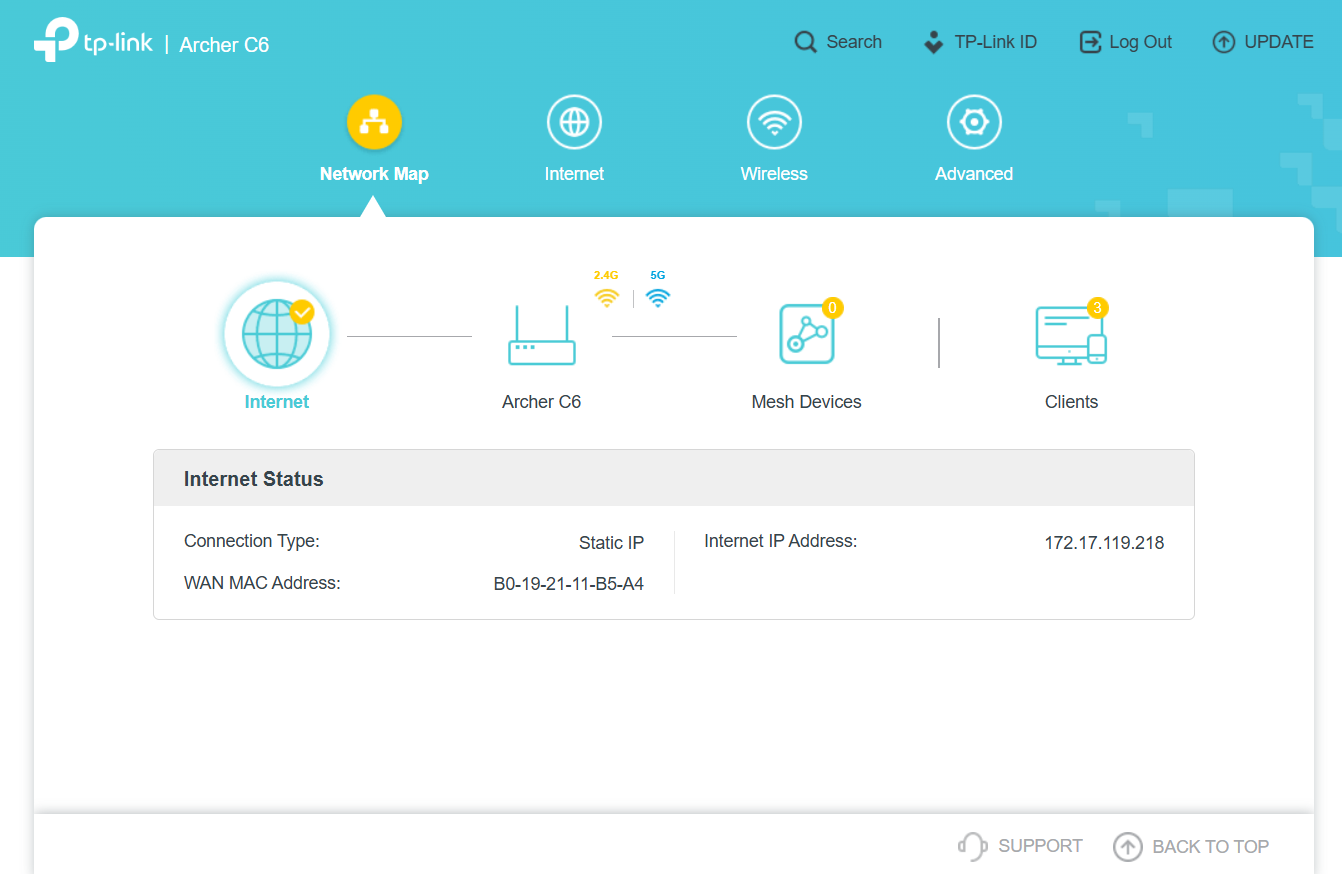
Please let me know the network topology. - Here it is , currently I turned off ipv6 from router as it's causing this issue.


Who is your ISP and what is the model of your modem? - My ISP is Chittagong Online Limited and the model of my Modem is - Airnet

  0  
  0  
#4
Options