This thread has been locked for further replies. You can start a new thread to share your ideas or ask questions.
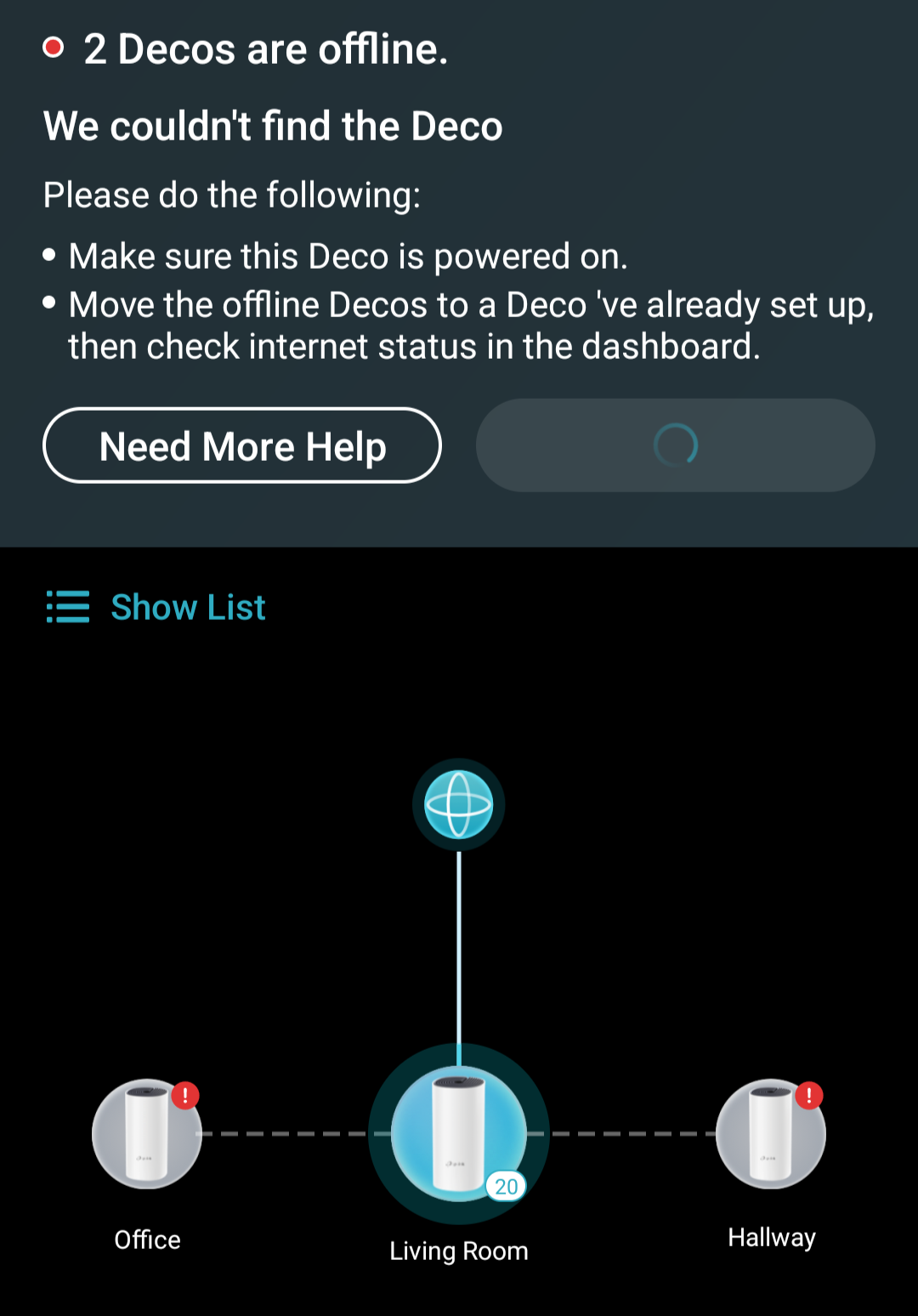
Incorrectly showing "2 Decos Are Offline" in app
This thread has been locked for further replies. You can start a new thread to share your ideas or ask questions.
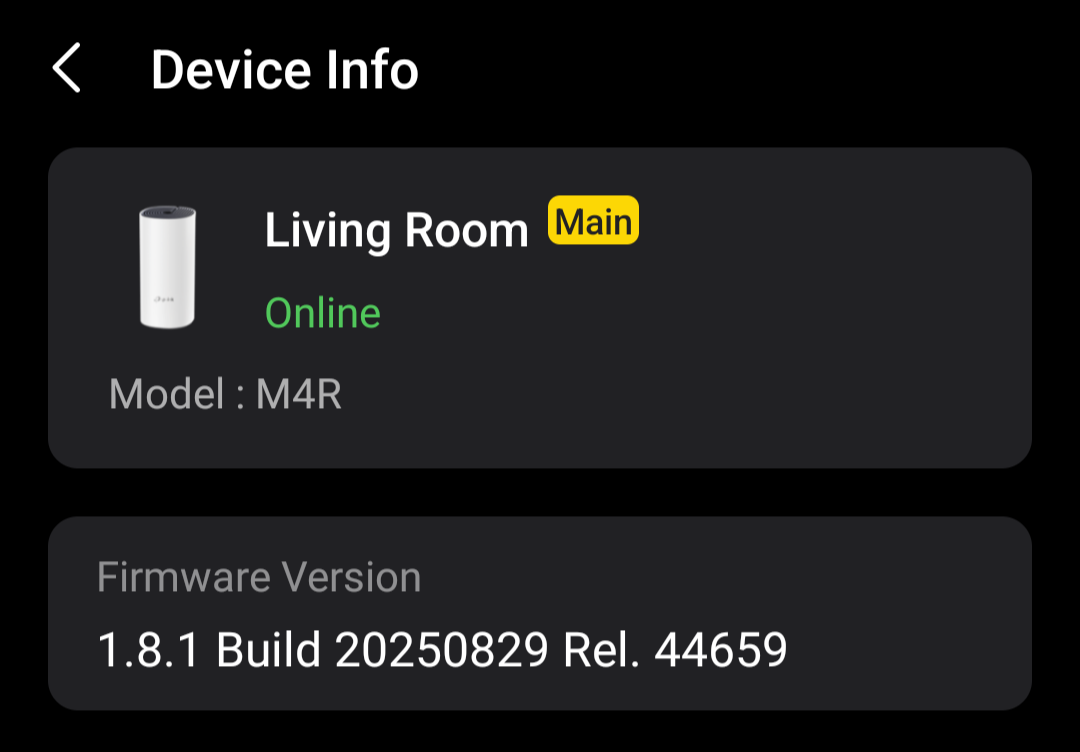
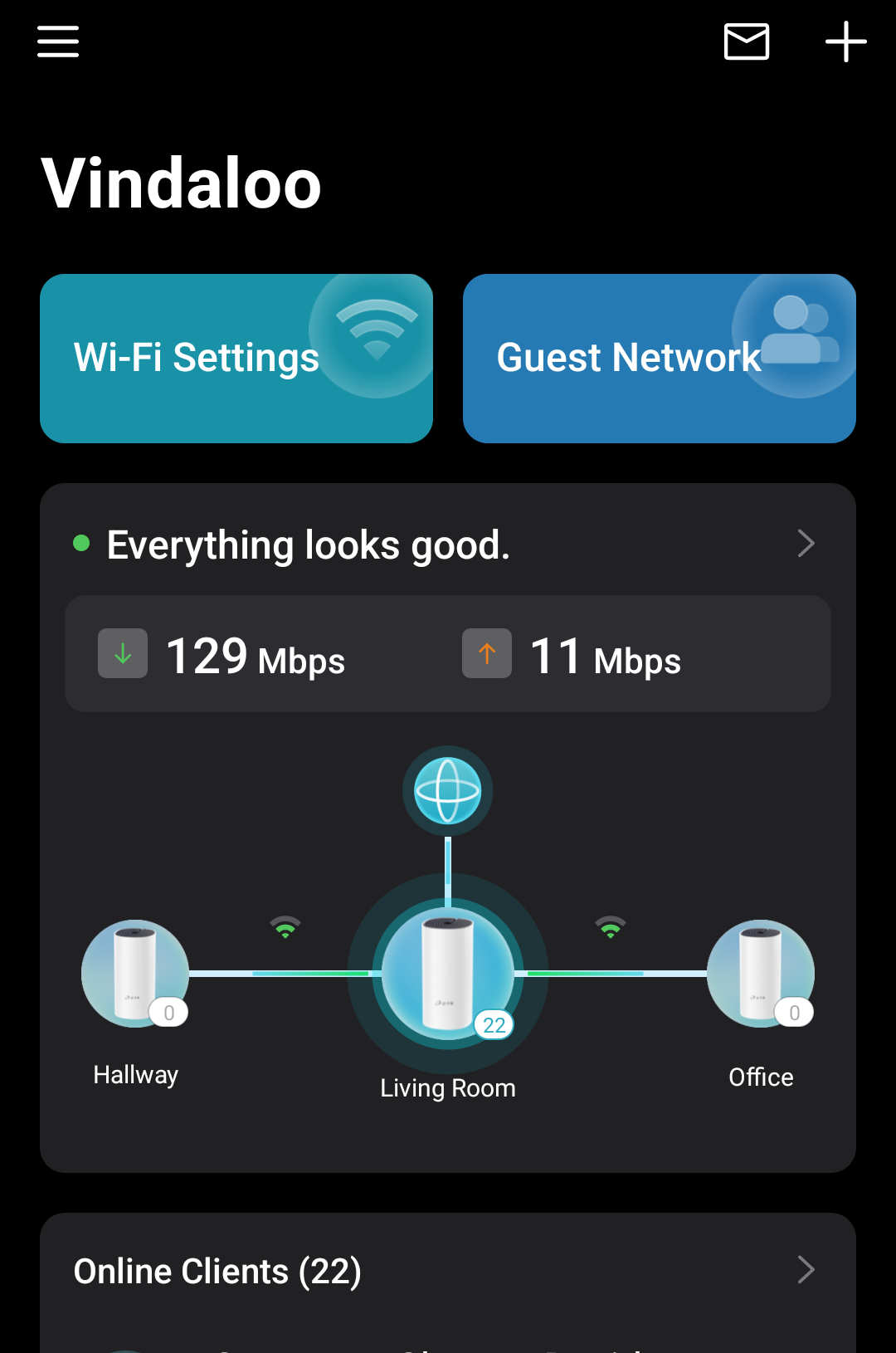
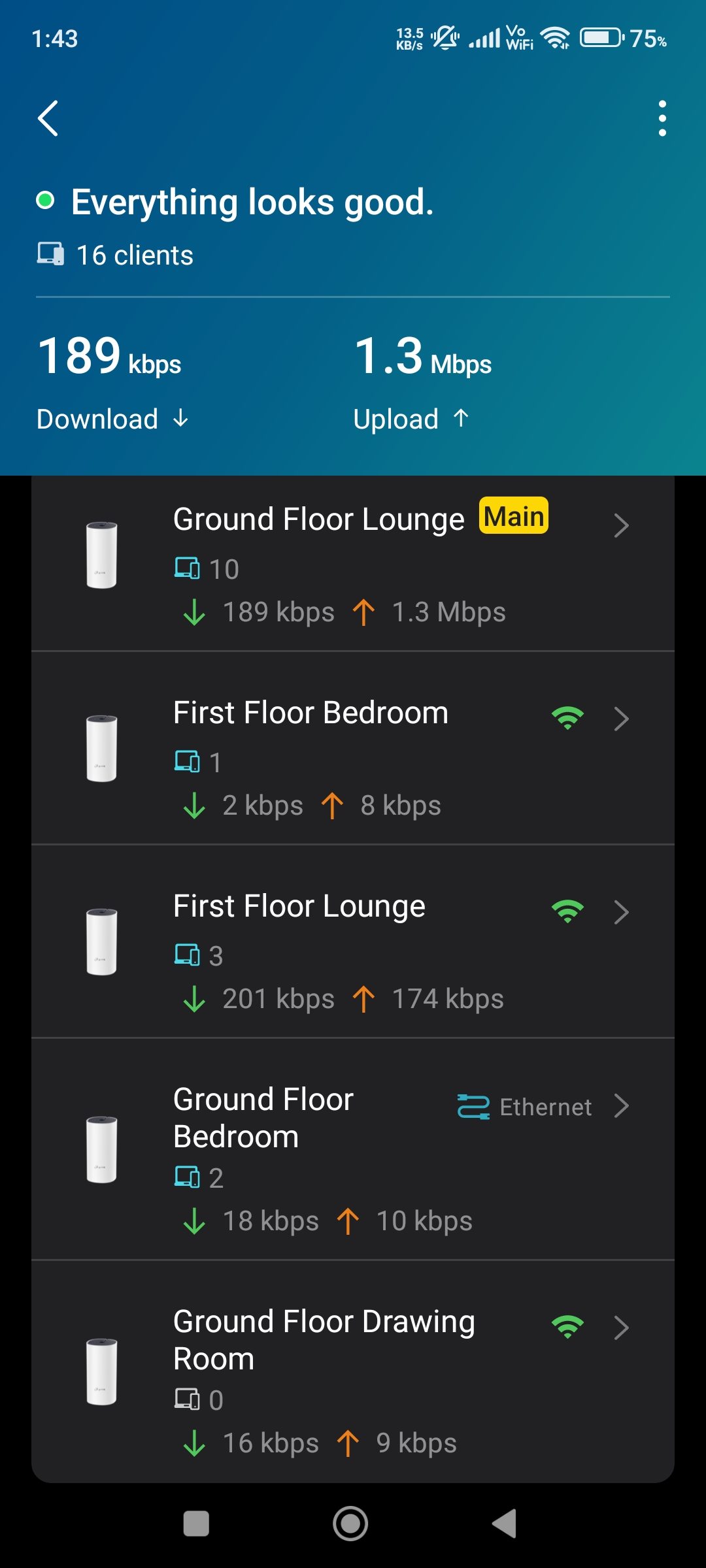
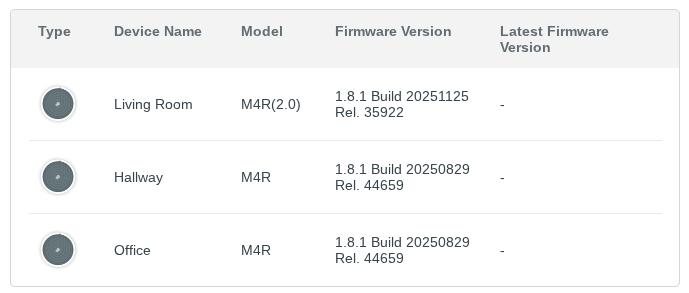
After applying the latest firmware offered by the app, my network now shows two Decos as being offline. Everything seems to work fine, but the app refuses to acknowedge "Office" and "Hallway".
The modem is wired into the "Living Room" deco, and the remaining two are using wireless backhaul, they're close enough that signal wont be an issue, every unit has a white light on top, everything was working working fine up until the firmware was installed.
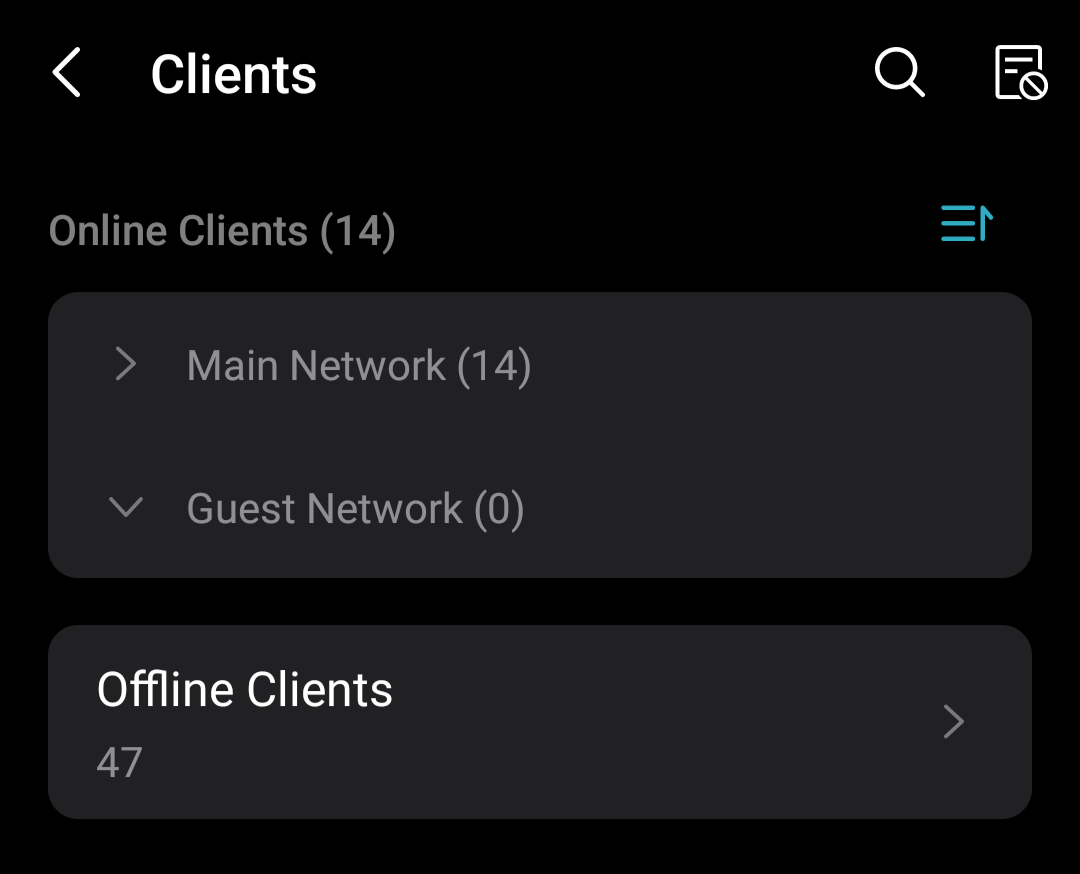
The PC I'm using now is wired into the "Office" deco, which is how I can confirm it's working. I also have a Tapo H500 hub wired into the "Hallway" unit, which three Tapo cameras are connected to, and I can access all of those fine, so that one is working too. I just can't see the decos, or their clients in the app.
I've attempted to restart the main deco, via app and powering off at the socket, and also restarted the two "offline" units to no avail. I've also cleared the app cache and data, and re-logged in, still the same result.