
Incorrectly showing "2 Decos Are Offline" in app
Incorrectly showing "2 Decos Are Offline" in app

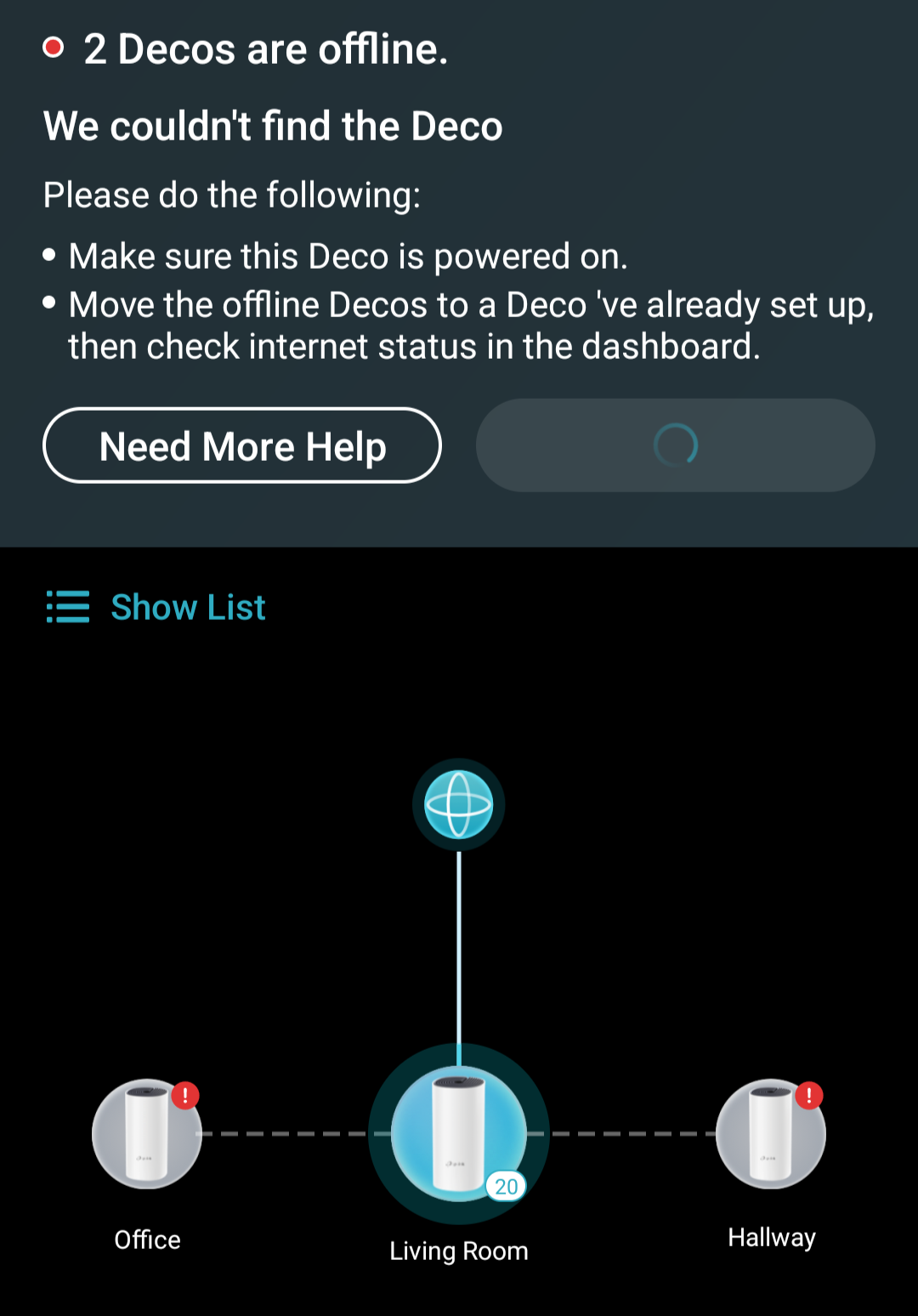
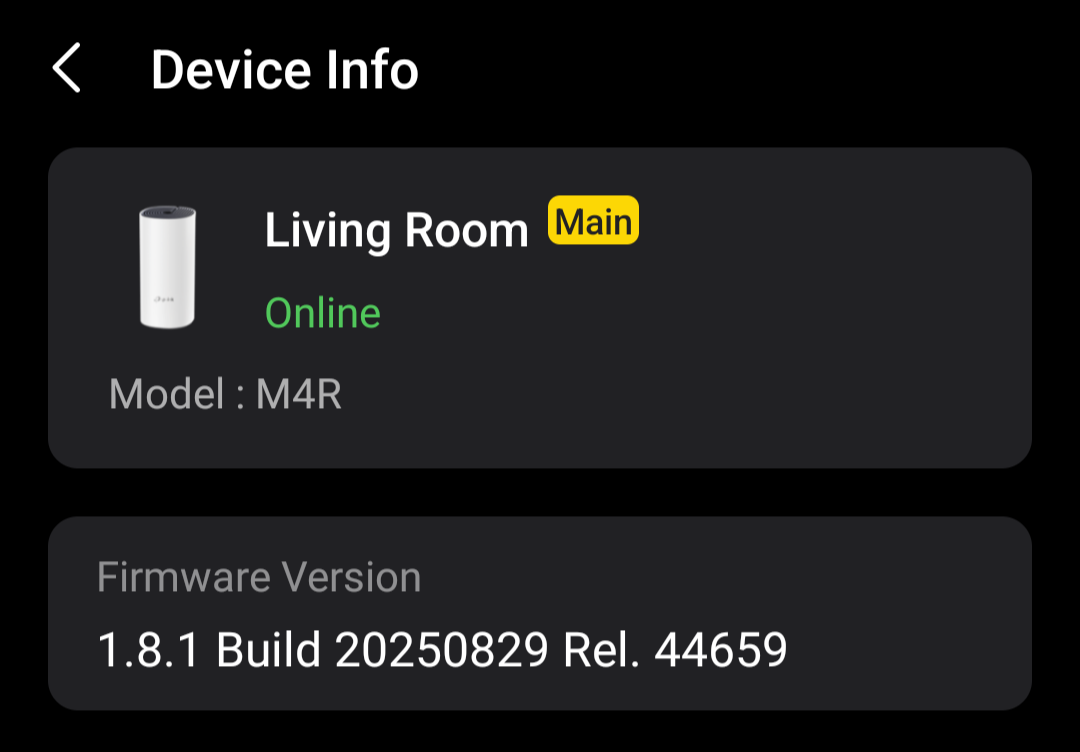
After applying the latest firmware offered by the app, my network now shows two Decos as being offline. Everything seems to work fine, but the app refuses to acknowedge "Office" and "Hallway".
The modem is wired into the "Living Room" deco, and the remaining two are using wireless backhaul, they're close enough that signal wont be an issue, every unit has a white light on top, everything was working working fine up until the firmware was installed.
The PC I'm using now is wired into the "Office" deco, which is how I can confirm it's working. I also have a Tapo H500 hub wired into the "Hallway" unit, which three Tapo cameras are connected to, and I can access all of those fine, so that one is working too. I just can't see the decos, or their clients in the app.
I've attempted to restart the main deco, via app and powering off at the socket, and also restarted the two "offline" units to no avail. I've also cleared the app cache and data, and re-logged in, still the same result.
- Copy Link
- Subscribe
- Bookmark
- Report Inappropriate Content
@speedyb Can you tell me are you using Deco in Router Mode or AP Mode? Are you using any ethernet connected device from Main Deco? Because when i use in Router Mode and when i connect the device on ethernet from Main Deco so the Deco App does'nt show me the bandwidth consumption of that device and monthly data usage of that device.
- Copy Link
- Report Inappropriate Content

Hi, you should be able to find the IP address of each satellite Deco M4 on the Deco APP. It is suggested to access the individual web UI of each M4 to upload the beta firmware again to see whether the rest two Deco units can be updated.
Wait for your reply.
Best regards.
- Copy Link
- Report Inappropriate Content
@David-TP Thank you, I didn't think to use each decos IP. All units are now using the firmware provided, however the result is still the same, even after rebooting everything.
I can't see the devices connected to the two satellite units, even though I can access them fine. For example "hallway" has a Tapo H500 and Home Assistant PC connected via ethernet. Both are accessible, but can't be seen via the deco app.


- Copy Link
- Report Inappropriate Content
@speedyb I have a beta firmware also which is based on 1.8.1 provided by senior engineer of TP-LINK in the month of november which is much better than you provided to me.
- Copy Link
- Report Inappropriate Content
After quite a few emails back and forth with support, nothing seemed to work. The problem has finally been resolved by removing and resetting the satellite Deco units, then re-adding them.
- Copy Link
- Report Inappropriate Content
@speedyb You can also update to 1.8.2 official firmware.
- Copy Link
- Report Inappropriate Content
Information
Helpful: 2
Views: 1523
Replies: 16
Voters 2

