
The wired backhaul doesn't seem to be working

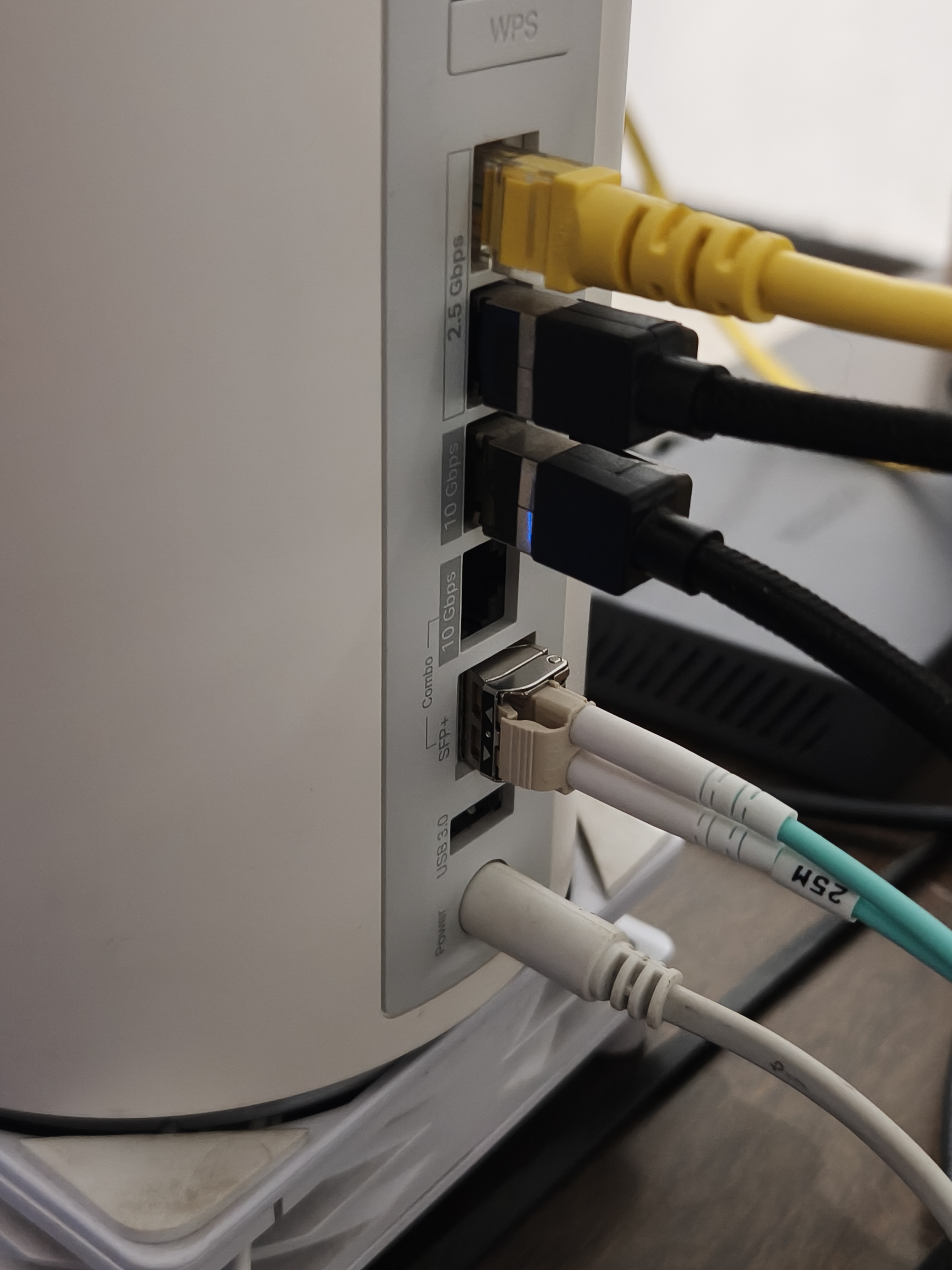
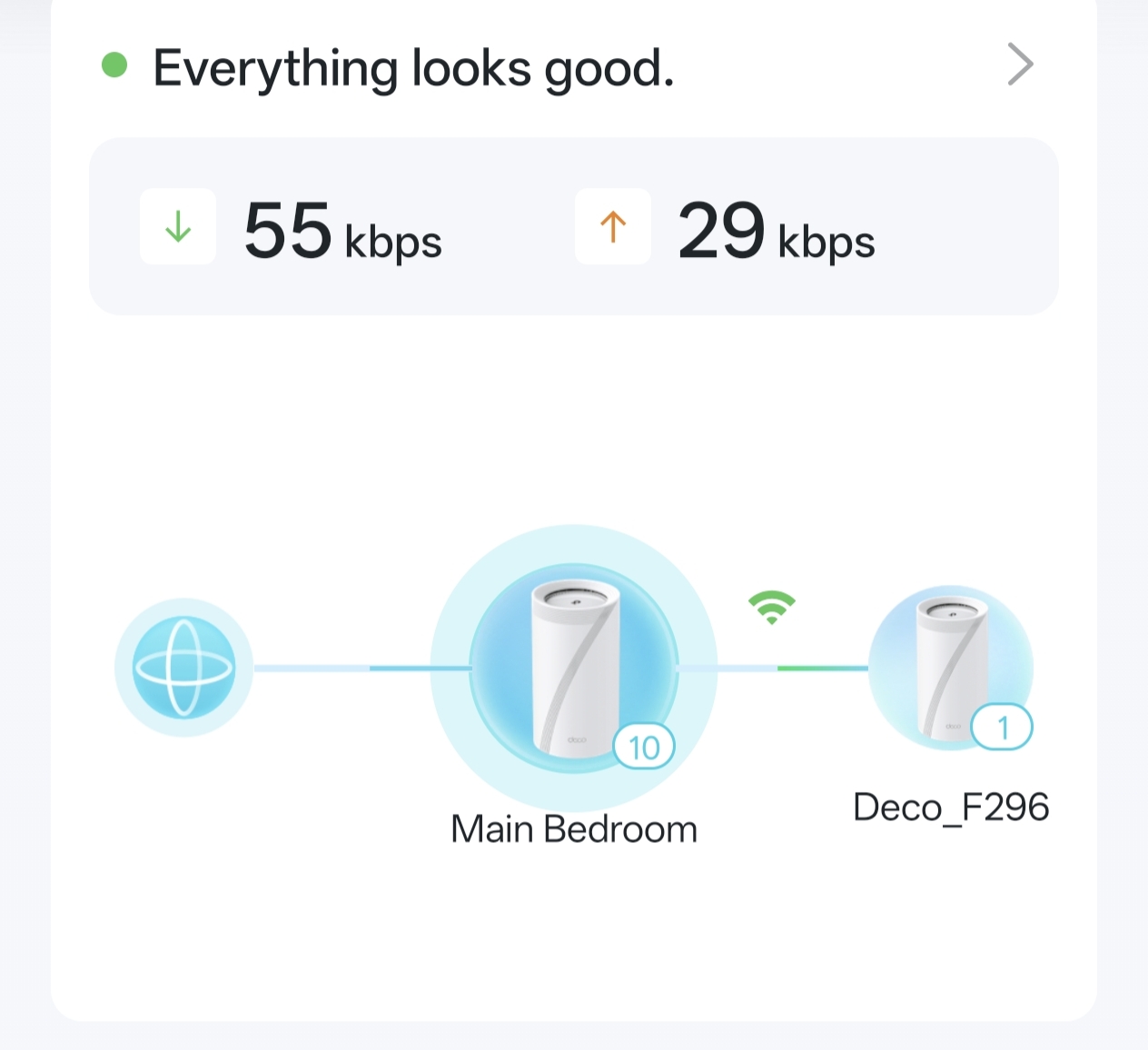
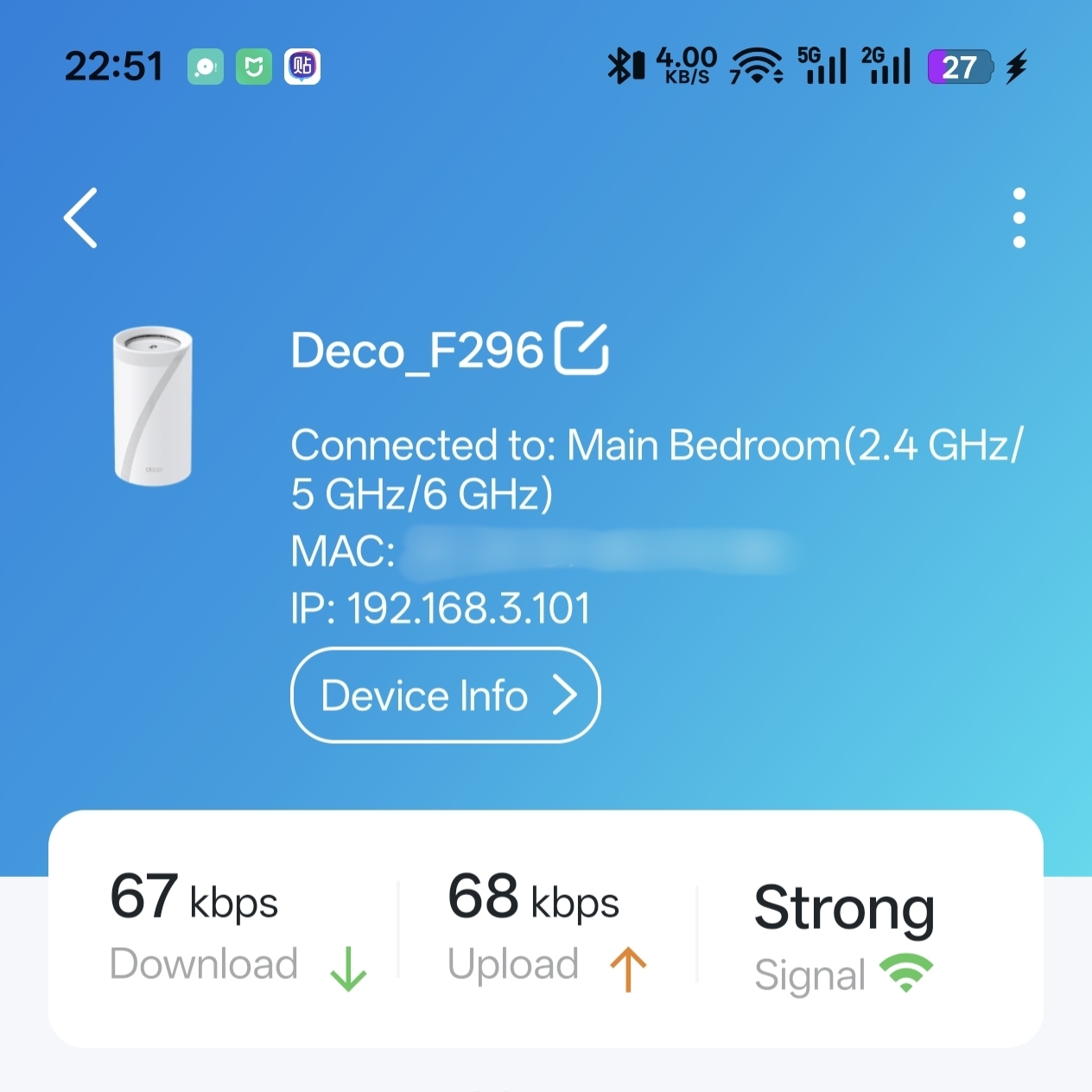
Hello developer, in firmware v1.2.1, the router's connection method is displayed solely as wireless on the APP. I need to verify whether the wired backhaul is functioning. If this is a display error, please implement the wired backhaul option in the interface.
- Copy Link
- Subscribe
- Bookmark
- Report Inappropriate Content
@David-TP No need to trouble you anymore. It’s not an issue with your router, and the problem has been perfectly resolved. The root cause was connecting TX to TX and RX to RX — after I reversed the order of the cables, it started working properly.
- Copy Link
- Report Inappropriate Content
@windqsp Have u checked the speed before and after connect the ethernet cable to Deco on your laptop or phone?
- Copy Link
- Report Inappropriate Content
@ARGamingPK1 My laptop has a 1000 Mbps Ethernet port, and I'm not sure if the data between the main router and the sub-router is transmitted via a wired connection.
- Copy Link
- Report Inappropriate Content
@windqsp I mean have u checked the speed before and after plugged ethernet cable on Deco? is there any difference in speed?
- Copy Link
- Report Inappropriate Content


Hi, is the satellite Deco BE85 connected directly to the main Deco via an Ethernet cable? Or would there be any network switch?
If the Deco App shows "WiFi Backhaul" only, it is very likely that the Ethernet Backhaul didn't work.
By the way, I saw the SFP port was also occupied. What is the device that is connected to the SFP port of Deco?
Wait for your reply.
Best regards.
- Copy Link
- Report Inappropriate Content
@David-TP The other end of the optical module is also the same be85 router. I want to set up a network via optical fiber. If the optical module is incompatible, can you tell me which optical modules are compatible with the router.
Also, in future versions, could you add a router interface status visualization feature? That way, I can check whether the connected network cables or modules are functioning properly. Thank you
- Copy Link
- Report Inappropriate Content
@David-TP No need to trouble you anymore. It’s not an issue with your router, and the problem has been perfectly resolved. The root cause was connecting TX to TX and RX to RX — after I reversed the order of the cables, it started working properly.
- Copy Link
- Report Inappropriate Content
Information
Helpful: 1
Views: 391
Replies: 6
Voters 1
