
Early Access Deco BE65/BE63/BE11000_V2_1.3.0 Added DoH & DoT, Speed Limit and Internet Backup
 This thread has been locked for further replies. You can start a new thread to share your ideas or ask questions.

Update on May 18, 2026:
The official version for Deco BE65/BE63/BE11000_V2 has been released publicly. Users can check for updates via the Deco's web interface or through the Deco App to install the latest version manually.
How to Update TP-Link Deco Firmware
If you cannot find the latest version, please download the firmware from the link below and upgrade it manually:
1.3.2_build_26040912_rel_40631
We will manually lock this post to better focus on discussions regarding the new firmware. Please feel free to start a new thread here if you need assistance.
Best Regards
-------------------------------------
This Article Applies to:
Deco BE65(EU/US/AU/CA/UK)_V2.0
Deco BE63(US)_V2.6
Deco BE11000(US)_V2.6
Hey Everyone!
We are excited to announce a pre-release firmware update introducing DoH & DoT, Speed Limit, and Internet Backup, as well as other advanced features for Deco BE65/63/BE11000. We encourage users to install this firmware and share their feedback with us.
Firmware Modifications
New Features/Enhancements:
- Added WiFi Heatmap. (It also requires the Deco App version to be: 3.10.133 for IOS and 3.10.80 for Android.)
- Supported fixing a specific port as the WAN port.
- Added Hybrid Mesh feature.
- Added Internet Backup feature.
- Added DoH & DoT feature.
- Added Speed Limit feature for client devices.
- Optimized HomeShield feature.
- Improved System Stability.
Bug Fixes:
- Fixed the NAT Loopback issue.
- Fixed the issue where the Online List doesn't show IP addresses of connected clients when Deco is in AP mode.
- Resolved the issue where the Qos Total Bandwidth doesn't take effect as expected under certain circumstances.
- Addressed the issue where the Deco may restart automatically under certain circumstances.
Download Link:
Deco BE65/BE63/BE11000_V2.0/V2.6 |
1.3.0_build_2602261_rel_21001_Beta 2026.3.9 updated |
Update Notice:
- Please be sure you have read the Beta Test Agreement before upgrading the Pre-release firmware!
- Please make sure the Deco APP is up-to-date.
- This firmware can’t be degraded directly to the previous 1.2.10/1.2.0 version.
- How to manually update the firmware via web UI.
As always, we value your feedback. If you happen to encounter any concerns during or after the firmware upgrade, please feel free to comment below with the following information. Your input helps us continue to improve and provide the best possible products and support.
- Provide a detailed network layout, including how the devices are connected.
- Include a detailed description of the issue and as much information as possible regarding the specific conditions that seem to trigger the behavior.
Thank you for your continued support and for being part of our community.
- Copy Link
- Subscribe
- Bookmark
- Report Inappropriate Content

Sorry 😳. It was not supposed to happen.
May I know the original firmware version before the rel_21001 beta?
Which VPN server do you plan to connect to? via OpenVPN or WireGuard VPN protocol?
How about the VPN client status on the Deco App, "connected" or "connecting"?
Could you please send an email to support.forum@tp-link.com with the following details:
- A copy of the VPN Client config.
- A copy of the web UI system log:Deco Web Management UI Overview
(Please disable "VPN Client" and restart the Deco once; then configure the VPN client again and save the system log in the next 10 minutes.)
Wait for your reply.
Best regards.
Vendeira wrote
I install the 1.3.0_build_2602261_rel_21001_Beta and now the VPN Client doesn't work. If I activate the browser stops working. I setup a new client VPN and still don't work. If I disable the function Client VPN everything works good. The Client VPN was working before update.
- Copy Link
- Report Inappropriate Content

- Copy Link
- Report Inappropriate Content

Hi David,
Some time ago I updated the Deco BE65 (via the router’s local IP address) to release 11551. The installation went smoothly, and since I normally use the app, I didn’t need to log in to the router again via the IP address.
Now I tried to update to release 21001 and discovered that I can’t connect to the main Deco through the default gateway. The message I get is:
“This site can’t be reached – null is unreachable.”
I can connect to and log in to the other Deco units without any problems, but with the main one I’ve tried various solutions (of course restarting, using different computers, browsers, a phone, etc.) and nothing helps. The router responds to ping and everything works correctly in the app; the only issue is access through the default gateway, which prevents me from performing the update.
Is it possible that the previous update (11551) has something to do with this? Is there any solution to this problem other than restoring the main Deco to factory settings?
- Copy Link
- Report Inappropriate Content
Thanks for the update.
It is something I did not expect.
Did both the LAN IP(192.168.68.xxx) and the domain name(http://tplinkdeco.net) give the same error?
Wait for your reply.
Best regards.
- Copy Link
- Report Inappropriate Content
Hi David, thank you very much for your reply. The situation is quite strange — when I clicked today the domain you provided in your post, the main Deco page loaded, and now access via IP also works (for me it’s 192.168.18.1). When the problem first appeared, I used ChatGPT to look for different solutions, and some of them included testing the page through http:// or https:// as well as through the domain http://tplinkdeco.net. However, I’m almost sure that I tested access via the domain only before restarting the main Deco. After the restart I tried only via the IP address.
So is it possible that clicking the domain address now (in your post) somehow unlocked the ability to connect via IP as well? As I mentioned earlier, I could connect to the other units without any problem, and their addresses differ only in the last part, so it can’t really be a typo or mistake…
In any case, I now have access to the main Deco without having to restore the device to factory settings, which makes me very happy. Thank you for your help 🙂
- Copy Link
- Report Inappropriate Content
Hi again David,
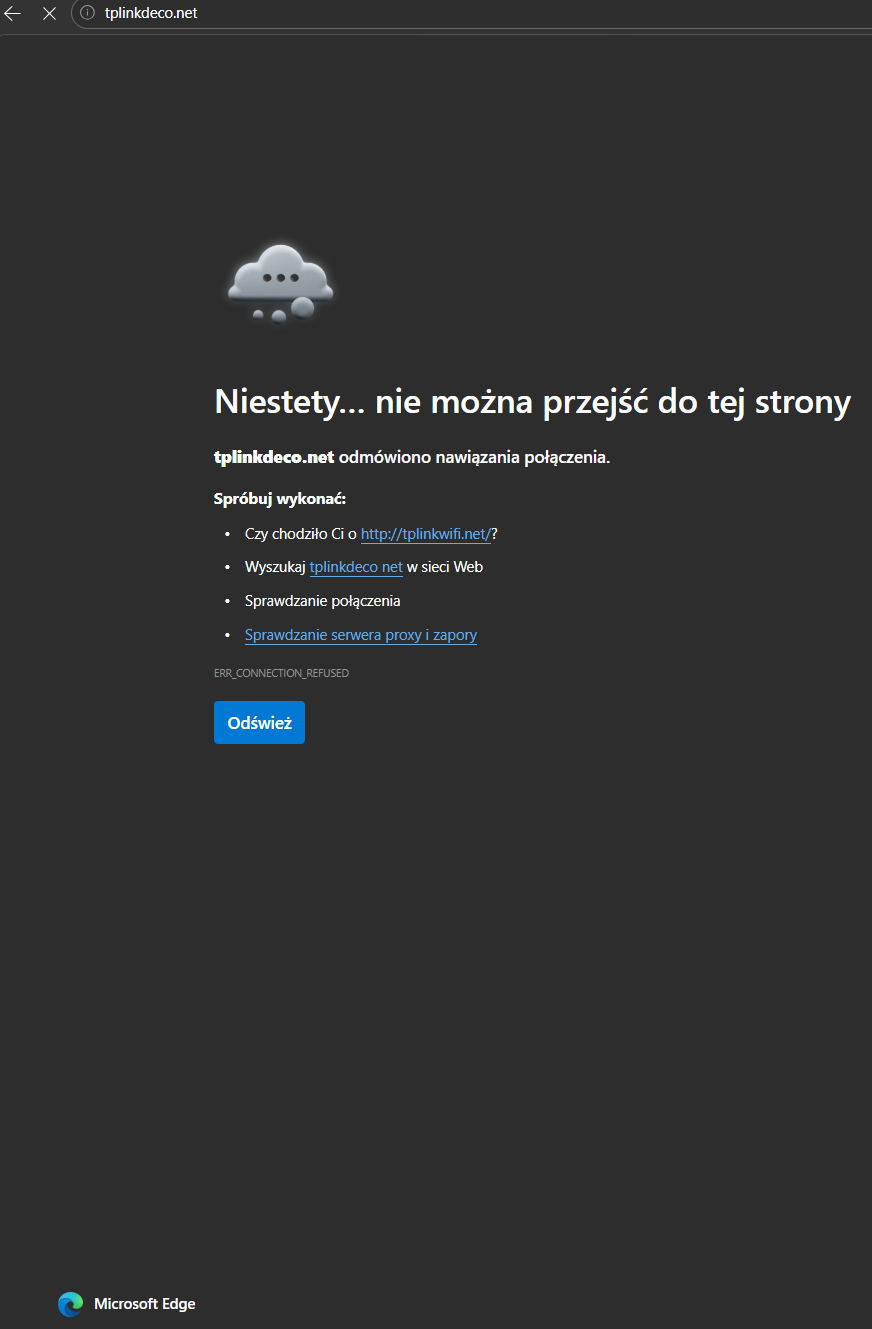
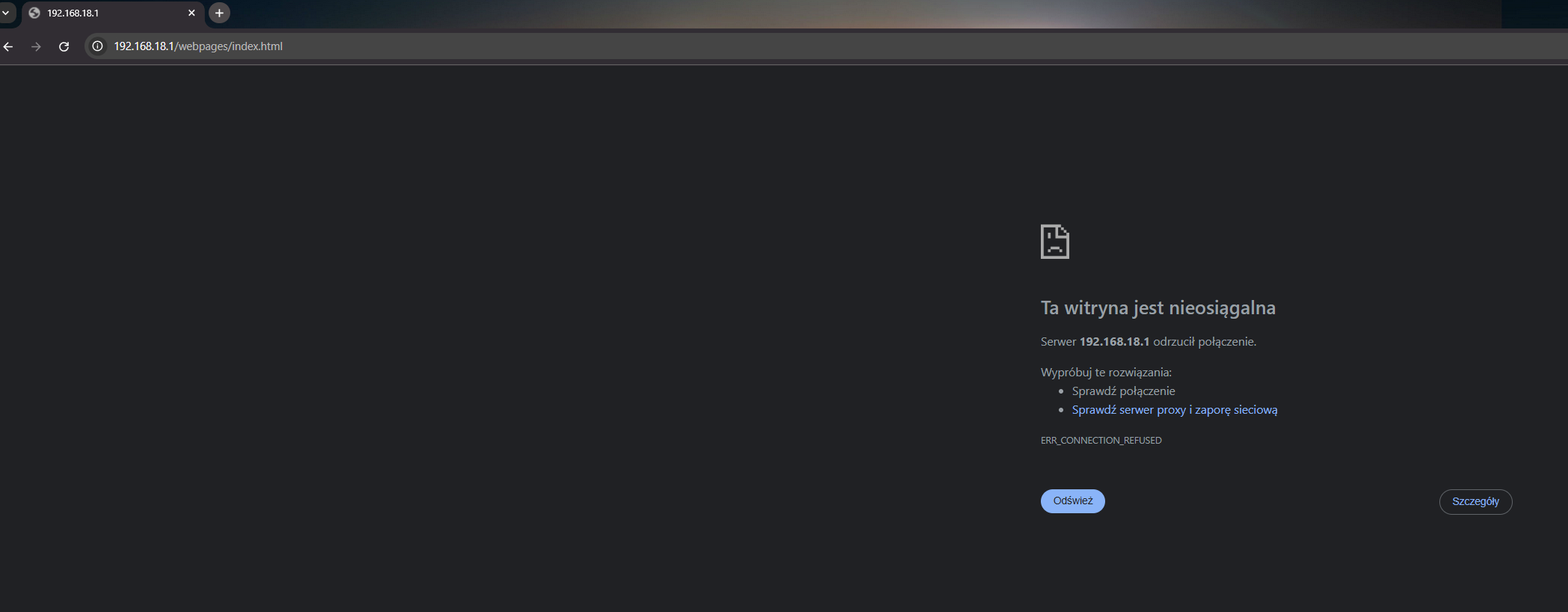
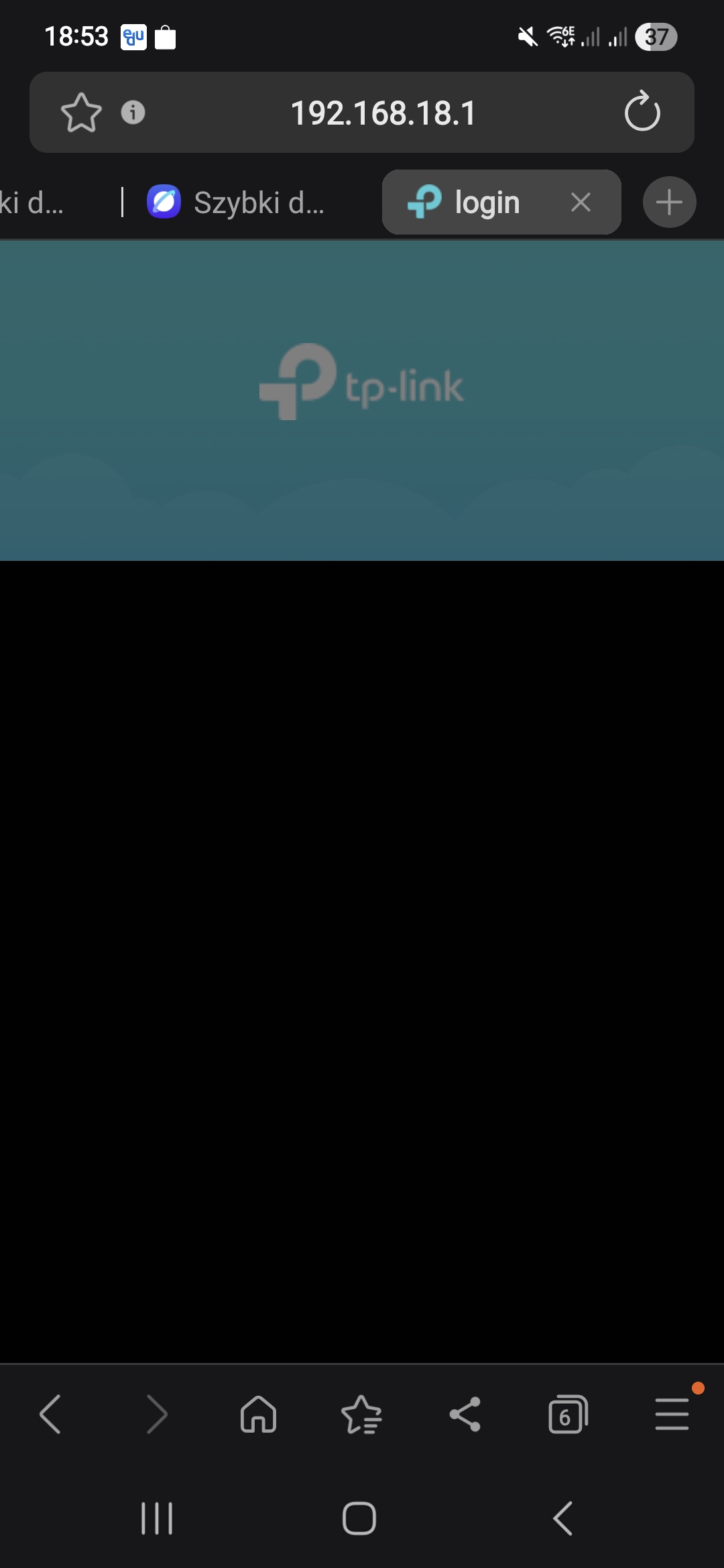
I updated the Deco BE65 units to version 21001 and unfortunately now I have the problem again with accessing the main Deco. Access via IP does not work in either Edge or Chrome. Through the domain http://tplinkdeco.net I can log in only via Chrome, but the domain connects to a different Deco (not the main one). Also, the connection works at one moment and then stops working shortly after.
I restarted the system twice and cleared the browser caches, but the problem still persists. The ping responds, and everything looks fine in the app, and both Deco BE65 units show version 21001.
When I try to load the IP address in the browser on my phone, most of the time I get a message that the site can’t be reached, and sometimes only the TP-Link header with the logo opens. When using the domain address, the page is usually unavailable.

- Copy Link
- Report Inappropriate Content

@David-TP when will the final version be released?
- Copy Link
- Report Inappropriate Content
Hi, there hasn't been further news about it, I'm afraid. But I'm sure to update it here as long as the official firmware is ready.
Best regards.
- Copy Link
- Report Inappropriate Content
@Adam_80 Thanks, the http://tplinkdeco.net is a shared domain by all Deco units. In other words, if the device is connected to the satellite BE65, it resolves the IP of the satellite BE65 and leads you to log-in page of this Deco.
I guess there might still be something unusual on the main Deco. I'll forward it to the senior engineers for further assistance.
Thank you very much.
Best regards.
- Copy Link
- Report Inappropriate Content
I am also now running Rel. 21001 of FW 1.3 for my 3 Deco BE65 points. My main is a Deco BE85 on FW 1.2.1. So far, the network is working well thanks.
- Copy Link
- Report Inappropriate Content
Information
Helpful: 6
Views: 44157
Replies: 312
Voters 4



