Network problems with XE 75 Pro

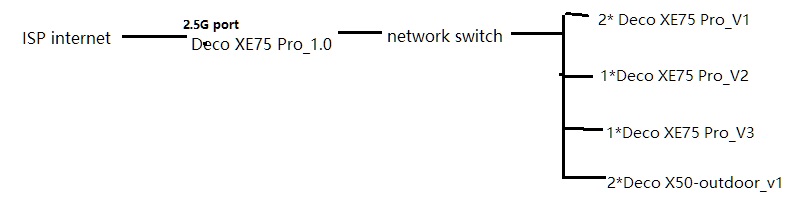
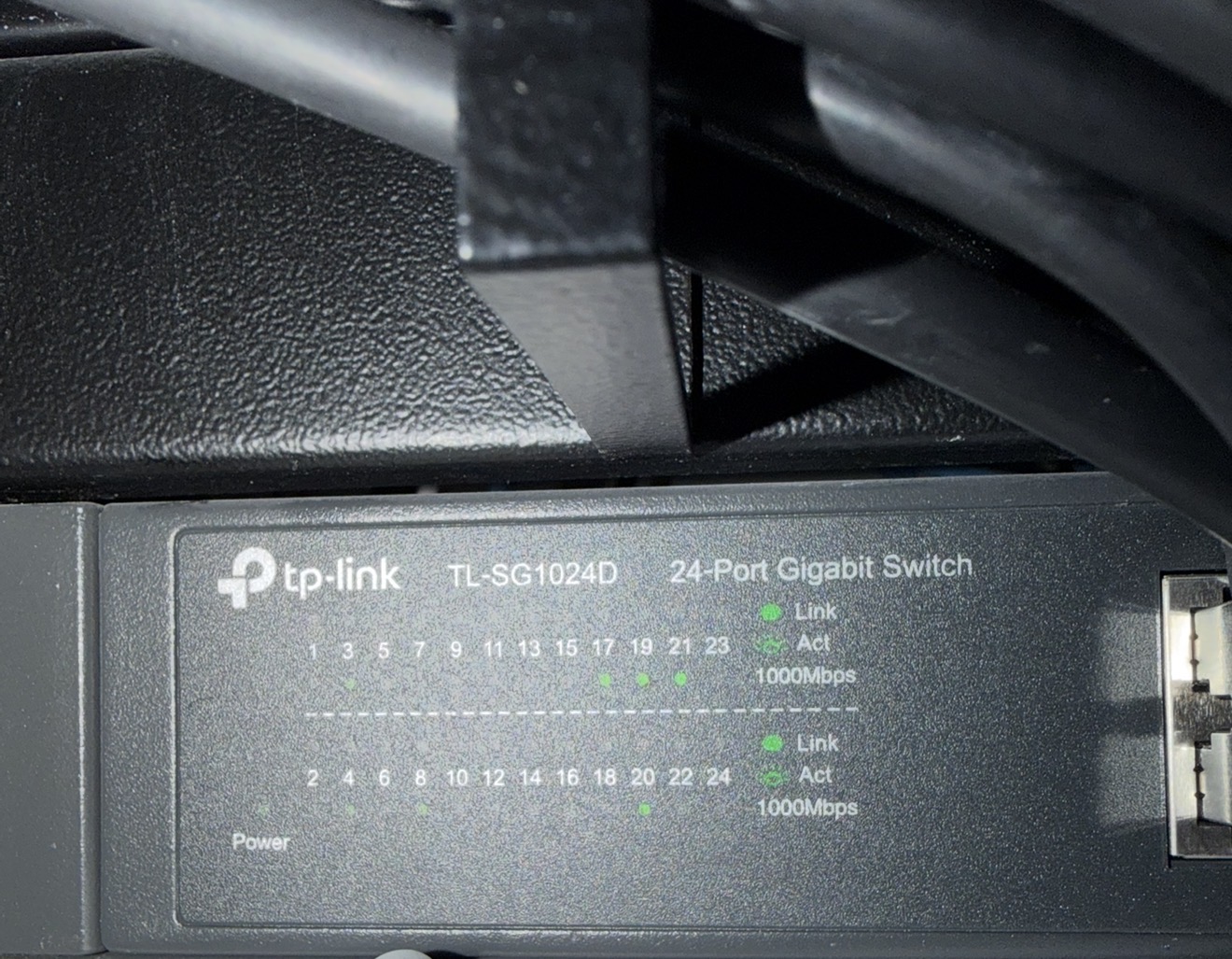
Hi I have a mesh network consisting of 3 Deco XE 75 Pro v1, 1 Deco XE 75 Pro v2 (fw 1.3.0 20250721 Rel 8514) and 1 Deco XE 75 Pro v3 (fw 1.3.1 20251023 Rel. 47884). Additionaly I have 2 Outdoor Decos X50 both are running fw. 1.3.1 20251030 Rel 41614. We have cable internet and my modem connects to the main X75 Pro v1 (called Living Room in the attached picture), which then acts as a router and connects to my unmanaged network switch via an ethernet cable. The modem is plugged into the 2.5G port (which I know is a waste, as I only have a 1 gbps internet connection), my ethernet is cable is in one of the other 1G ports. All other nodes are connected to my home network with ethernet cables too. So the network backhaul is wired, not wireless.
Mostly my network works fine. I have been using it for around 2 years. But on every reboot (i.e. due to power failure or even a scheduled reboot)I have huge problems. Mostly multiple reboots sort them out but this time my network failed My internet connection becomes unstable, most of my smart home devices (around a 90 devices all together - mostly smart light switches) can not connect to the wifi anymore and it all becomes a huge PIA. What I found out is, that when I reboot my network and unplug the main Deco from the switch, all my wifi devices and all the nodes reboot correctly and my LAN and the internet connection work flawlessly. But if I then connect the main deco to my switch again, sometimes the network falls down and I get no more local network and no internet signal.
I read on this forum, that the XE 75 Pro doesn't have a specific WAN port and only decides which port is WAN and which is LAN once it connects successfully to the internet. But this does not function reliably, even after multiple modem resets and Deco resets, my main Deco could not establish a succesful LAN (wireless nor wired). It could however provide an unstable internet connection to my phone. But the wifi connection was failing every 5 minutes (even though I was sitting 2 meters away from the main unit). After I removed the ethernet cable going to my switch, my Decos all connected and the wifi network became stable. But after plugging the ethernet cable to the switch back in, my network would fail again and the software decided a secondary node is now the main network hub. See the attached picture. As a last resort I switched the LAN port on the main Deco and rebooted the secondary node. Finally my network finally booted up correctly. This process cost me sever hours of trial and error.
Three months ago I even reset everything and started from scratch, as I couldn't figure out the problem. Let me tell you it's a huge pain to manually reset cca 100 smart home devices and reconnect them!
I have invested a lot of money in the TP Link Deco devices and I am super unhappy that my network isn't reliable. I think this could be avoided if we were allowed to specify on the main Deco which port is WAN and which are LAN. At this point I am even prepared to test a dev build of the firmware, just to make my network function reliably.