Deco XE75 V1 - IoT 2.4GHz instability + requesting beta firmware

Deco XE75 V1 - IoT 2.4GHz instability + requesting beta firmware

Deco XE75 V1 - IoT 2.4GHz instability + requesting beta firmware
Yesterday
Model: Deco XE75  
Hardware Version: V1
Firmware Version: 1.4.5 Build 20241129 Rel. 44718

Hello,

I have a 3-node Deco XE75 V1.0 system (1 main + 1 wired satellite + 1 wireless satellite) running firmware 1.4.5 Build 20241129 Rel. 44718, which is confirmed as the latest available version.

I am experiencing frequent instability on the IoT 2.4 GHz network. Devices disconnect periodically and do not reconnect automatically, requiring a manual network reboot to restore connectivity. I have approximately 13 devices on the IoT network (ESP8266-based smart home controllers, Tuya smart locks, smart lights, robot vacuum, and others).

Based on research in this community, I understand this is a known issue caused by the Deco nodes using the 2.4 GHz band as an additional backhaul channel, creating interference with IoT client devices. I also found that TP-Link has provided a beta firmware to some users that includes a setting to disable the 2.4 GHz backhaul — and this resolved the issue for them.

I would like to request:

  1. The beta firmware for Deco XE75 V1 that includes the 2.4 GHz backhaul disable option
  2. Any information on when the official 1.5.x firmware will be released for the V1 hardware

Additional details:

  • Hardware: Deco XE75 V1.0 (3-pack)
  • Backhaul: Main → Planta Alta (wired), Main → Galería (wireless)
  • IoT network: enabled, WPA2-PSK, 2.4 GHz only
  • Fast Roaming: enabled
  • Beamforming: enabled
  •  

Thank you in advance.

  0      
  0      
#1
Options
4 Reply
Re:Deco XE75 V1 - IoT 2.4GHz instability + requesting beta firmware
Yesterday

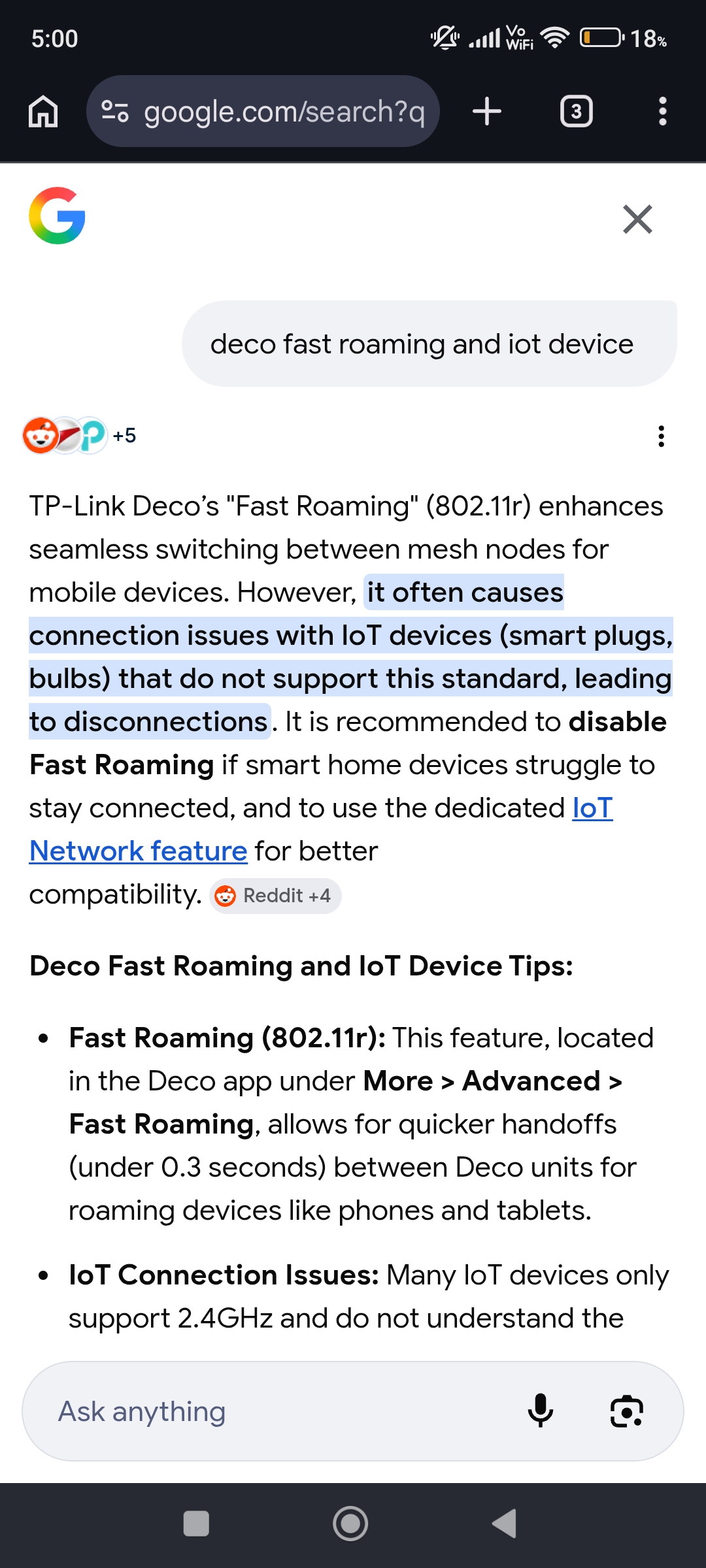
  @Javito_ar Your main reason of IoT devices got disconnected from Deco and could'nt back to connect again automatically all because of Fast Roaming. They mentioned that too.


Please & Thank You !! ❤️
  0  
  0  
#2
Options
Re:Deco XE75 V1 - IoT 2.4GHz instability + requesting beta firmware
Yesterday

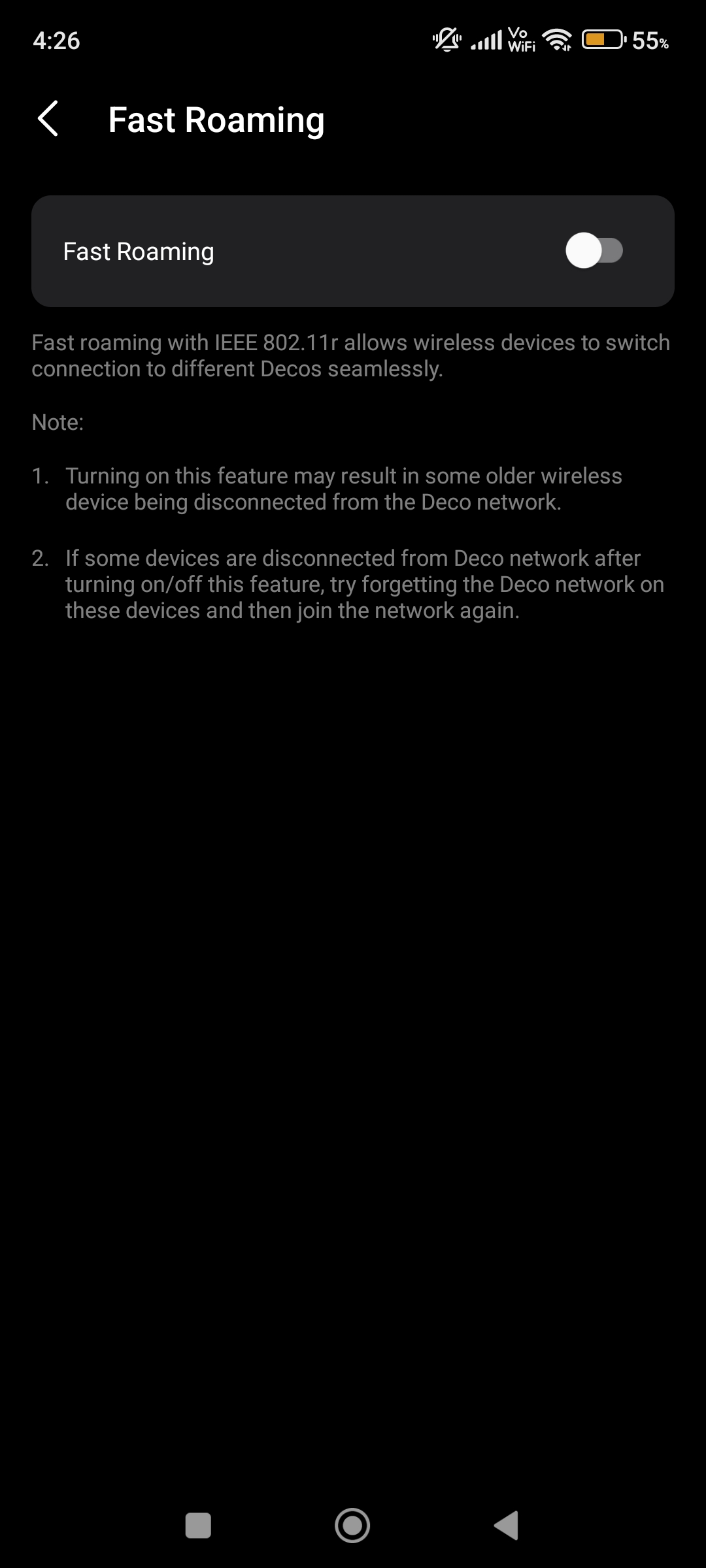
  @ARGamingPK1 Thank you for the reply. However, as shown in the screenshot, Fast Roaming is already disabled on my system, so this is not the root cause.

Based on other threads in this community (topics #799958 and #712394), the issue appears to be related to the 2.4 GHz band being used as backhaul, causing interference with IoT client devices. A beta firmware that includes a setting to disable 2.4 GHz backhaul was provided to some users and resolved the problem.

Could @David-TP  or another TP-Link staff member please assist with providing the beta firmware for Deco XE75 V1.0 (firmware 1.4.5)?

Thank you.

  0  
  0  
#3
Options
Re:Deco XE75 V1 - IoT 2.4GHz instability + requesting beta firmware
Yesterday

  @Javito_ar Bro this is my screenshot not yours. When i enabled Fast Roaming so my IoT Devices got disconnected too and never gonna connect it again automatically so that's why i keep it OFF.


Please & Thank You !! ❤️
  0  
  0  
#4
Options
Re:Deco XE75 V1 - IoT 2.4GHz instability + requesting beta firmware
6 hours ago

  @Javito_ar 

Hi, 
We do not have the information on when the new official firmware for the Deco XE75_V1 will be released. It's recommended to visit our official website and pay attention to the firmware info on the Deco XE75 V1's Support page. If a new official firmware is released, you will see the new firmware here.


Regarding the unstable IoT 2.4 GHz Wi-Fi network, I have escalated the case to our tech team, and they will contact you via email to assist you further. Please wait patiently.


Best Regards

  0  
  0  
#5
Options