
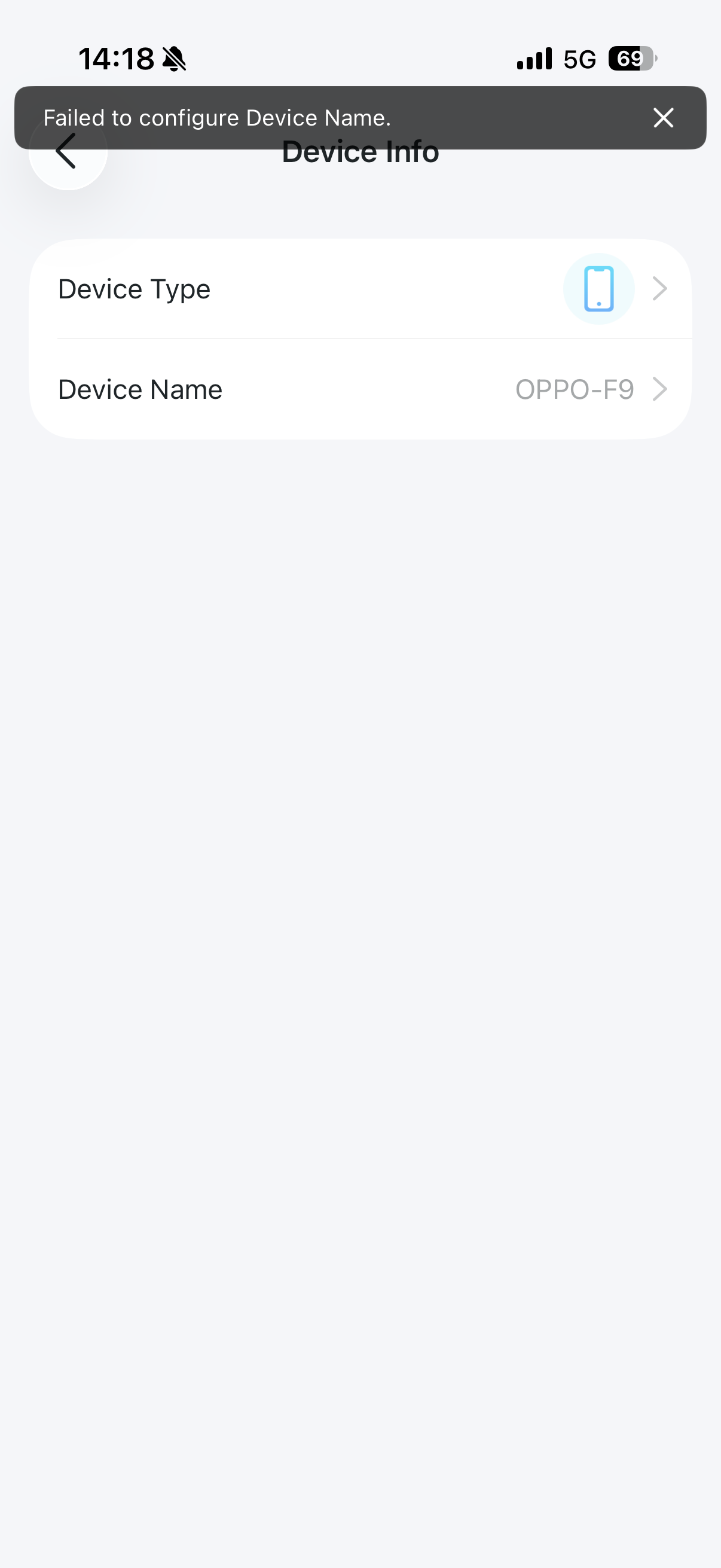
Failed to configure Device Name.

Hi everyone,
I’m having a bit of a problem with the Tether app and was wondering if anyone has run into this before.
I’m trying to rename the devices connected to my 4G router (both phones and tablets), but I keep getting an error message that says: “Failed to configure Device Name.”
I used to have an Archer MR100 and it worked perfectly fine there, so I’m not sure what’s different now. Does anyone know what might be causing this or how to fix it?
Thanks in advance for the help!
- Copy Link
- Subscribe
- Bookmark
- Report Inappropriate Content


Hi,
You can try rebooting the Archer MR505, uninstalling the Tether app, reinstalling it on your phone, and then testing whether you can successfully change the client device name.
If the same phenomenon occurs, please refer to the instructions below to send us the Tether app log. After that, please attach your email reference number (e.g., TKIDXXXX) to this thread, or reply to us after you send the app log.
How to collect the system log of the Tether App
Best Regards
- Copy Link
- Report Inappropriate Content
Thank you for your suggestions. I have followed the instructions by rebooting the Archer MR505, uninstalling the Tether app, and then reinstalling it. Unfortunately, the issue still persists.
Additionally, I also tested the Tether app on an Android device and encountered the exact same issue.
I have already sent the Tether app system logs as requested.
Thank you for your help!
- Copy Link
- Report Inappropriate Content
Hi,
Please ensure your phone is connected to the Archer MR505's Wi-Fi, then open the Tether app on your phone and check whether you can change the client's device name.
Best Regards
- Copy Link
- Report Inappropriate Content
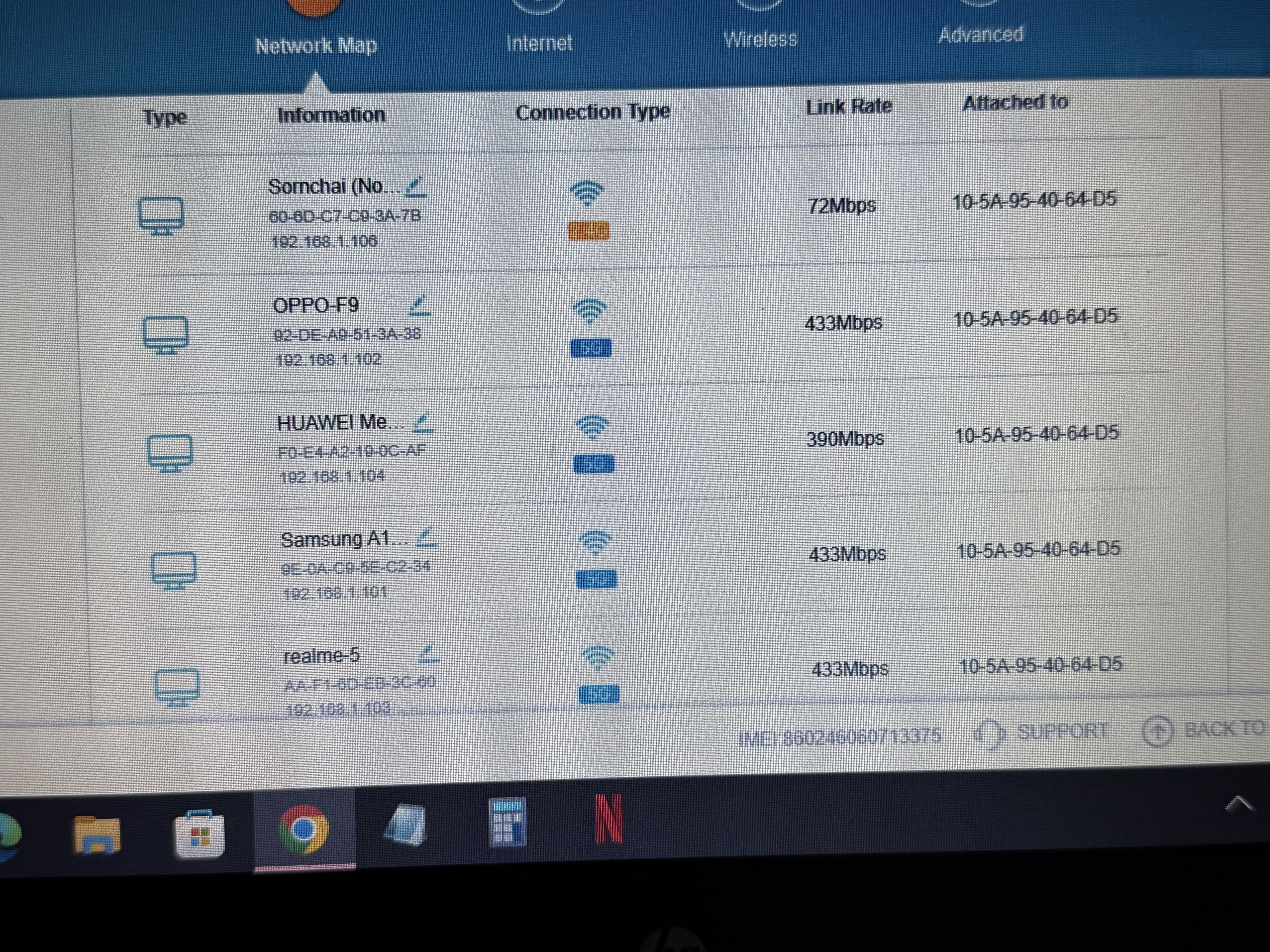
Hi,
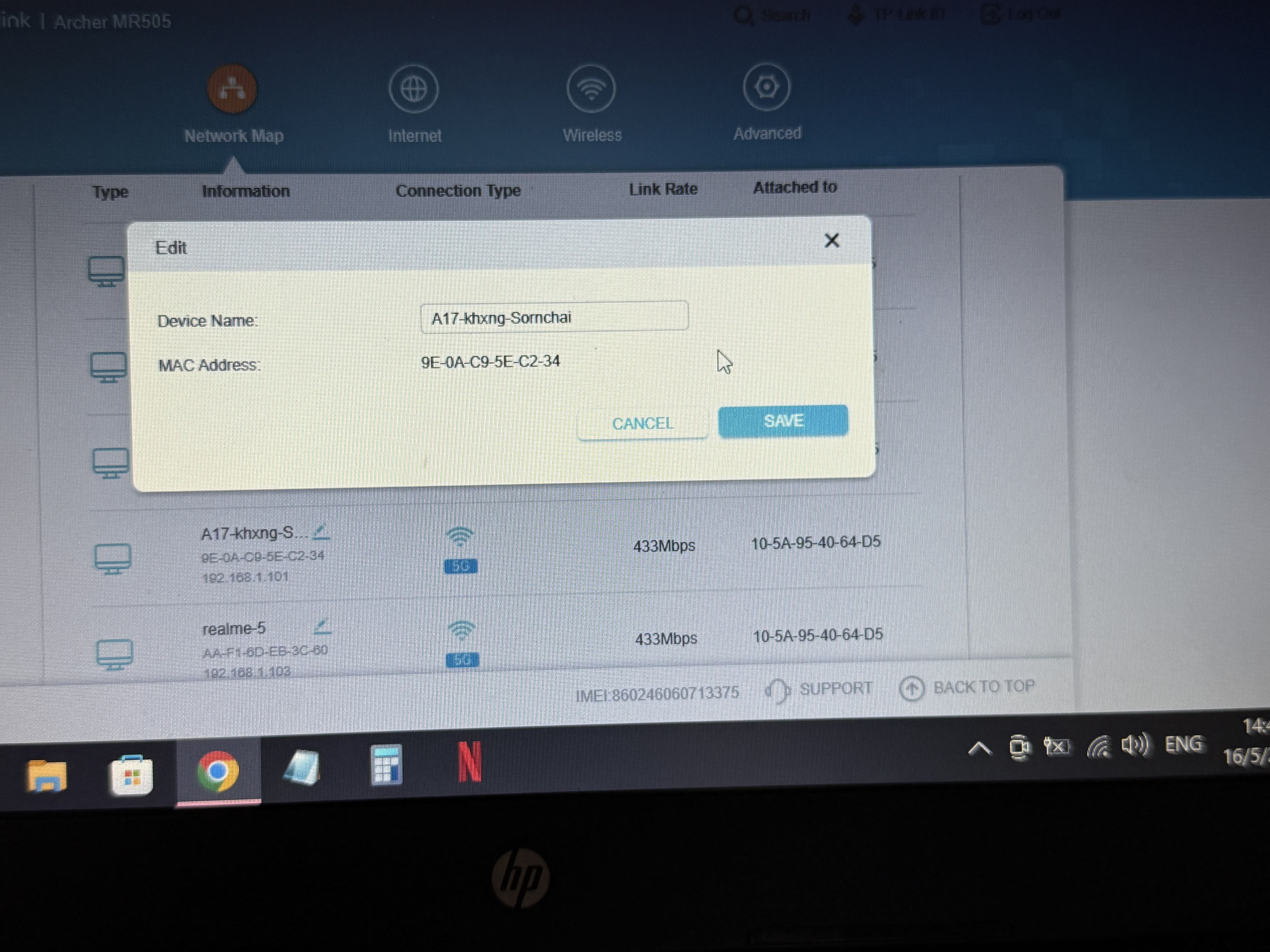
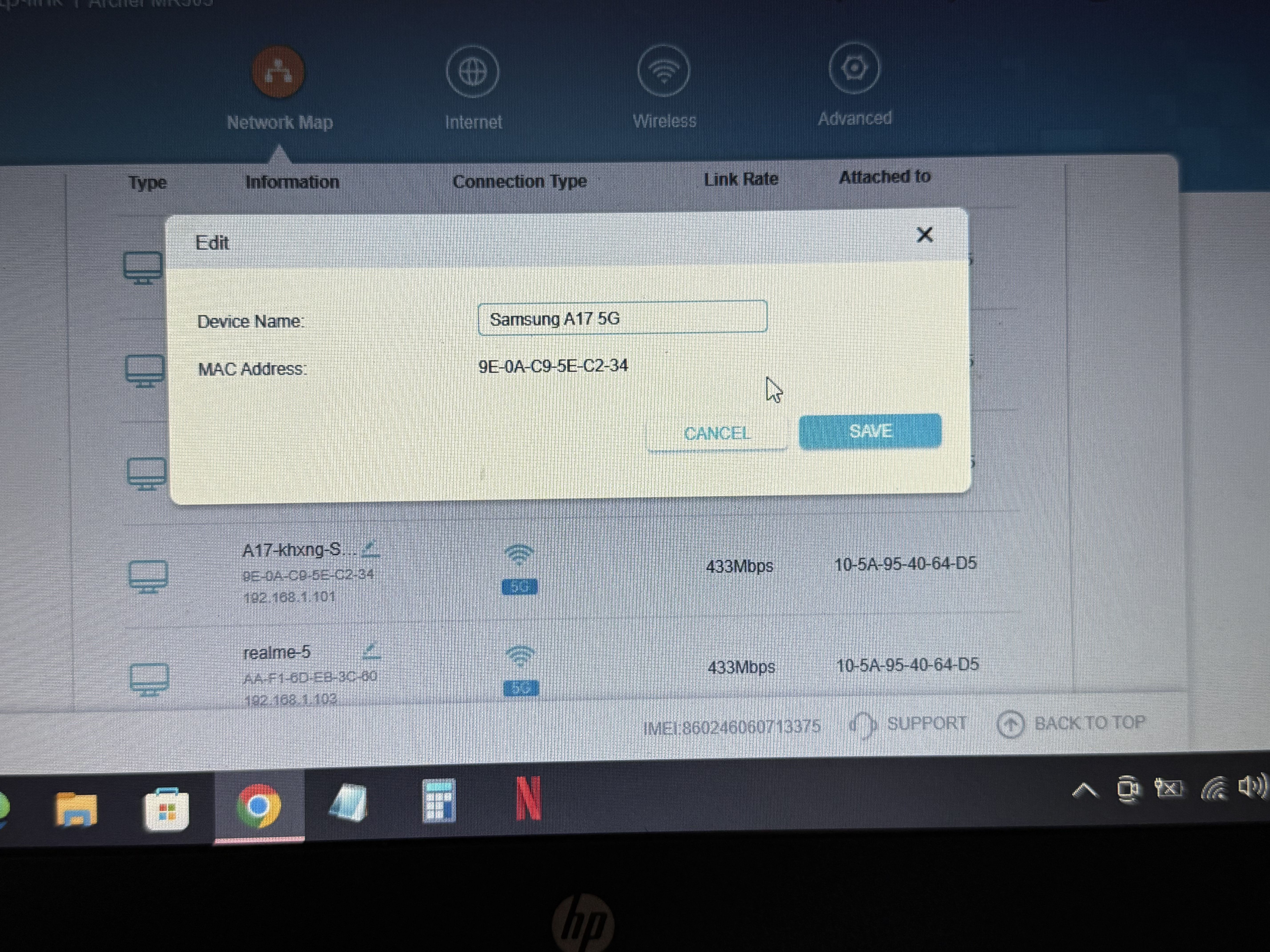
Thank you for the advice. I made sure to connect my phone directly to the Archer MR505's Wi-Fi network and tried using the Tether app again, but unfortunately, the exact same error still occurs.
However, I found something very interesting. When I used my computer to access the router gateway via a web browser (http://192.168.1.1), I was able to rename the devices with absolutely no issues!
How should I proceed to resolve this issue?
Thank you for your help.
- Copy Link
- Report Inappropriate Content
Hi,
I have escalated your case to our tech team, and they will contact you via email to assist you further. Please wait patiently.
Best Regards
- Copy Link
- Report Inappropriate Content
- Copy Link
- Report Inappropriate Content
Information
Helpful: 0
Views: 291
Replies: 6
Voters 0
No one has voted for it yet.