@empty101
@Moslight @empty101
VLAN support is essential for any network with a significant number of devices, IoT equipment, Wi-Fi cameras, smart home integrations, and multiple network segments. The lack of proper VLAN implementation and advanced network controls is already a major limitation of the Deco platform.
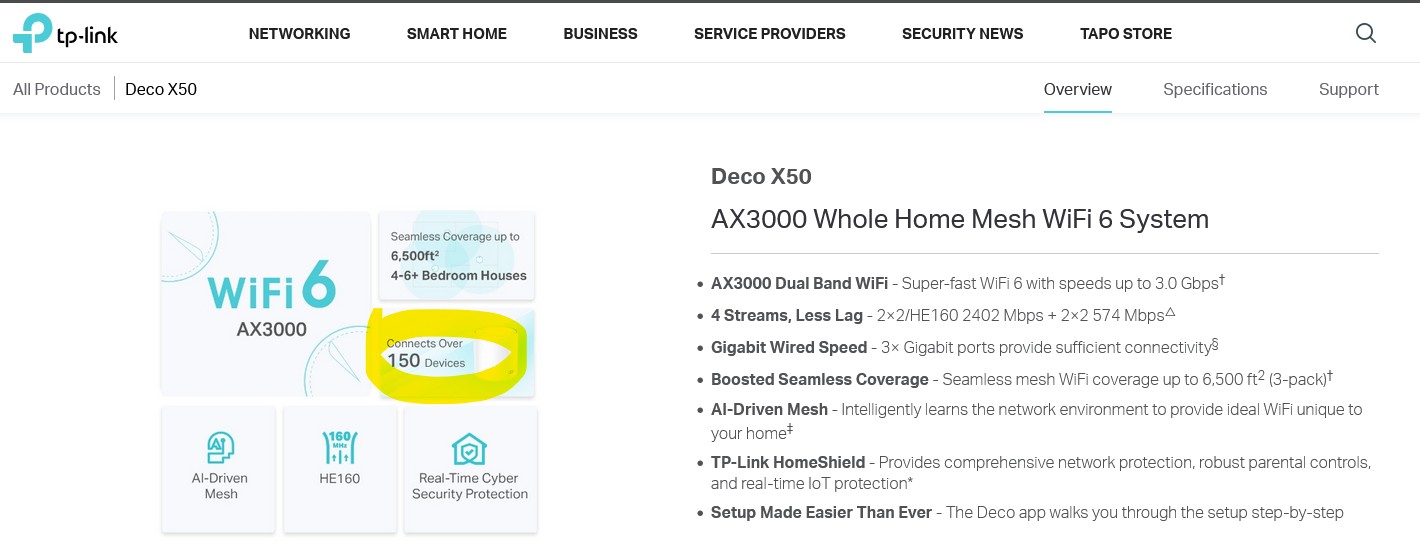
More concerning, however, is the gap between the advertised device capacity and the actual hardware capabilities. TP-Link advertises support for up to 150 devices on the Deco X50, yet in my deployment I experienced severe performance issues with approximately 60 devices — only little bit more than one-third of the advertised capacity.
According to TP-Link's own support team (I had a ticket), when the number of connected clients exceeds roughly 50 devices, the internal client management process ("client_mgmt") must continuously read and synchronize client information, resulting in excessive CPU utilization that can reach 100%.
TP-Link support also acknowledged that deployments with multiple Deco units further increase the processing load because the main Deco must constantly synchronize information across all satellite nodes.
In other words, the support team itself has confirmed that both a moderate number of clients and multiple mesh nodes can overwhelm the platform's CPU resources.
This raises serious questions about the validity of the advertised "150-device" capacity, as the system appears unable to maintain stable performance long before reaching that number.
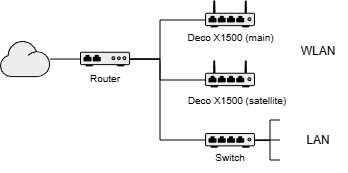
The issue is not merely theoretical. In real-world usage, I experienced instability, camera connectivity problems, delayed client updates, and sustained high CPU utilization. These limitations are particularly problematic for users deploying Deco in environments with many IoT devices, surveillance cameras, and wired backhaul mesh topologies.
Additionally, the inability to manually control radio channels, configure proper VLAN segmentation, or disable unnecessary wireless mesh communication when all nodes are connected via Ethernet further limits the platform's suitability for the large number of devices or high-density deployments.
Based on both my experience and TP-Link's own technical explanation, the advertised client capacity appears to be a marketing figure achieved under ideal laboratory conditions rather than a realistic representation of what users can expect in production environments.


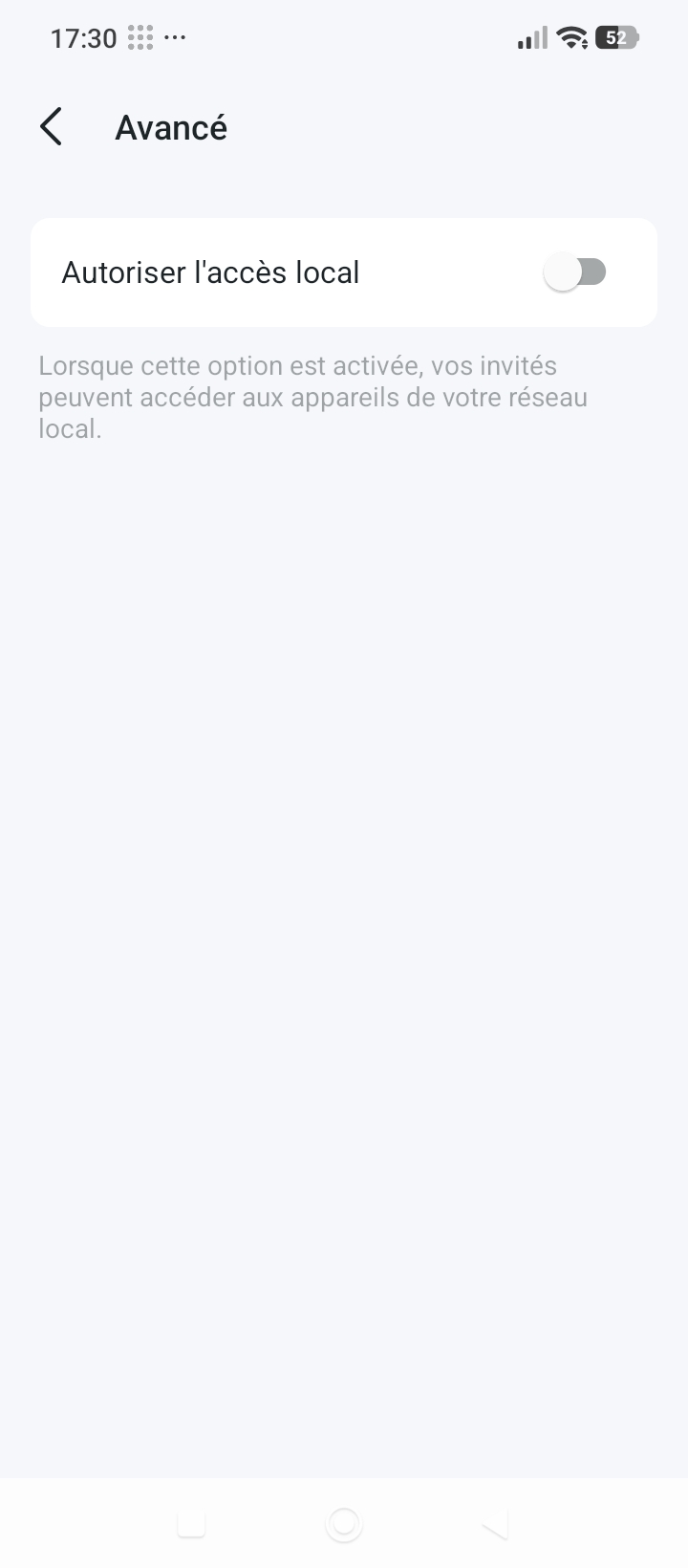 allow local access setting
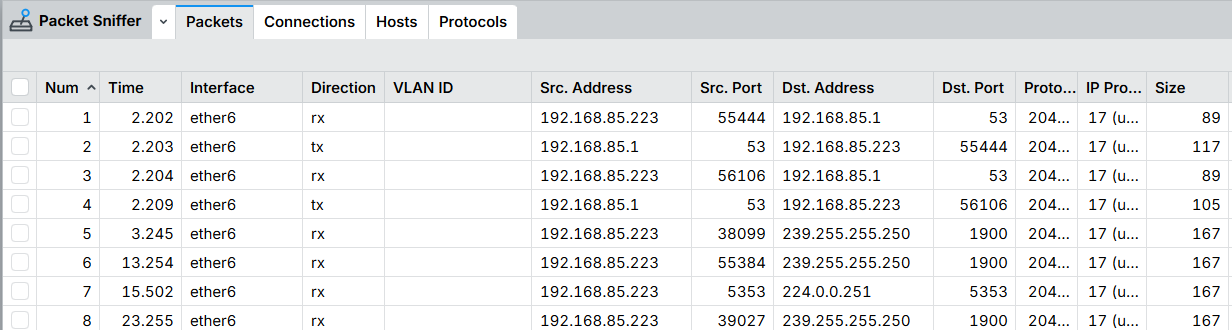 network capture


