TP-Link Deco X55 PoE stops assigning DHCP leases – “ip conflict, find a new ip” spam in syslog

TP-Link Deco X55 PoE stops assigning DHCP leases – “ip conflict, find a new ip” spam in syslog
Tags:
#Deco Ethernet Backhaul
#PoE
#DHCP
Hi everyone,
I’m having serious DHCP issues with my TP-Link Deco X55 PoE mesh setup and I’m hoping someone has seen this before.
Setup
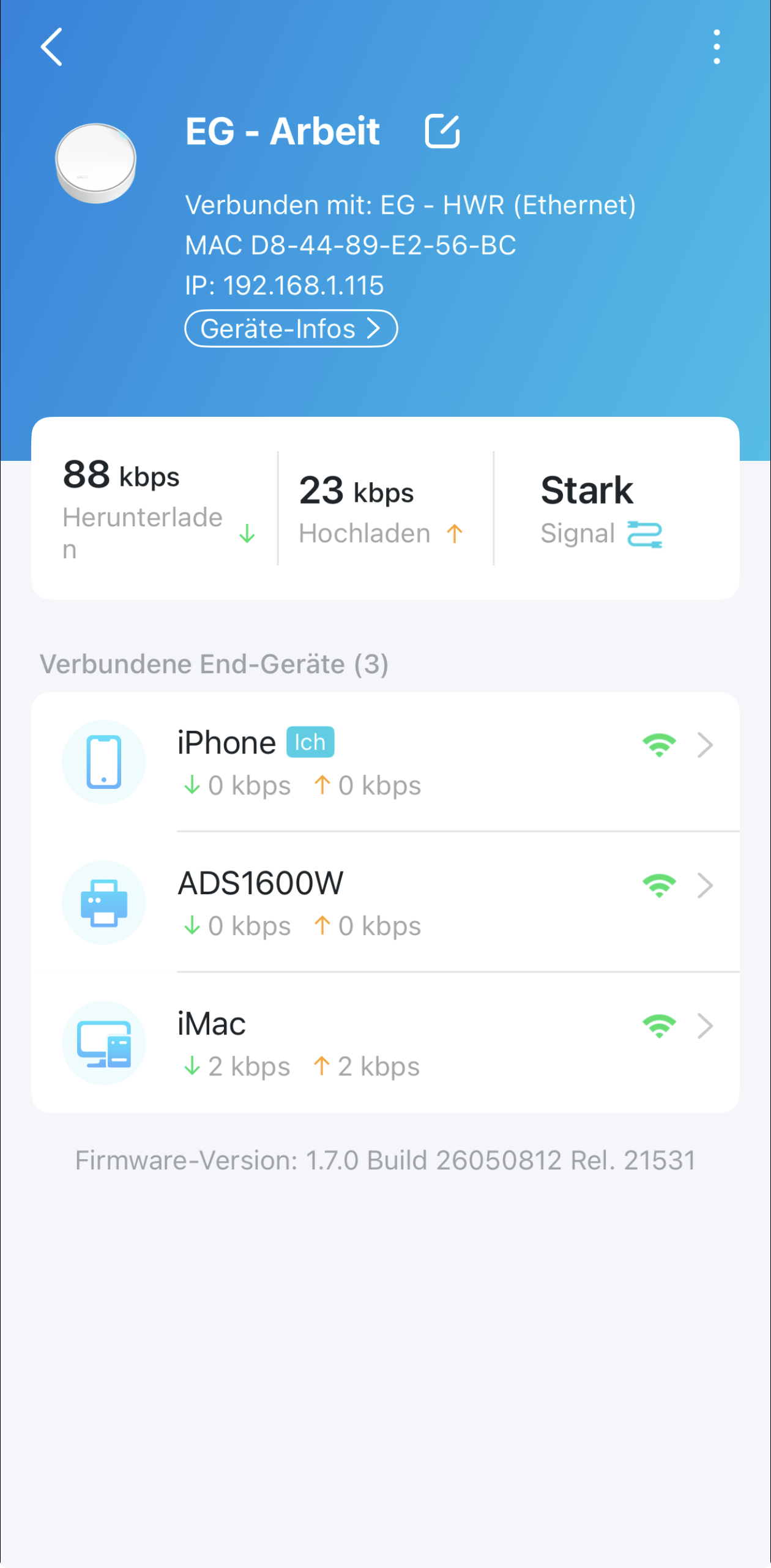
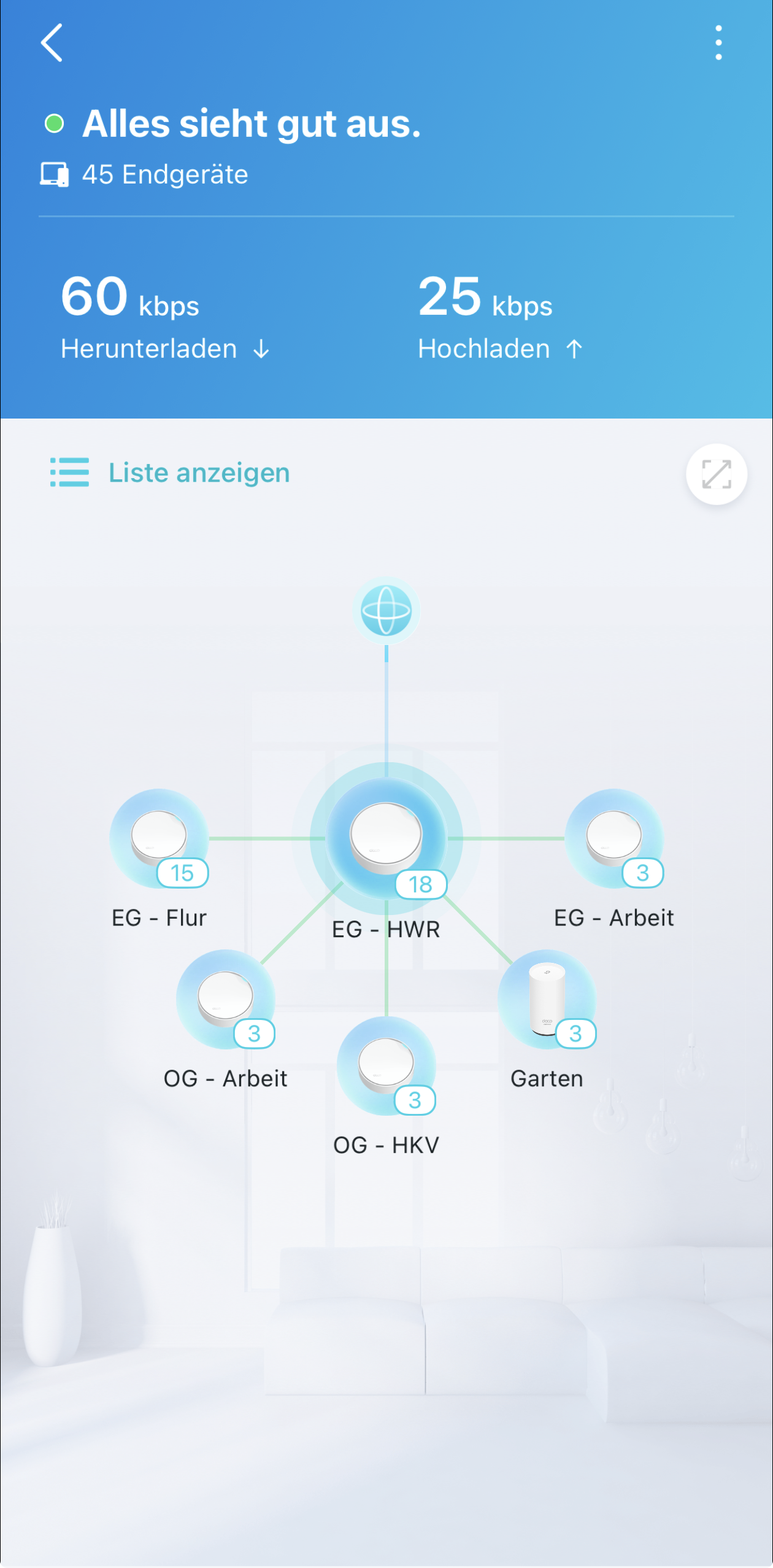
- TP-Link Deco X55 PoE Mesh
- Deco is the only router/DHCP server
- around 40 active devices
- lots of IoT / smart home devices
- Sonos present
- Blink cameras, HomeKit, ESP devices, etc.
- IPv6 already disabled
Problem
Devices randomly stop receiving DHCP leases even though the DHCP pool has plenty of free addresses.
Symptoms:
- clients stuck on “obtaining IP address”
- some devices reconnect only after rebooting
- others never receive an address at all
The issue affects random devices and happens intermittently.
Syslog findings
The logs are flooded with messages like:
daemon.err udhcpd: ip conflict, find a new ip
daemon.err udhcpd: checked a ip conflict node
This happens for many different IP addresses in sequence.
I also found this repeatedly:
imsnoop: mcManagerUpdateIFEntry: if node table is full
So it looks like the multicast/IGMP table may also be filling up.
Already tested
- rebooted all Deco units
- disabled IPv6
- confirmed there is no second DHCP server
- DHCP range is large enough
- no obvious static IP conflicts
My current theory
It feels like:
- the ARP/DHCP tables are filling up
- or the Deco firmware starts detecting phantom IP conflicts
As a result, the DHCP server refuses to hand out leases.
The multicast/mDNS/IGMP traffic from Sonos/HomeKit/IoT devices may also be overwhelming the Deco internally.
Questions
- Has anyone seen this behavior on Deco X55 or other X-series models?
- Are there known ARP/IGMP table limits on these devices?
- Is there anywhere a clear ARP table option?
- Would any of these help?
- disabling IGMP snooping
- reducing the DHCP pool size
- moving static IPs outside the DHCP range
- Is this a known firmware issue? (tested also 1.70 early access without success)
Thanks in advance 🙂