Feature Request: False Offline specifically on WAN4 and missing Target IP config in Controller Mode

Hello TP-Link Support Team,
I am an IT Coordinator managing an ER7212PC v2.0 router (Built-in Controller v6.2.0.202.4.2, Build 20260411 Rel.22014) in a critical clinical environment utilizing 3 WAN links in a Load Balance setup.
I am experiencing a persistent "False Offline" issue strictly on the WAN4 port. The Omada Dashboard constantly marks WAN4 as "Offline", removing it from the load balancing pool, even though the physical link is perfectly fine.
To speed up the investigation, I have already performed advanced (L3) troubleshooting to rule out external factors:
Routing Validation (Policy Routing): I created a Policy Routing rule forcing a specific VLAN to route exclusively through WAN4. Internet access works flawlessly with full bandwidth, proving the link is alive.
Hardware Isolation (Issue follows the port): Previously, I had a different ISP connected to this exact WAN4 port and experienced this same "false offline" error. After a network upgrade, I moved that ISP to the WAN3 port, and the online detection started working flawlessly. Now, I have connected a brand new ISP to WAN4, and the false offline issue has returned. This strongly suggests a firmware/hardware behavior issue specific to the WAN4 combo port, not an ISP issue.
ICMP & ACL Audit: Standard ICMP pings to Google (8.8.8.8) work perfectly across all VLANs and all WAN exits. Furthermore, I have thoroughly audited all my custom ACL security rules and can confirm none are dropping the Gateway's traffic.
ISP Verification: I have checked the ISP modem configurations and contacted their engineering team; there is no route blocking or ICMP filtering on their end.
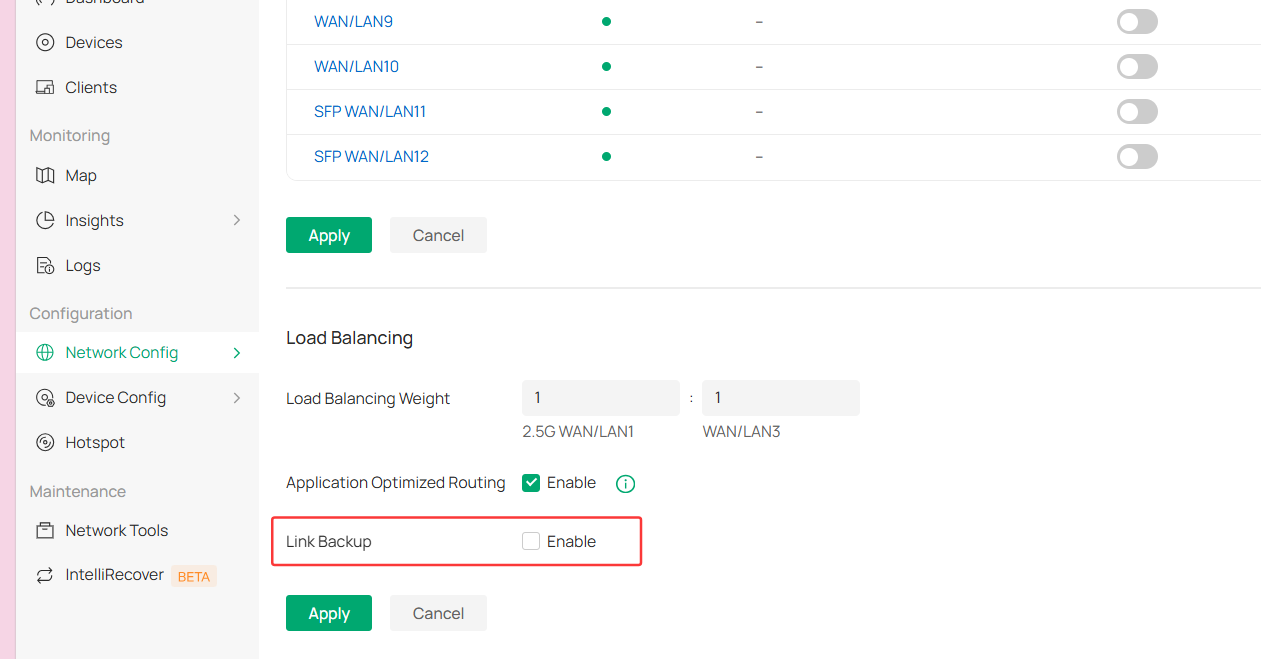
Probable Cause and Request: It appears there is a bug regarding how the hybrid WAN4 port handles the default Online Detection (Health Check) echo requests. Additionally, the core issue is that in Controller Mode, the Omada UI (Settings > Transmission > Load Balance) hides the option to customize the "Online Detection Target IP". If I could change this target to a public DNS (as allowed in Standalone mode), I might be able to bypass this bug.
I kindly request escalating this ticket to the R&D team to investigate the WAN4 port behavior on this build, and to expose the "Target IP" configuration for Online Detection within the Omada Controller UI in an upcoming firmware release.
Thank you for your technical support.