Solution What If the Wireless Upload Speed Drops Significantly After Archer BE550 V2 is Updated to 1.3.1?


This Article Applied to:
Archer BE550_V2_ 1.3.1 Build 20260403 rel.18661
Phenomenon:
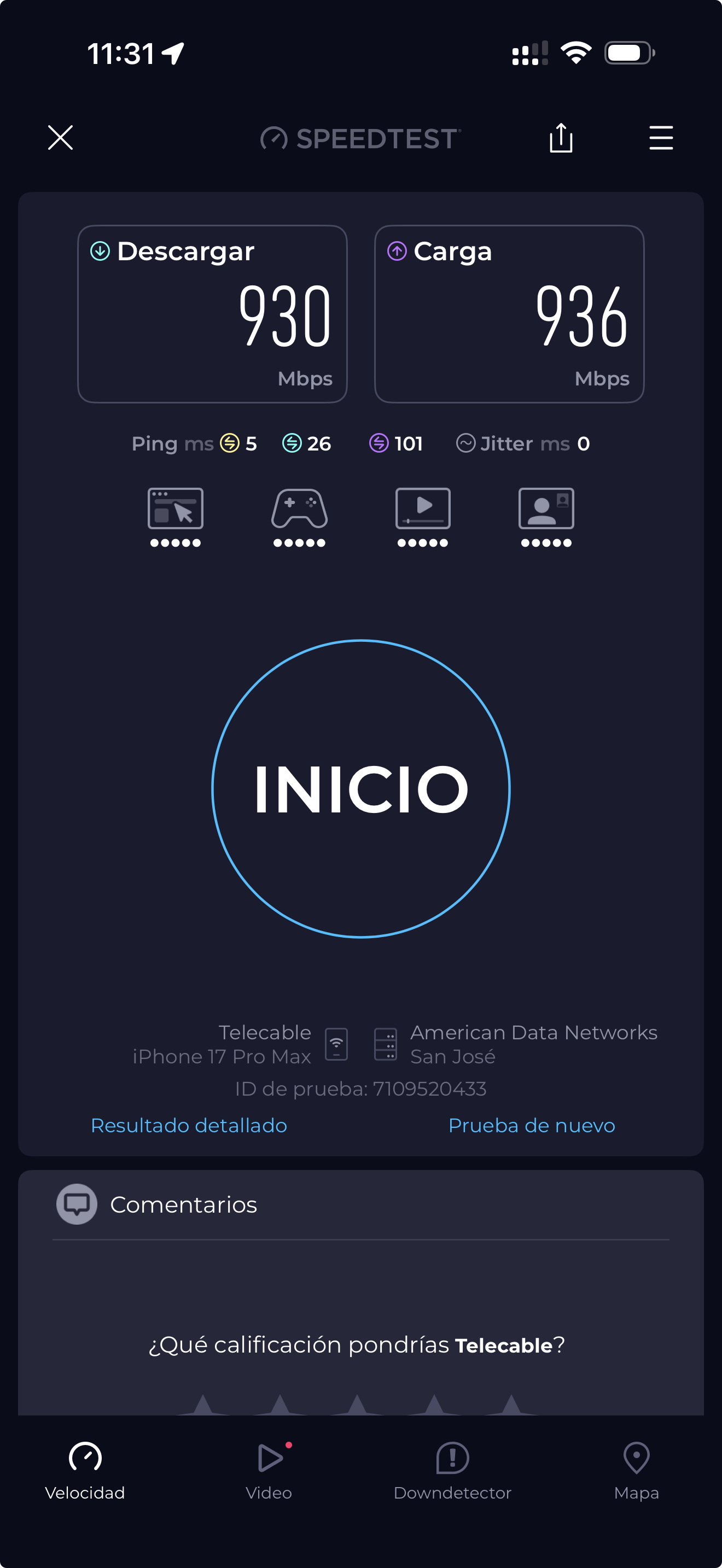
We have received reports that after upgrading the Archer BE550_V2 to 1.3.1 Build 20260403, wireless clients connected to the BE550 experience a significant drop in upload speed—typically falling to 100 Mbps.
Our user Jdgmz7 first reported this anomaly here.
Available Solution:
Our R&D team has identified the cause of this anomaly and released a firmware update to fix it. Furthermore, our user Jason-Bourne has verified that this beta firmware can correct the anomaly here.
Please try manually downloading the firmware if your Archer BE550_V2 is also experiencing a drop in Wi-Fi upload speeds.
| Model | Direct Download Link |
| Archer BE550_V2 | Archer BE550_V2_1.3.2 Build 20260608(Beta Firmware) |
Note:
- Please be sure you have read the Beta Test Agreement before upgrading the beta firmware!
- For the sake of insurance, it's always recommended to save a copy of the router's Backup Config file before upgrading or downgrading.
- You may follow the guide to upgrade the firmware of your router. How to Upgrade the Firmware on the TP-Link Wi-Fi Routers.
Feel free to reply and share your experience using the Archer BE550 beta firmware. Please also leave a comment here if you have any other feedback regarding the Archer BE550 V2. This includes, but is not limited to:
- Complete network topology.
- Specific operational status, etc.
- Other information regarding the Archer BE550 upgrade to version 1.3.1, such as error messages.
Thank you for your patience and cooperation.