
D210 keeps showing offline

Hi,
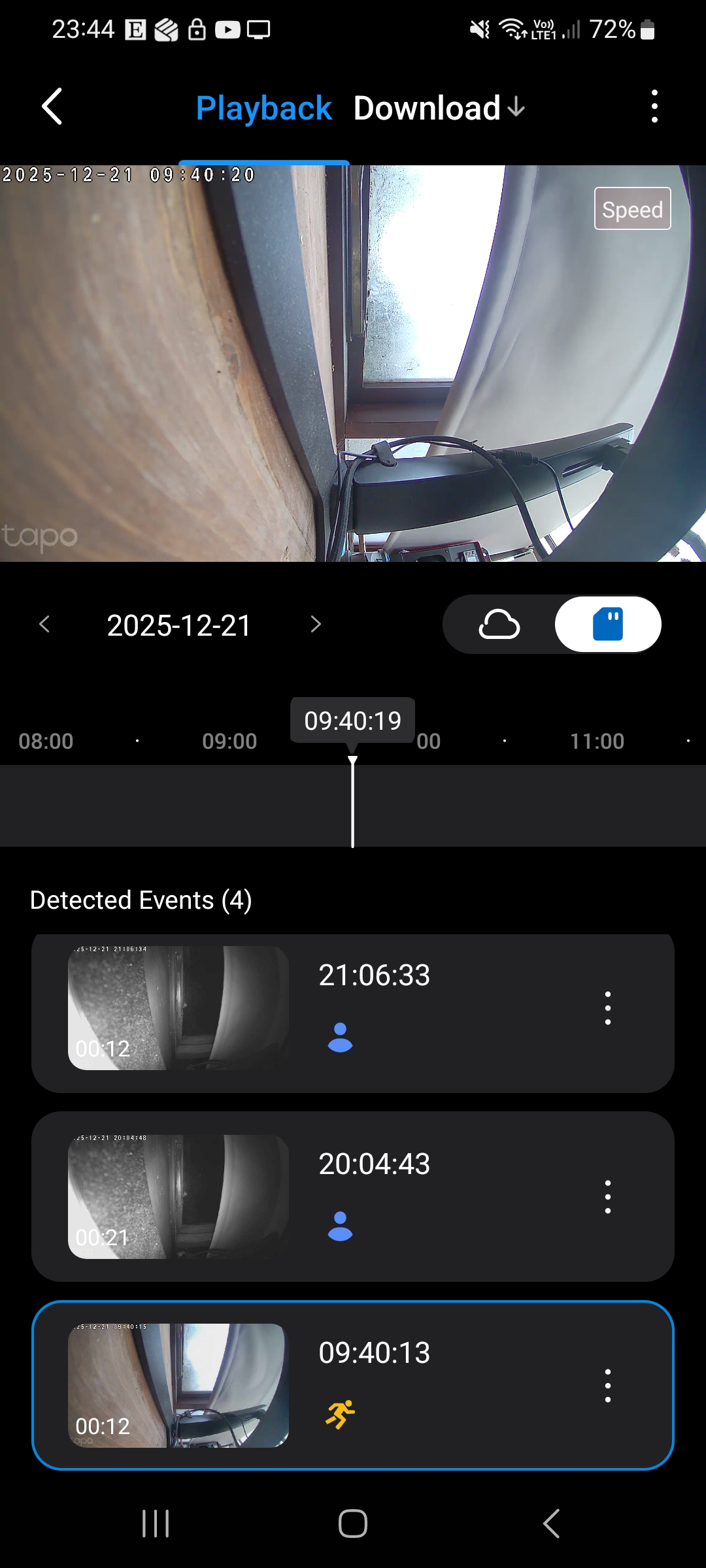
I have had the TP-Link D210 for a few days now and it keeps showing as offline in the Tapo app several times a day at random times. These usually last for a few minutes. Apart from this it is doing everything else as it should be.
When this happens, I check the doorbell and there are no error LED’s showing on the unit, and it in fact records me and I can view the clip when it shows as back online a few minutes later.
I have rebooted a few times but this hasn’t helped and I regularly check the wifi connection which is usually between -58 and -61 RSSI.
Based on browsing the forum, it seems to be a common issue amongst different models so I am guessing a firmware issue?
Any help would be appreciated.
Side note: I also have the C200 a few metres away and it has never shown as offline.
- Copy Link
- Subscribe
- Bookmark
- Report Inappropriate Content

- Copy Link
- Report Inappropriate Content
for anyone having this same issue, i think its an "APP" issue,
as they sent me a "beta" app - and although it shows offline " Doorbell "
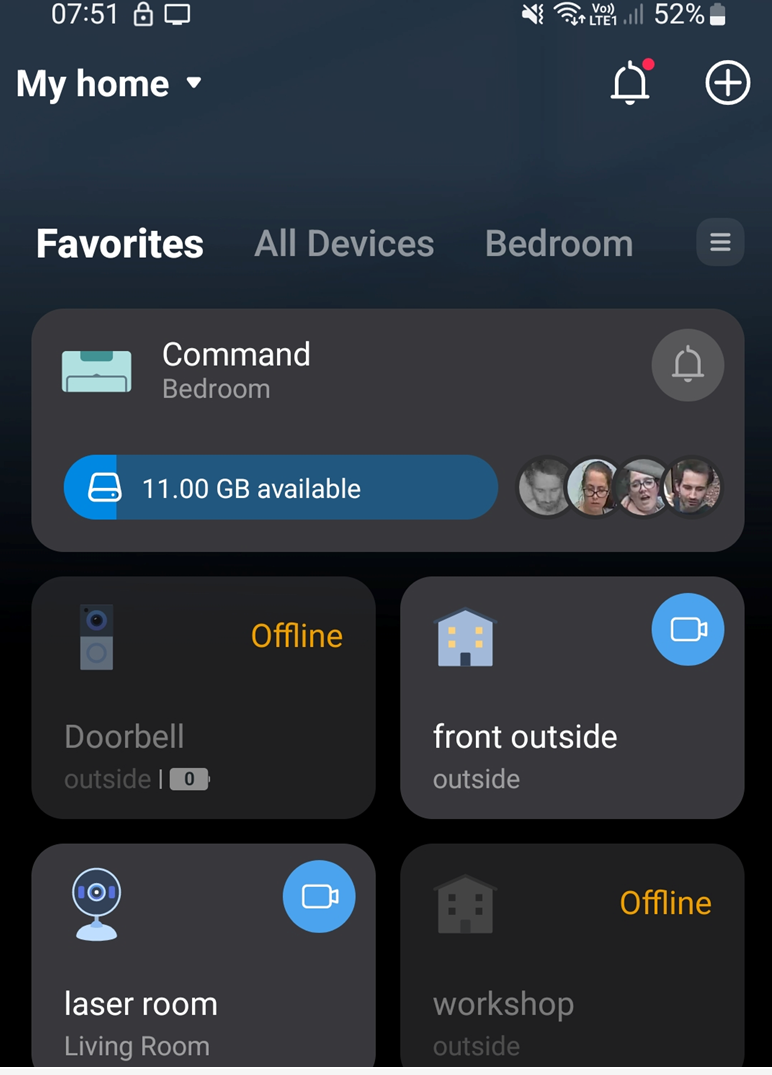
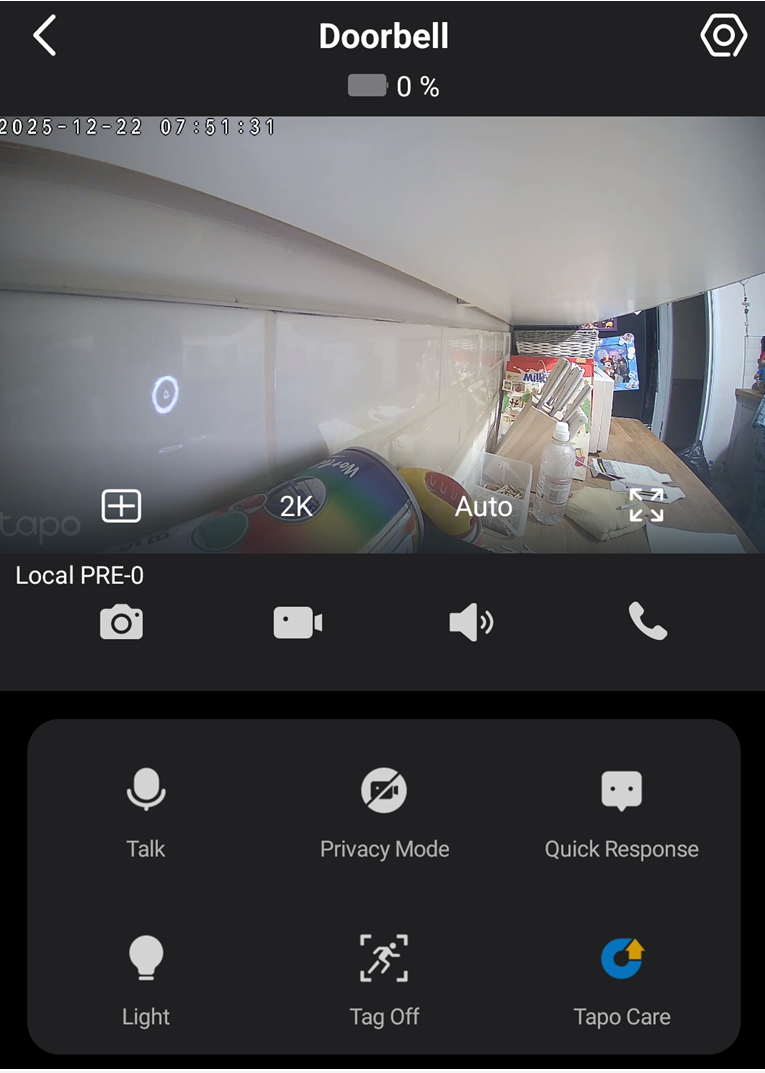
but when you click it in the "beta app" it actually opens the doorbell - ( the defualt standard 3.17 app - doesnt let you open the doorbell )
- Copy Link
- Report Inappropriate Content

Hi I'm having exactly the same problem I've tried reinstalling the ap but nothing works even resetting the doorbell, how do you get the beta app?
- Copy Link
- Report Inappropriate Content
Get them to send you beta app,
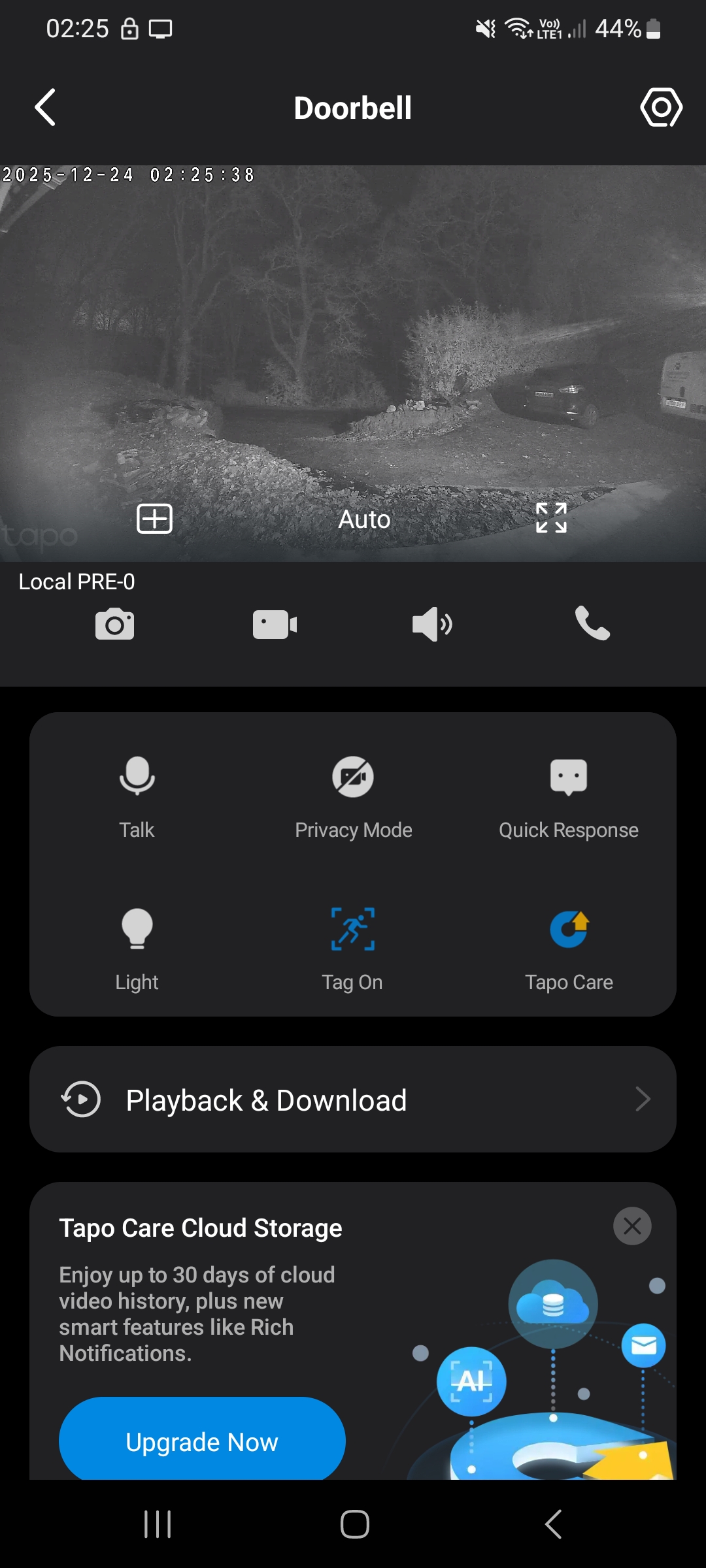
It still shows offline , but works , and you can view it.
In thr end ( last week ) they asked me to send the doorbell back
So I'm.awaitint a replacement to see if it fixes it
I still think it's an app issue though,
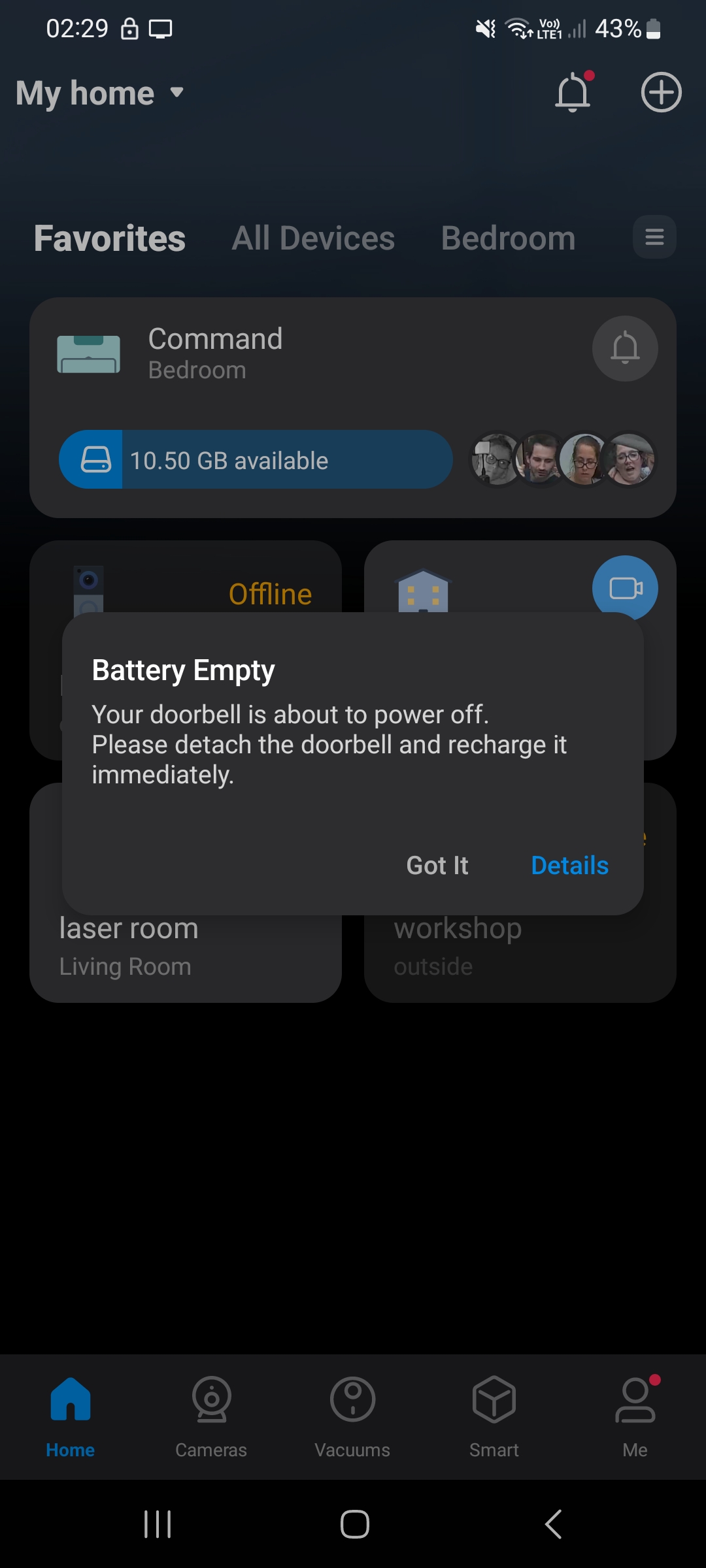
As normal app you can get norifications ( but it shows ofline and 0 battery )
On beta app it shows offlinr & 0 battery but it lets you access settings ciew live feed etc
and use as doorbell in video mode.
- Copy Link
- Report Inappropriate Content
- Copy Link
- Report Inappropriate Content
- Copy Link
- Report Inappropriate Content


Battlescarab wrote
Hi I'm having exactly the same problem I've tried reinstalling the ap but nothing works even resetting the doorbell, how do you get the beta app?
Contact support team for further assistance. Contact Technical Support
- Copy Link
- Report Inappropriate Content

@Wayne-TP same issues with me. Already reboot many times & reinstall the apps too. But the doorbell still shows offline when not connected to the wifi.
- Copy Link
- Report Inappropriate Content
I had to return it via customer support who sent me a replacement that has fixed the issue .
I'm guessing firmware update broke it .
- Copy Link
- Report Inappropriate Content
Fiqshahs07 wrote
@Wayne-TP same issues with me. Already reboot many times & reinstall the apps too. But the doorbell still shows offline when not connected to the wifi.
Contact support team for further assistance. Contact Technical Support
- Copy Link
- Report Inappropriate Content
Information
Helpful: 0
Views: 3742
Replies: 28
Voters 0
No one has voted for it yet.