
Loads of static on all my Tapo cameras indoor and outdoor

Having issues with the sound of my Tapo cameras recently lots of staic From both my indoor and outdoor cameras. Door bell seem good in the beginning but now been a few weeks and sounds horrible in both live and recorded
- Copy Link
- Subscribe
- Bookmark
- Report Inappropriate Content


To anyone encountering similar camera issues after finding this thread, this troubleshooting article may help. Troubleshooting for better audio quality of my Tapo camera
- Copy Link
- Report Inappropriate Content
Can you share some videos here? Upload videos to your personal cloud drive or video websites like YouTube, then send the video link here.
- Copy Link
- Report Inappropriate Content
- Copy Link
- Report Inappropriate Content
Do you use an Android phone or an iPhone? What's the model and system version?
Try to watch the camera with another device (preferably a different system -- Android/iOS), check if the problem still exists.
What's the version of your Tapo app?
- Copy Link
- Report Inappropriate Content
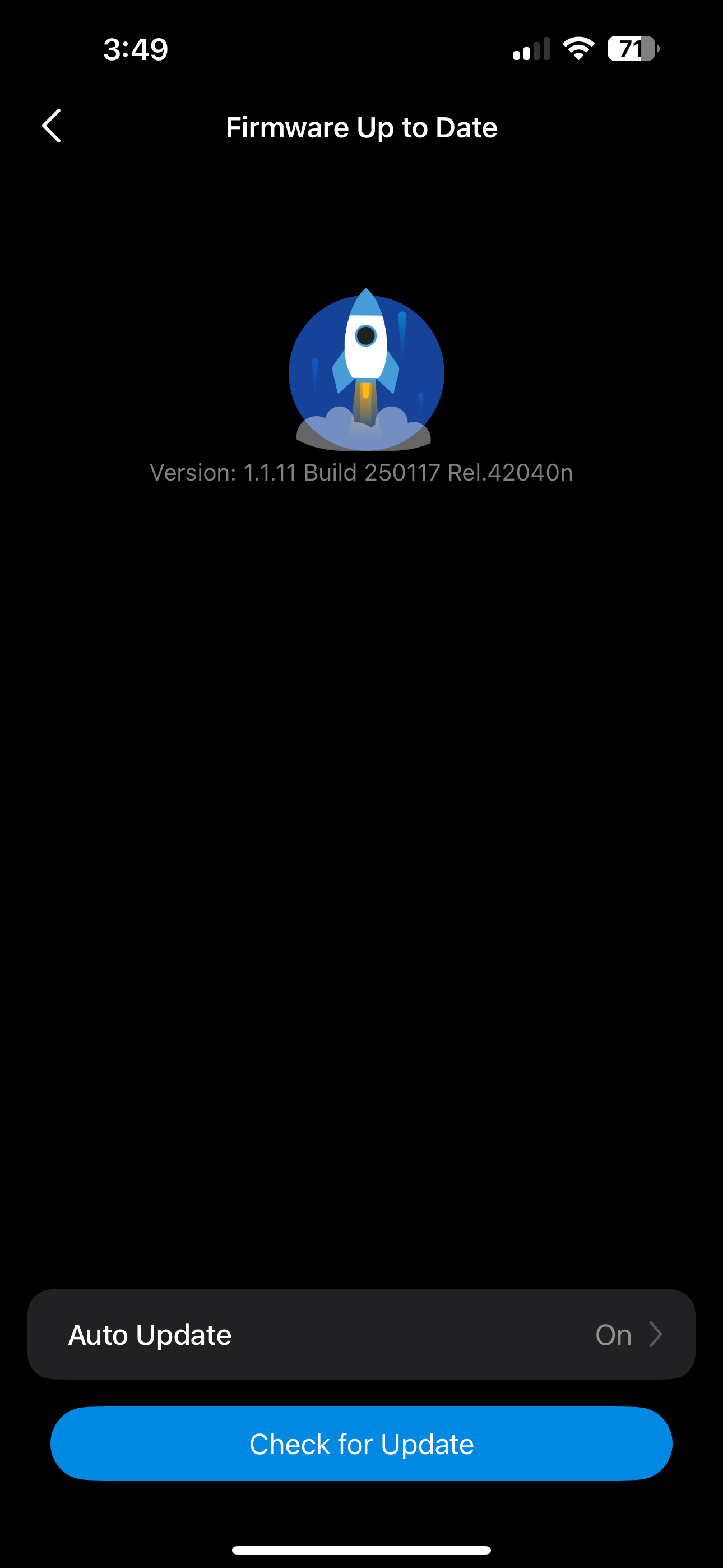
I have tried on both my iPhone 15 plus and my wife's pixel 8. And both is the same result Have had the camera for just offer a month and don't seem to recall this issue. Even turning the mic down doesn't help Very annoying. This is a Tapo d130.
- Copy Link
- Report Inappropriate Content
To assist with this case, a specialist will help to follow it up through email. Please check your inbox later to confirm.
If the email you used to register for the TP-Link community is not your contact email or you cannot access it, please send me your contact email through private message.
- Copy Link
- Report Inappropriate Content

I have several C403 outdoor solar cameras with this same microphone issue. Even turning the microphone down in the settings, does not change the constant static whenever the camera is in use.
I went through tech-support and worked on the issue back-and-forth for quite a while. Tried everything they had asked and ended up returning the camera. Purchased another to replace and straight out of the box does the same thing. Not sure what else to try. I guess I'll be returning this one also and may be looking for a different brand. I have also had a few instances with the motion detection, turned all the way up and large deer and other animals who move through the cameras field of view, and it did not set off the motion detection. All instances were at night.
- Copy Link
- Report Inappropriate Content
To anyone encountering similar camera issues after finding this thread, this troubleshooting article may help. Troubleshooting for better audio quality of my Tapo camera
- Copy Link
- Report Inappropriate Content

@Kcirtap Had my 4 cams for 3 months now and all of a sudden all the static on all 4 cams . Unplugged and restarted didn't help , firmware is all up to date . Terrible . I loved the cams and then I have this . I see now all the other posts saying the same problem .
- Copy Link
- Report Inappropriate Content
@Kcirtap I found a fix and I hope it lasts . I uninstalled the Tapo app from my iPhone . Waited 5 minutes and reinstalled app to my iPhone . I had to reconnect to my WiFi but it was all still there so it only took a minute . I had to go to each cam to each cam in my app to show it was connected to my WiFi . Took a minute . All cams are working again and no static at all . Hope it lasts but at least I know this is a way to fix it .
- Copy Link
- Report Inappropriate Content
Denmarbla wrote
@Kcirtap Had my 4 cams for 3 months now and all of a sudden all the static on all 4 cams . Unplugged and restarted didn't help , firmware is all up to date . Terrible . I loved the cams and then I have this . I see now all the other posts saying the same problem .
Is it possible that you were hearing the audio feedback? It’s that loud, painful screech you hear when a microphone gets too close to a speaker. The sound from the speaker goes back into the mic, gets amplified again and again in a loop, and creates that sharp noise.
If that’s the case, try moving your phone farther away from the camera while viewing the live stream. This may help improve the situation.
- Copy Link
- Report Inappropriate Content
Information
Helpful: 0
Views: 886
Replies: 10
Voters 0
No one has voted for it yet.