Incorrectly showing "2 Decos Are Offline" in app
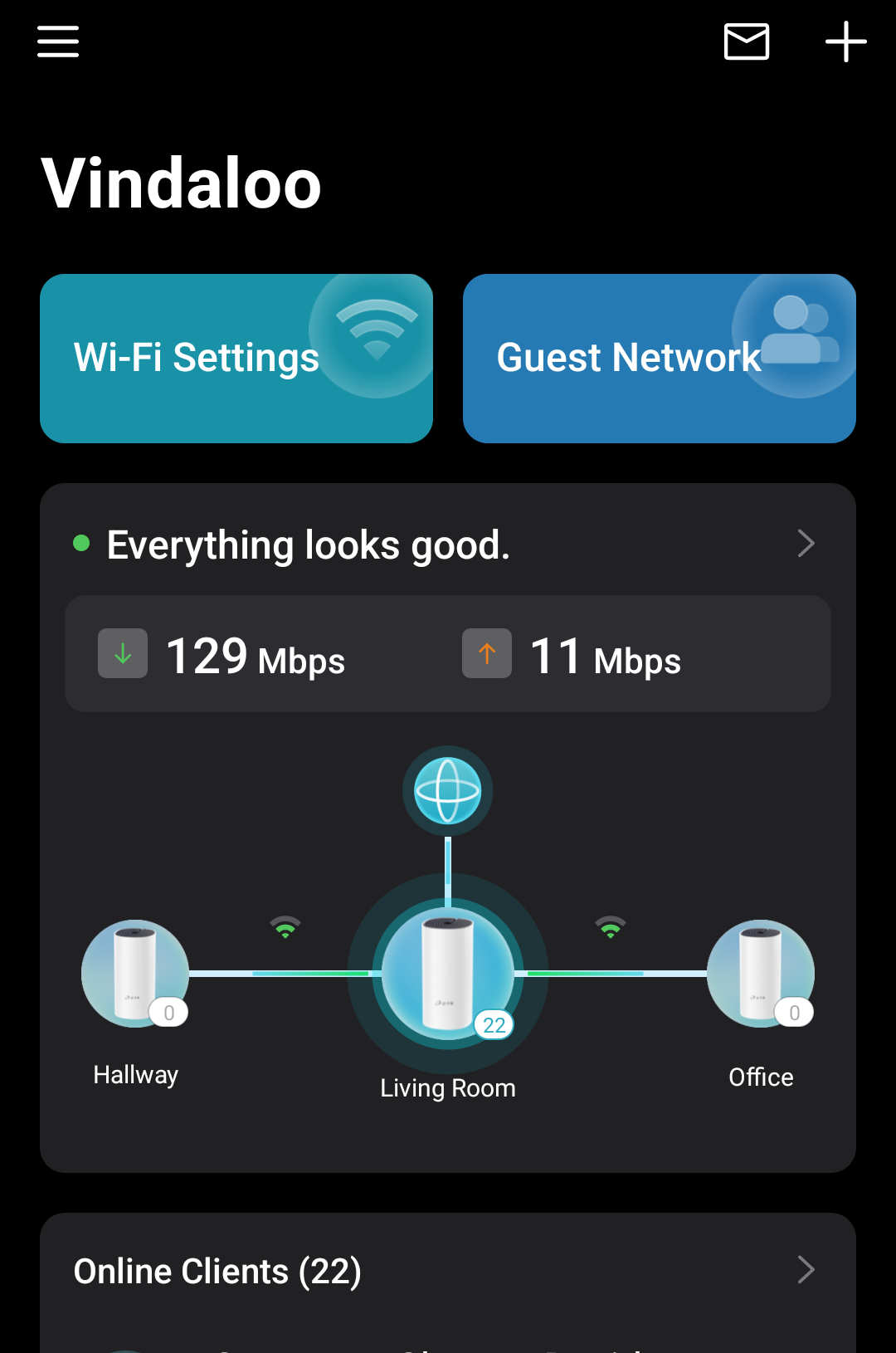
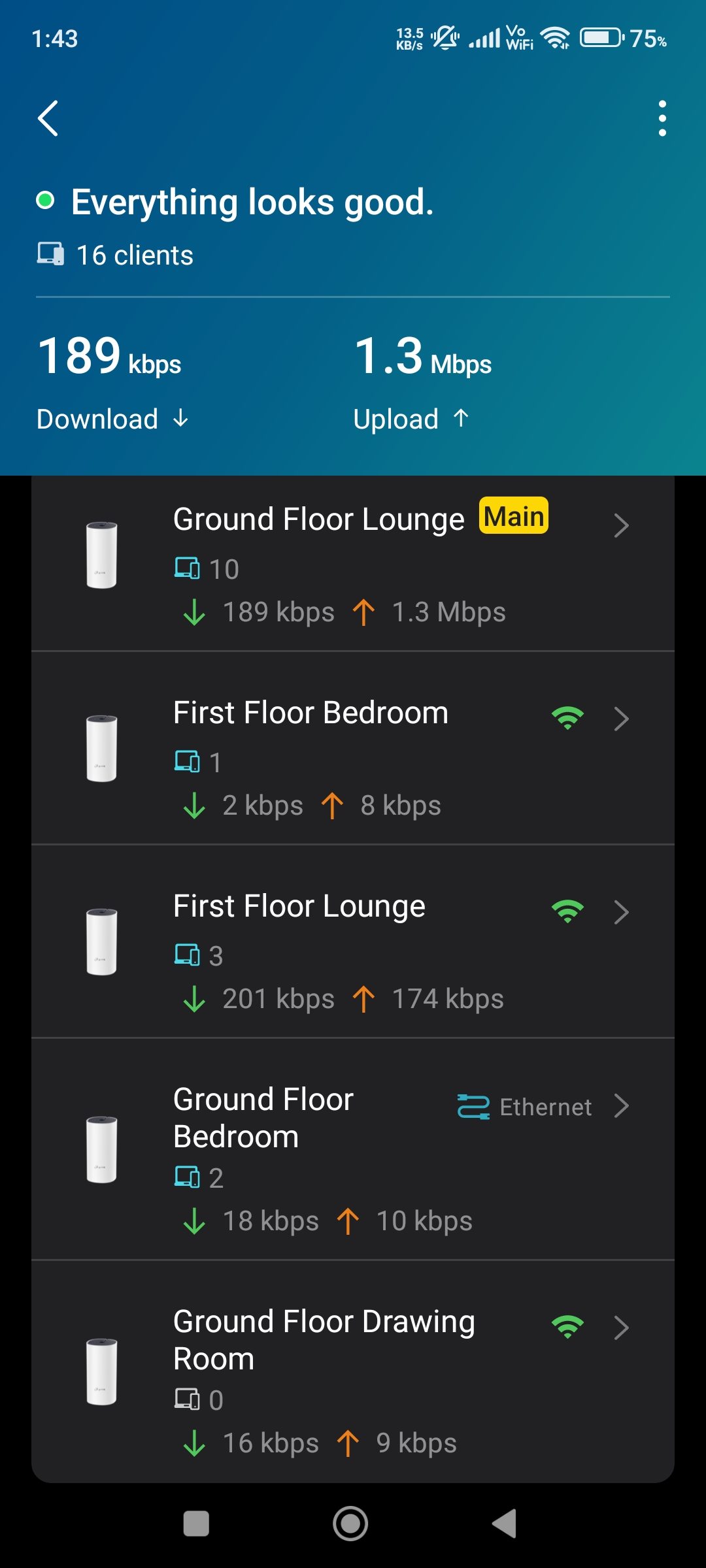
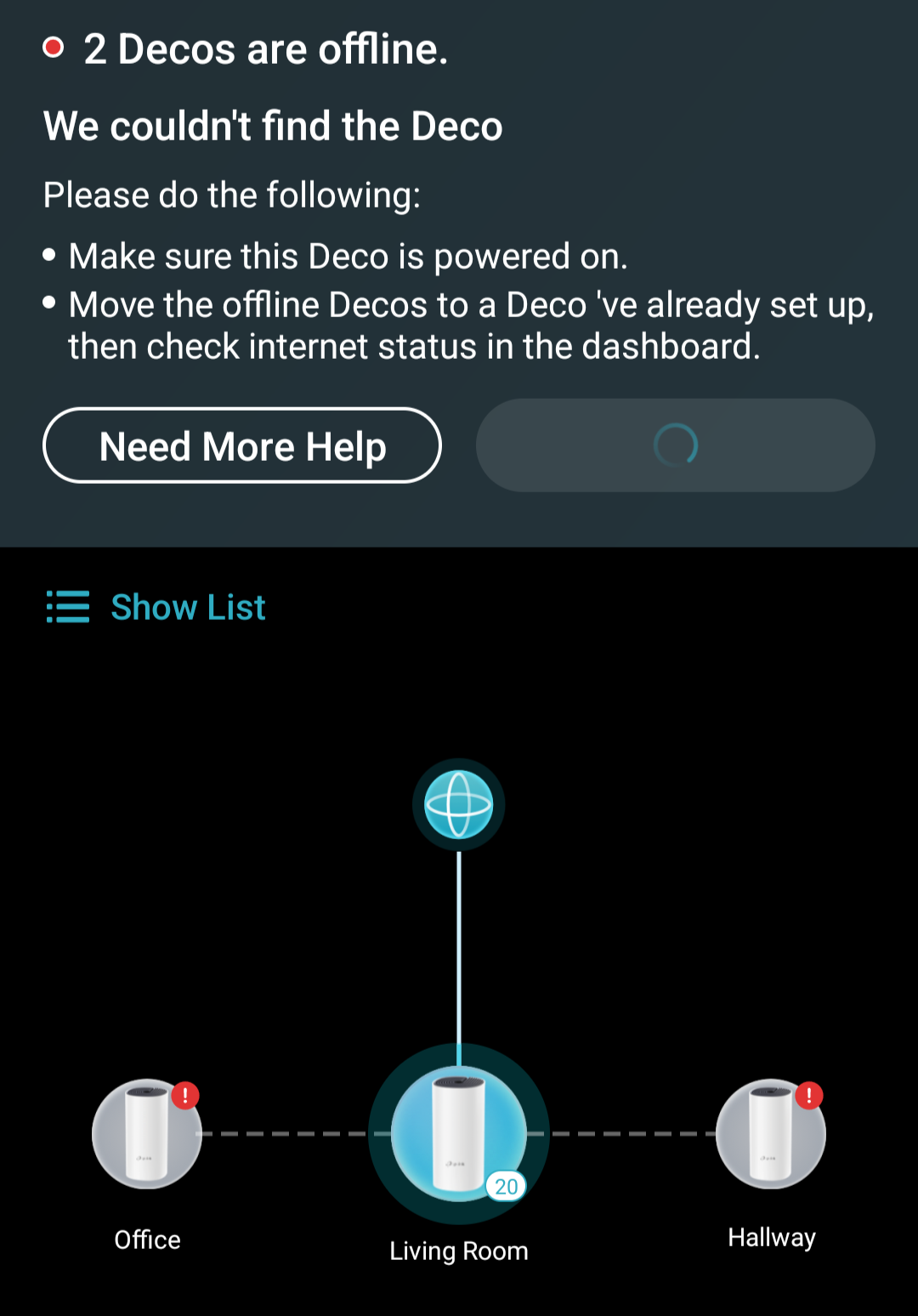
After applying the latest firmware offered by the app, my network now shows two Decos as being offline. Everything seems to work fine, but the app refuses to acknowedge "Office" and "Hallway".
The modem is wired into the "Living Room" deco, and the remaining two are using wireless backhaul, they're close enough that signal wont be an issue, every unit has a white light on top, everything was working working fine up until the firmware was installed.
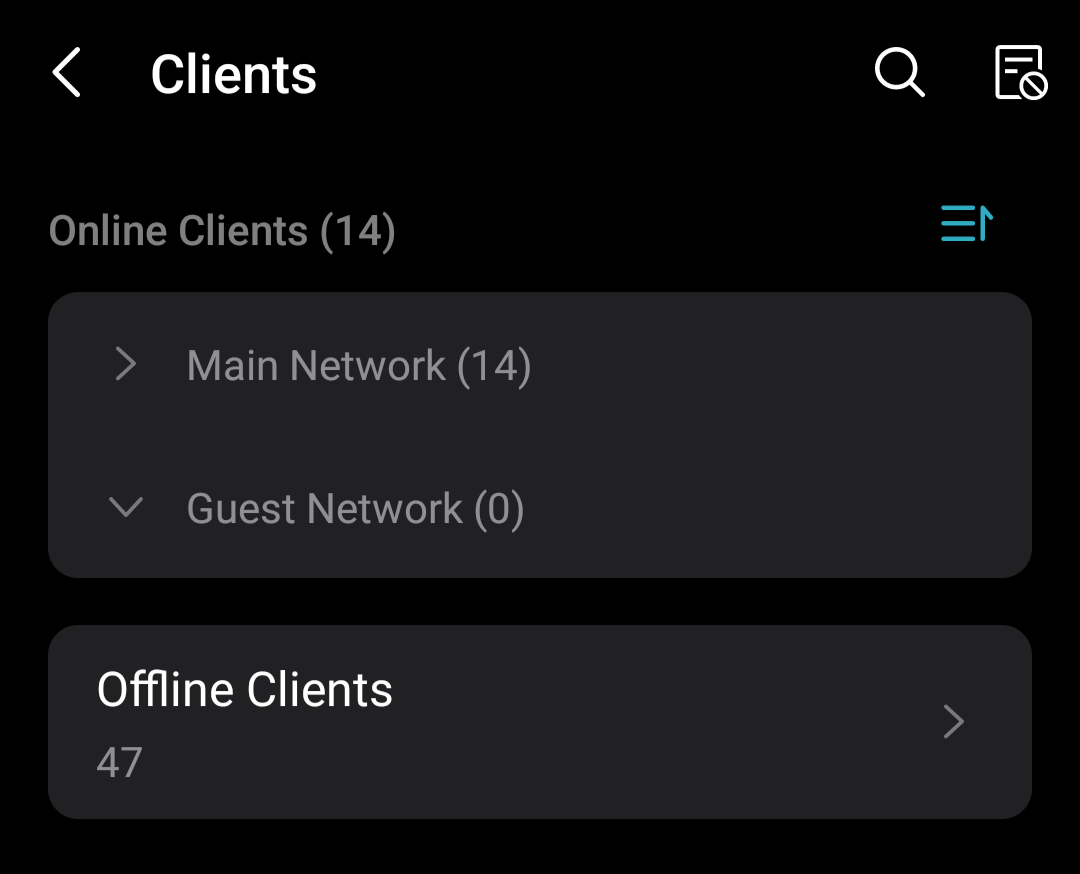
The PC I'm using now is wired into the "Office" deco, which is how I can confirm it's working. I also have a Tapo H500 hub wired into the "Hallway" unit, which three Tapo cameras are connected to, and I can access all of those fine, so that one is working too. I just can't see the decos, or their clients in the app.
I've attempted to restart the main deco, via app and powering off at the socket, and also restarted the two "offline" units to no avail. I've also cleared the app cache and data, and re-logged in, still the same result.
- Copy Link
- Subscribe
- Bookmark
- Report Inappropriate Content
After quite a few emails back and forth with support, nothing seemed to work. The problem has finally been resolved by removing and resetting the satellite Deco units, then re-adding them.
- Copy Link
- Report Inappropriate Content
@speedyb By "Lounge", do you mean the "living room" Deco?
What's the light showing on those two Decos? Have you tried taking them closer to the main one, as the app suggested?
- Copy Link
- Report Inappropriate Content
@speedyb I have a beta firmware which is provided by senior engineer of TP-LINK and they fixed that issue on the beta firmware.
- Copy Link
- Report Inappropriate Content
Hi, thank you very much for the feedback.
Can you also help me submit the Deco APP log:
I left a message with a beta firmware for Deco M4_V2. Please also try to install this firmware via web UI to see whether it helps with the reported issue.
Wait for your reply.
Best regards.
- Copy Link
- Report Inappropriate Content
@David-TP I've submitted the App log.
I updated the firmware using the file provided, this allowed the main deco to see the other two. I then re-applied the firmware so all three units are up to date. The deco's are no longer showing offline, however the connected clients only show for the main unit. I've re-submitted the log again after applying the firmware, in-case it helps.

- Copy Link
- Report Inappropriate Content
- Copy Link
- Report Inappropriate Content
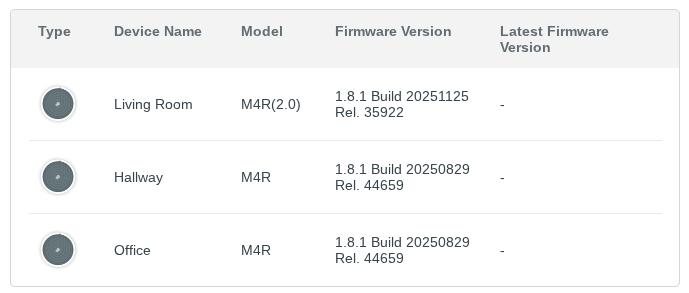
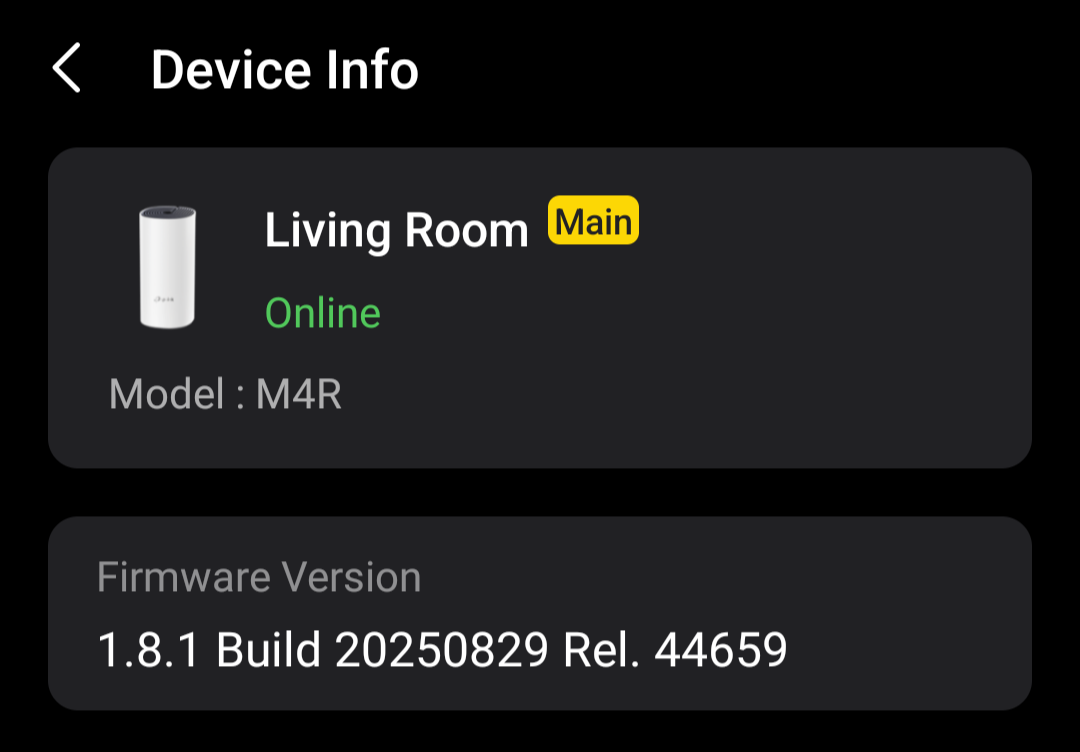
Firmware is now 1.8.1 Build 20251125 Rel. 35922 - however it appears only the main deco has updated, I applied the firmware via the web interface twice.

- Copy Link
- Report Inappropriate Content
@speedyb Ohh where did u get the beta firmware? Can you share a link with me because im on older beta firmware and have u tried to use AP Mode ??
- Copy Link
- Report Inappropriate Content
@speedyb Your other Two Deco M4 nodes are V1 hardware not V2 that's why the beta firmware is not installing on other two nodes.
- Copy Link
- Report Inappropriate Content
@ARGamingPK1 They're all V2, it's only showing that due to the firmware. They were bought together in a pack of three, and all state V2 on the bottom.
- Copy Link
- Report Inappropriate Content
@speedyb But why other Two are on different firmware?
- Copy Link
- Report Inappropriate Content
Information
Helpful: 2
Views: 641
Replies: 16