
Official "Error, this Tapo is not new" - Unable to Configure Tapo Devices Due to Incorrect App


"Error, this Tapo is not new" - Unable to Configure Tapo Devices Due to Incorrect App
This Article Applies To
All Tapo devices
Issue Description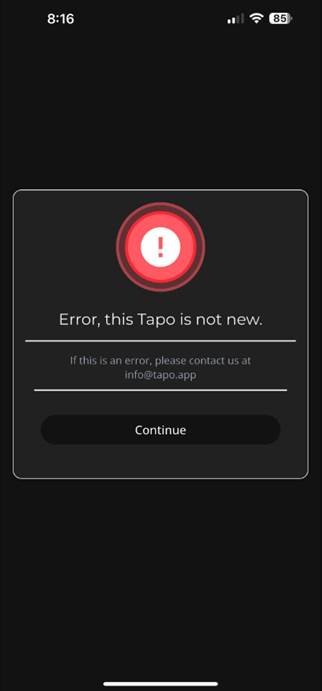
Recently, we have received multiple reports from users who were unable to set up their Tapo devices. After investigating, we found that these users had mistakenly downloaded a third-party app also named “Tapo” (available at https://tapo.app/), which is not associated with TP‑Link.
When trying to add a Tapo device through this unofficial app, users often encounter error messages such as:
“Error, this Tapo is not new”
“This device is not new”
Solution
Uninstall any app named "Tapo" that is NOT published by TP-Link Systems Inc.
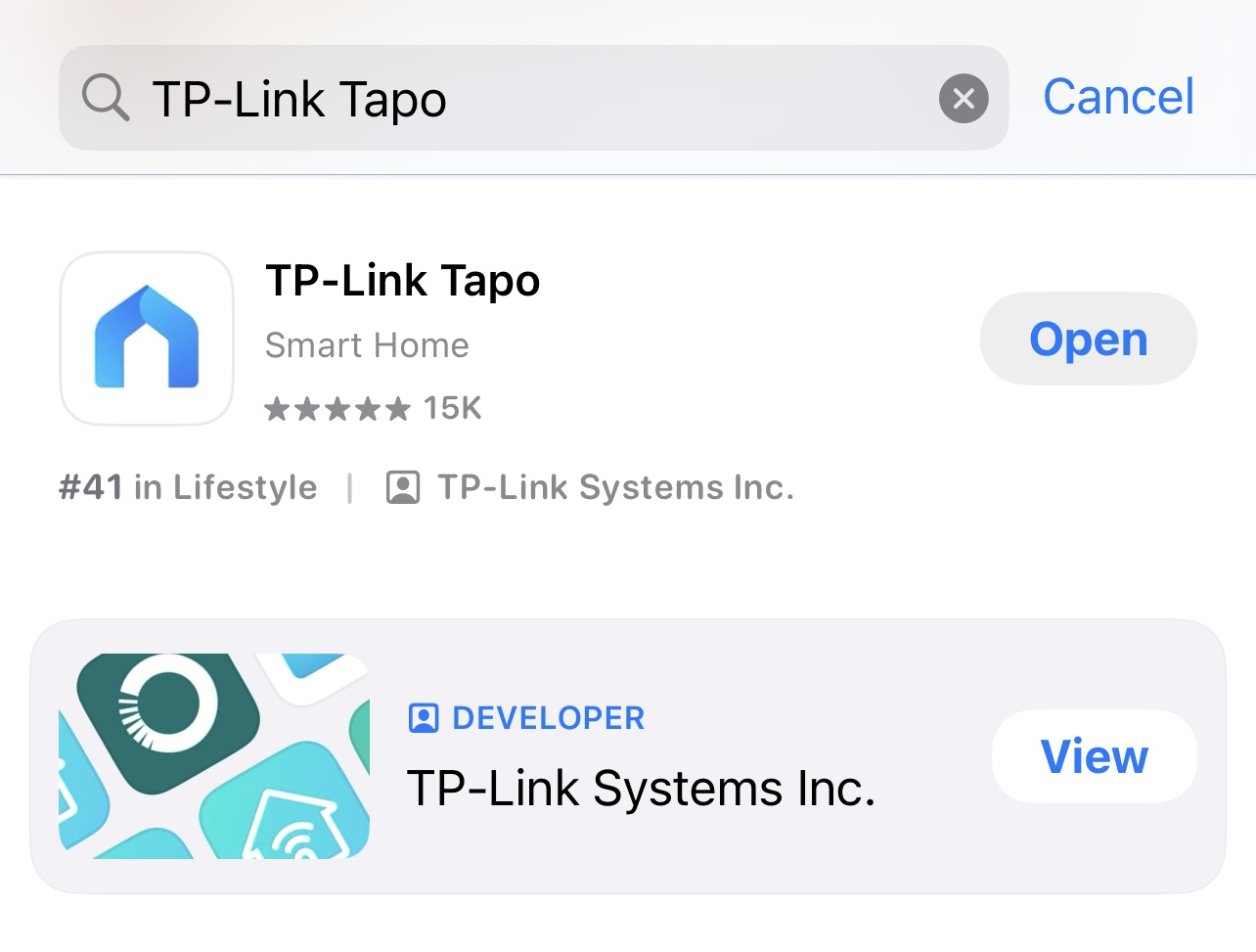
Then download TP-Link Tapo app from the official channel:
- On iPhone/iPad: Search for "TP-Link Tapo" in the App Store, or go directly to TP-Link Tapo – App Store
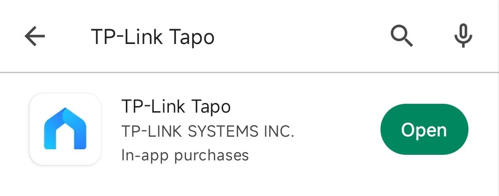
- On Android phones: Search for "TP-Link Tapo" in Google Play, or visit TP-Link Tapo – Google Play
▶ CES 2026 Meet TP-Link AI Assistant and More New Products!
