
Troubleshooting Tapo D210/TD21 Won't Wake Up Unless Watching Liveview in the Tapo App


This Article Applies To
Tapo D210(US/EU/JP/KP) V1.0
TD21(US/UK) V1.0
Description
Recently, you might have noticed that the Tapo D210 V1 or TD21 V1 doorbell has stopped detecting motion or recording events, except when you are watching the live stream in the Tapo app, where detection and recording work normally.
Troubleshooting Guide
Set the doorbell's detection sensitivity to the maximum level, then run the detection-range test on your doorbell. *We recommend conducting multiple tests to avoid coincidental or inconsistent results. How to test the detection range of Tapo battery camera
If the doorbell cannot detect anything during testing, or if the detection range is noticeably limited—for example, within just 1–2 meters, the issue is likely hardware‑related, specifically with the PIR sensor. In this case, a replacement will be needed. To proceed with the warranty, please contact the retailer or local TP-Link support. Contact Technical Support
For other cases, please contact technical support for further investigation.
- Copy Link
- Subscribe
- Bookmark
- Report Inappropriate Content

Tapo need to question the quality of their device if this isn't software related.... It doens't look good for their reputation and the lack of update on a possible working resolution is unsatisfactory. I've only had my device a few months!
- Copy Link
- Report Inappropriate Content

@MrChuter I'm on my third d210 that's gone
going to take back to exchange for no4 next week! Crazy to think that there all this faulty? Or that the software can't sort it out? Some people are having no issues strangely
- Copy Link
- Report Inappropriate Content
@ZedsDed that's crazy!
It seems this thread is being ignored by moderators now and support has eneded.
Clearly its firmware related, why would they be sending beta versions out for us to trial if it isn't?
I can't see a way forward at this point other than returning the device!
- Copy Link
- Report Inappropriate Content

@MrChuter Customer Support have instructed me to return the device under RMA and they will look at it and send me another in the meantime. So, that is what I shall do!
- Copy Link
- Report Inappropriate Content
@SPH501 thanks for the update. Have they covered all postage, collection etc? I'm thinking it might be easier to just ditch the brand and go with an alternative if we don't get a proper resolution.
- Copy Link
- Report Inappropriate Content

@MrChuter When fiddling this morning I've spotted a thing. I've taken a video of it but it's too big for this forum.
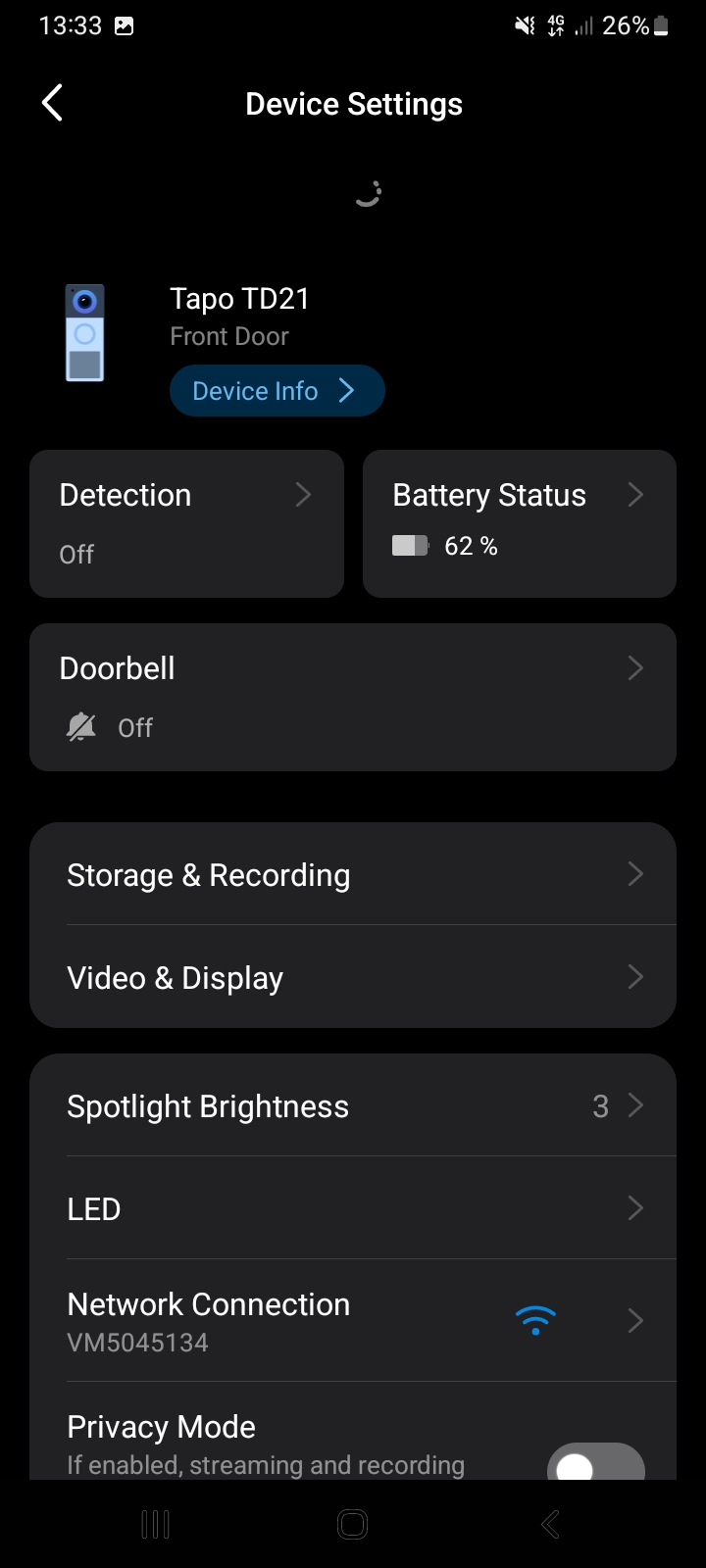
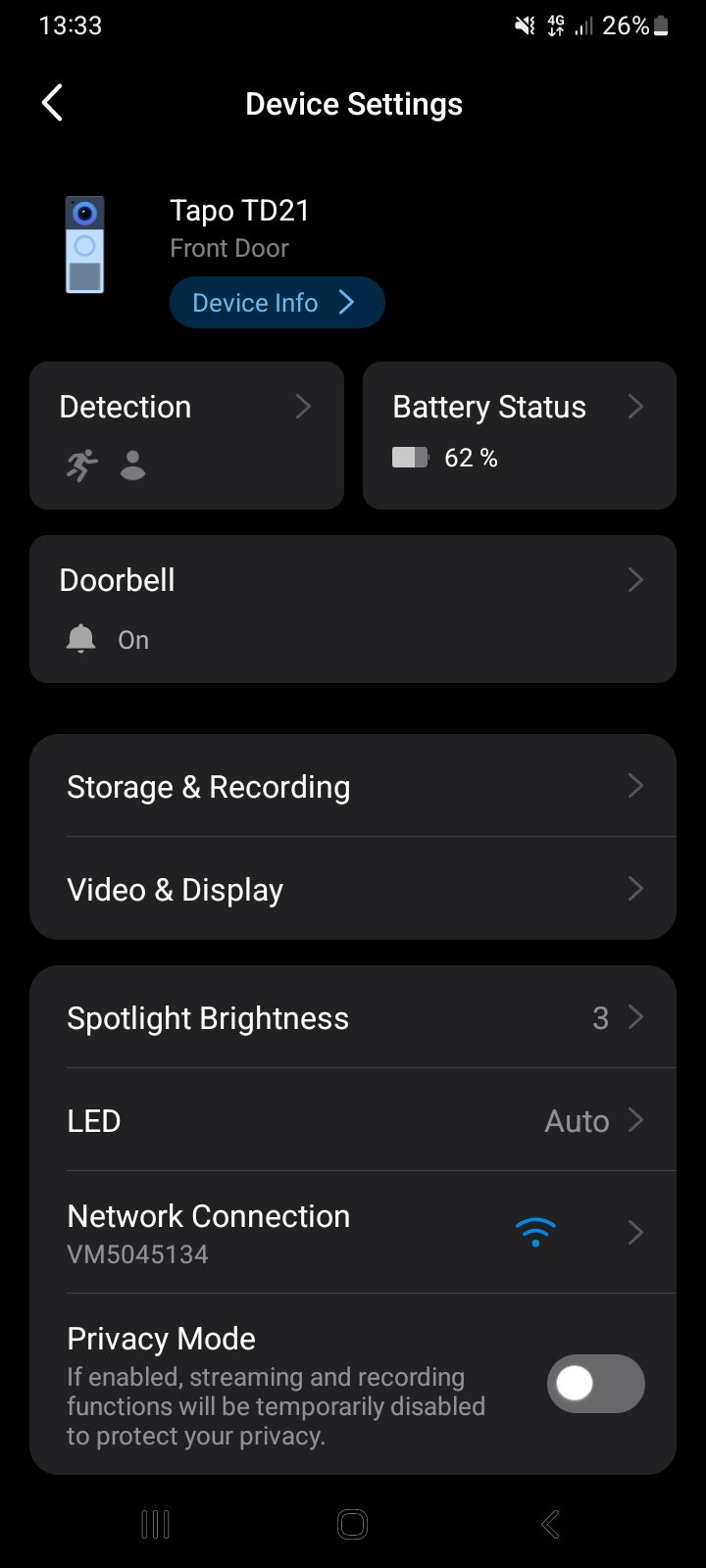
When opening the app and selecting the camera, if I go into settings top right Detection shows as Off. A second or so later it changes to person detection which is how I have set it.
- Copy Link
- Report Inappropriate Content
@Kazbop good spot, same here! It seems a few of the settings update after a couple of seconds when opening up the menu...
- Copy Link
- Report Inappropriate Content
@MrChuter Mine does exactly the same... 100% a software problem!
I have an RMA now from customer support so I am going to send mine back anyway.
- Copy Link
- Report Inappropriate Content
@SPH501 Yh it's like it's off until you open the app then it's all good
im returning mine also, won't use rma as I got it local but the rma have said if i did it would help there investigations into why it does it - so hopefully you sending yours back helps it and they're able to update software for future
fingers crossed doorbell no4 doesn't have this problem 😅
- Copy Link
- Report Inappropriate Content

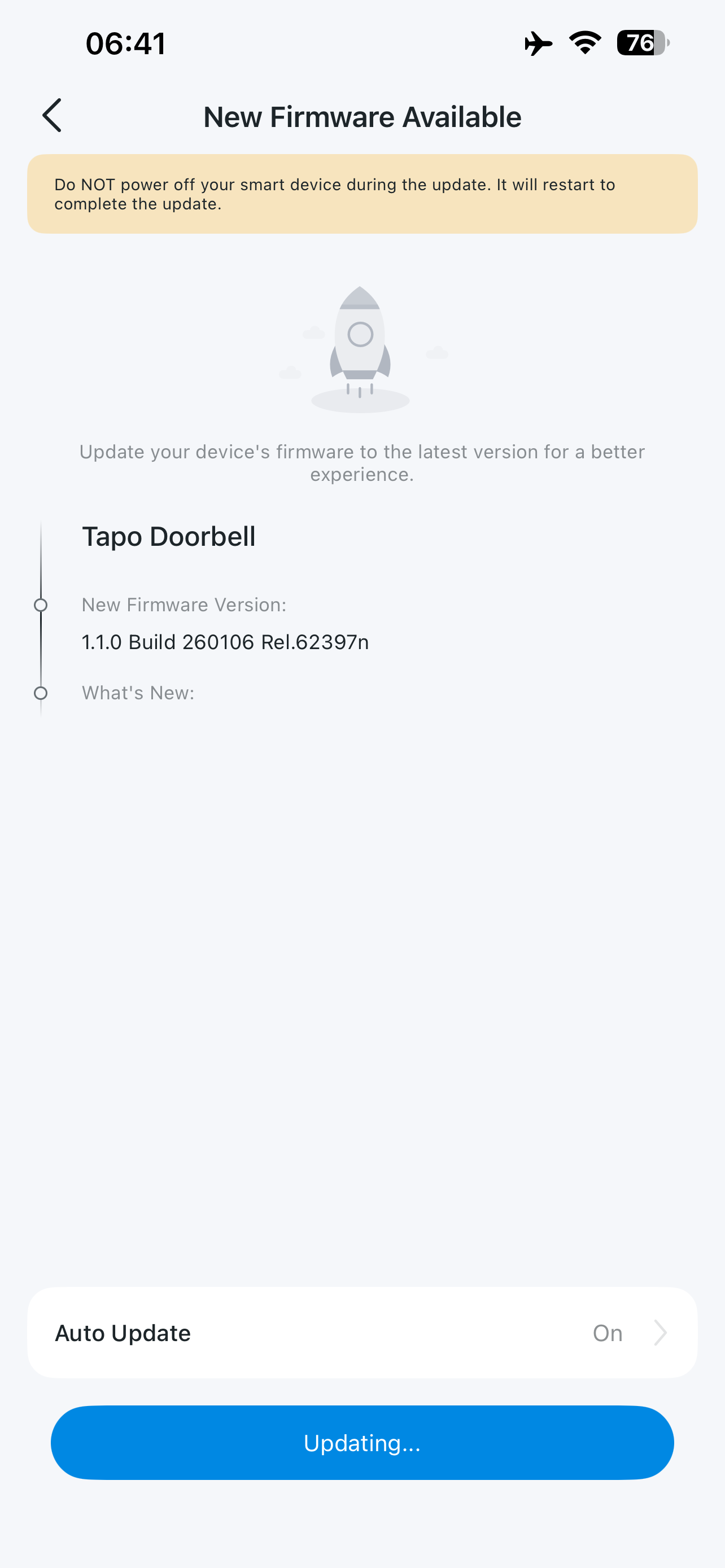 Hi all, I have had an email advising of a new firmware release.
I've installed and rebooted the doorbell. Still needs a day or two or testing but seems okay.
- Copy Link
- Report Inappropriate Content
Information
Helpful: 1
Views: 6858
Replies: 75
Voters 1
