
Doorbell D230S1 is not recording
Doorbell D230S1 is not recording

I have just set up a new Tapo D230S1 doorbell with a H200 hub. It is not recording anything since it has been put on the wall. It recorded a few seconds when we were fixing it to the wall. I get the message that it has detected movement but nothing is recorded. From a previous thread I have checked all the settings i.e. the motion detection is set to Motion Detection and Person Detection, the recording is set to local storage and is linked to the micro sd card in the hub, the recording schedule is set to detection recording over the whole 24 hours, the hub is up to date firmware - 1.6.1 build 20251230 rel.64168. Does anybody know what else I can do before I return the doorbell as faulty and get a different one?
- Copy Link
- Subscribe
- Bookmark
- Report Inappropriate Content
@Wayne-TP Thank you Wayne. I have purchased a new sd card from the list of compatible cards and it is now recording. 🙂
- Copy Link
- Report Inappropriate Content

@LynB In the Tapo app if you select the H200 Hub can you then access the "micro SD Card" screen via the orange coloured tile?
- Copy Link
- Report Inappropriate Content
@Deanosaurus Yes this is a photo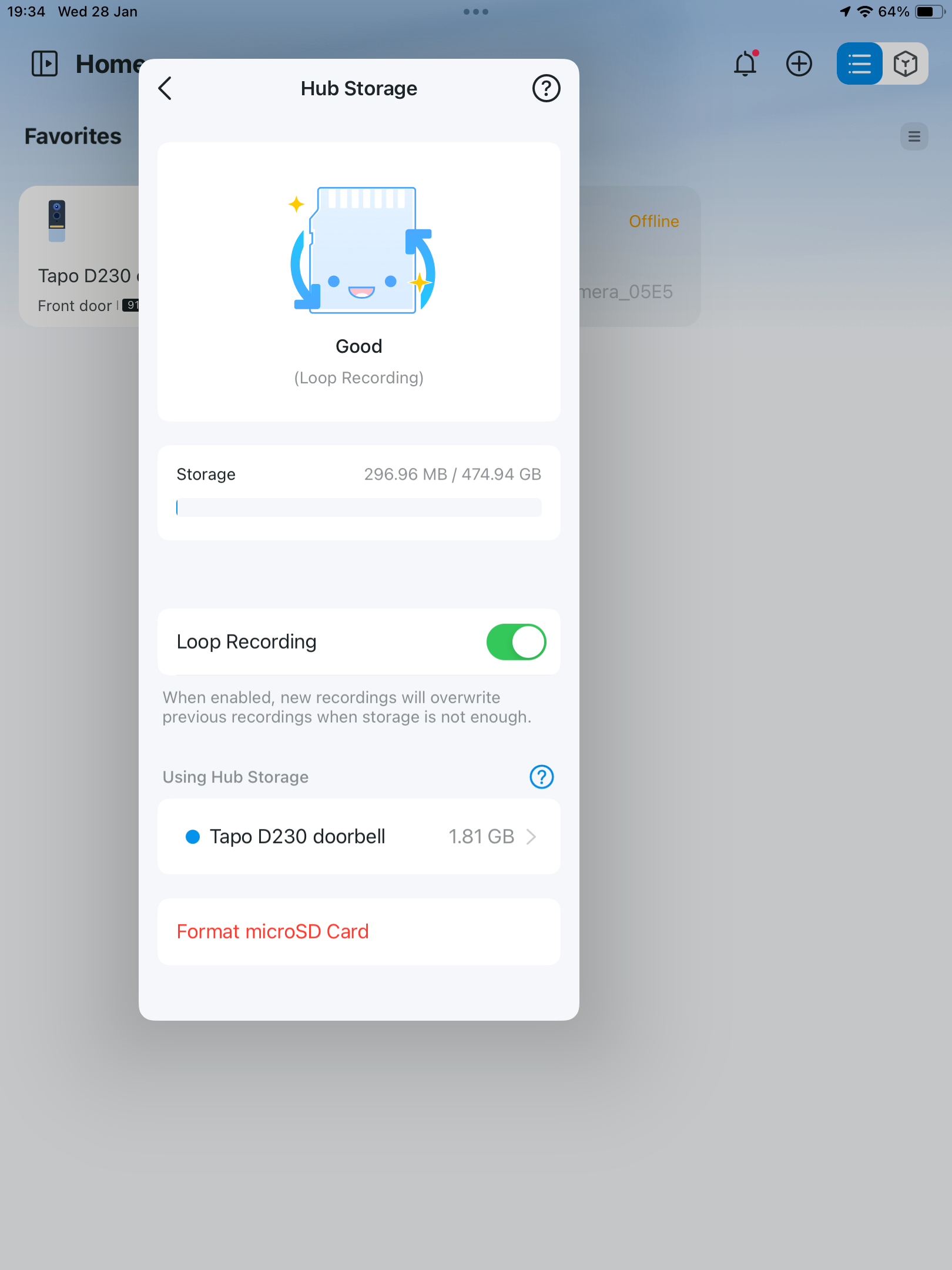
- Copy Link
- Report Inappropriate Content
@LynB That looks ok have you checked your doorbell settings too? Clip settings and recording schedule (under storage and recording). Also check under detection settings for the wake up setting and others like sensitivity and detection area.
Sounds more complicated than it is. Just need to make sure you have set out to do what you are expecting.
Does it record when you press the doorbell?
- Copy Link
- Report Inappropriate Content
@Deanosaurus Hi it does not record when the doorbell is pressed. Some photos of the settings are there anymore that may help?
I have left the whole area for detection.
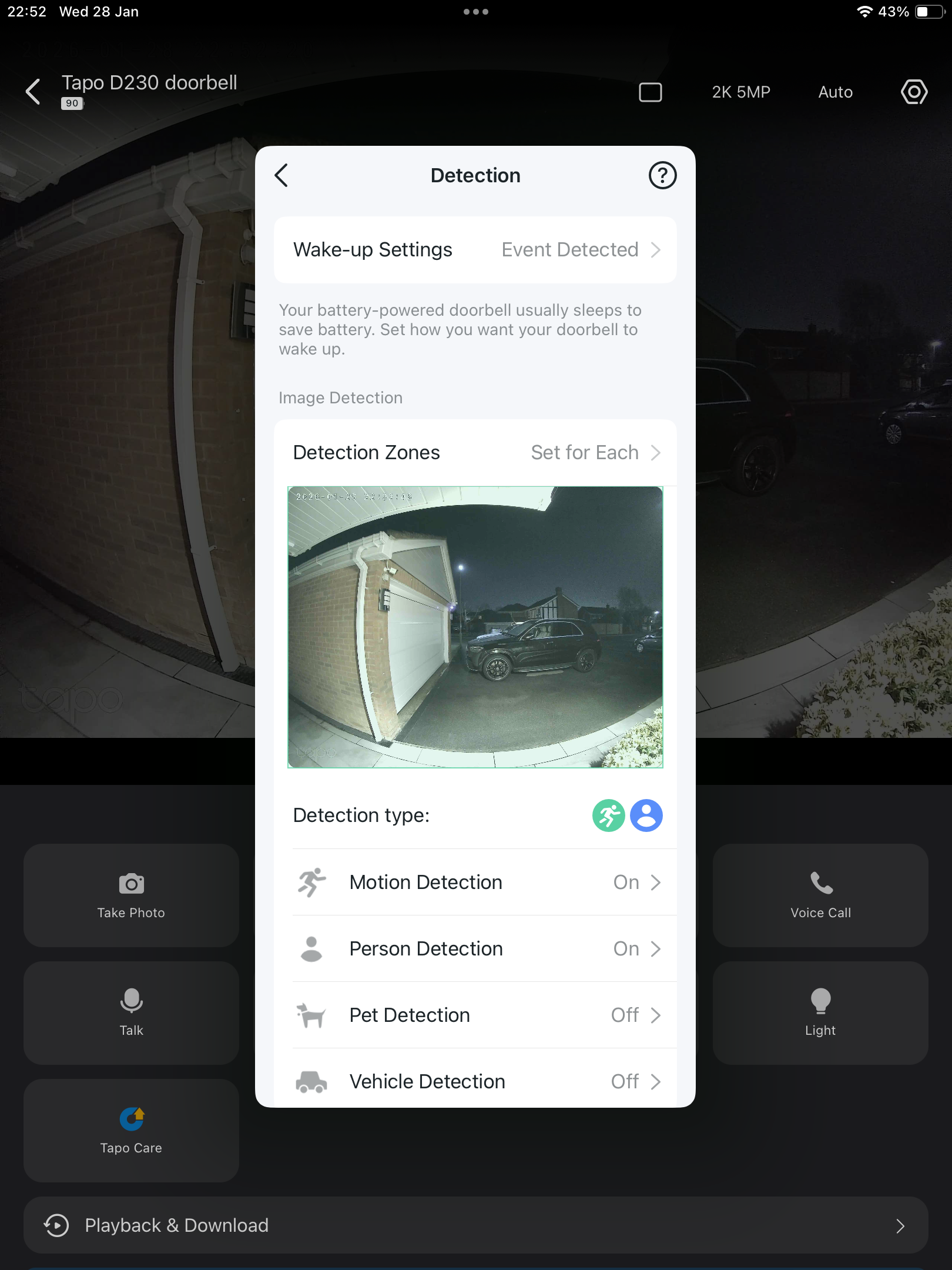
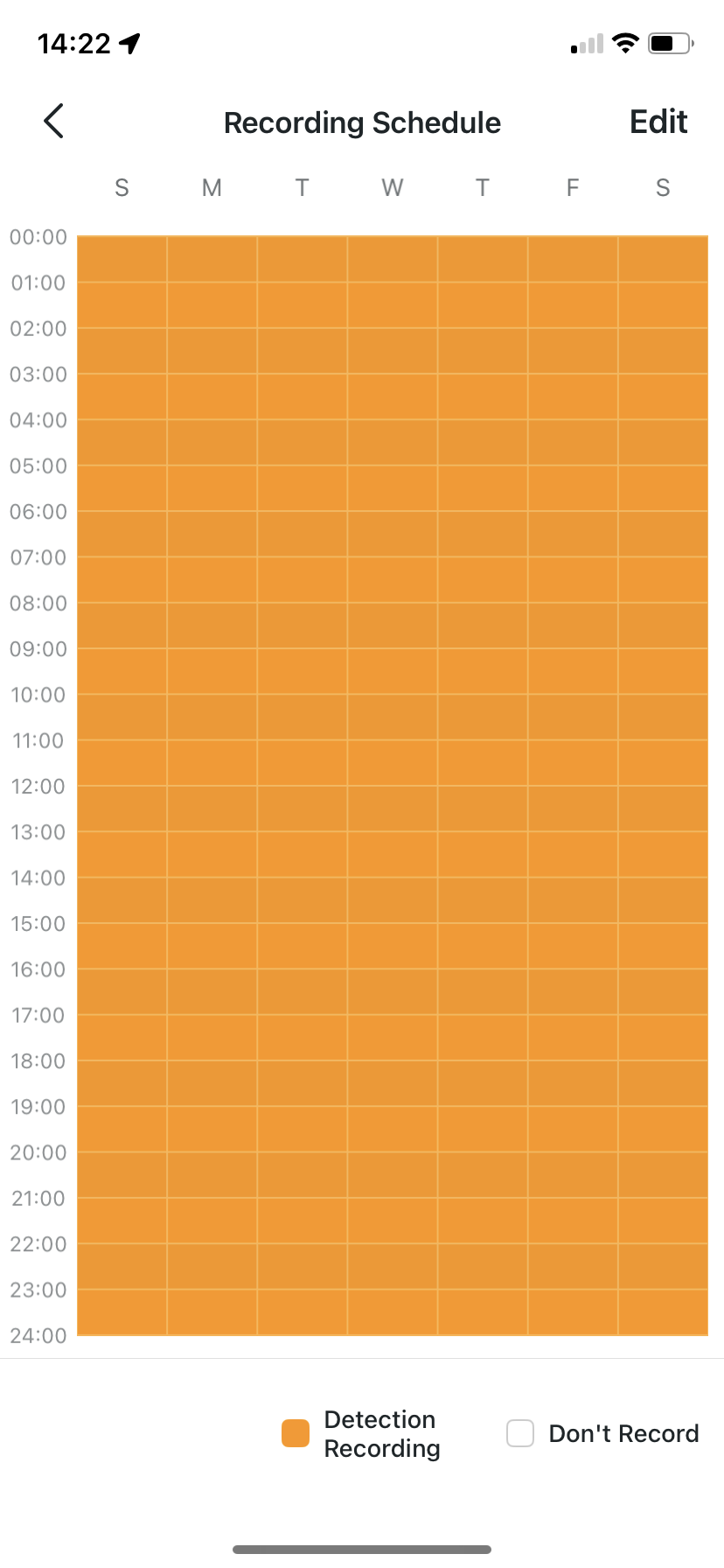
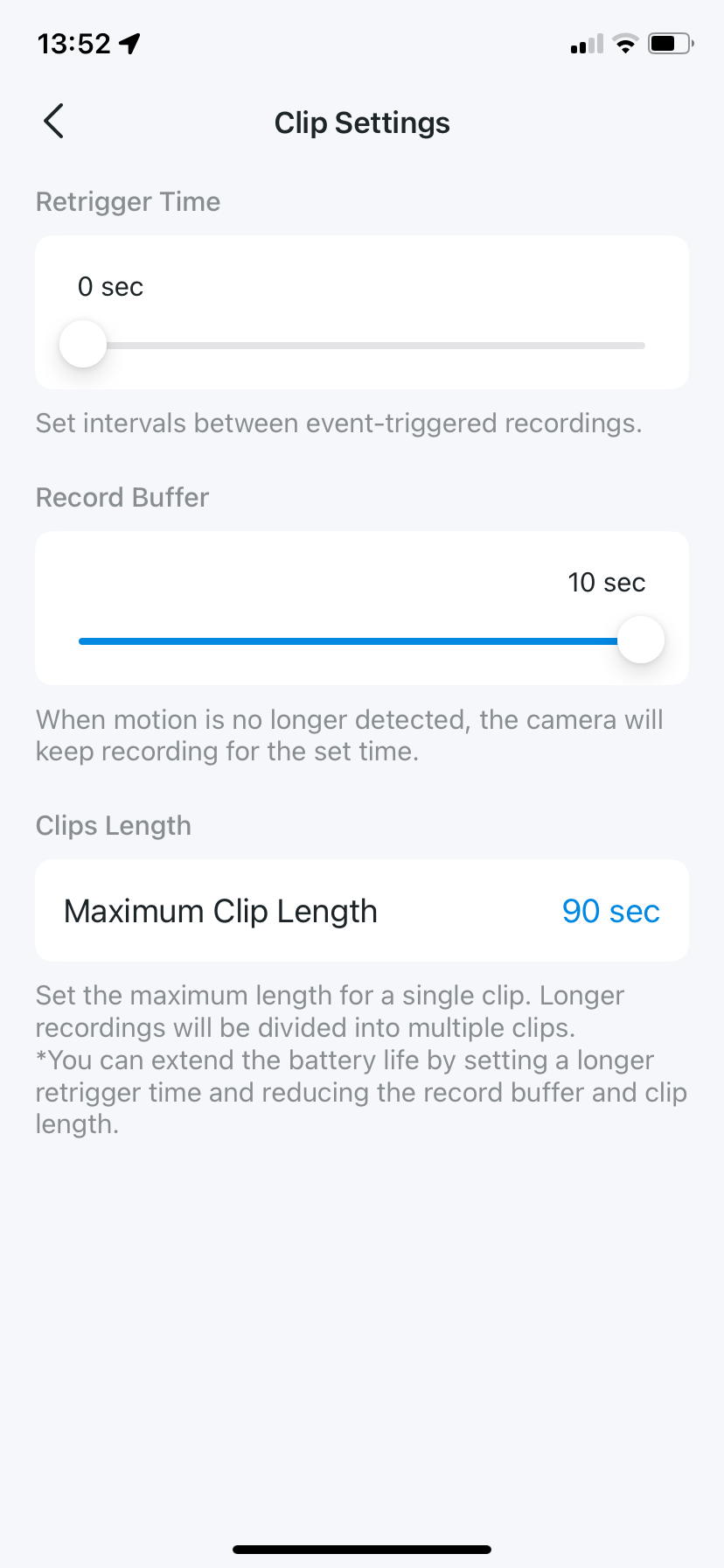
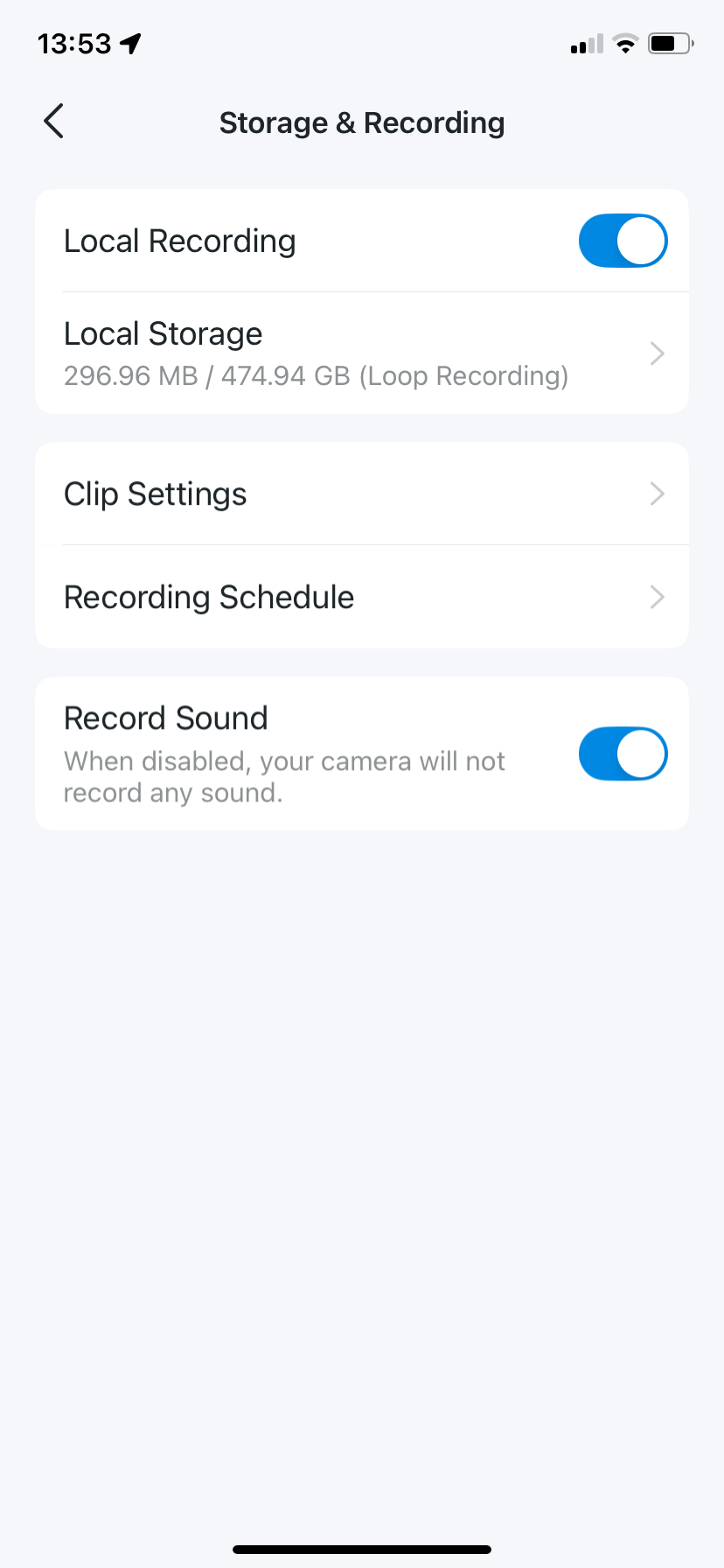
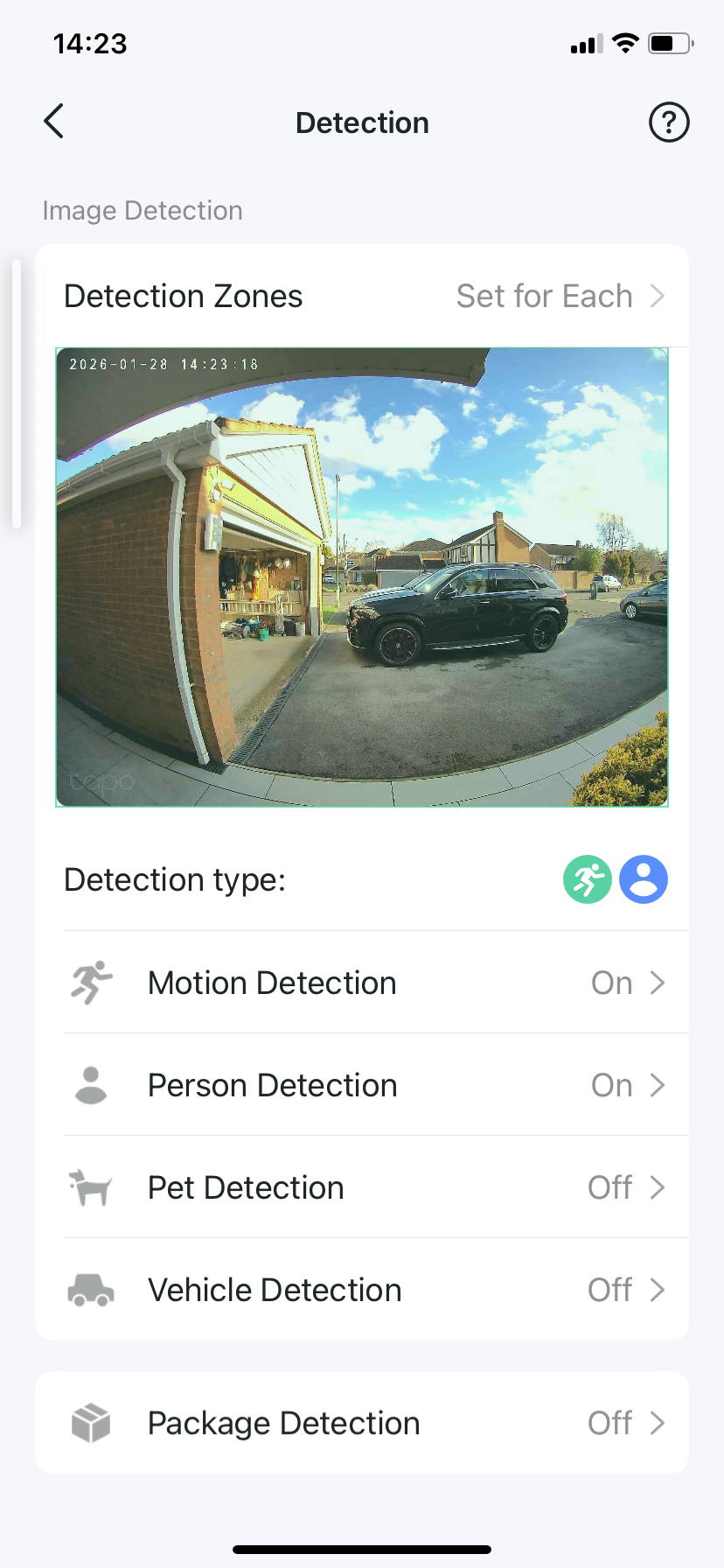
- Copy Link
- Report Inappropriate Content
@LynB Only other setting I can think of is wake up sensitivity. You could try changing wake up setting to doorbell pressed and test if it records that way?
I assume you have already tried taking the battery out and putting it back in to resart it?
- Copy Link
- Report Inappropriate Content
@Deanosaurus I have tried everything and it still won't record so I've now raised an enquiry with Tapo to return the doorbell. Thank you for your help.
- Copy Link
- Report Inappropriate Content
- Copy Link
- Report Inappropriate Content


You may try to format the SD card, reset the doorbell and the hub, then reconfigure them. Or try to use a new sd card.
If the problem still exists, i would recommend reaching out to the support team for further investigation. Contact Technical Support
- Copy Link
- Report Inappropriate Content
@Deanosaurus All the settings were at the factory default settings when we set the doorbell up but it didn't record so I tried changing one setting at a time. I've reset to factory settings and it still doesn't record. Thank you for your suggestions.
- Copy Link
- Report Inappropriate Content
- Copy Link
- Report Inappropriate Content
Information
Helpful: 0
Views: 1434
Replies: 11
Voters 0
No one has voted for it yet.