
Unable to select network under my home shield

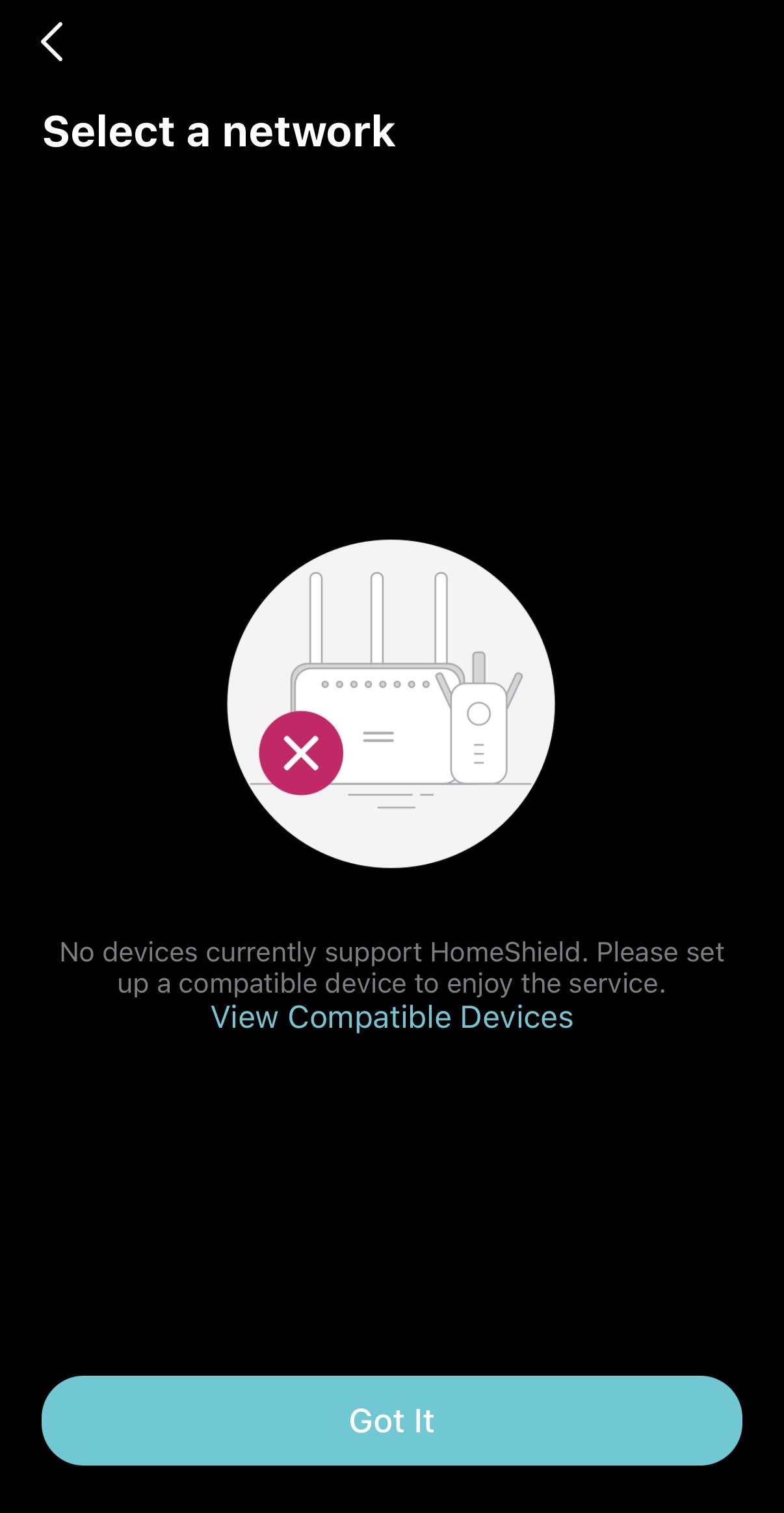 I have recently bought Archer BE400 for the feature of homeshield, after activating trail version of MyHomeShield I am unable to select my device from network it keeps saying No device currently supports HomeShield.
trouble shooting done so far with no luck.
1. Reboot router
2. Logout of app
- Copy Link
- Subscribe
- Bookmark
- Report Inappropriate Content


@terziyski Thank you for your answer to Asheik27.
@Asheik27 , Have you already contacted Technical Support? If not yet, our tech team will likely reach out to you via email to continue troubleshooting. We may need to collect some information, such as device MAC address, Order ID, etc. Please check your email inbox and confirm.
terziyski wrote
Before starting the troubleshooting procedure make sure you're with the router's latest FW release - here.
Also make sure that you have the latest Tether app release from the related app store.
If the issue persists proceed with the following steps:
Refer to this post regarding the troubleshooting process.
Here's how ro submit the Tether app log.
When submitting the app log via email, please add [Forum Escalation][ID 858644] Unable to select network under my home shield to the subject for better visibility.
- Copy Link
- Report Inappropriate Content

Hi,
Verify the Archer BE400 is "bound" to your TP-Link ID. You will know that it is bound to your ID when the BE400 is labeled as "Cloud Device" in the Tether app.
- Copy Link
- Report Inappropriate Content
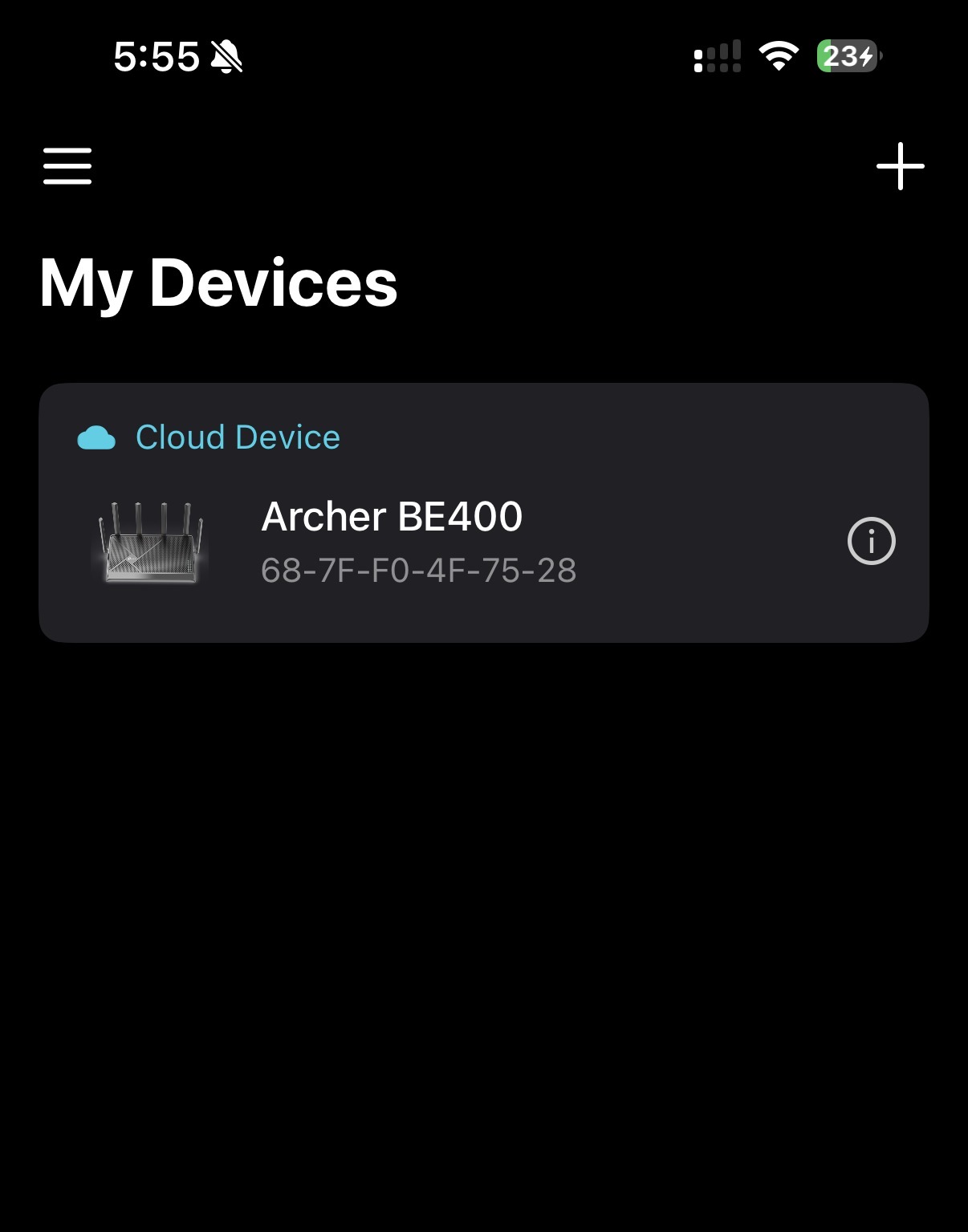 @woozle yes it's bound to my id and showing as cloud device
- Copy Link
- Report Inappropriate Content

Before starting the troubleshooting procedure make sure you're with the router's latest FW release - here.
Also make sure that you have the latest Tether app release from the related app store.
If the issue persists proceed with the following steps:
Refer to this post regarding the troubleshooting process.
Here's how ro submit the Tether app log.
When submitting the app log via email, please add [Forum Escalation][ID 858644] Unable to select network under my home shield to the subject for better visibility.
- Copy Link
- Report Inappropriate Content
@terziyski Thank you for your answer to Asheik27.
@Asheik27 , Have you already contacted Technical Support? If not yet, our tech team will likely reach out to you via email to continue troubleshooting. We may need to collect some information, such as device MAC address, Order ID, etc. Please check your email inbox and confirm.
terziyski wrote
Before starting the troubleshooting procedure make sure you're with the router's latest FW release - here.
Also make sure that you have the latest Tether app release from the related app store.
If the issue persists proceed with the following steps:
Refer to this post regarding the troubleshooting process.
Here's how ro submit the Tether app log.
When submitting the app log via email, please add [Forum Escalation][ID 858644] Unable to select network under my home shield to the subject for better visibility.
- Copy Link
- Report Inappropriate Content
Information
Helpful: 0
Views: 413
Replies: 4
Voters 0
No one has voted for it yet.