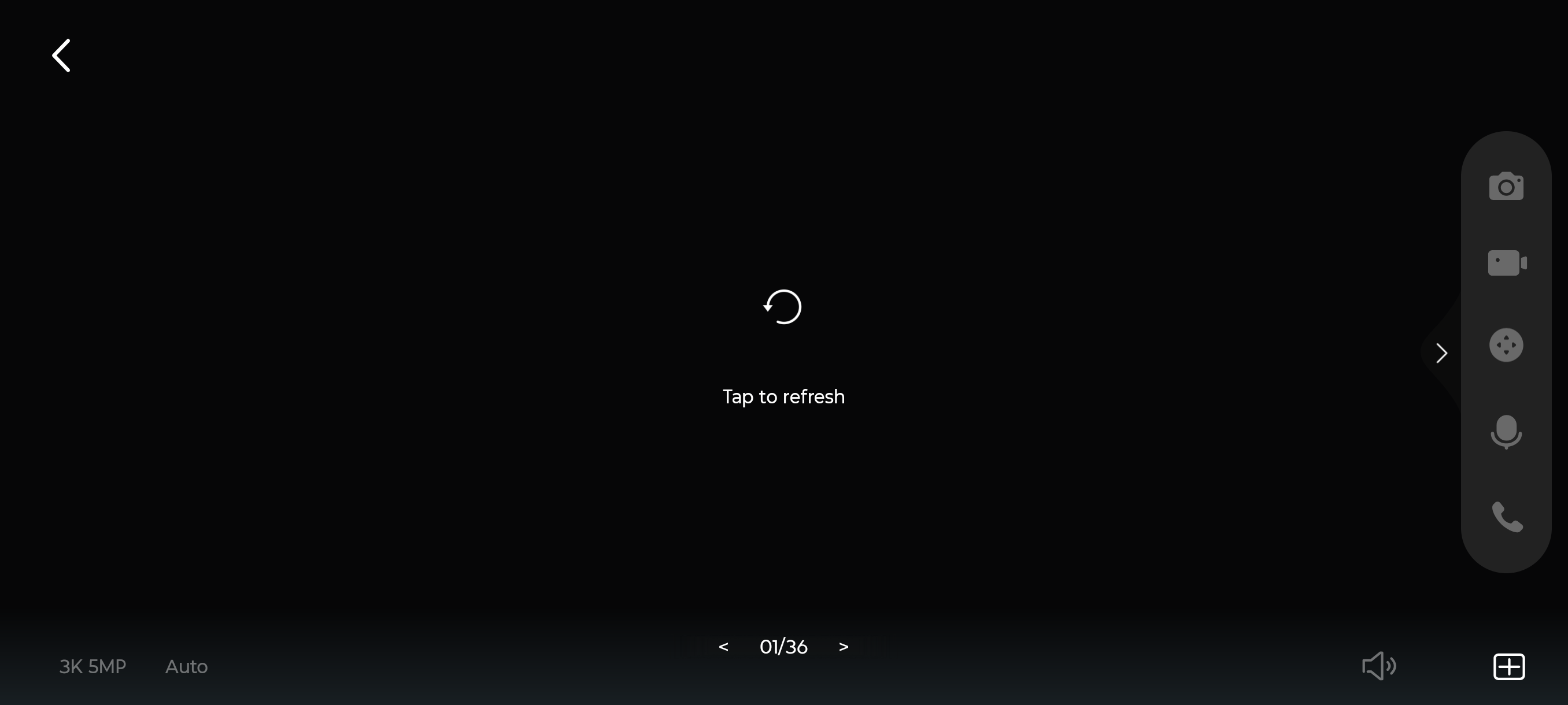
SolutionTapo Camera Video Feed Failure on Tapo C323 : Tap To refresh

Hi everyone,I am experiencing a persistent issue with my Tapo C232 camera where the Live View completely fails to load.Here is the detailed situation:The Issue: The live feed is completely black, showing only a loading spinner with the text "Tap to refresh". At the bottom, it shows a < 01/36 > grid view layout indicator. The resolution is set to 3K 5MP.Unresponsive UI: All the control buttons on the live view screen (like the grid toggle, playback, talk, etc.) are frozen and completely unresponsive to clicks.Camera Status: The physical LED indicator on the camera is Solid Green, which means it has a successful connection to the cloud server.Current Setup: The camera is currently connected via a stable Ethernet (LAN) cable.Steps I have already tried (but didn't work):Tested the account on multiple different smartphones, but the exact same frozen 01/36 grid view screen appears on all devices.Cleared the Tapo app cache and data, and forced stop the app.Logged out and logged back into my main owner account.Since the camera LED is solid green, it seems to be an app UI bug or a local data routing issue between the Ethernet connection and the app's multi-camera rendering.Has anyone encountered this frozen 01/36 grid view bug before? Any advice on how to force the app back into a functional single-camera view or fix this routing issue would be highly appreciated.Thank you!