
AX6000 in Access Point Mode unable to connect via. web browser.
 This thread has been locked for further replies. You can start a new thread to share your ideas or ask questions.
AX6000 in Access Point Mode unable to connect via. web browser.
This thread has been locked for further replies. You can start a new thread to share your ideas or ask questions.
I have my router set up in Access Point Mode.
I have a static IP address set for my router (192.168.1.11).
I am unable to login to my router from a web browser.
In my chrome browser, I type in: https://192.168.1.11, and I get to the login page.
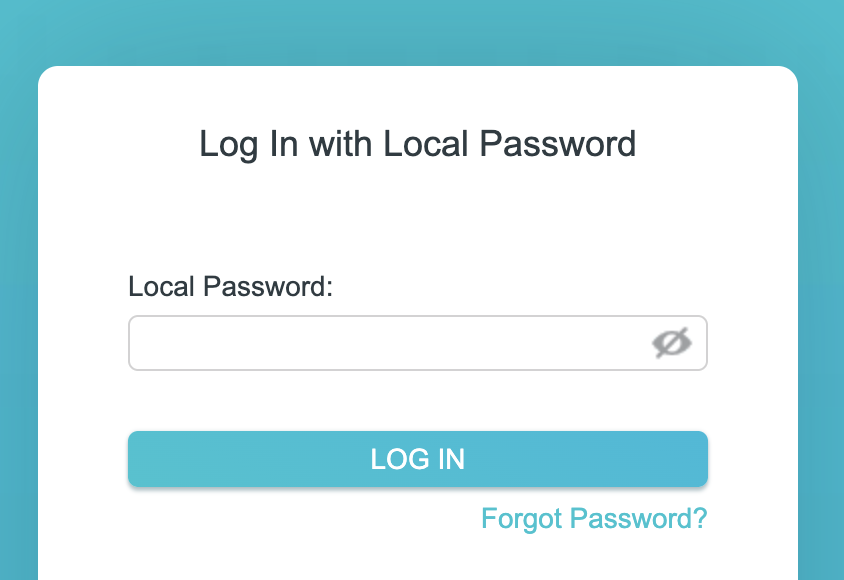
I type in my password and it immediately redirects to this page:
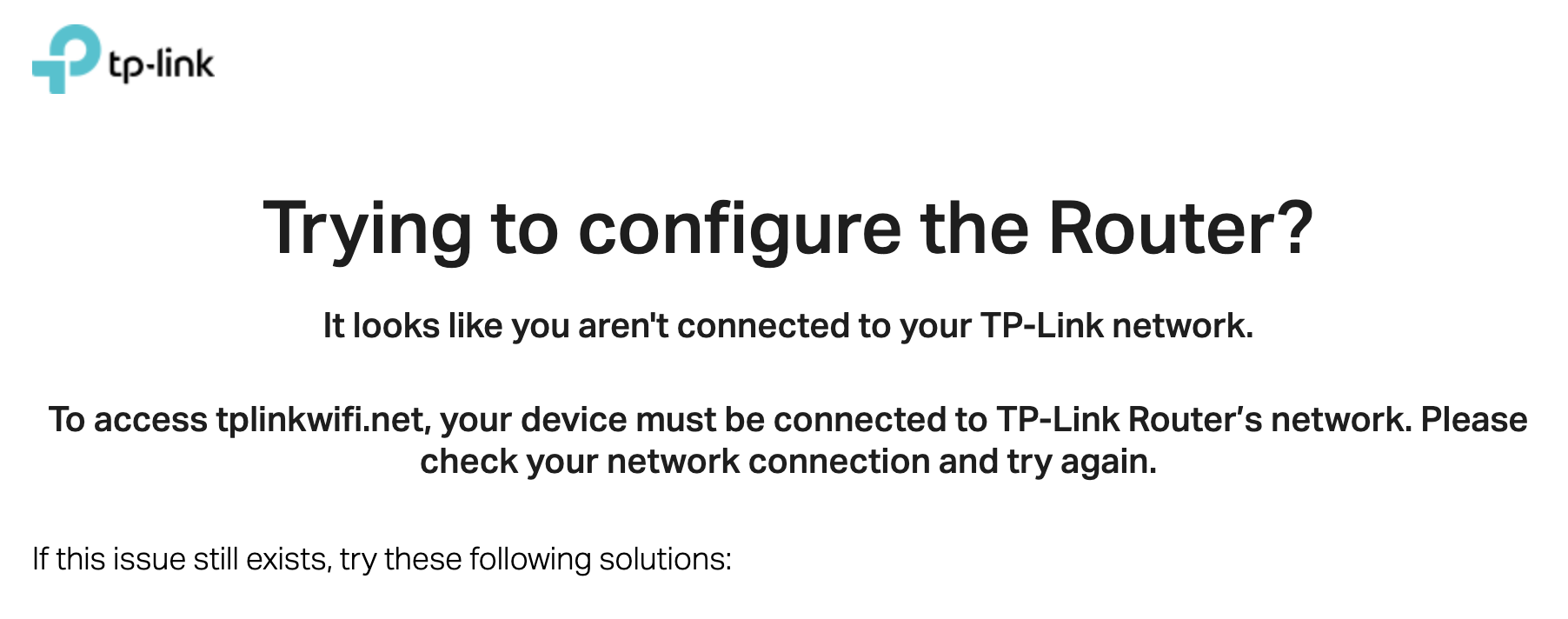
I have tried all the solutions on the page, but I cannot get it to just login to the router.
I can manage it with solution three (tp-link tether mobile app), but that has very limited capabilities.
-phil
- Copy Link
- Subscribe
- Bookmark
- Report Inappropriate Content

@SanDiegoPhil tplinkwifi.net resolves to two routers in AP mode. I think that is why it gets stuck. Turning off one or the other prevents this ambiguity. (I have 3 REs in my house and they have a similar tplinkwifiextender.net and the Tether app first correctly shows the 3 as Local, but then when a remote RE populates all say Cloud. (I don't have web access to REs but suspect the same issue would arise)...
- Copy Link
- Report Inappropriate Content
@jzchen Okay, I tried unplugging one of the APs (AX6000) then tried typing in the IP address of the other router in a browser. I get the same behavior. It goes to the login page, I type in my password and click login, then it seems like it's working, but immediately redirects to tplinkwifi.net.
- Copy Link
- Report Inappropriate Content
Information
Helpful: 0
Views: 1328
Replies: 12
Voters 0
No one has voted for it yet.