BE63 v2 - Help with Tesla Wall Connector v3 - Won’t connect WPA-2 Personal

BE63 v2 - Help with Tesla Wall Connector v3 - Won’t connect WPA-2 Personal

BE63 v2 - Help with Tesla Wall Connector v3 - Won’t connect WPA-2 Personal
2025-11-14 02:17:56
Model: Deco BE63  
Hardware Version: V2
Firmware Version: 1.1.7 Build 20250324 Rel. 32980

Hello


I purchased a trio pack of the BE63 WiFi 7 router and having issues connecting my Tesla Wall connector.


For context here are my WiFi settings:
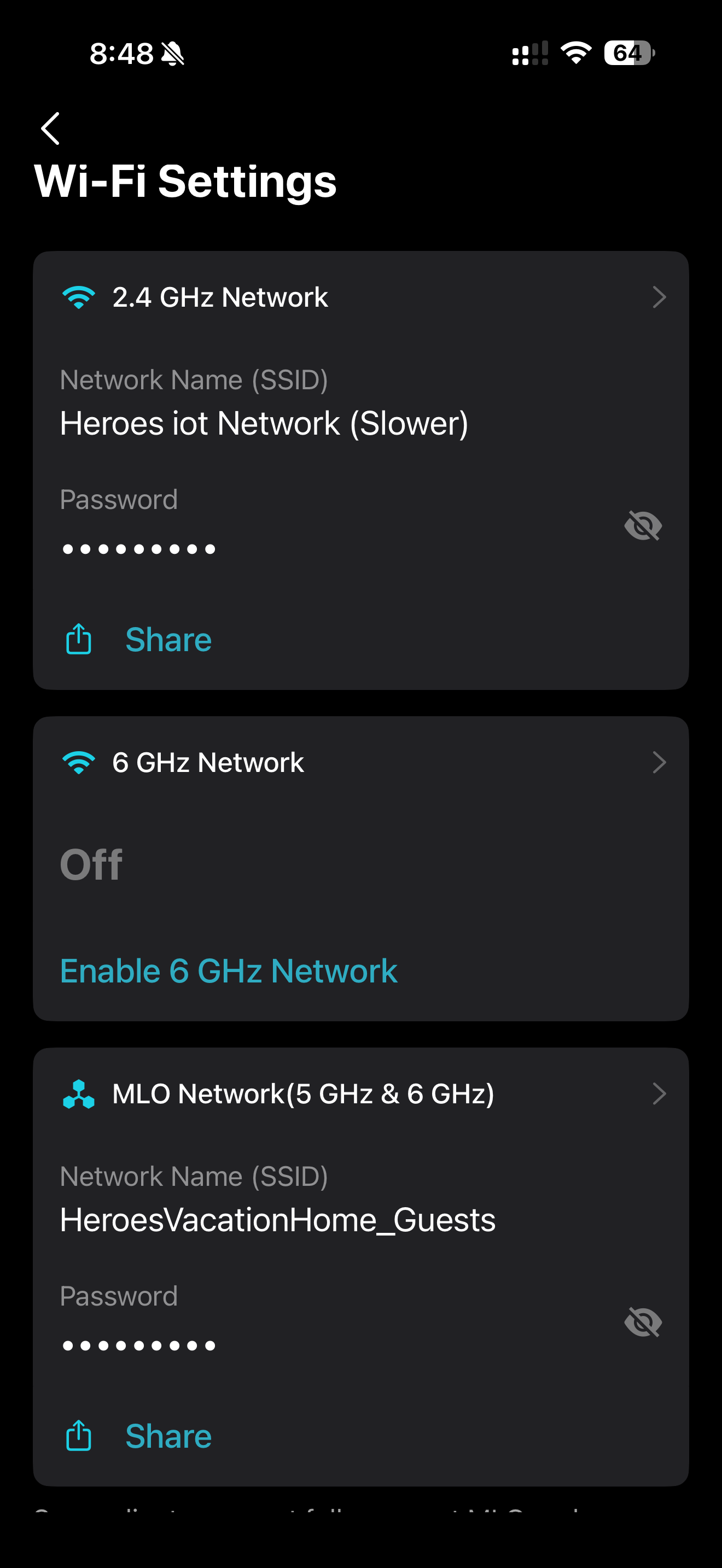
 

WiFi settings


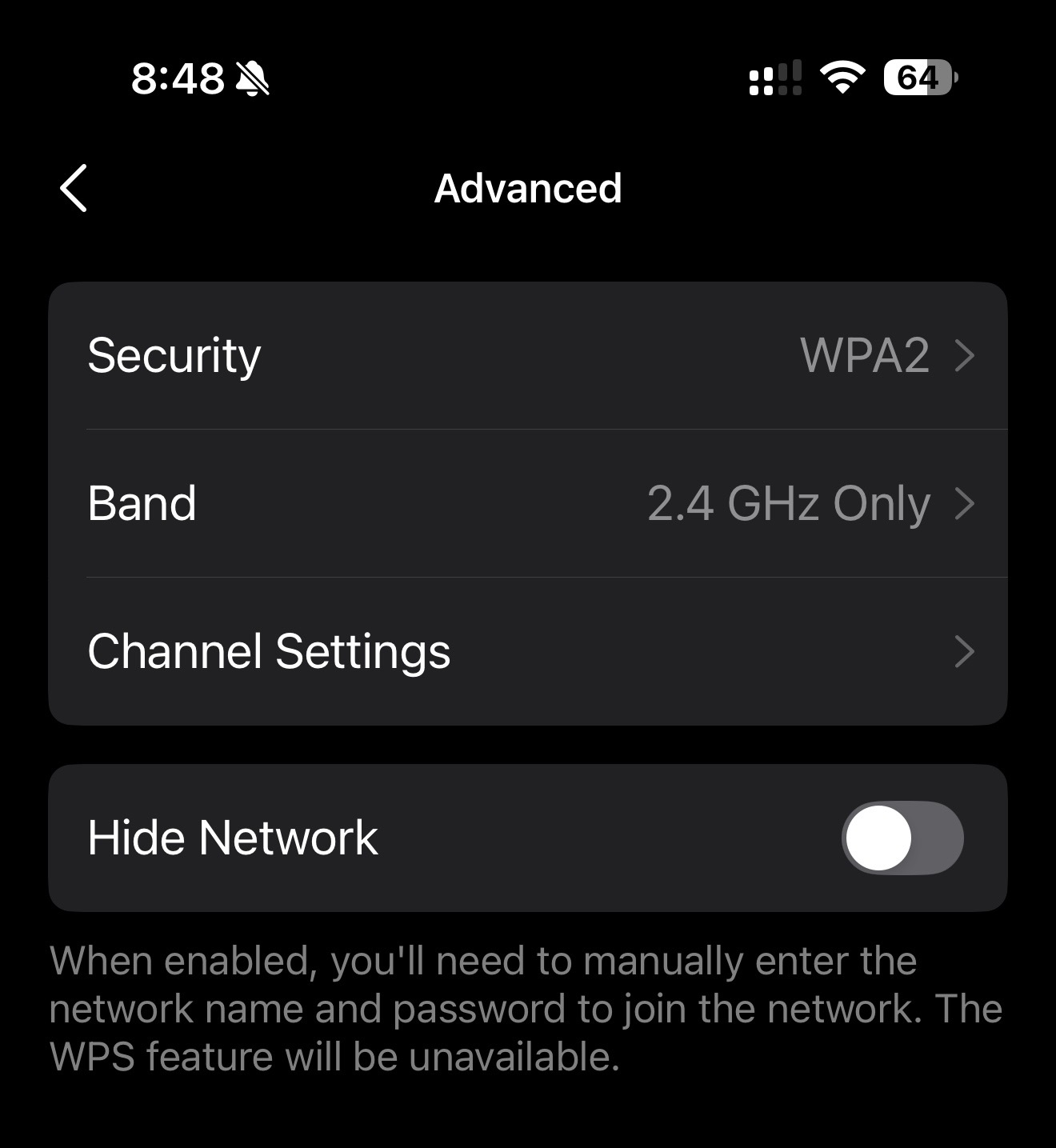
Here are the 2.4Ghz network settings 

2.4 network


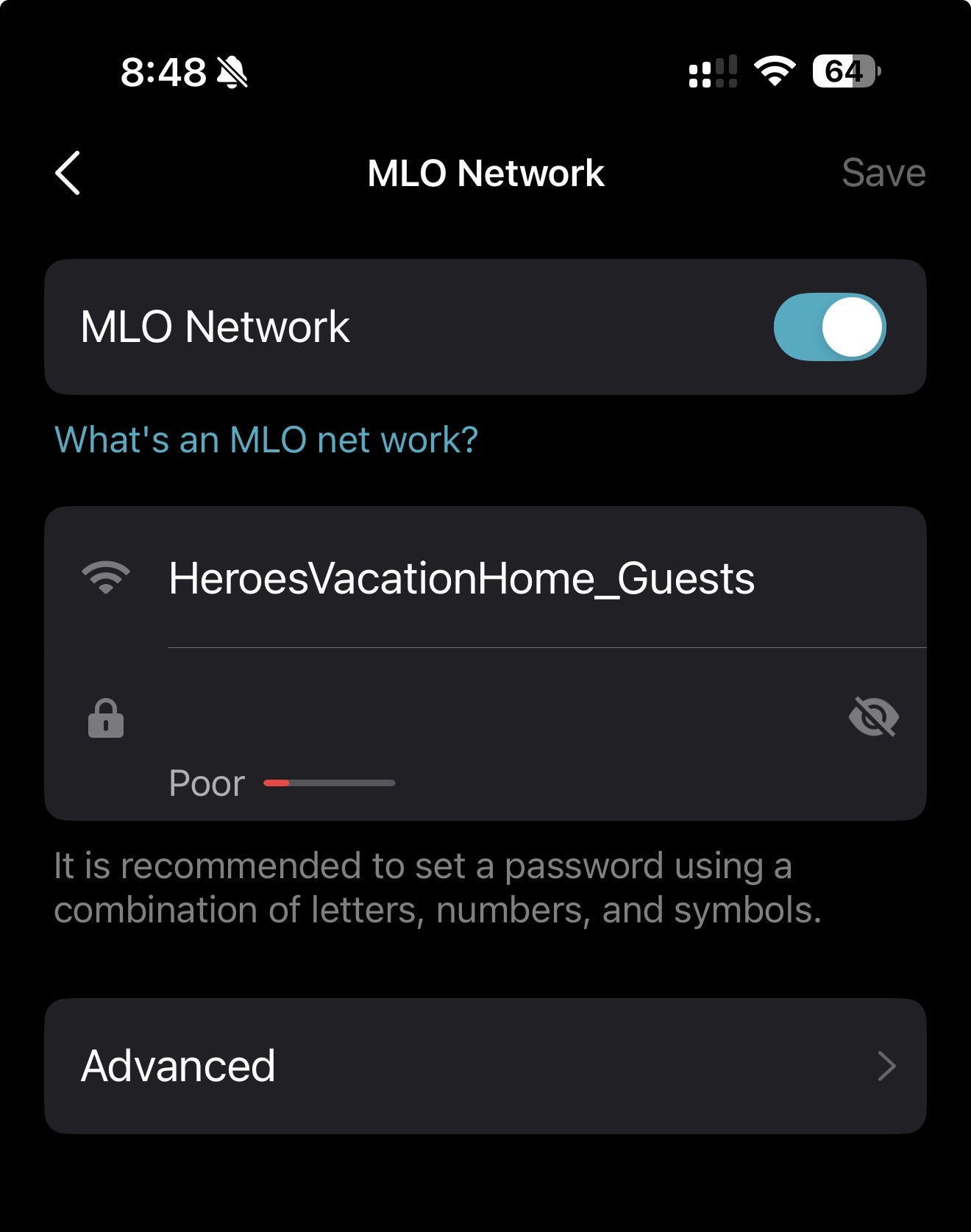
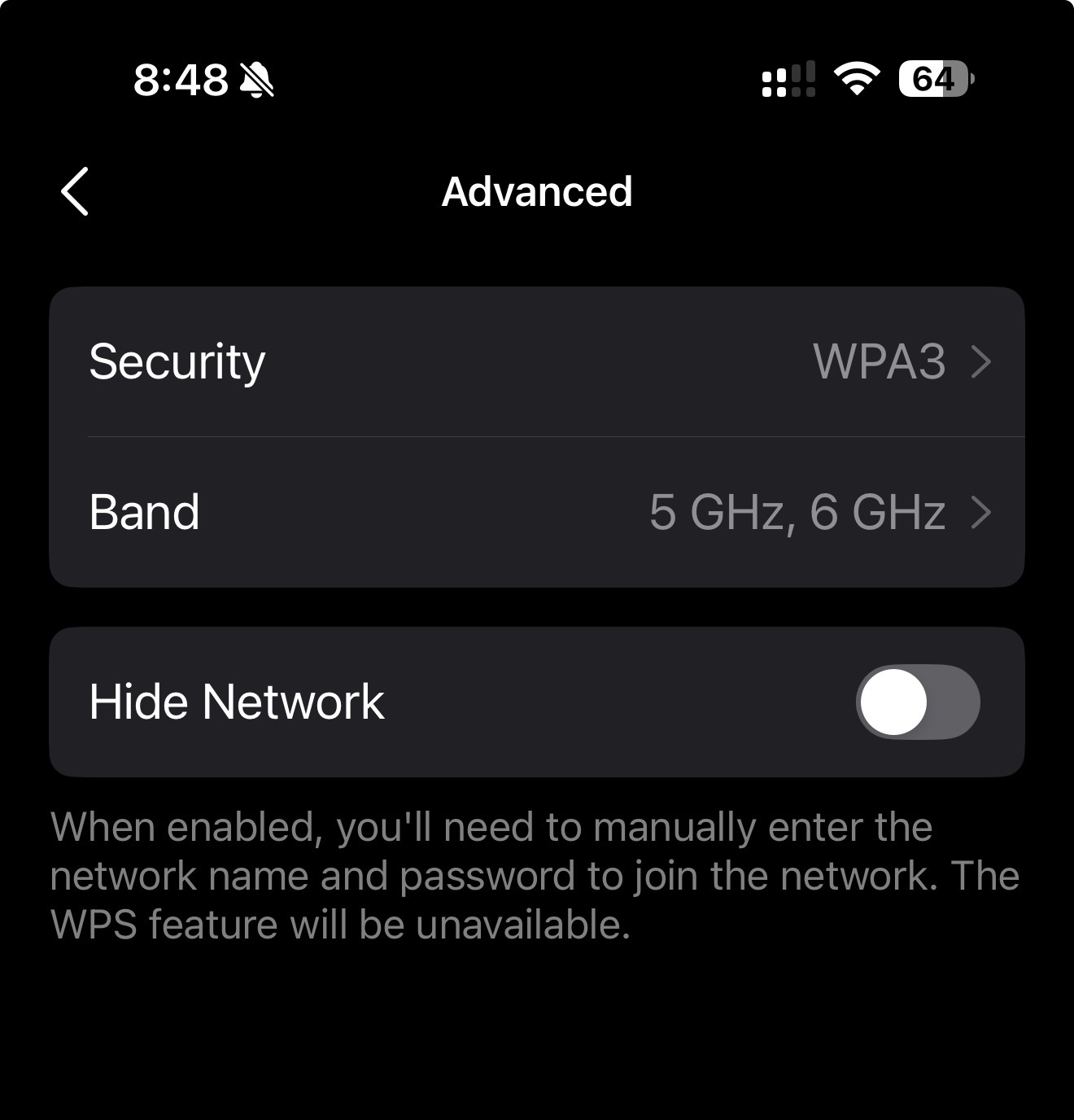
And here are the MLO settings:


752f5bd6a7414c8e9c8015c7ea587c9e

074c38a6bc6b4ad39802bcc4ba975828


The Tesla wall connector only connects with WiFi networks that are WPA-2 Personal.


However when I try to connect to our WiFi it says invalid password:
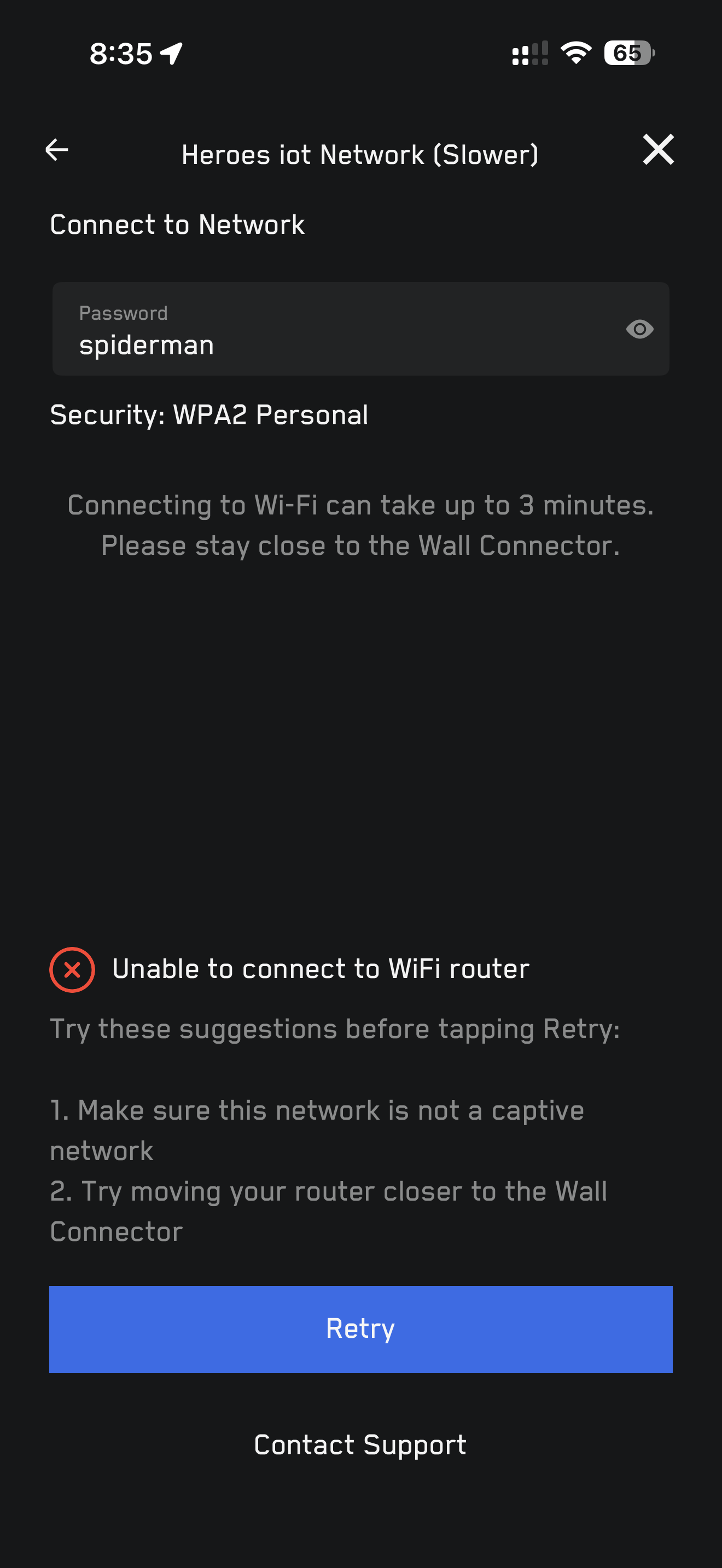
 

9b429c67d74441bab01d8e03b87a8fdf


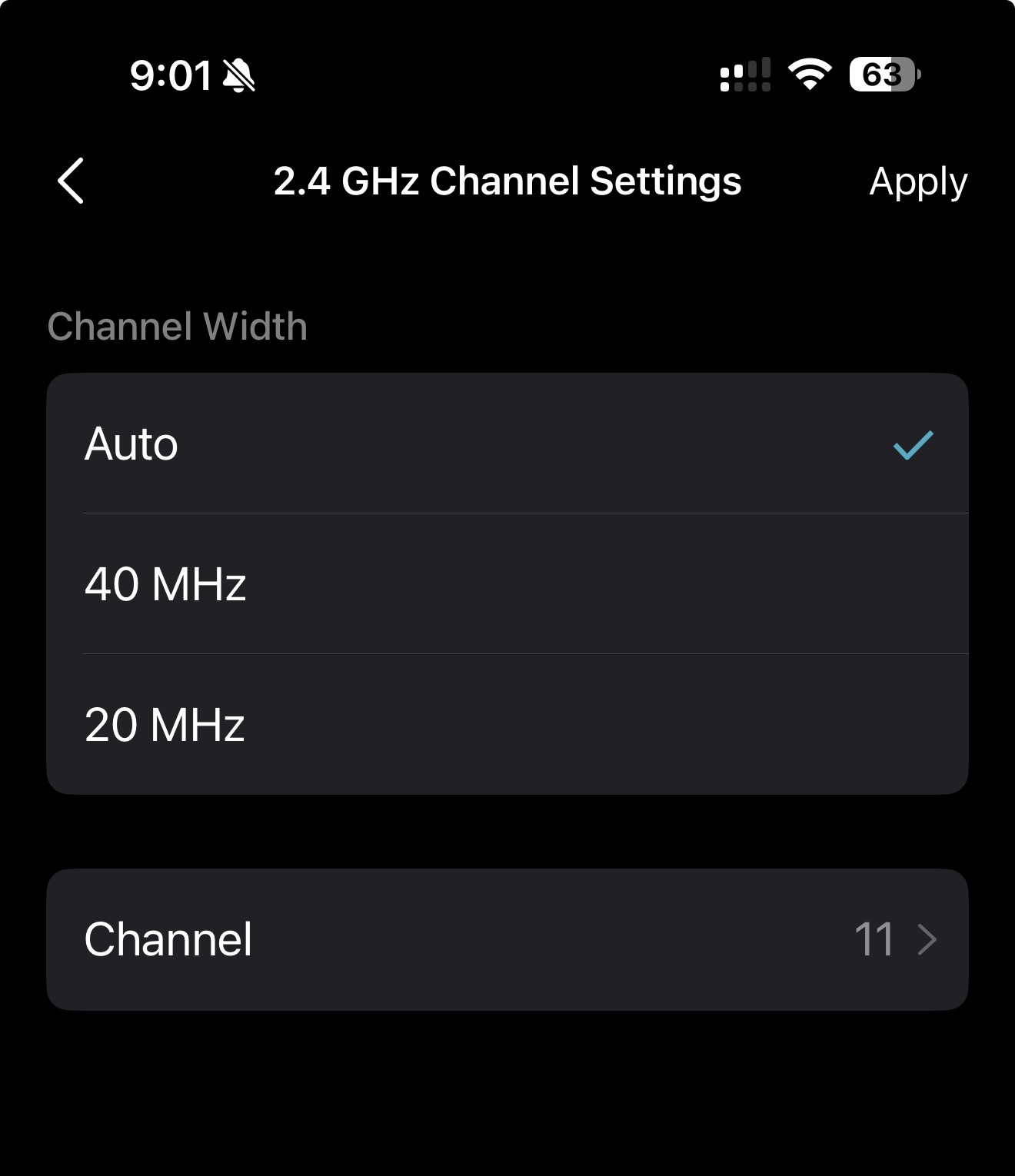
I tried cresting a IoT network in the deco app and also tried creating random guest networks with WPA-2 but they too give the same error. I also tried changing 2.4Ghz settings from auto channel to channel 11 to see if it helped but it didn't so reverted it back to auto.
 

558c3a0869e247b7a3f905b9a9f58cb7


I've been trying for 2 months now and haven't been able to get this to work and hoping someone from support can assist. 


  0      
  0      
#1
Options
1 Reply
Re:BE63 v2 - Help with Tesla Wall Connector v3 - Won’t connect WPA-2 Personal
2025-11-14 08:41:42

  @ChrisDUK112 


First please access the Deco web UI by entering "tplinkdeco.net" in your browser. Navigate to Advanced > System > System Log, select "ALL" in the log type, and save the file to your local computer. Then follow the steps below making sure to attach the logs to the email.


I recommend sending an email to forumsupport.usa@tp-link.com with the following information:


Subject: [Forum Escalation][ID 848106BE63 v2 - Help with Tesla Wall Connector v3 - Won’t connect WPA-2 Personal

Forum Nickname: [User Provided]

Thread URL: https://community.tp-link.com/us/home/forum/topic/848106

Model&Version: [User Provided]

Description: [User Provided]

Any Other Relevant Information (Logs, Config Files, Images, etc.): [User Provided]


 In the template above please fill in the areas that say [User Provided].  This will open a case with our engineering team, and they will work with you via email. 


Need help with the Deco app, setup, Ethernet backhaul, network switch or rolling back firmware? Router or AP mode? https://community.tp-link.com/us/home/forum/topic/699816?page=1
  1  
  1  
#2
Options