EAP783 Firmware Update Failing - Can't access Controller HTTPS port

I am running the software controller on a TrueNAS system, version 6.1.0.19. When I log into it, it shows me that a firmware update is available for my EAP783. Current version is 1.1.4, update would be to 1.1.5. When I try to upgrade the firmware, it shows "UPGRADING" as the status for about 10 minutes, but does not succeed in updating the firmware.
The error message shown in the logs is "[EAP783 MAC address] failed to upgrade online. Please check your network configuration and make sure the device can access the Controller's HTTPS management port."
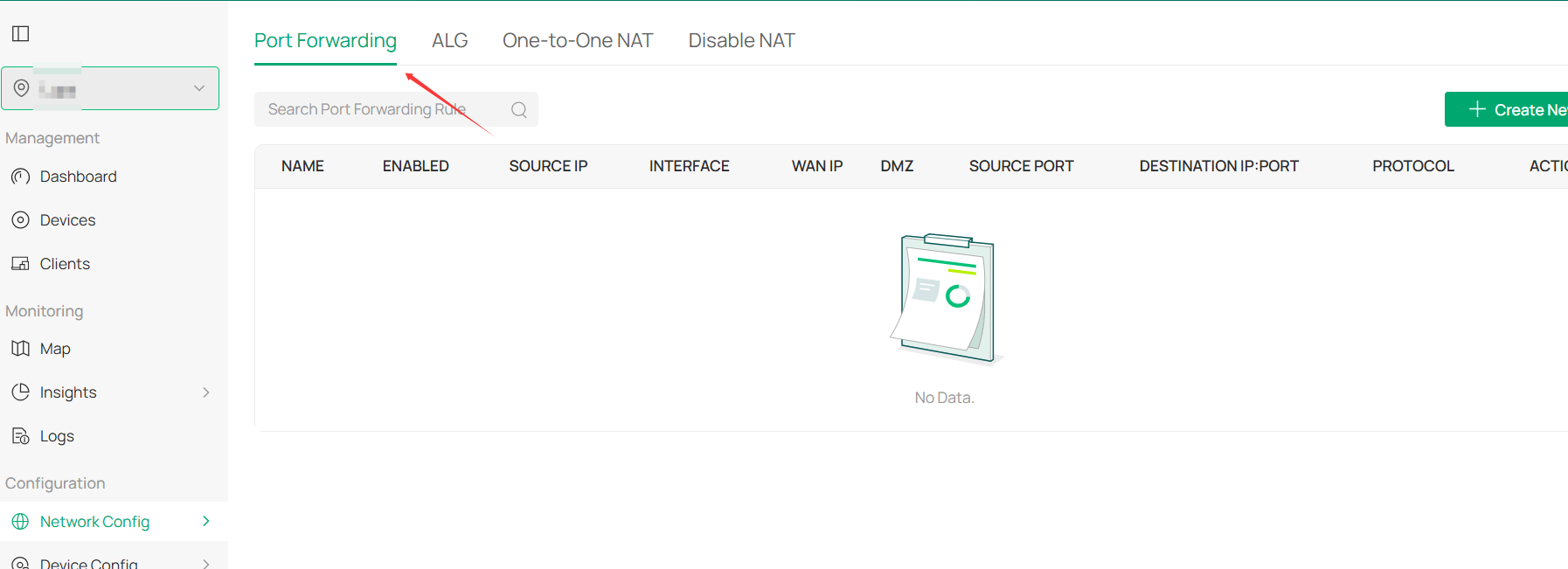
I have tried changing to another port besides 8043 and changing the port forwarding accordingly with the same result.
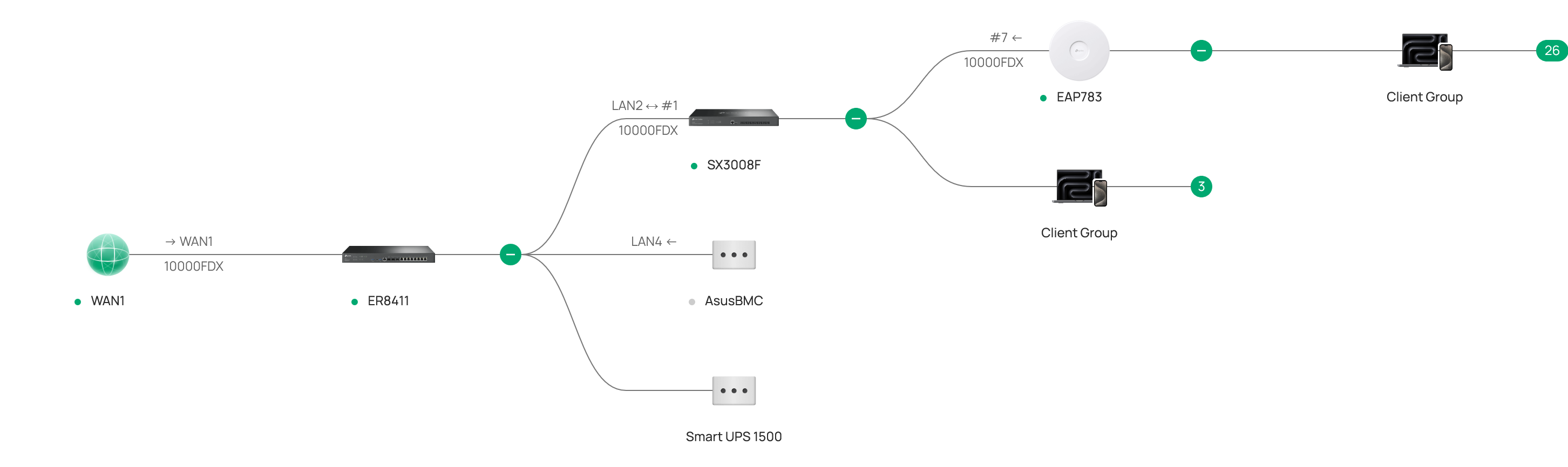
Topology
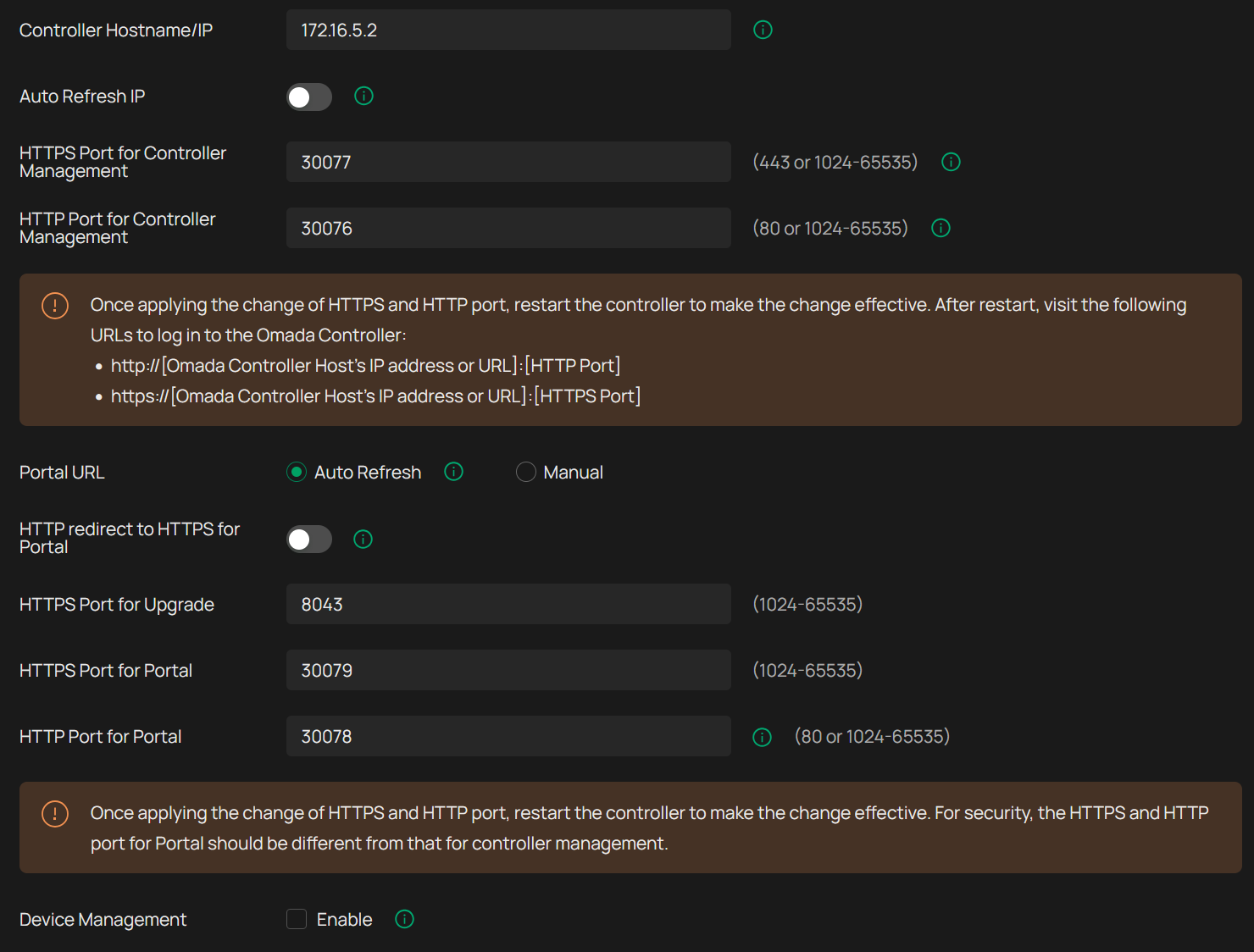
Access Control Settings (the IP shown here is an internal one based on it running in Docker, not the real IP that I use to access the controller)
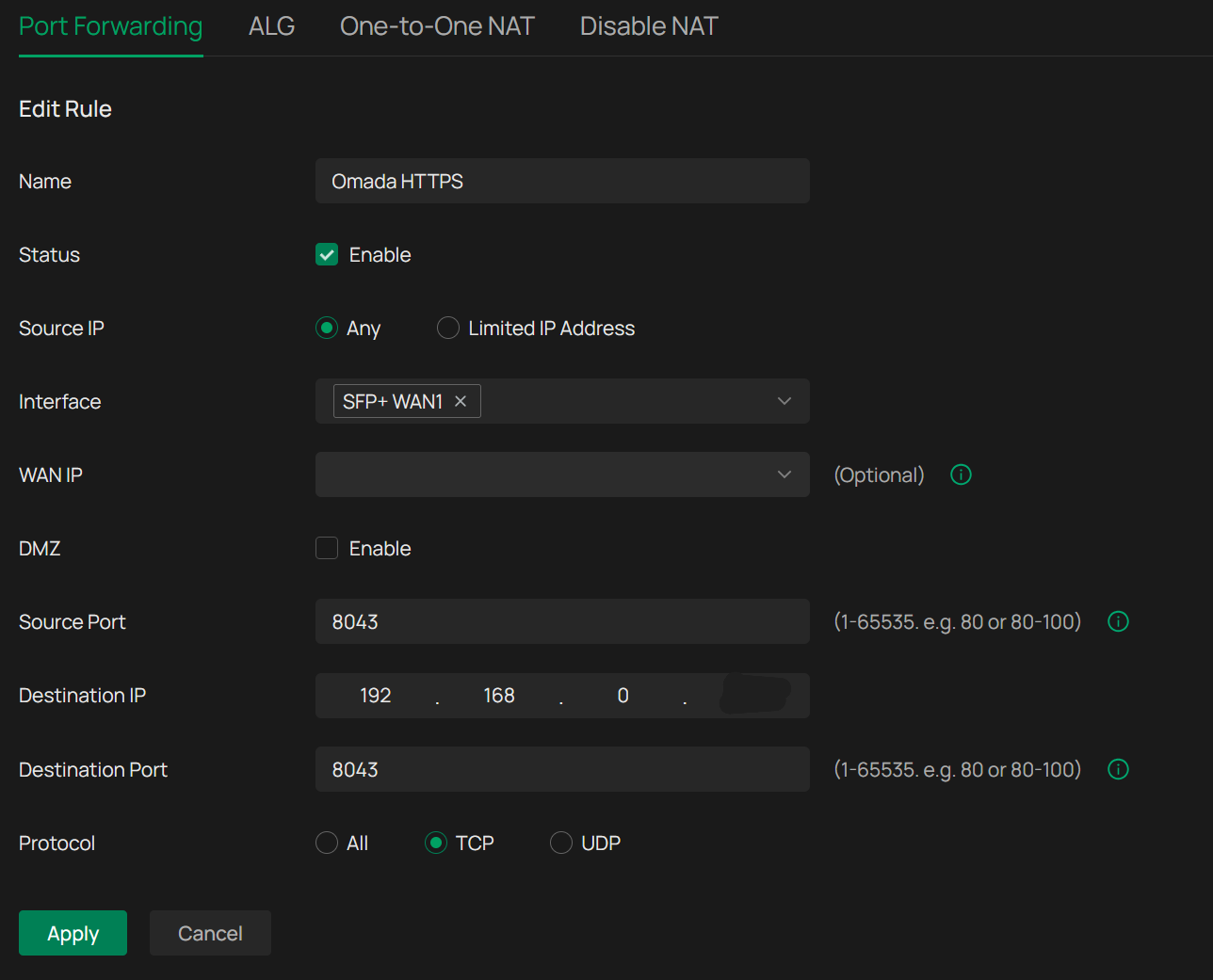
Port Forward (IP partially shown here is the real address where I access the controller through)
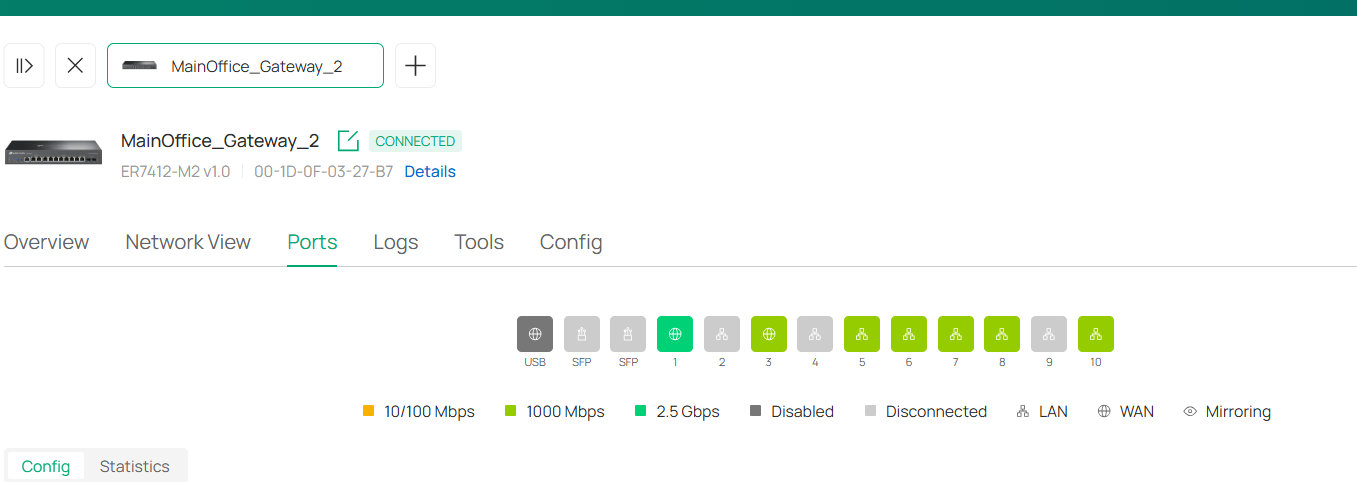
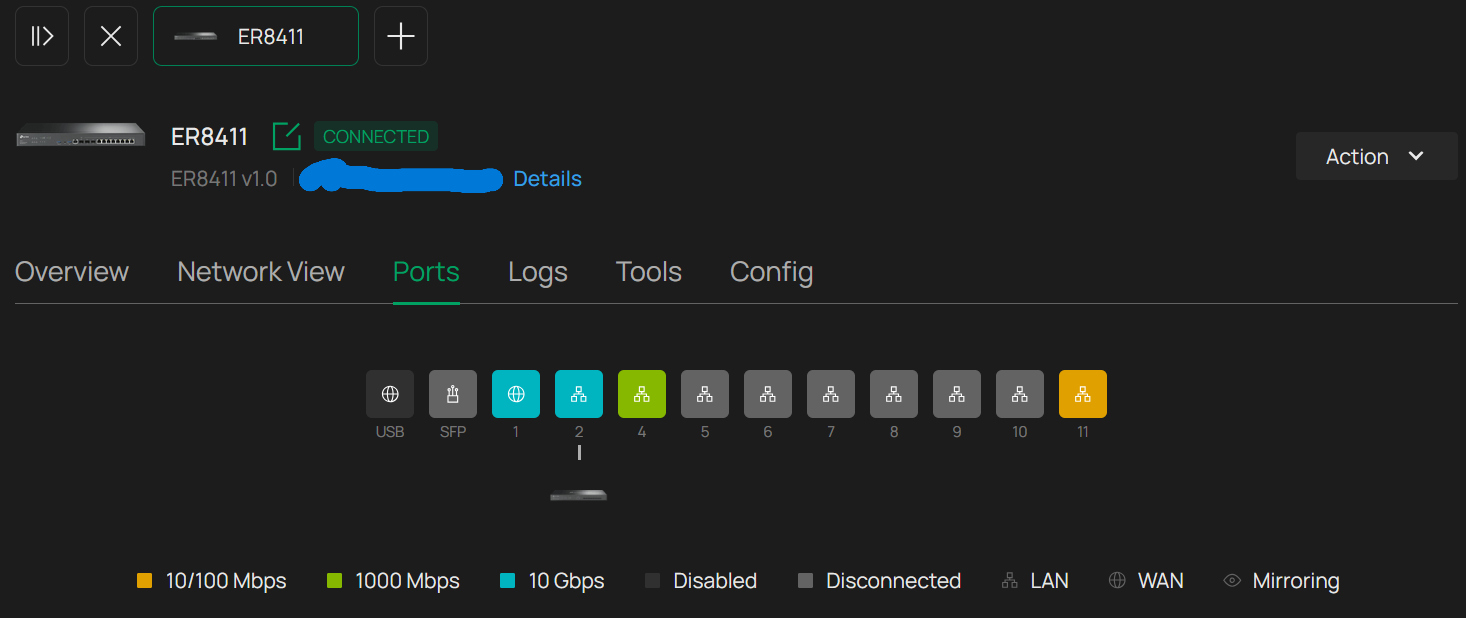
I have an ACL on the SX3008 that allows all devices on the primary VLAN (including the EAP783 and controller) to communicate on all protocols. I have also tried explicitly adding an ACL on the ER8411 that permits the controller IP and ports to be accessible through WAN and vice versa, but nothing has worked.
I want to note that before I upgraded to the v6 controller, I had successfully updated firmware on all three of the Omada devices with basically the same network configuration. I have also tried manually upgrading the firmware by downloading it to a computer on the same VLAN and uploading it directly via the controller, but I get the same error.
Let me know what other information I can provide, and thank you!