
Accepted WAN/LAN auto-sensing


Background:
There is a typical network topology:

Some users might notice that, once the internet service fails, they are no longer able to access the NAS server from the local network.
The cause of this Phenomenon:
When internet service went down and the cable modem failed to provide an IP address for Main Deco, both Ethernet ports on the main Deco would work as WAN ports to detect internet connection. NAS would no longer obtain an IP address from Deco.
Why do we use WAN/LAN auto-sensing on Deco?
For the Deco Mesh system, normally, it would have more than 2 units, and each unit has at least 2 Ethernet ports; It would be time-consuming and confusing to find out which port should be connected to the ISP modem. And supposing that the WAN port is fixed, once this port is broken, the whole Mesh kit would be useless.
Recommended Solutions:
- Given that the issue arises only when the ISP modem fails to assign an IP address for the main Deco, once the cable modem recovers, the problem should be resolved. It is suggested to contact the ISP to restore the modem connection as a priority.
- The current workaround would be connecting the wired servers to the satellite Deco units instead of the main one.
- And we have also implemented enhancements on certain models, ensuring that the WAN port remains constant as long as the physical Ethernet connection between the modem and main Deco is unchanged, even when there is no internet service from the modem. Moreover, it is also planned to support manually fixing a specific Ethernet port as the WAN post on the Deco APP later.
The following models already support fixing the WAN port:
| Deco X80-5G Deco X50-5G Deco X20-4G Deco X50/X55_V1/V1.2 Deco X20/X60_V4 Deco X60_V3/3.2/V4.2 Deco BE65-POE_v1 Deco BE65-Outdoor_V1 Deco BE68_V1
|
1.11.0 Firmware Platform Understand the Differences Among Deco Firmware Platforms
|
- Copy Link
- Subscribe
- Bookmark
- Report Inappropriate Content
Hi,
Please ensure your Deco XE75 is in Router mode rather than AP mode, and that the Deco XE75 with the beta firmware installed is set to the main Deco.
If the same phenomenon persists, please provide the following information.
1. Send us a picture of the Deco app > More > System > Update Deco page.
2. Send us a picture of the Deco app > More > Advanced page.
Best Regards
- Copy Link
- Report Inappropriate Content
Hi,
Thank you for your response.
I have only 1 deco and that is used as router only. I have attached required screenshots. Please check and guide.
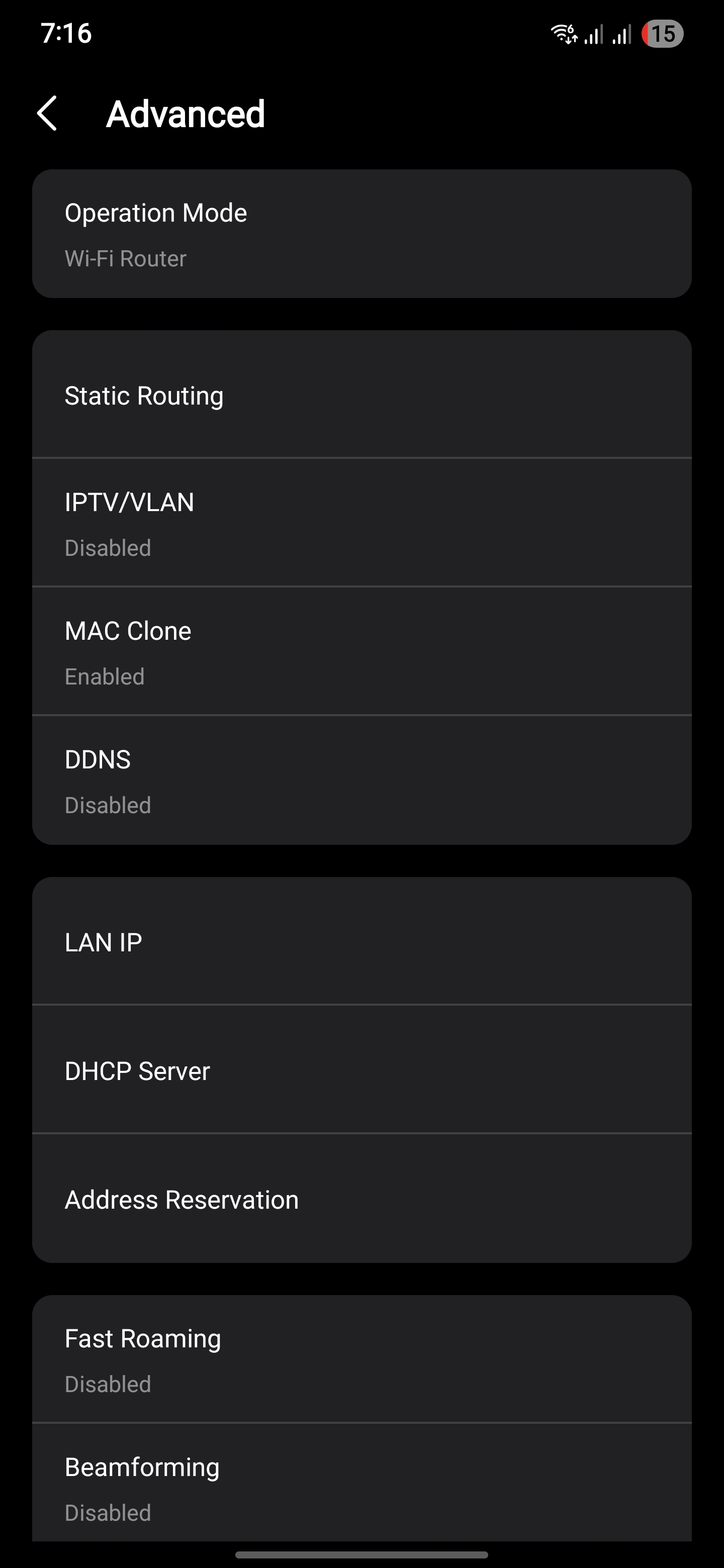
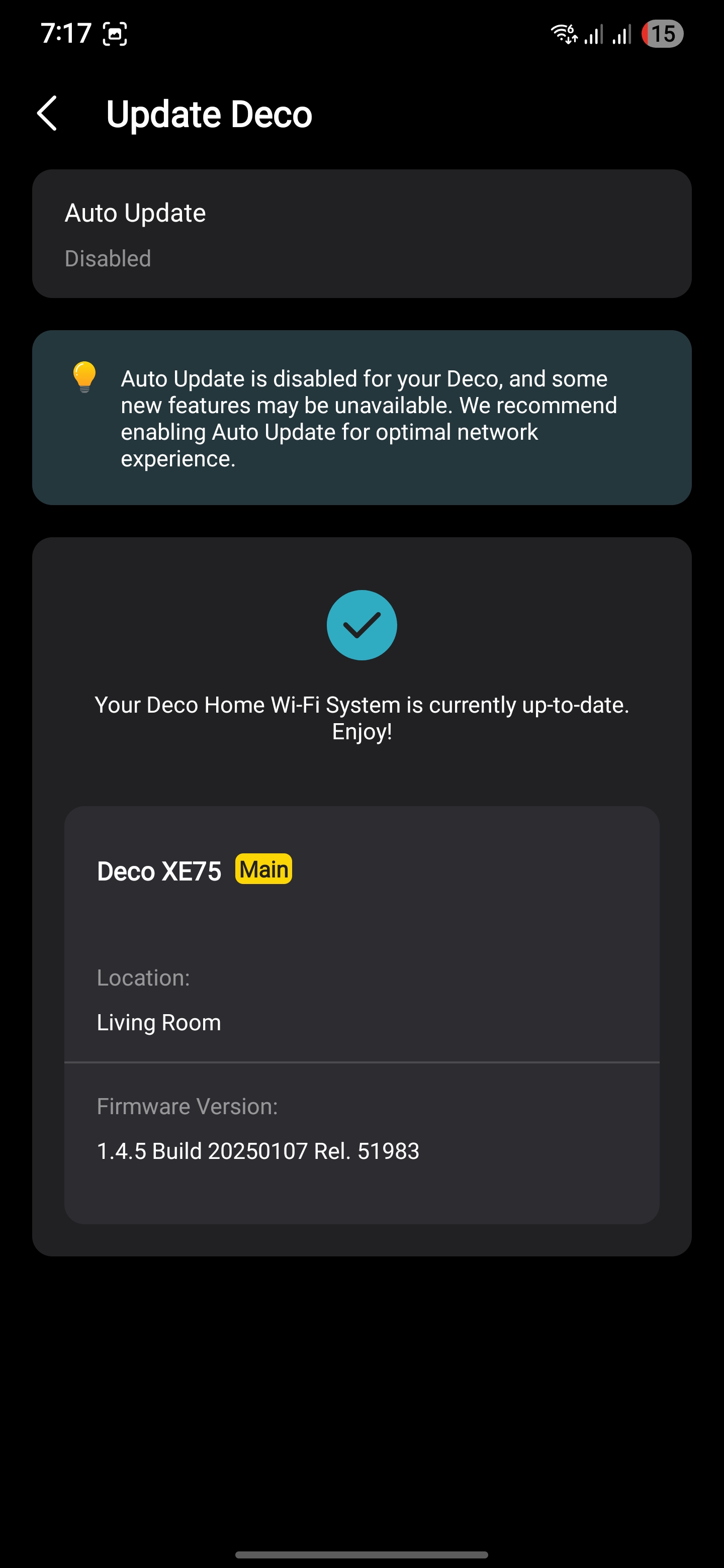
- Copy Link
- Report Inappropriate Content
@TP-Link Still not fixed?
If you go back to the original thread TP-Link have never seen this as a serious BUG; They call it a feature request!!!!!
Over five years now without a fix shows you how carelessly they treat their customers.
I threw my Decos in the trash can and bought a different brand of mesh. GUESS WHAT? When the internet goes down I still have a access to my NAS, media servers and printers, all connected wirelessly. Other brands can do it but not TP-Link!
Get the message out, otherwise many others will fall into this trap.
- Copy Link
- Report Inappropriate Content
Hi,
With the firmware v1.4.5 Build 20250107 installed on your Deco XE75 V1, if you have internet from the Deco, the port used to connect to the modem/internet cable on the main Deco is the fixed WAN port by default, and the others are LAN ports. If you have no internet, please try to connect the top or bottom port to the modem/internet cable; one of them is the fixed WAN port by default. There is no option in the Deco app to change the WAN port.
Best Regards
- Copy Link
- Report Inappropriate Content
Information
Helpful: 169
Views: 140126
Replies: 354
Voters 166



































