Archer AX50 V1 unable to update

Archer AX50 V1 unable to update

Archer AX50 V1 unable to update

Saturday - last edited Yesterday
Model: Archer AX50  
Hardware Version: V1
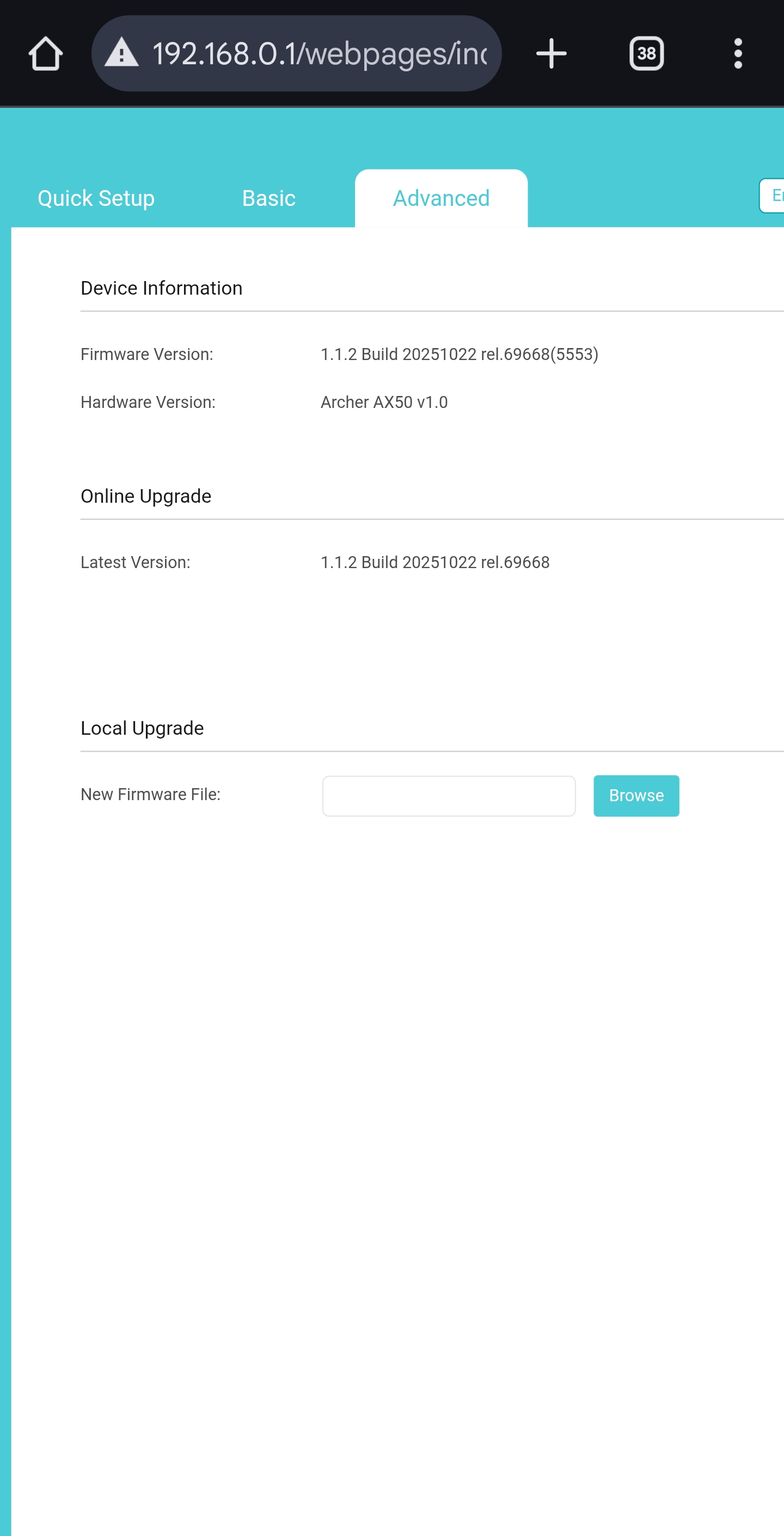
Firmware Version: 1.0.8 Build 20200430 rel.34131

HI,

I am having a problem updating the firmware in my AX50 router. Downloaded the latest version but shows the error message "unable to update". I am using the US version of the router, purchased in AU.

  0      
  0      
#1
Options
1 Accepted Solution
Re:Archer AX50 V1 unable to update-Solution
Yesterday - last edited Yesterday

  @Kevin_Z 


Worked perfectly.after you send the best version.  Many thanks

Recommended Solution
  1  
  1  
#10
Options
9 Reply
Re:Archer AX50 V1 unable to update
Saturday

  @Kavnn 


Hi,


Looks like this is a common issue for Archer AX50 purchased in Australia.

https://community.tp-link.com/en/home/forum/topic/591172


You will need someone from TP-Link to send you a special intermediate firmware. After you've installed that firmware you will be able to install the common firmware versions available for download on the public website.  @Kevin_Z 


  1  
  1  
#2
Options
Re:Archer AX50 V1 unable to update
Monday

Hello @Kavnn 


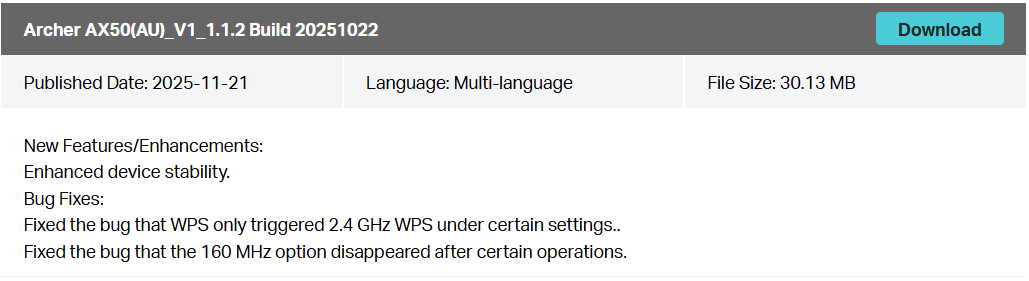
Since you're based in Australia, have you tried to install this specific version on your AX50?
Nice to Meet You in Our TP-Link Community. Check Out the Latest Posts: Introducing AI QoS: Elevate Your Gaming Experience on the Archer GE800 Gaming Router! Connect TP-Link Archer BE550 to Germany's DS-Lite (Dual Stack Lite) Internet via WAN Archer GE550 - BE9300 Tri-Band Wi-Fi 7 Gaming Router Archer AX90 New Firmware Added Support for EasyMesh and Ethernet Backhaul If you found a post or response helpful, please click Helpful (arrow pointing upward icon). If you are the author of a topic, remember to mark a helpful reply as the "Recommended Solution" (star icon) so that others can benefit from it.
  0  
  0  
#3
Options
Re:Archer AX50 V1 unable to update
Monday

@Kevin_Z 

Yes, I have tried all the updates from AU, US but none of them worked for me.

  0  
  0  
#4
Options
Re:Archer AX50 V1 unable to update
Monday - last edited Monday

@Kavnn 


How about installing the older version first?


Archer AX50(AU)_V1_1.0.16 Build 20241206


Nice to Meet You in Our TP-Link Community. Check Out the Latest Posts: Introducing AI QoS: Elevate Your Gaming Experience on the Archer GE800 Gaming Router! Connect TP-Link Archer BE550 to Germany's DS-Lite (Dual Stack Lite) Internet via WAN Archer GE550 - BE9300 Tri-Band Wi-Fi 7 Gaming Router Archer AX90 New Firmware Added Support for EasyMesh and Ethernet Backhaul If you found a post or response helpful, please click Helpful (arrow pointing upward icon). If you are the author of a topic, remember to mark a helpful reply as the "Recommended Solution" (star icon) so that others can benefit from it.
  0  
  0  
#5
Options
Re:Archer AX50 V1 unable to update
Monday

  @Kevin_Z 

yes, i am happy to do that but where can i find the previous version firmware

  0  
  0  
#6
Options
Re:Archer AX50 V1 unable to update
Yesterday

@Kavnn 


You can find the previous version on the local website as follows:
https://www.tp-link.com/au/support/download/archer-ax50/#Firmware

Nice to Meet You in Our TP-Link Community. Check Out the Latest Posts: Introducing AI QoS: Elevate Your Gaming Experience on the Archer GE800 Gaming Router! Connect TP-Link Archer BE550 to Germany's DS-Lite (Dual Stack Lite) Internet via WAN Archer GE550 - BE9300 Tri-Band Wi-Fi 7 Gaming Router Archer AX90 New Firmware Added Support for EasyMesh and Ethernet Backhaul If you found a post or response helpful, please click Helpful (arrow pointing upward icon). If you are the author of a topic, remember to mark a helpful reply as the "Recommended Solution" (star icon) so that others can benefit from it.
  0  
  0  
#7
Options
Re:Archer AX50 V1 unable to update
Yesterday

  @Kevinz 


i tried to update using your provided link but again received unable to update message

  0  
  0  
#8
Options
Re:Archer AX50 V1 unable to update
Yesterday


Kavnn wrote

  @Kevinz 


i tried to update using your provided link but again received unable to update message


@Kavnn 


If that is the case, I will send you another firmware for a try.


Please check your registered email inbox and let me know if it works.

Nice to Meet You in Our TP-Link Community. Check Out the Latest Posts: Introducing AI QoS: Elevate Your Gaming Experience on the Archer GE800 Gaming Router! Connect TP-Link Archer BE550 to Germany's DS-Lite (Dual Stack Lite) Internet via WAN Archer GE550 - BE9300 Tri-Band Wi-Fi 7 Gaming Router Archer AX90 New Firmware Added Support for EasyMesh and Ethernet Backhaul If you found a post or response helpful, please click Helpful (arrow pointing upward icon). If you are the author of a topic, remember to mark a helpful reply as the "Recommended Solution" (star icon) so that others can benefit from it.
  2  
  2  
#9
Options
Re:Archer AX50 V1 unable to update-Solution
Yesterday - last edited Yesterday

  @Kevin_Z 


Worked perfectly.after you send the best version.  Many thanks

Recommended Solution
  1  
  1  
#10
Options