Deco X50 firmware update broke NAT Loopback – internal access via public domain no longer works

This thread has been locked for further replies. You can start a new thread to share your ideas or ask questions.

Deco X50 firmware update broke NAT Loopback – internal access via public domain no longer works

This thread has been locked for further replies. You can start a new thread to share your ideas or ask questions.

Deco X50 firmware update broke NAT Loopback – internal access via public domain no longer works
a week ago - last edited Yesterday
Model: Deco X50  
Hardware Version:
Firmware Version: 1.3.1 Build 20251122 Rel. 36074

I am running Jellyfin on a local PC and exposing it to the internet through Caddy (reverse proxy).
The router is TP-Link Deco X50.
 

Network behavior before firmware update

  • From external networks:
    Accessing Jellyfin via my public domain worked.
  • From internal LAN:
    Accessing the same public domain (resolving to public IP) also worked.
    This indicates NAT Loopback / Hairpin NAT was functioning.
     

Network behavior after firmware update

  • From external networks:
    Public domain → Jellyfin still works.
  • From internal LAN (behind Deco):
    • Public domain → does NOT work
    • Direct LAN IP (e.g. 192.168.x.x) → works

No changes were made to:

  • Jellyfin configuration
  • Caddy configuration
  • Port forwarding rules
  • Public IP / DDNS
  • Firewall rules on the host

Only the Deco firmware was updated.
 

Analysis

This behavior strongly indicates that NAT Loopback (Hairpin NAT) has been disabled or its behavior changed by the firmware update.

Internal clients resolving the domain to the public IP can no longer hairpin back through the router to the internal server. The packets appear to be dropped at the NAT stage before routing, so:

  • Static routes do not help
  • Port forwarding still works for external traffic
  • Only internal access via public IP/domain is broken
     

Questions for TP-Link

  • Was NAT Loopback / Hairpin NAT intentionally removed or changed in recent Deco X50 firmware?
  • Is there any hidden or advanced option to re-enable NAT Loopback?
  • If not, is this a known regression and will it be fixed in a future firmware?

This behavior breaks common self-hosting scenarios where the same domain is expected to work both internally and externally.

  1      
  1      
#1
Options
1 Accepted Solution
Re:Deco X50 firmware update broke NAT Loopback – internal access via public domain no longer works-Solution
Yesterday - last edited Yesterday

 @casajaguar 

Update:

I'll lock this post for now.  Please refer to Fixed the Abnormal NAT Loopback Behavior on Deco X50/X55_V1.3_V1.3.1 for more suggestions.

Best regards.

Recommended Solution
  0  
  0  
#8
Options
7 Reply
Re:Deco X50 firmware update broke NAT Loopback – internal access via public domain no longer works
a week ago

  @J_S_Y 

Hi, is the satellite Deco connected to the main Deco via an Ethernet cable/Network switch?

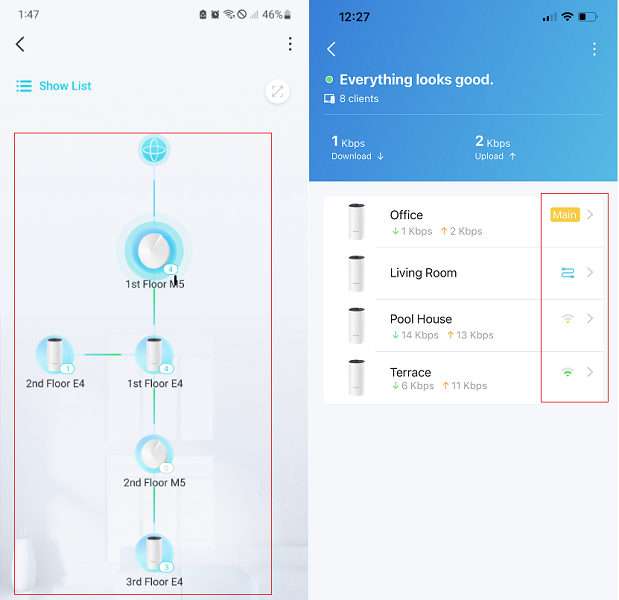
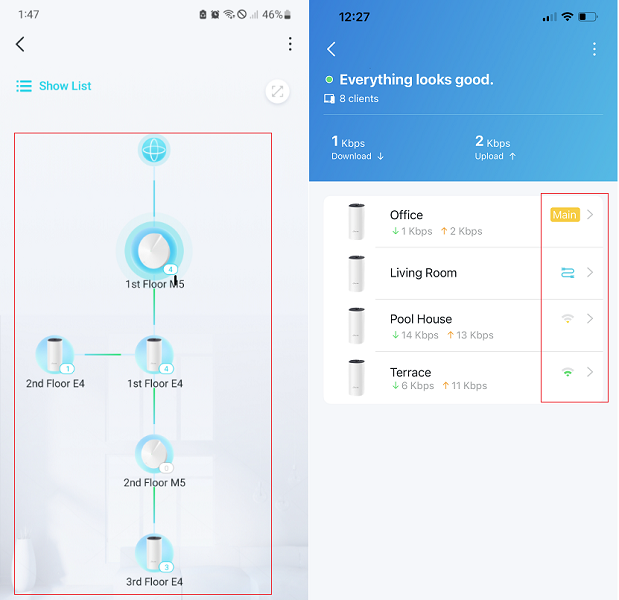
Can I have a screenshot of the network map on the Deco App, such as:

I'd like to follow up on your case via email and ask the senior engineer for further assistance. Please check whether you've received my email.

Best regards.


  0  
  0  
#2
Options
Re:Deco X50 firmware update broke NAT Loopback – internal access via public domain no longer works
a week ago - last edited a week ago

  @David-TP 
 

Hi,

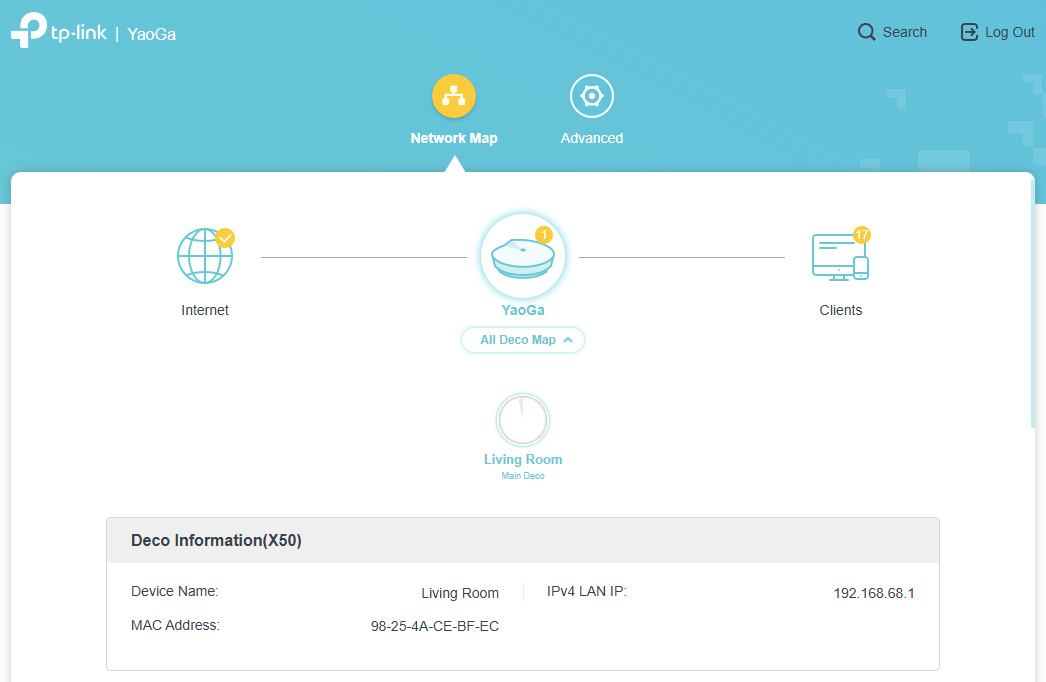
There is only one Deco unit in my network (Main Deco).
No satellite nodes.
No Ethernet backhaul.
No additional switches between the Deco and the Jellyfin server.

Topology:

Internet (PPPoE)
→ Main Deco (Public IP 220.x.x.x)
→ Jellyfin Server (192.168.68.63, Ethernet)

Hairpin NAT worked before firmware 1.3.1 Build 20251122.
After the upgrade, internal access via public IP/domain no longer works.

External access is unaffected.


  1  
  1  
#3
Options
Re:Deco X50 firmware update broke NAT Loopback – internal access via public domain no longer works
Saturday

  @J_S_Y @David-TP I have a Deco x55 and having same issue on v1.3.1

  2  
  2  
#4
Options
Re:Deco X50 firmware update broke NAT Loopback – internal access via public domain no longer works
Sunday

I just bought the deco x50 and updated to latest firmware, and thinking NAT loopback is not available in this model, but the firmware actually that broke it.

Several of my home server services broken due to usages of domain and public ip internally, mainly Jellyfin and Seerr.
Please fix this asap.

  2  
  2  
#5
Options
Re:Deco X50 firmware update broke NAT Loopback – internal access via public domain no longer works
Monday

  @adamzulkornain 

Hi, welcome to the community.

May I know how the home servers are connected to the Deco Mesh, via WiFi or Ethernet Connection, to the Main Deco or Satellite Deco?

-If they are connected via Ethernet cables, would there be a network switch?


Can I also have a screenshot of the network topology on the Deco App, such as:

Wait for your reply.

Best regards.

  0  
  0  
#6
Options
Re:Deco X50 firmware update broke NAT Loopback – internal access via public domain no longer works
Yesterday

  @David-TP same issue here. NAT loopback broken after update.


  2  
  2  
#7
Options
Re:Deco X50 firmware update broke NAT Loopback – internal access via public domain no longer works-Solution
Yesterday - last edited Yesterday

 @casajaguar 

Update:

I'll lock this post for now.  Please refer to Fixed the Abnormal NAT Loopback Behavior on Deco X50/X55_V1.3_V1.3.1 for more suggestions.

Best regards.

Recommended Solution
  0  
  0  
#8
Options