Deco X50 IPv6 Not Working

Deco X50 IPv6 Not Working

Deco X50 IPv6 Not Working
3 weeks ago - last edited 2 weeks ago
Model: Deco X50  
Hardware Version:
Firmware Version:

Device: Deco X50 — HW v1.30, FW v1.3.1 

Issue: IPv6 Not Working. 


PPPoE did not work in firmware versions v1.2.3 and v1.2.10, but it works in v1.3.1. However, IPv6 is still not functioning. 


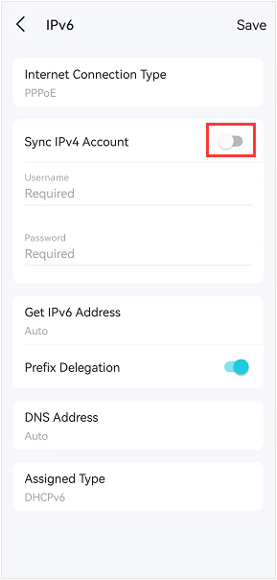
My ISP cannot provide their exact configuration details, but they advised me to enable IPv4 Account Sync under IPv6 PPPoE. In my case, enabling this option also breaks IPv4 connectivity. 


Previously, I used OpenWRT, which automatically created a WAN6 interface using the DHCPv6 protocol and successfully obtained an IPv6/60 prefix


Since the Deco firmware is based on OpenWRT, I am unsure why this issue occurs. 

Please consider releasing a hotfix to resolve this issue as soon as possible. 


  0      
  0      
#1
Options
3 Reply
Re:Deco X50 IPv6 Not Working
3 weeks ago

  @Amarjyoti 

Hi, may I know your ISP?

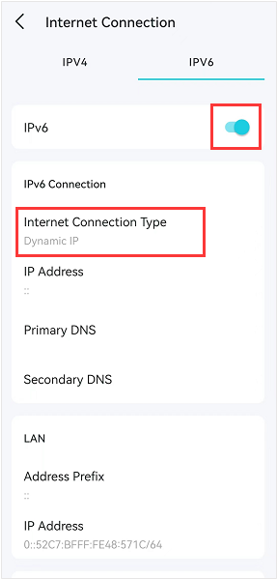
Can I have a screenshot of the current IPv6 status, such as:

Wait for your reply.

Best regards.

  0  
  0  
#2
Options
Re:Deco X50 IPv6 Not Working
2 weeks ago

@David-TP 

ISP: Alliance Broadband 


I can't take screenshots of the config in the deco app, so here's how the IPv6 config looks: 

(IPv4 is already configured and connected over PPPoE)


IPv6 Config: 

IPv6: Enabled

Internet Connection Type: PPPoE 

Sync IPv4 Account: Enabled (This breaks IPv4) 

[Manually entering the username & password doesn't work either]

Get IPv6 Address: Auto (Tried switching to Non-Address) 

Prefix Delegation: Enabled 

DNS Address: Auto 

Assigned Type: SLAAC+Stateless DHCP 


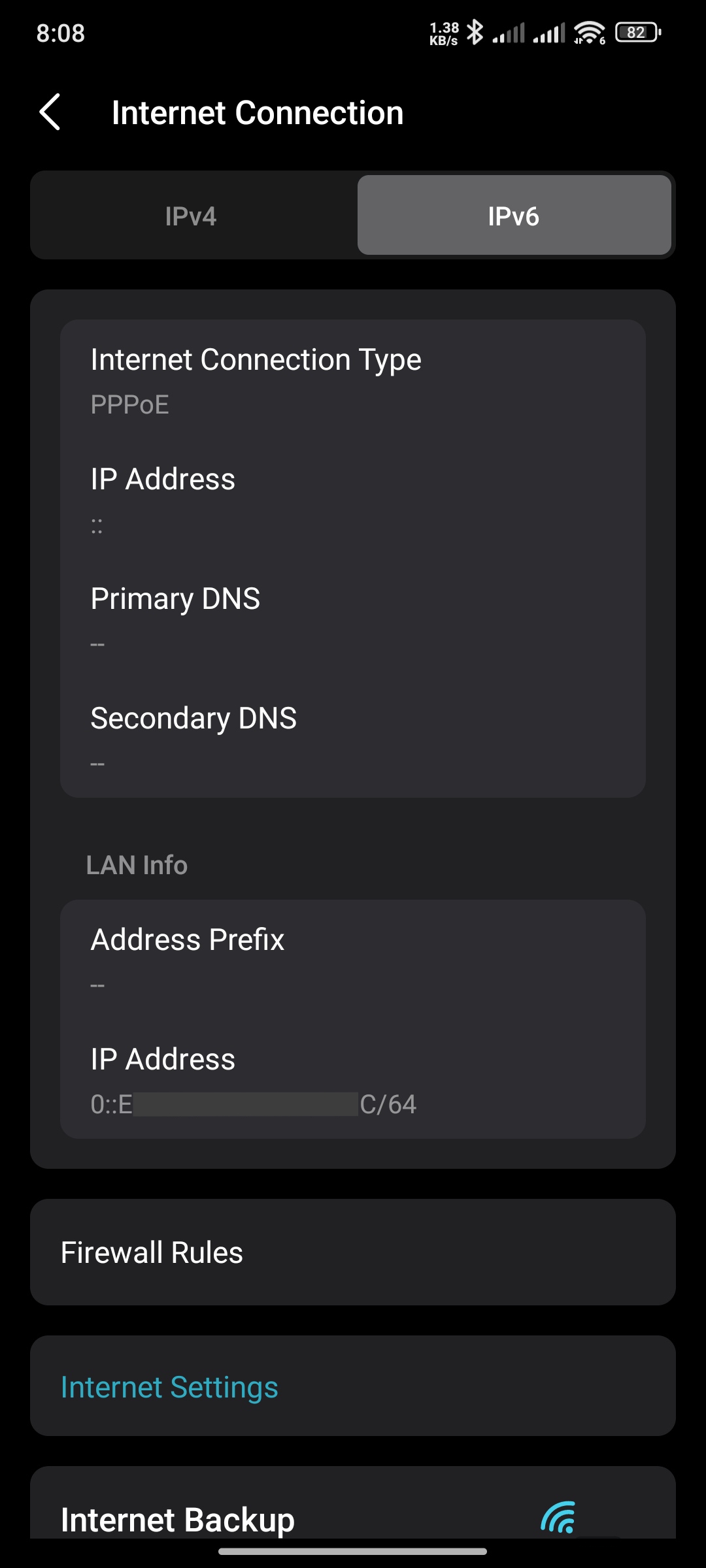
IPv6 Status: 

IPv6 Config Status Image


I've tried every possible combination with IPv6 PPPoE, as well as Dynamic IP, but none of them worked. 

My ISP updated the MAC address when I changed the router. IPv4 over PPPoE works, but IPv6 does not.


Please fix this issue, ASAP. Thank You. 


  0  
  0  
#3
Options
Re:Deco X50 IPv6 Not Working
2 weeks ago

  @Amarjyoti 

Hi, thank you very much for the update.

I'd like to forward your case to the senior engineer for further assistance.

Please check whether you've received my email.


If possible, it would be highly appreciated to update the email with a copy of the system log:

  • Disable IPV6 first, then restart the Deco X50 once
  • Enable IPV6 again and input the necessary credentials.
  • Save the web UI system log under http://tplinkdeco.net

Thanks a lot.

Best regards.

  0  
  0  
#4
Options