
Adjusting rotation stop

Adjusting rotation stop
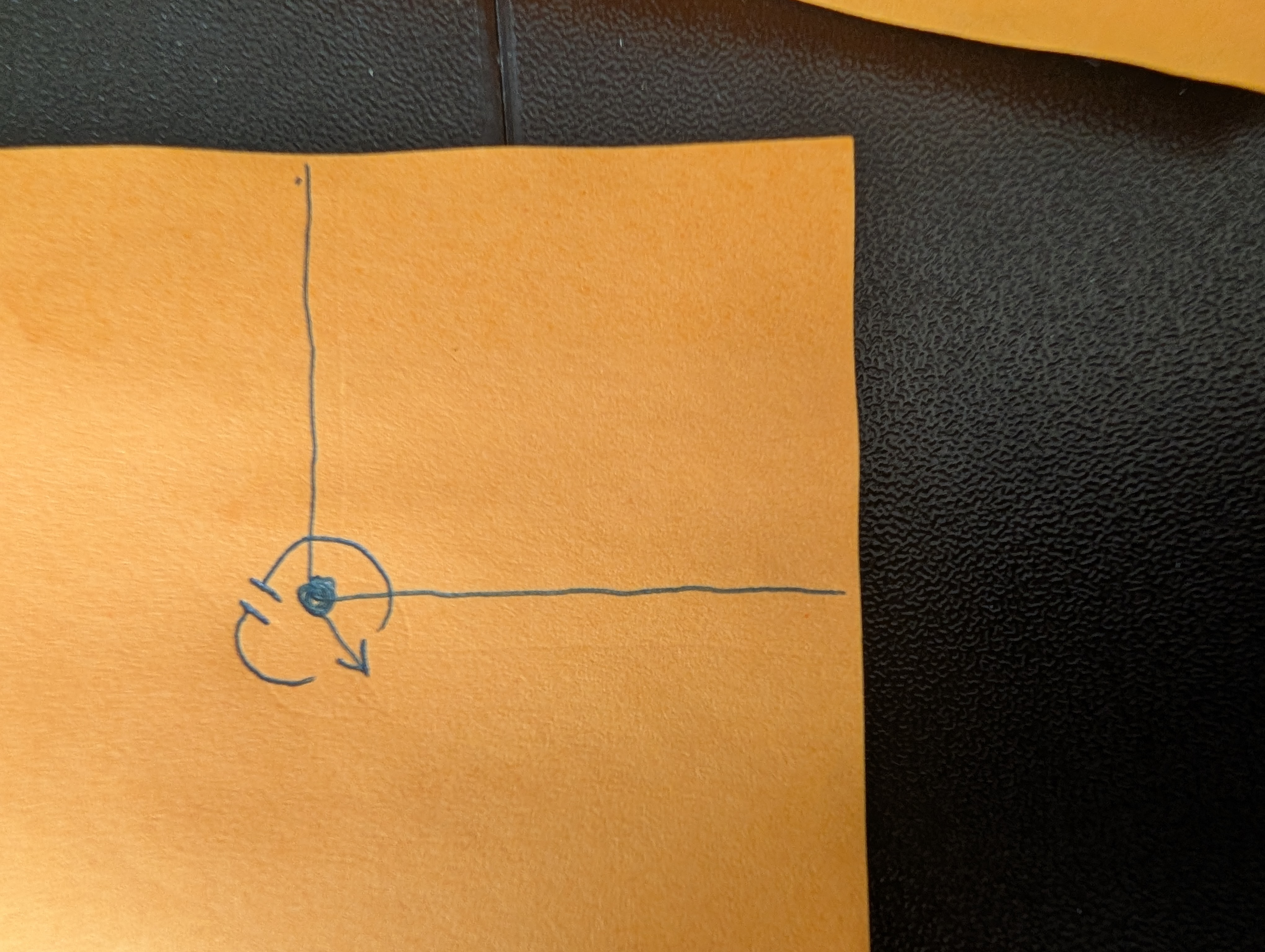 Hi, I have my camera set up on a corner with the fixed lens pointing in the direction of the arrow. I have the rotating camera set to follow people, but when people walk around the corner, the camera hits its right rotation stop, it would have to flip all the way counterclockwise to have a full view of that side Yard. Is there a way to adjust the location of the rotation stops so it can freely swing clockwise to follow people into that area?
1 Accepted Solution

