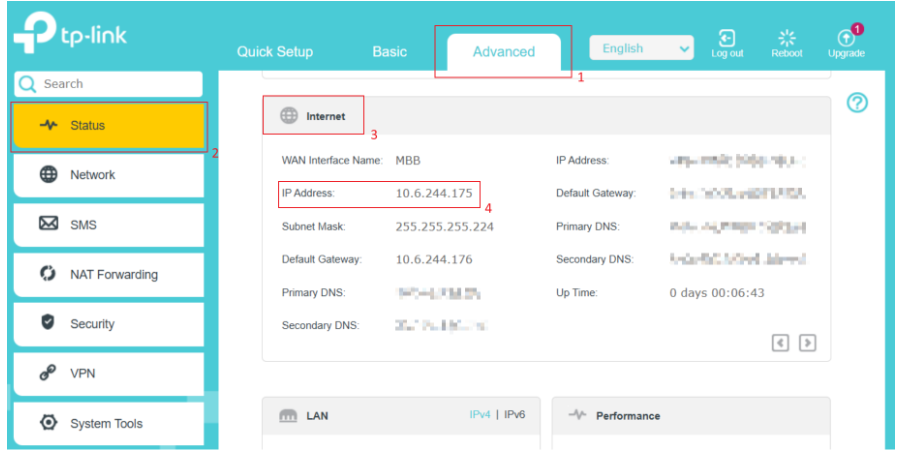
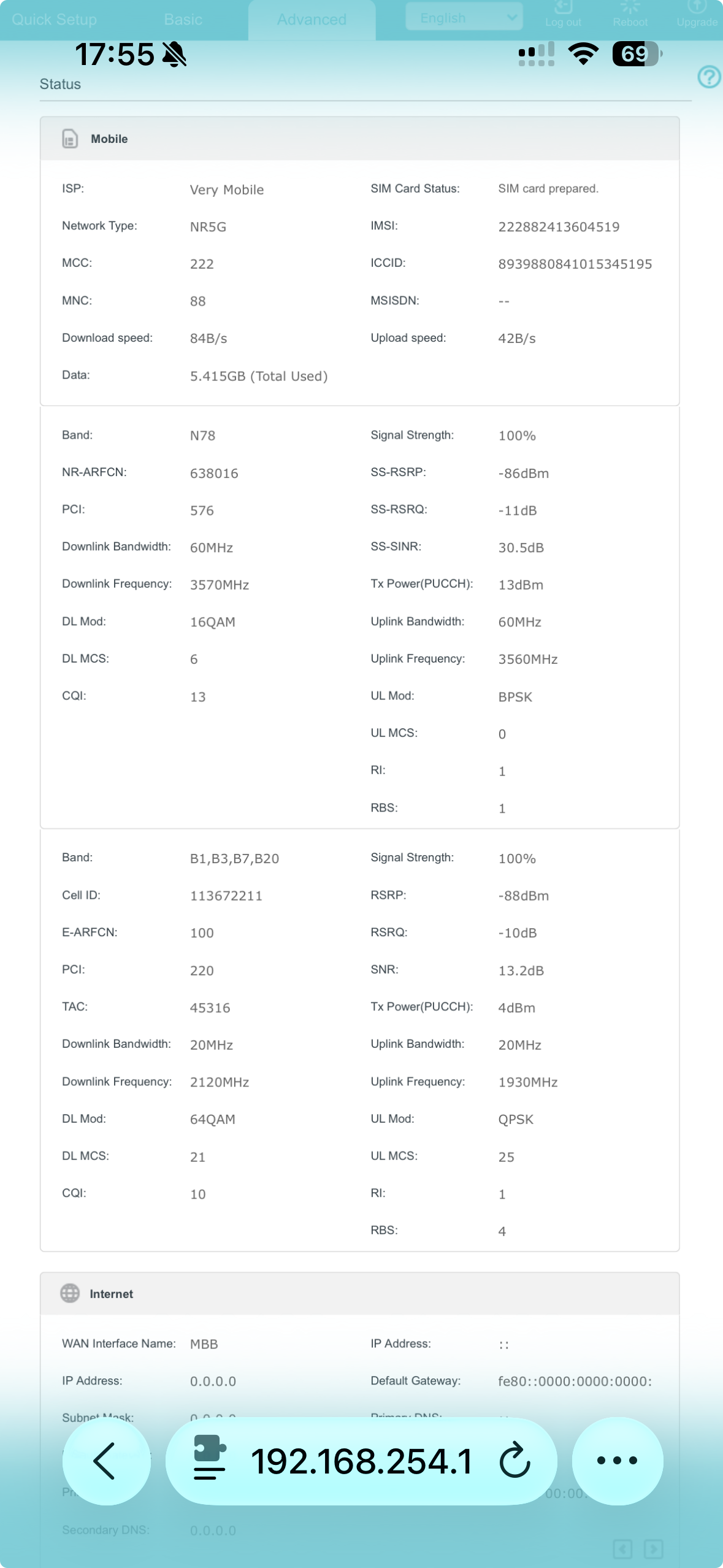
WAN connection dropping 10-15 times a day

I've had this device for about 2 weeks now and it's being nothing but problems with speed and stability. I have the following setup:
NE200 --> Ubiquiti UDM SE
Carrier: I have tried both Very Mobile and Ho mobile. One is MVNO for Wind, the other is MVNO for Vodafone. Both SIM cards get over 300 mbs in download when used in a phone and get barely 100 when put inside this device. Both experience multiple drops through the day, even though signal strength says 100%
When I try to enable IP passthrough (ideally the best config for my situation) everything appears to be ok, but the speed drops to about 5-10mbps.
I have tried: factory resets, all default settings, manual band settings (when I try manual 5G band it doesn't find anything available). Manually setting to LTE doesn't help speed or stability.
After reviewing the system logs, I can confirm the issue is not random but occurs at regular intervals of approximately 2 hours.
Each event follows the same pattern:
- “The network disconnected, start autoconnect”
- “Fail to connect to the network”
- followed by successful reconnection within a few seconds
This behavior is clearly visible in the logs and repeats multiple times per day.
Additionally:
- The modem frequently switches between LTE and NR (5G), indicating unstable radio conditions or aggressive reselection.
- The connection is via an MVNO, which may introduce session handling constraints.
From a network perspective, this appears to be:
- periodic PDP/session resets or forced re-registration from the network side, or
- improper handling of such events by the modem firmware
This results in brief but frequent WAN interruptions (10–15 per day), which are visible on the upstream router.