Deco BE68/BE67/BE77 V1 Pre-Release Firmware 1.3.0 Introduces DoH/DoT, Internet Backup, and More!

Deco BE68/BE67/BE77 V1 Pre-Release Firmware 1.3.0 Introduces DoH/DoT, Internet Backup, and More!

Deco BE68/BE67/BE77 V1 Pre-Release Firmware 1.3.0 Introduces DoH/DoT, Internet Backup, and More!
Wednesday - last edited Wednesday

Hello Everyone,
 
We're excited to share early access to a new firmware update for the Deco BE68/BE67/BE77/BE13000/BE75, packed with new features and enhancements designed to elevate your Deco Mesh Home Networking experience. This firmware is currently in beta; however, your testing and feedback may help accelerate its official release!


This Article Applied to:


Deco BE68/ Deco BE67/ Deco BE77/ Deco BE13000_ V1.0/V1.6
Deco BE75 V2.0


Firmware Modifications:


New Features/Enhancements:

  • Added Hybrid Mesh Feature
  • Added Internet Backup Feature
  • Added DoH & DoT Feature
  • Added Support for 6RD Connection Type
  • HomeShield Feature Optimizations
  • Improved Overall System Security & Stability


Firmware Download Link:


Deco BE68/ Deco BE67/ Deco BE77/ Deco BE13000_ V1.0/V1.6
Deco BE75 V2.0
1.3.0_Build_20260508_Rel.18114 (Pre-Release) 


Notes:

  • Please be sure you have read the Beta Test Agreement before upgrading the Pre-release firmware!
  • Please ensure your Deco app is fully up-to-date.
  • This firmware cannot be reverted directly to the previous version. A Firmware Recovery Process is required to revert.
  • There will be an official firmware release in the future. If you are not comfortable using beta firmware, please wait for the official release or contact our support teams for assistance.
  • For detailed instructions on how to install this beta firmware on your Deco Mesh System, visit: How to manually update the firmware via web UI.


As always, we value your feedback. If you happen to encounter any concerns during or after the firmware upgrade, please feel free to comment below with the following information. Your input helps us continue to improve and provide the best possible products and support.

  • Provide a detailed network layout, including how the devices are connected.
  • Include a detailed description of the issue and as much information as possible regarding the specific conditions that seem to trigger the behavior.


Thank you for your continued support and for being part of our community.

 

3
3
#1
5 Reply
Re:Deco BE68/BE67/BE77 V1 Pre-Release Firmware 1.3.0 Introduces DoH/DoT, Internet Backup, and More!
Wednesday

  @Solla-topee 

Nice! Thanks for sharing, this is pretty much what I was requesting in this thread


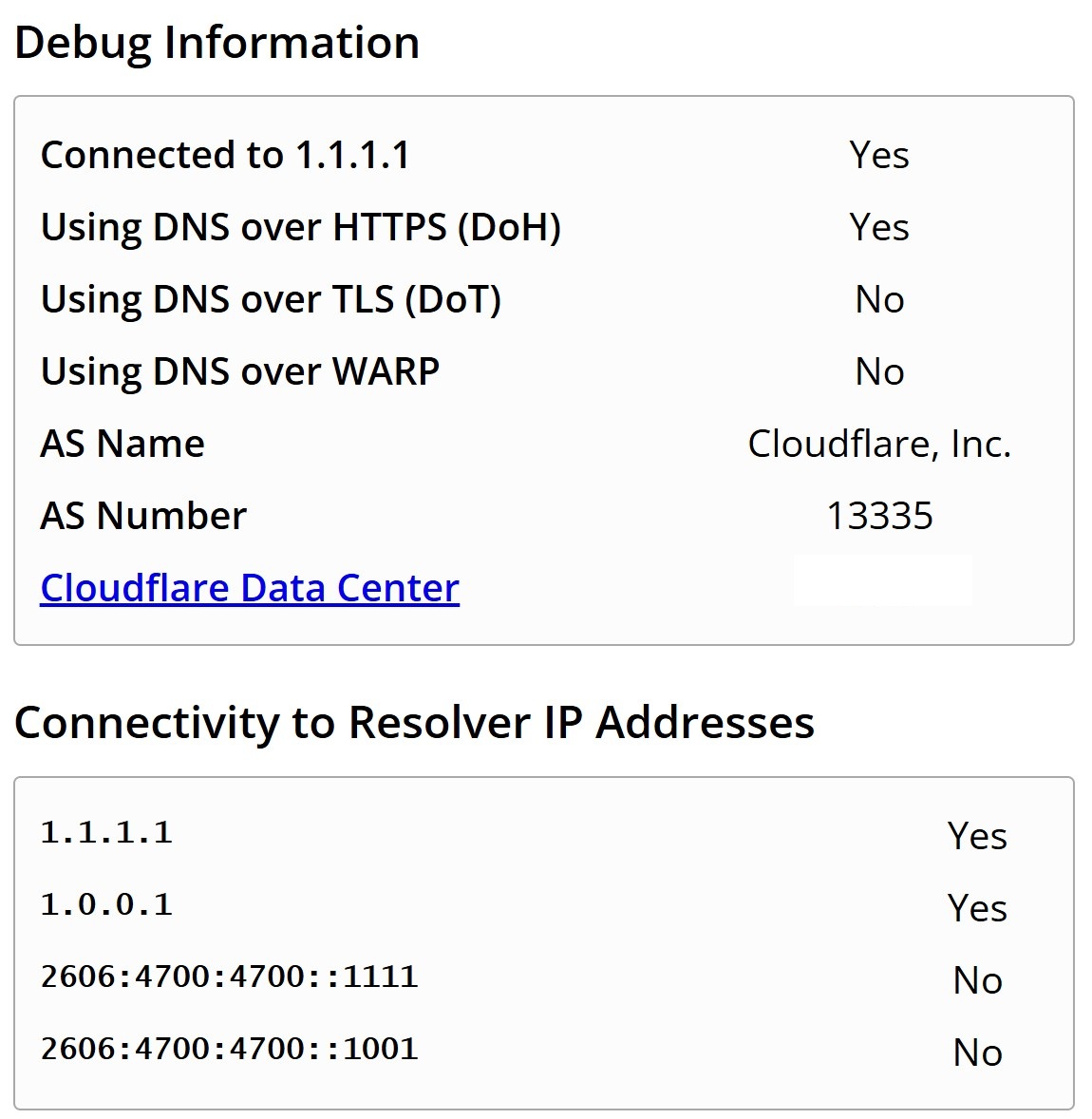
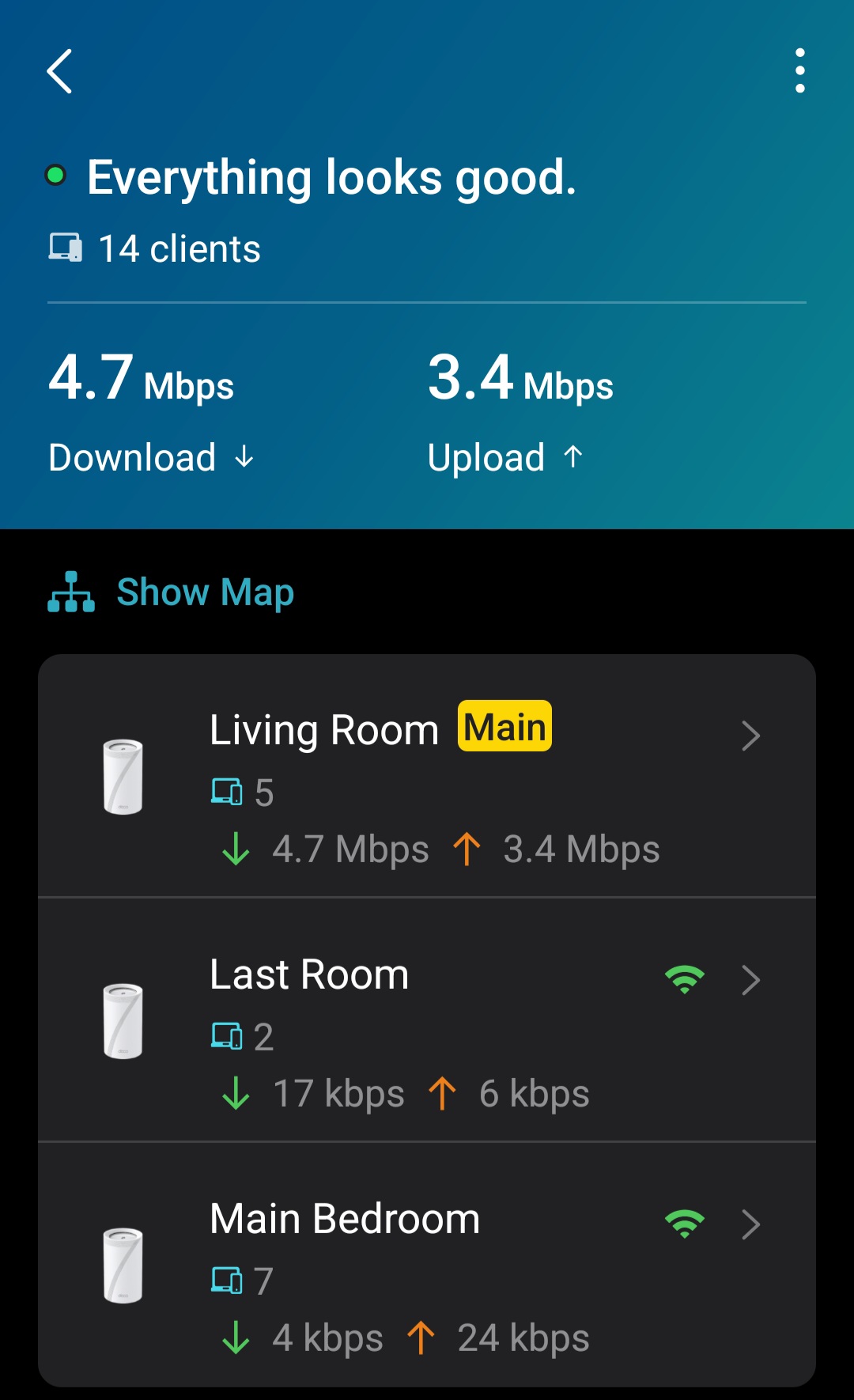
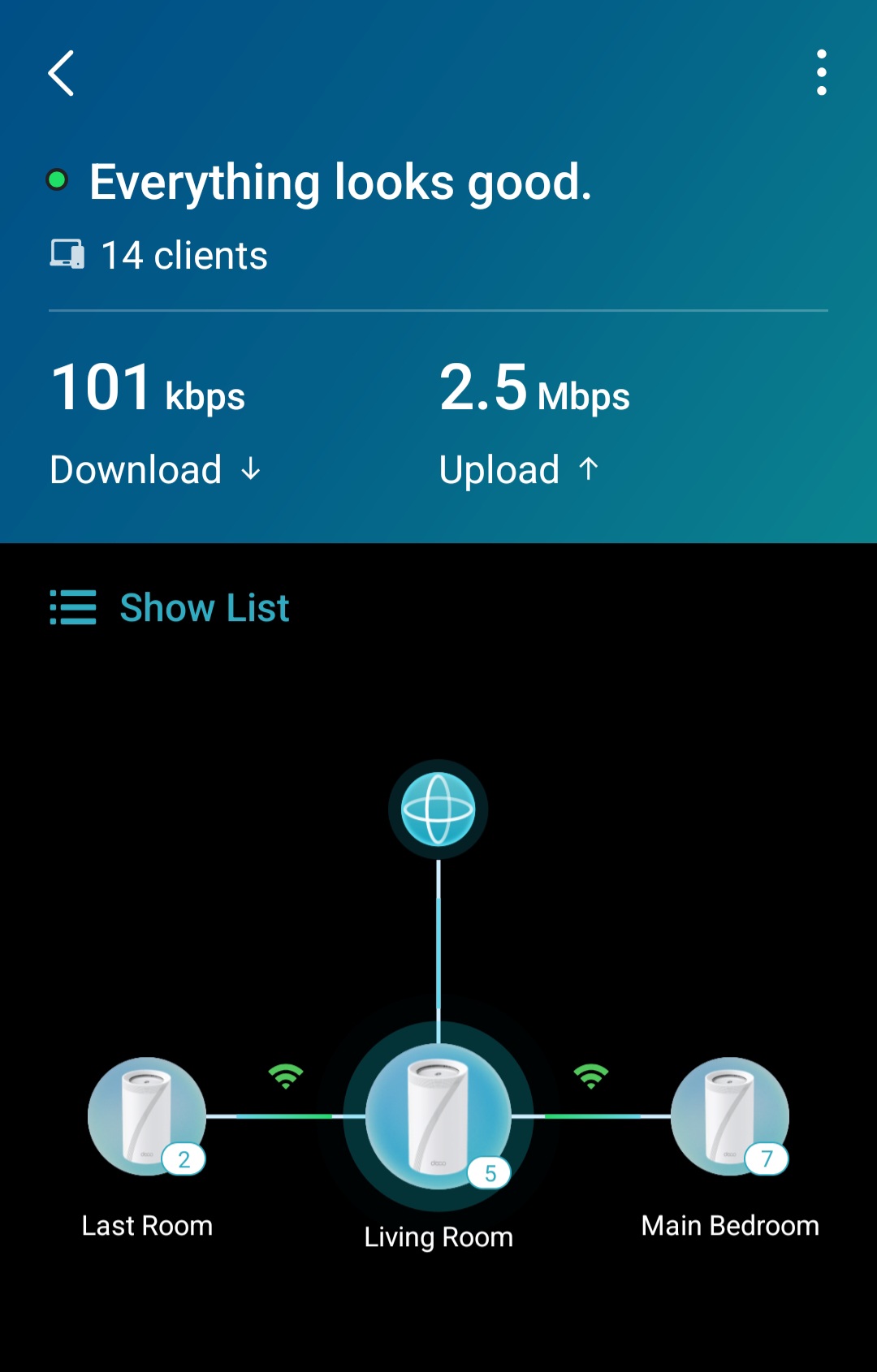
Flashed onto my BE68 3-pack, and haven't observed any issues so far on my network of 20+ devices.


DOH is working fine as well, from https://one.one.one.one/help/


BE68 v1.6 US, pack of 3
2
2
#2
Re:Deco BE68/BE67/BE77 V1 Pre-Release Firmware 1.3.0 Introduces DoH/DoT, Internet Backup, and More!
Thursday

  @Kryptonite 


Keep us posted would like to try it out. Giving it a week or so to see if anyone experiences issues like disconnects of iot devices. 

0
0
#3
Re:Deco BE68/BE67/BE77 V1 Pre-Release Firmware 1.3.0 Introduces DoH/DoT, Internet Backup, and More!
Friday

  @Solla-topee 

What's different in this thread? There are now 2 of them tracking the same beta firmware

https://community.tp-link.com/us/home/forum/topic/864118


BE68 v1.6 US, pack of 3
0
0
#4
Re:Deco BE68/BE67/BE77 V1 Pre-Release Firmware 1.3.0 Introduces DoH/DoT, Internet Backup, and More!
Friday

  @Kryptonite 

Hi,
The thread(https://community.tp-link.com/us/home/forum/topic/864118) is in the US community.
Best Regards

1
1
#5
Re:Deco BE68/BE67/BE77 V1 Pre-Release Firmware 1.3.0 Introduces DoH/DoT, Internet Backup, and More!
Yesterday - last edited Yesterday

All still good with the beta firmware, but the caveat is that I use a specific set of settings:


Wifi network: 2.4, 5 and 6GHz - all 3 bands enabled
-but with 2.4GHz at 20MHz, 5GHz at 160MHz, 6GHz at 320MHz

-2.4 and 5GHz on WPA2/3, 6GHz on WPA3 only


MLO: 2.4GHz disabled, only 5 and 6GHz enabled, WPA3 only


Others:

IOT network disabled

Guest network disabled

IPv4 only (IPv6 disabled)
Fast Roaming - Enabled

SIP ALG - Disabled

UPNP - Enabled

My backhaul is Wireless, not wired


Wireless network mode -  Stable mode

-i.e all 3 Decos connect to each other on 5+6GHz only (the Ultra-speed mode also enables a 2.4GHz interconnect, hence I don't use that)


And here's the kicker: One single SSID/Password for all active networks, the individual bands and MLO


The reason I have it setup this way is 

-I primarily hate having separate SSIDs, and this was the only combination of settings that allowed all devices to auto negotiate to their best bands possible and have the Deco manage them.

-One of my biggest goals really was to have 3 Decos well placed strategically with a strong enough signal throughout the house, to ensure none of my capable devices need to drop to 2.4GHz due to their distance from the router. This allows most devices to stay on the 5GHz band, and the new bleeding edge devices to get onto the MLO/6GHz band

-This allows me to then extend maximum compatibility on the 2.4GHz band for all the slow/old devices to connect


And with these settings:

-All IOT devices connect to the 2.4GHz band anyway, and work well
-All other devices that aren't IOT, but are Wifi 5/6/6e get onto the 5GHZ or 6GHz band.

-All Wifi7 devices get onto MLO, and are asked to combine 5+6GHz, and if they don't support that combination, stay on 5GHz or 6GHz only

And everything works well on the beta firmware, and everything used to work well on the older public firmware release as well


I had tried playing with these settings before, and tried it now the new firmware as well, and the observations are the same:

-If I change the 2.4GHz band to 40MHz, some of the IOT devices drop off (1 of my 2 cameras, 1 of my 3 smart lights, and occasionally my printer too)

-If I change from Stable mode to Ultra-speed mode, I have the same issues as above

-if I enable the 2.4GHz band on MLO, My phone for example connects to 2.4+5GHz MLO, but is actually slower than 5GHz only

-if I enable SIP ALG, my phone's Wifi-calling has disruptions

Are the above bugs/issues? Maybe, but they're not new, have always existed atleast with the combination of devices I have, and I found a way to work around and get everything to function to my liking.


I checked all of the above observations with the new beta firmware, and everything remains the same, so I continue to use the same settings as before, except that I now have DOH & DOT set to DOH enabled.


Hope that helps

BE68 v1.6 US, pack of 3
0
0
#6