
Third party auth failed
 This thread has been locked for further replies. You can start a new thread to share your ideas or ask questions.
I have 2 c520ws cameras, both I set as the same username and password for the account on the cameras.
I've tried resting the one camera and it still won't let me connect even if I change the username and password to something simple it still won't let me connect. The IP is static i made sure of it on my router.
1 camera I can connect fine without any problems and the other continues to give me auth failed.
Please help
- Copy Link
- Subscribe
- Bookmark
- Report Inappropriate Content


Hi,
Typically, you can refer to the instructions below to troubleshoot if fail to establish the RTSP/Onvif connection.
What can I do if fail to stream the Tapo camera via the RTSP/ONVIF protocol?
Please confirm the following information in your case.
1. Please send me(@Solla-topee) the camera's MAC address via a private message.
2. What's the third-party app/program you want to establish the RTSP/Onvif connection with the camera? On the device/PC you installed the third-party app/program, can it ping the camera's IP address successfully?
3. Please try to connect the camera with another third-party app, such as VLC(for RTSP) or iSpy(for Onvif), and then check if it can establish the RTSP/Onvif connection successfully.
How to view Tapo camera on PC/NAS/NVR through RTSP/Onvif Protocol
Best Regards
- Copy Link
- Report Inappropriate Content
Hi,
Typically, you can refer to the instructions below to troubleshoot if fail to establish the RTSP/Onvif connection.
What can I do if fail to stream the Tapo camera via the RTSP/ONVIF protocol?
Please confirm the following information in your case.
1. Please send me(@Solla-topee) the camera's MAC address via a private message.
2. What's the third-party app/program you want to establish the RTSP/Onvif connection with the camera? On the device/PC you installed the third-party app/program, can it ping the camera's IP address successfully?
3. Please try to connect the camera with another third-party app, such as VLC(for RTSP) or iSpy(for Onvif), and then check if it can establish the RTSP/Onvif connection successfully.
How to view Tapo camera on PC/NAS/NVR through RTSP/Onvif Protocol
Best Regards
- Copy Link
- Report Inappropriate Content
1. DM of the mac address sent
2. I'm trying to connect it to home Assistant, pinging the ip works without any timeouts. (using cmd to ping)
3. I've tried vlc. After attempting to connect with rtps with the id, password and ip. It proceeds to ask for the id and password again and refuses to work even though I know the ID and password is correct. (rtps://username:password@192.168.88.117/stream1)
onvif seems to work
- Copy Link
- Report Inappropriate Content
Hi,
On the Tapo app > Tapo Lab > Third-Party Compatibility page, you can turn on the Third-Party Compatibility option and check if it helps.
Best Regards
- Copy Link
- Report Inappropriate Content
@Solla-topee
Hi,
it is enabled, ive tried putting it off and on again multiple times trying to get it to work. when i swtich it off the camera that i do have running disconnects obviously and i am able to connect it again after enabling "third-Party Compatibility" again but the camera that im having a problem with will not connect.
I tried using Agent DVR the camera that ive had no problem connects easily and the camera im having a problem with gives me auth failed

ive even tried removing both cameras accounts and copied and pasted both username and password between both cameras making sure they are the same. but the 1 works and the other doesnt.
- Copy Link
- Report Inappropriate Content
Hi,
How many devices stream the problematic Tapo C520WS simultaneously? Include streaming the camera via the Tapo app and third-party apps/programs.
Please try to turn off the camera, wait for 2 minutes, turn on the camera, and check if you can connect it to Home Assistant.
If failed, please try the URL(rtps://username:password@192.168.88.117/stream2) and check if you can establish the connection successfully.
Best Regards
- Copy Link
- Report Inappropriate Content
@Solla-topee
Hi,
Only 1 device at a time, 2 at most (Home Assistant and Tapo App).
Agent DVR i just used to test because i couldnt get it to work with vlc either
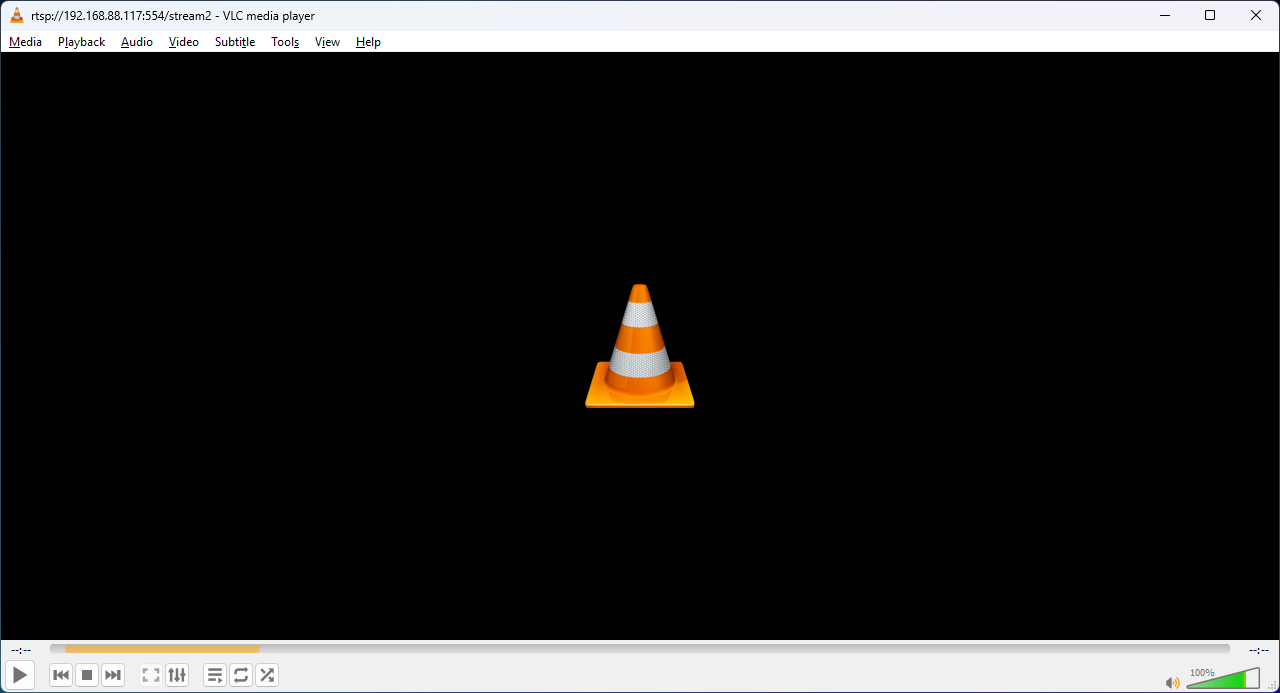
This is the result of after connecting with vlc
- Copy Link
- Report Inappropriate Content
Hi,
I have escalated your case to our tech team, and they will contact you via email to further assist you. Please wait patiently.
Best Regards
- Copy Link
- Report Inappropriate Content
Information
Helpful: 0
Views: 1388
Replies: 7
Voters 0
No one has voted for it yet.