Can’t turn off night vision on Tapo C500 / switch to day mode
 This thread has been locked for further replies. You can start a new thread to share your ideas or ask questions.
Can’t turn off night vision on Tapo C500 / switch to day mode
Hi guys,
Due to my Tapo C500 cam pointing through a window the night Vision IR blaster Lichts reflects in the window glass so the Cam cannot see anything.
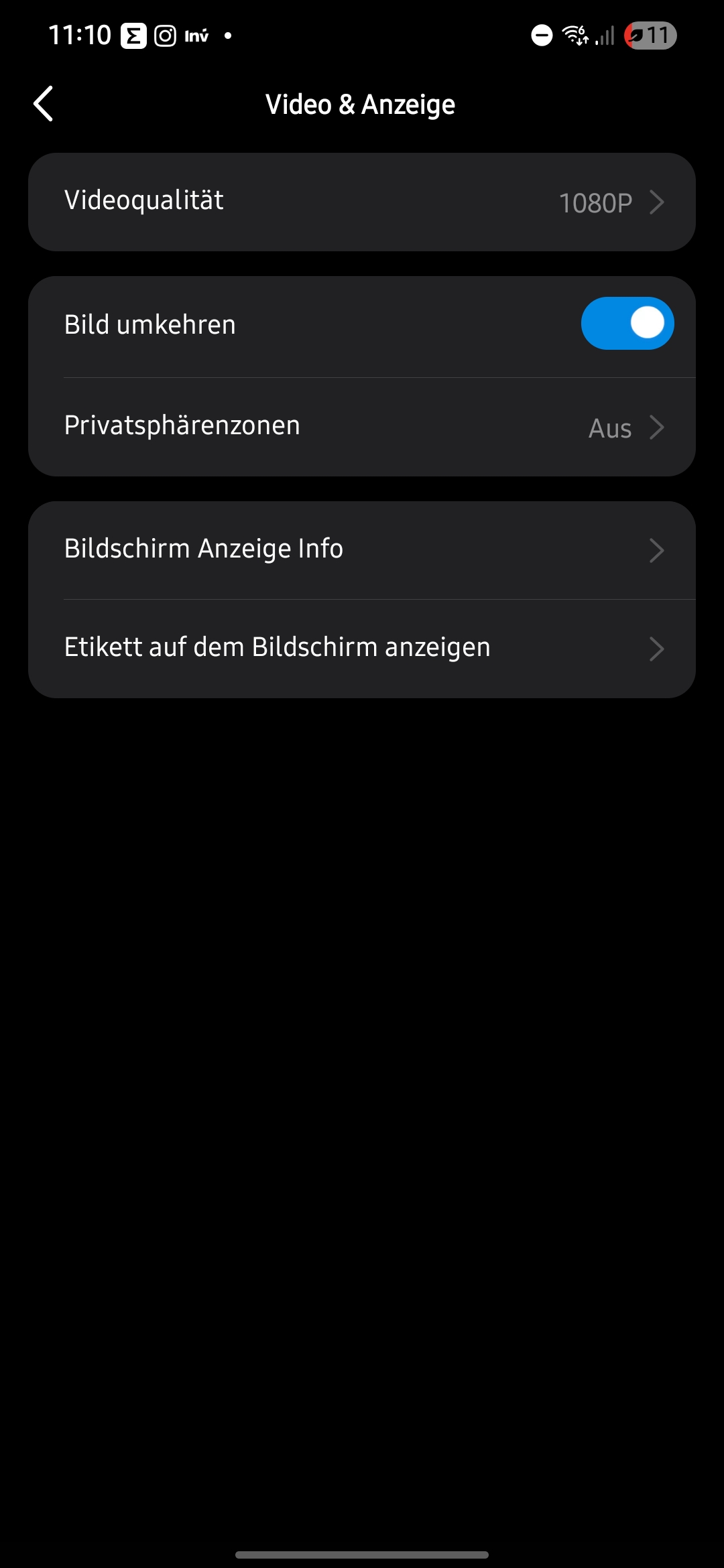
But i can't turn off the night mode (IR lights) within the app.
There is NO such option in the "video settings" menu.
As per the Internet there should be this setting.
And i thought i have seen this Option a couple of months ago in the app when the cam was on an earlier Firmware version as well.
Where did it go??
Thanks & BR
Mario
1 Accepted Solution