
Tapo Camera nubers on bottom screen 1/36

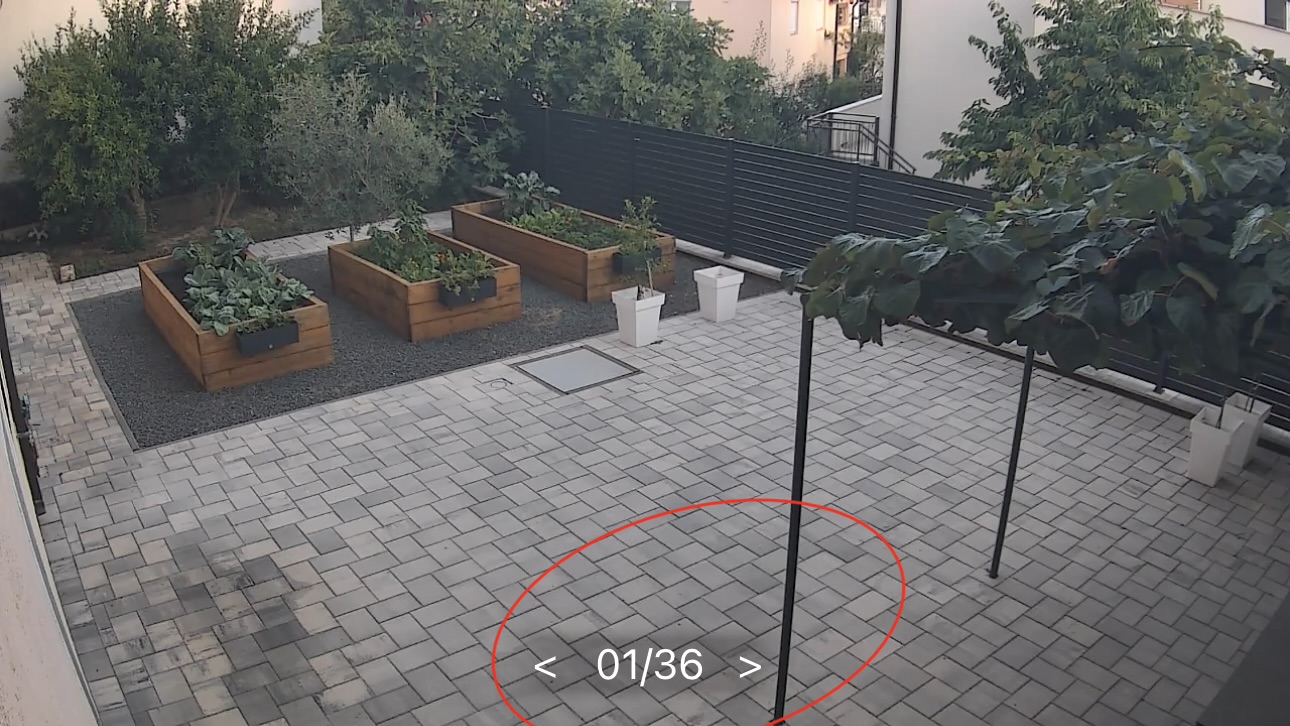 How to remowe this numbers. I dont have 36 camera. Only one
- Copy Link
- Subscribe
- Bookmark
- Report Inappropriate Content


Hi,
On the camera's Live View page, you can swipe to different cameras' live view pages without going back to the Home tab, and you can swipe to view up to 36 cameras here if you have more cameras. The 01/36 on the camera's Live View page indicates that your camera is on the first page; it does not mean that you have 36 cameras.
It's unable to delete this number, and it won't affect your camera's performance. Please don't worry about it.
Best Regards
- Copy Link
- Report Inappropriate Content
Hi,
On the camera's Live View page, you can swipe to different cameras' live view pages without going back to the Home tab, and you can swipe to view up to 36 cameras here if you have more cameras. The 01/36 on the camera's Live View page indicates that your camera is on the first page; it does not mean that you have 36 cameras.
It's unable to delete this number, and it won't affect your camera's performance. Please don't worry about it.
Best Regards
- Copy Link
- Report Inappropriate Content

@Jokoman but I am unable to put picture in 2 of 36 or 3 of 36 Electra won't let me put in more than 1
- Copy Link
- Report Inappropriate Content
Hi,
Usually, if you have more than one camera and they are online in the Tapo app, when you go to a camera's live view page(01/36), then swipe to the 02/36 page, you can tap the "+" icon to add the second camera to watch its live view page, without go back to the Home tab or Cameras tab to enter the 2nd camera's live view page.
Best Regards
- Copy Link
- Report Inappropriate Content

@Solla-topee very disappointing that we cannot remove this.
- Copy Link
- Report Inappropriate Content
Information
Helpful: 1
Views: 666
Replies: 4
Voters 0
No one has voted for it yet.