
How to Delete Wi-Fi Network
 This thread has been locked for further replies. You can start a new thread to share your ideas or ask questions.
How to Delete Wi-Fi Network
Tags:
#Device Connectivity
#Feature Request
#Wi-Fi
Hi team,
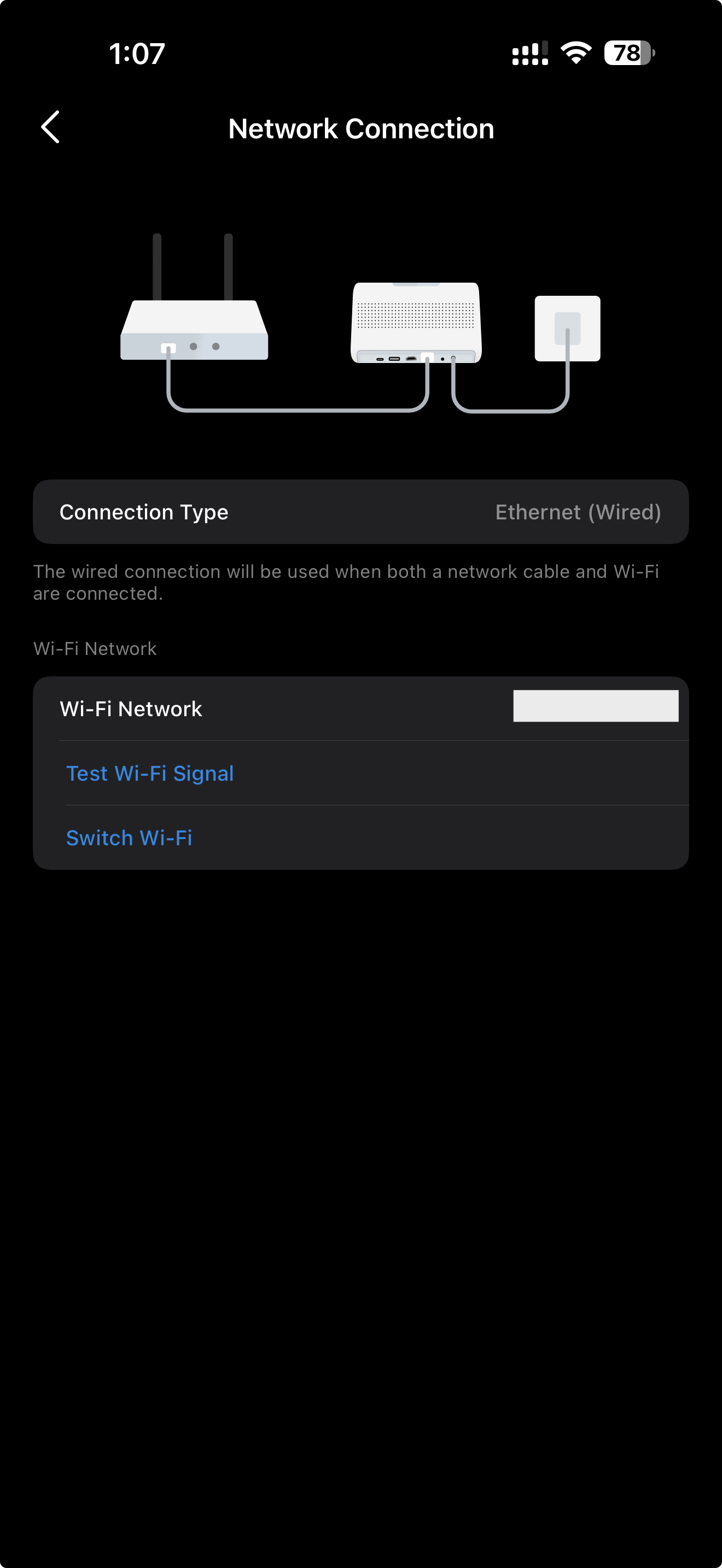
Is there any way to delete the saved Wi-Fi network on my device without doing a full factory reset? I want it to use Ethernet only and don’t want any Wi-Fi profile stored in the settings. I can see the Wi-Fi network listed, but there’s no option to remove it.
Thanks!
[ I ♥ TP-Link ] >
1 Accepted Solution

