
D130 microphone doesn't work

We can't use the call or voice message options, looks like it doesnt sound on the bell. I changed the Doorbell Speaker and Microphone volume in the app but it doesnt help. I use another account instead of the main (and some of the functions are locked, i dont know if thats a problem associated). Additionaly, we tried to use the automatic voice messages and them all worked. The microphone permissions on the app are on either
- Copy Link
- Subscribe
- Bookmark
- Report Inappropriate Content


To confirm: when using Quick Response (on the live view page), you cannot hear any sound from the doorbell, but when Auto Response (Device Settings > Doorbell > Auto Response) is enabled, the doorbell plays the set response normally when someone presses the bell, is that correct?
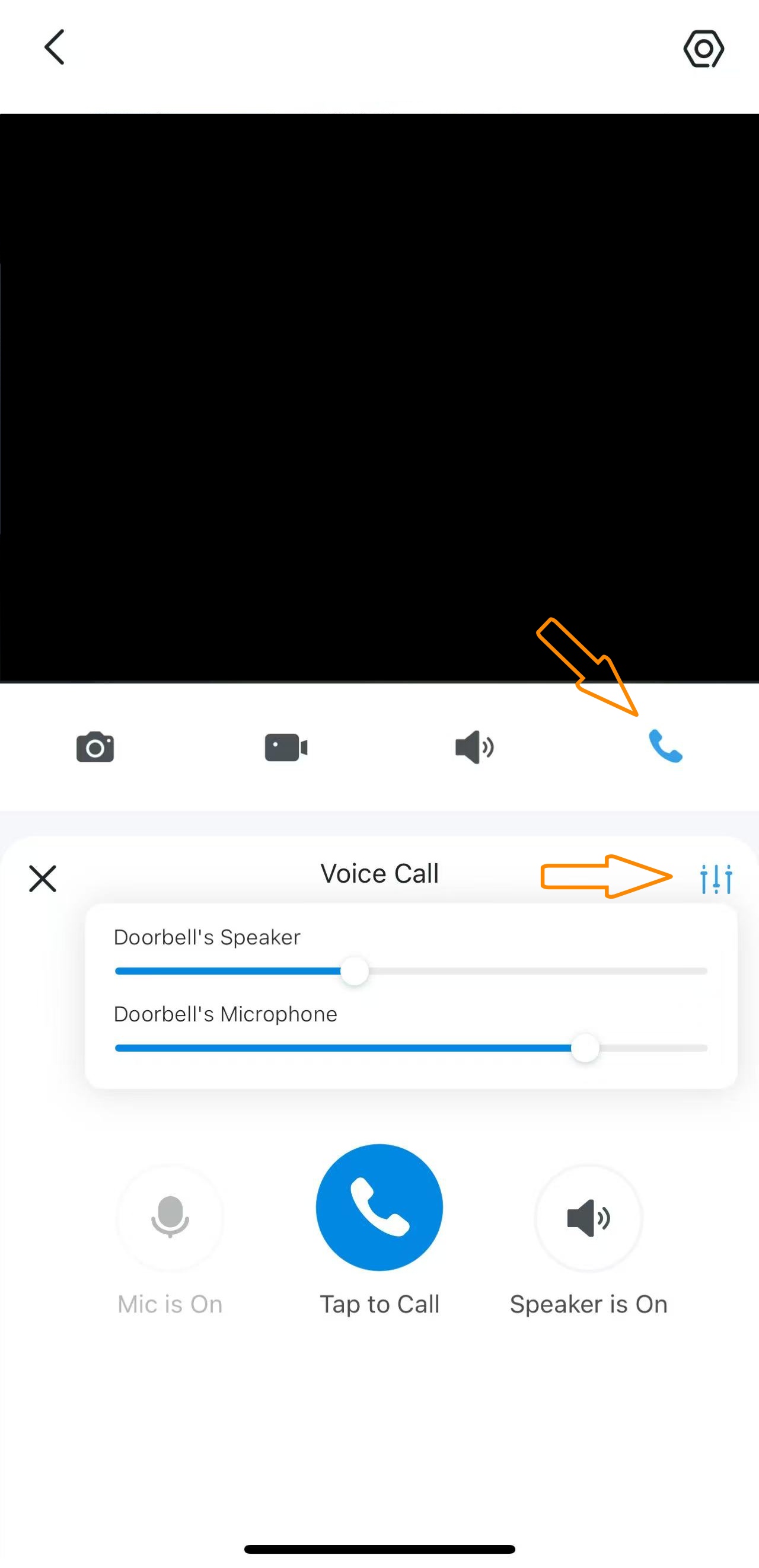
Do a test on another phone. Make sure the doorbell's microphone and speaker are not muted while using the Voice Call or Talk feature.
Try to delete and reinstall the app.
- Copy Link
- Report Inappropriate Content
Can you be more specific? Is the problem that you cannot hear sound from the doorbell on your phone, or that a guest at the door cannot hear you through the doorbell?
- Copy Link
- Report Inappropriate Content
- Copy Link
- Report Inappropriate Content
To confirm: when using Quick Response (on the live view page), you cannot hear any sound from the doorbell, but when Auto Response (Device Settings > Doorbell > Auto Response) is enabled, the doorbell plays the set response normally when someone presses the bell, is that correct?
Do a test on another phone. Make sure the doorbell's microphone and speaker are not muted while using the Voice Call or Talk feature.
Try to delete and reinstall the app.
- Copy Link
- Report Inappropriate Content
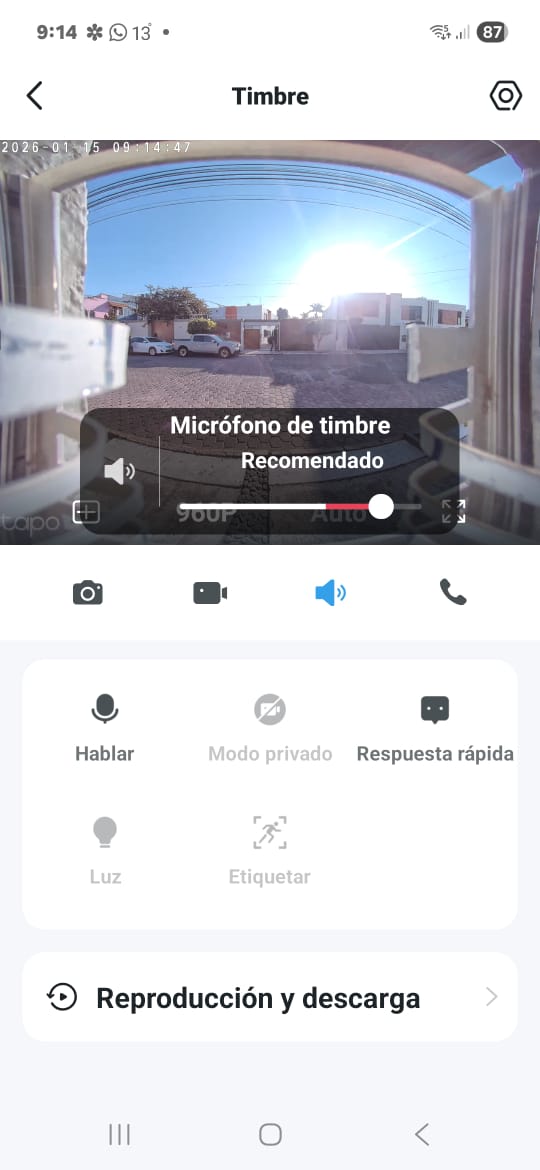
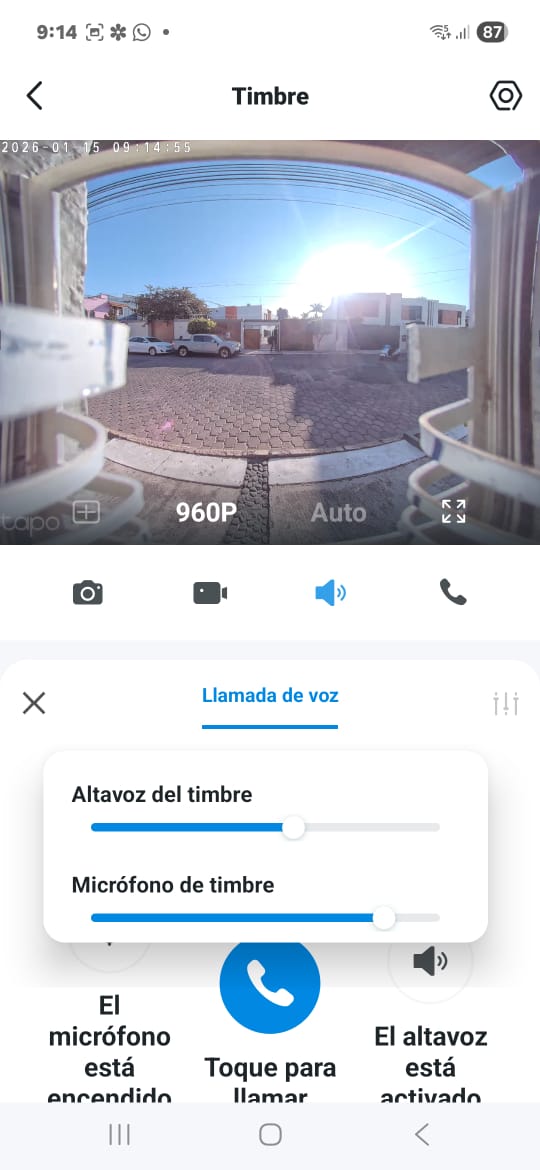
@Wayne-TP Hi! We can hear from doorbell only the "quick answers" (Respuesta rápida, its like default short messages). The D130 is from my dad, thats why im answering this late (sorry). He said that when the phone its bluetooth connected with his car the Voice Call and talk works properly.
Also, he's not the "owner account" (thats why some optiones are blocked)
- Copy Link
- Report Inappropriate Content
JosueGH wrote
@Wayne-TP Hi! We can hear from doorbell only the "quick answers" (Respuesta rápida, its like default short messages). The D130 is from my dad, thats why im answering this late (sorry). He said that when the phone its bluetooth connected with his car the Voice Call and talk works properly.
Also, he's not the "owner account" (thats why some optiones are blocked)
Please check whether the microphone permission is granted for the Tapo app in the phone's system settings. Does the talk or voice call feature work on your phone?
- Copy Link
- Report Inappropriate Content
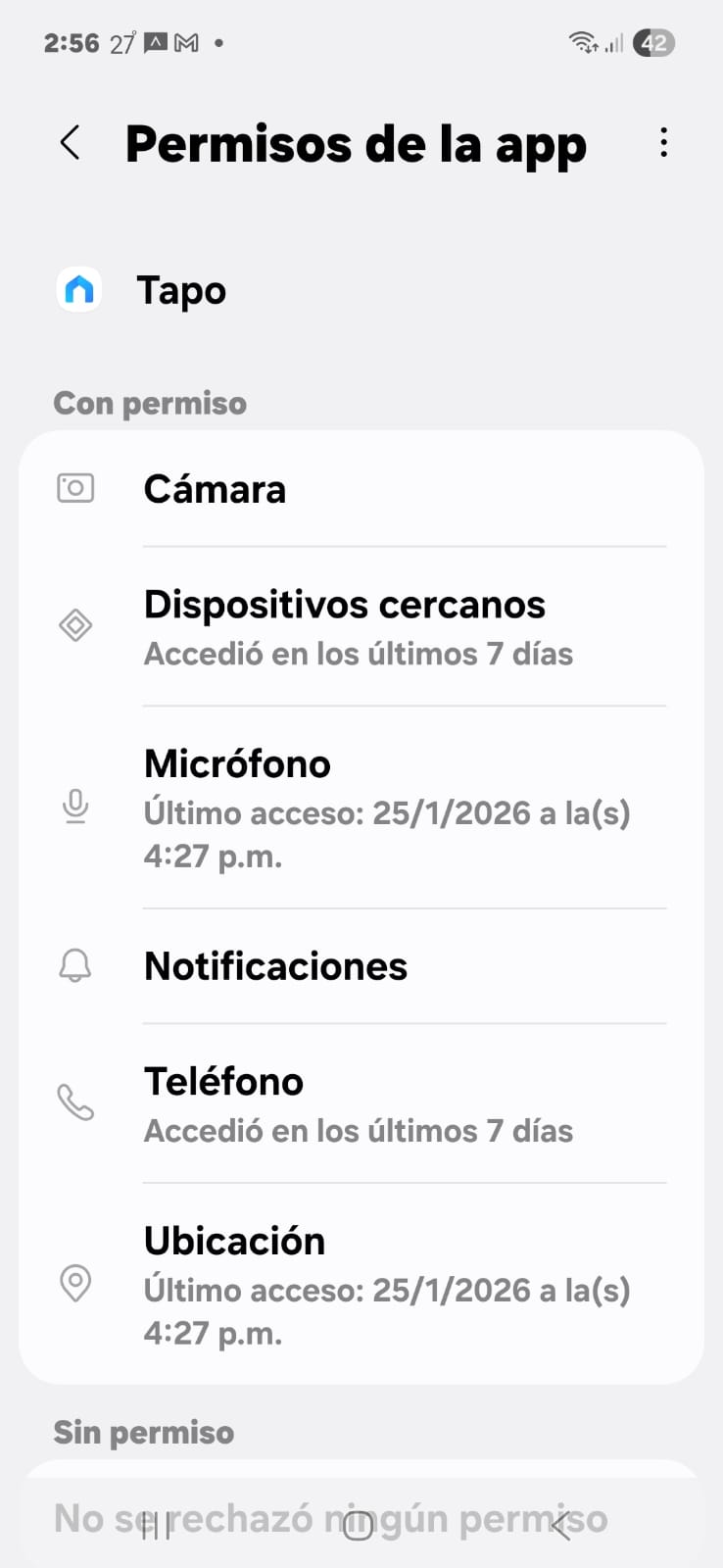
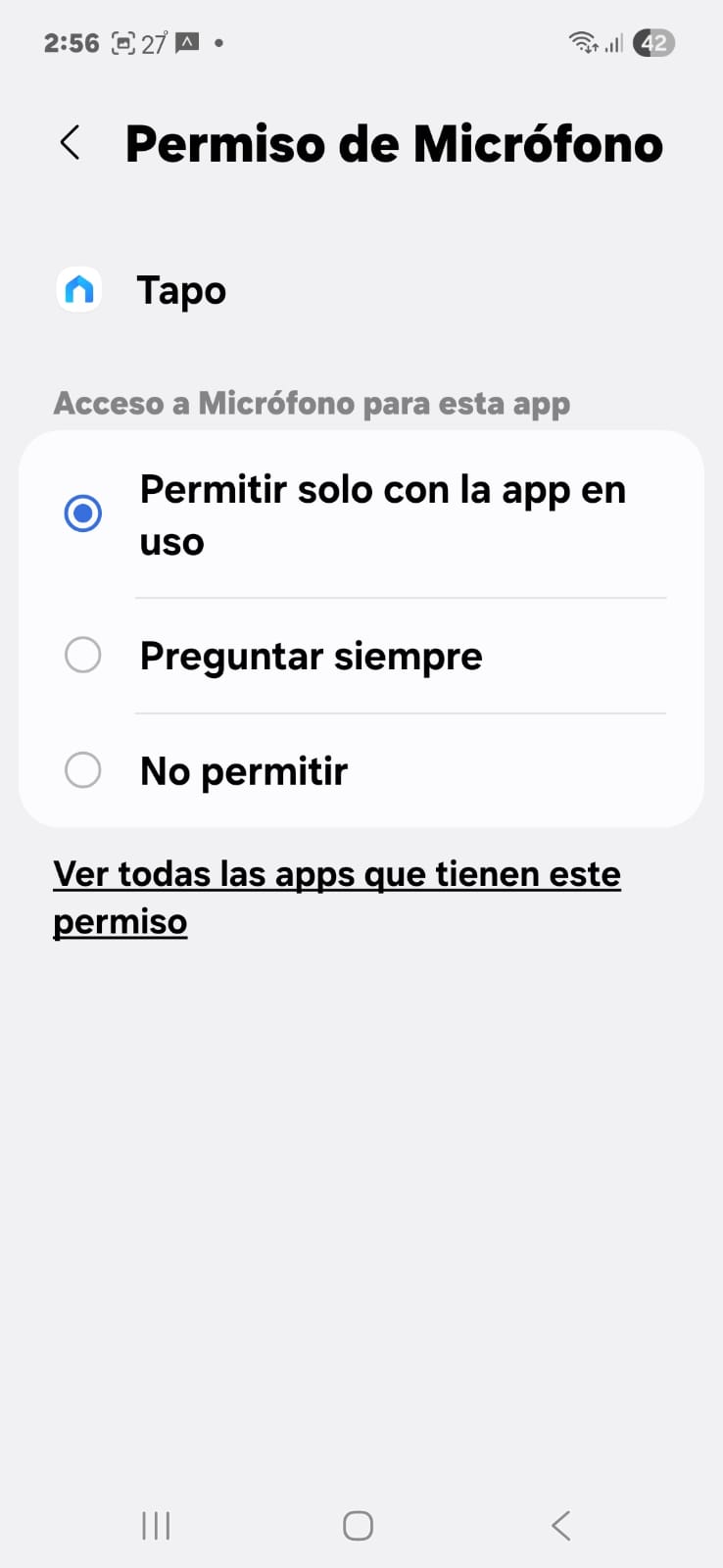
@Wayne-TP Hi! The permissions are on, also the voicecall (by SIM card or any other apps) works properly
- Copy Link
- Report Inappropriate Content
For your case, i recommend reaching out to the support team for further investigation. Contact Technical Support
- Copy Link
- Report Inappropriate Content
Information
Helpful: 0
Views: 497
Replies: 7
Voters 0
No one has voted for it yet.