Multiple Disks Not Recognized

Multiple Disks Not Recognized
Tags:
#USB Sharing
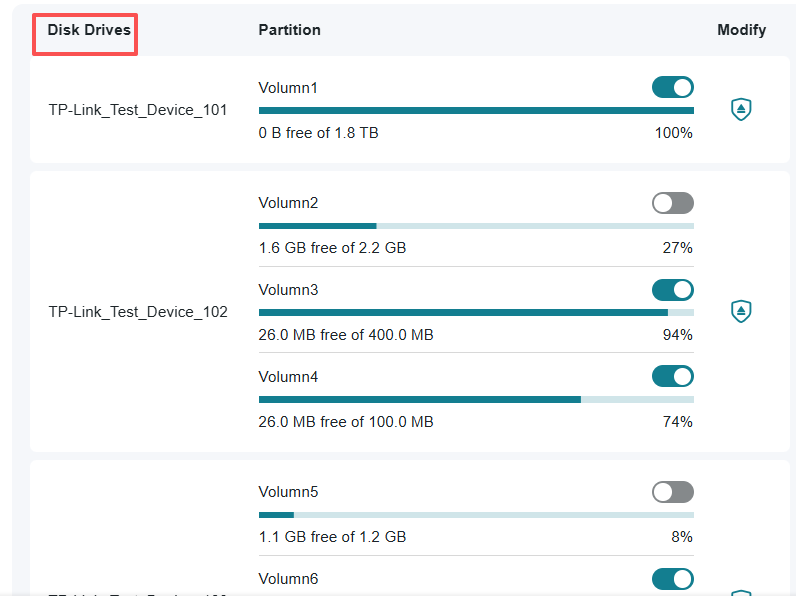
I'm trying to connect two USB disks to the router via a USB hub. I can connect the first one, and all is well, with the router assigning it a drive letter of G. I can access this from my devices. When I connect the second one, it takes on the drive letter of G, and the first one is nowhere to be found. If I have a file browser on my laptop, looking at the files and folders on the first disk, clicking refresh after I connect the second disk loads the browser with the contents of the second disk. How can I get the router to assign a unique share letter to each volume?