Hello @0m3n ,
Welcome to our community.
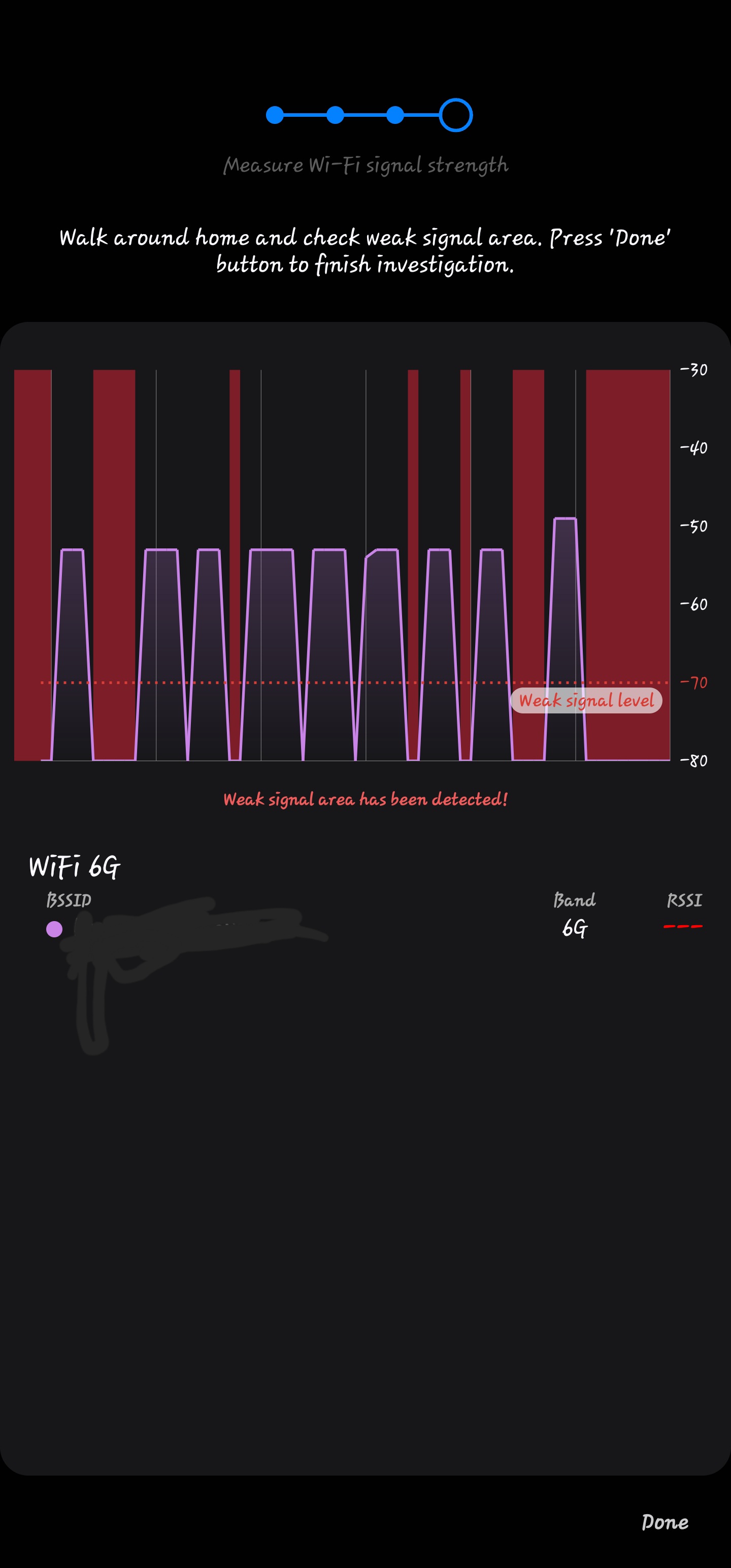
Here are some suggestions that may help you improve the 6GHz connection:
- First, please place your router in an open area, not inside a cabinet or shelf, to reduce interference and improve signal quality.
- In the router's web interface, go to Advanced > Wireless > Wireless Settings. Try different Wi-Fi channels to avoid interference from nearby networks.
- For the 6GHz band, ensure your client devices support it and that the channel width is set appropriately (for 6GHz, you can use 160MHz or 320MHz, if supported).
- Make sure your devices are not restricted by any Parental Control profiles.
- Update the network adapter drivers, system, or firmware on your client devices (such as PCs, phones, or smart devices) to the latest versions.
May I know which clients support 6Ghz that you are using now? Have you used them to test other 6GHz bands? Are they able to reliably detect 6GHz?