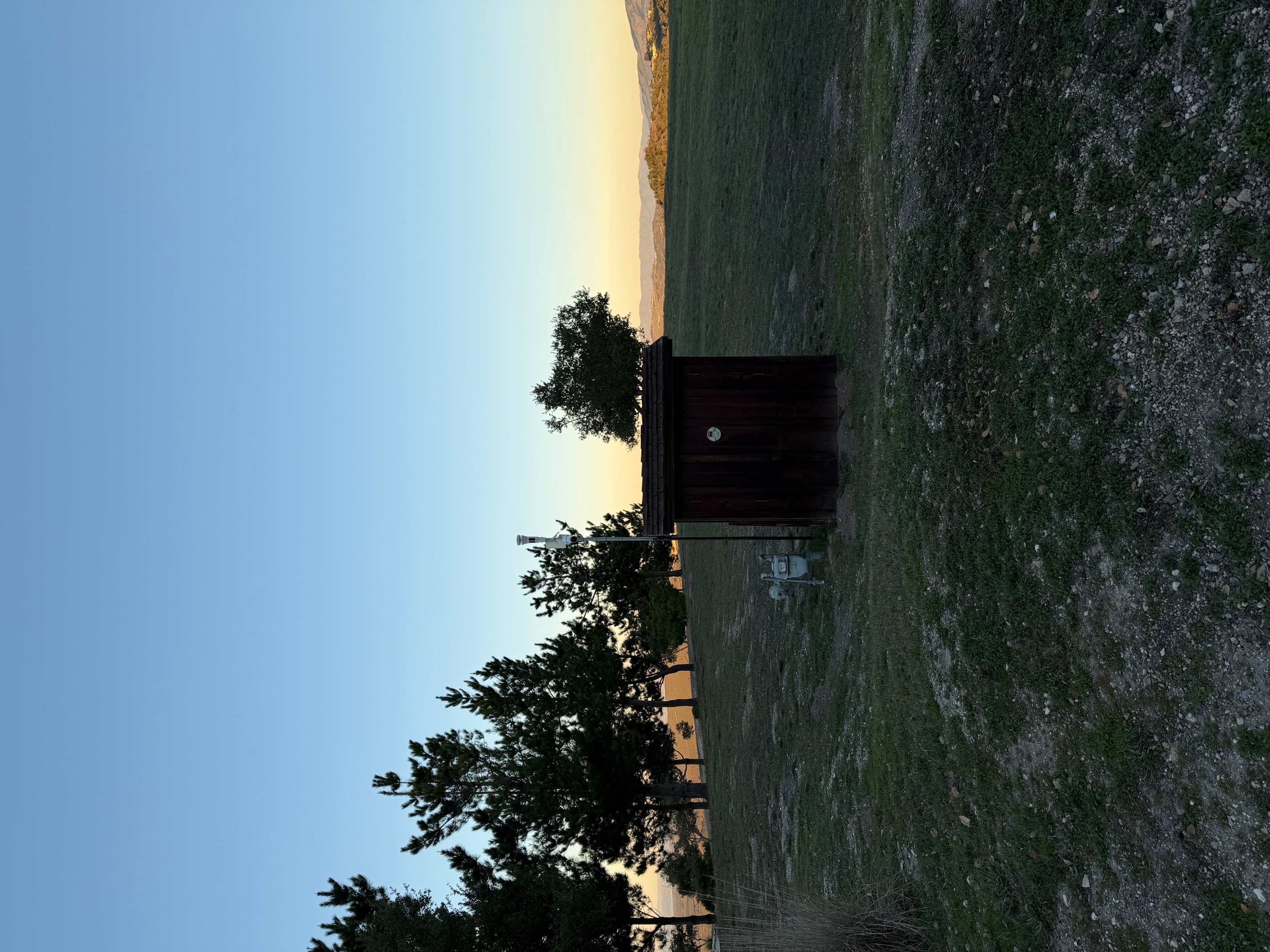
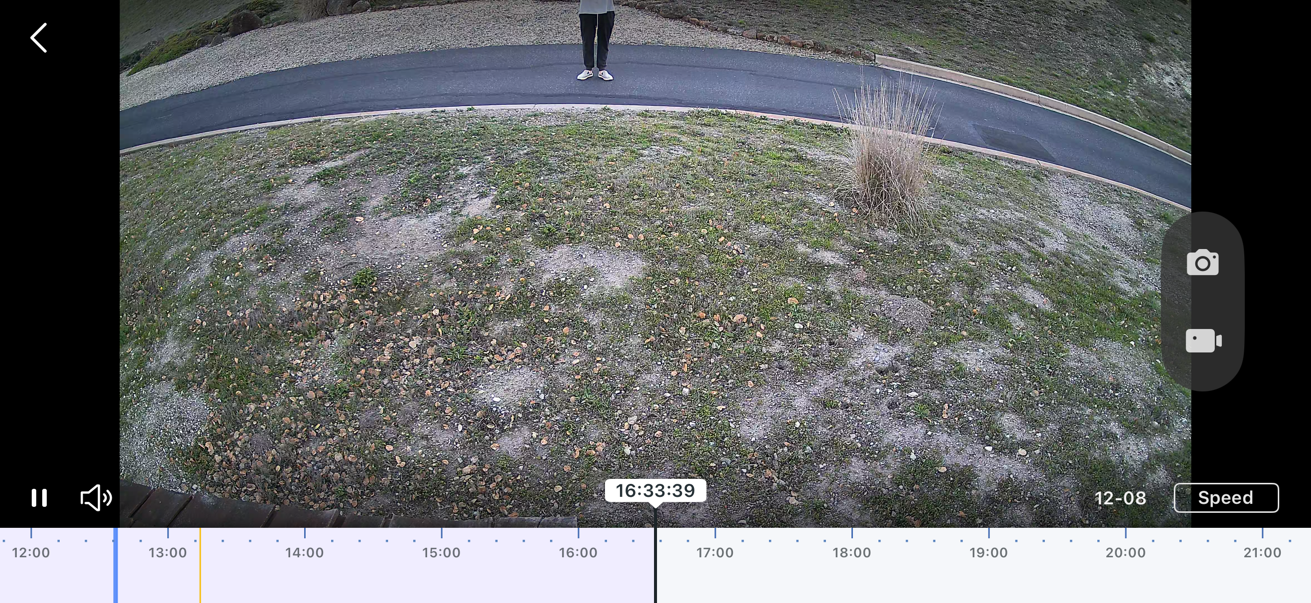
C660 Field of view

 I just sent this note to support t.. I am a long time VueZone, Arlo and Nest user and based on the excellent Deco mesh i thought I would flip over to TP-Link aka Tapo ..
I bought 2 of the C660 to get going and have 2 more coming and 2 4k mags.. however, I am really struggling with these cameras and I think its a design thing not a user thing ...
The issue I am having is the Pan and Tilt cameras default with quite a tilt down as a start position and the field of view isn't wide, as such even with me installing one 8.5ft off the ground and another over 12+feet and the field of view is cut off and inadequate rendering them not viable for me … I only show half a person or half a car or they don't trigger fast enough as my drive is elevated coming into the property .. e.g I cannot zoom out far enough and the camera is tilted too far down to be of any use..
The lens is not pinched in and wont tilt up anymore than in the images attached (for examples)
You can see where the camera is positioned and you can see me photographing it as a still from the video which should show you the problem… You would think this is a perfect application for a pan n tilt yet your optics render it useless (unless I am missing something)
I really need some help before I throw the towel in and go back to using Arlos
Thank you