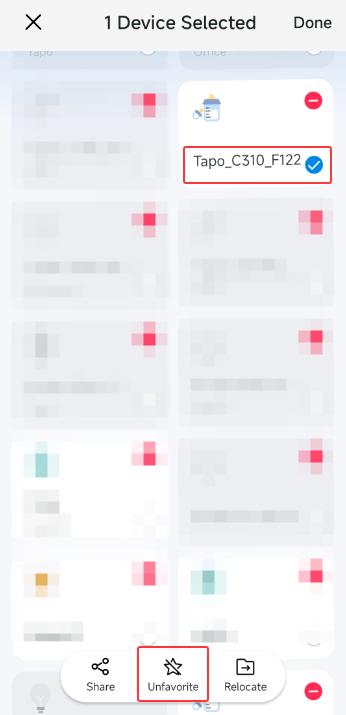
Can't remove camera from favorites
 This thread has been locked for further replies. You can start a new thread to share your ideas or ask questions.
Can't remove camera from favorites
Hi. Fairly new to all this. I've added a C101 to the Tapo App on my iPhone and playing around with automations. One thing I can't figure out is how to remove the camera from the Favorites page. Googling suggests pressing on the camera icon until a minus shows up, but clicking that minus offers only the opportunity to delete the camera entirely, which is not what I want. Anyone have any insights?
1 Accepted Solution